
Evaluate AI-converted stereoscopic 3D footage by watching a representative clip for stable depth, clean object boundaries, comfortable separation, and correct playback on the intended device. A technically successful export is not enough: defects can emerge during view generation, reconstruction, or display.
How AI Converts 2D Video Into Stereo Views
AI-based 2D-to-3D conversion can estimate the depth of a scene, represent that estimate as a depth map, and use it to create different images for the left and right eyes. This differs from native stereo rendering, which derives two viewpoints from an original 3D scene; conversion instead works from existing 2D footage without those original assets.
The result depends on more than whether the system produces two views. Depth-estimation accuracy, source content, scene complexity, and conversion parameters can all affect the footage. Fast movement, reflections, transparency, and overlapping objects are among the conditions that deserve particular scrutiny. Treat the depth map as an estimated interpretation of each shot, not proof that every object has been placed correctly in three-dimensional space.
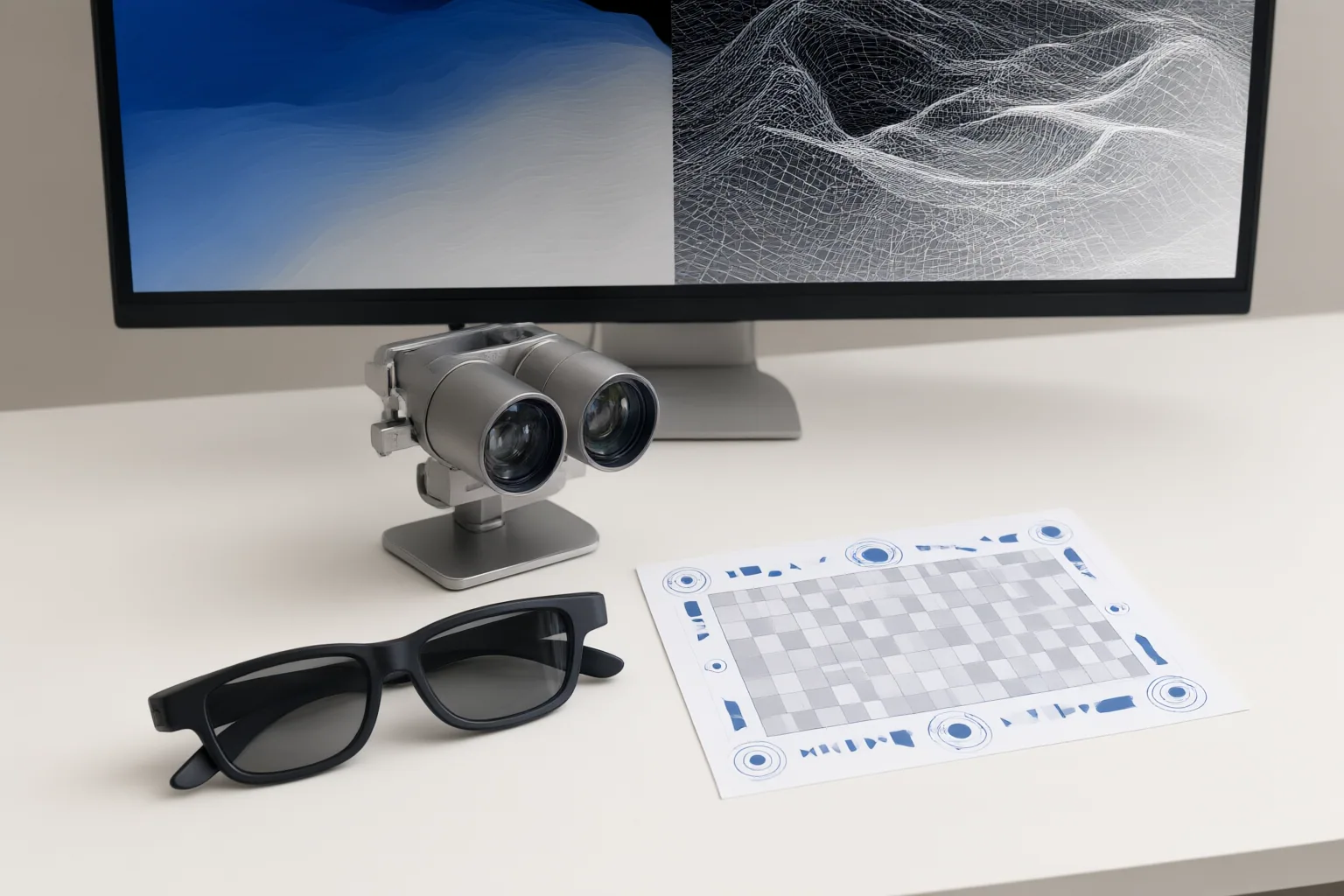
Inspect Motion, Depth, and Object Boundaries
Begin with a short clip that represents the difficult parts of the full video, then inspect it while it is playing. A paused frame may look acceptable even when an unchanged object shifts in estimated depth from one frame to the next. During continuous playback, look for flicker, pulsing depth, or objects that seem to jump between planes.
Next, examine foreground edges and places where objects overlap. Generating a displaced second viewpoint can expose background areas that were hidden in the original image. Reconstruction of those regions may produce gaps, smearing, tearing, halos, distorted shapes, or unstable masks. Watch hair, thin details, reflective surfaces, transparent materials, and objects crossing in front of one another especially closely.
Review several kinds of movement and composition rather than assuming one automated setting will suit every shot. The supplied evidence indicates that movement, scale, composition, transparency, reflections, and overlap can change the conversion challenge. If a defect appears only briefly, replay the surrounding sequence at normal speed as well as examining individual frames, because temporal stability is part of the result.
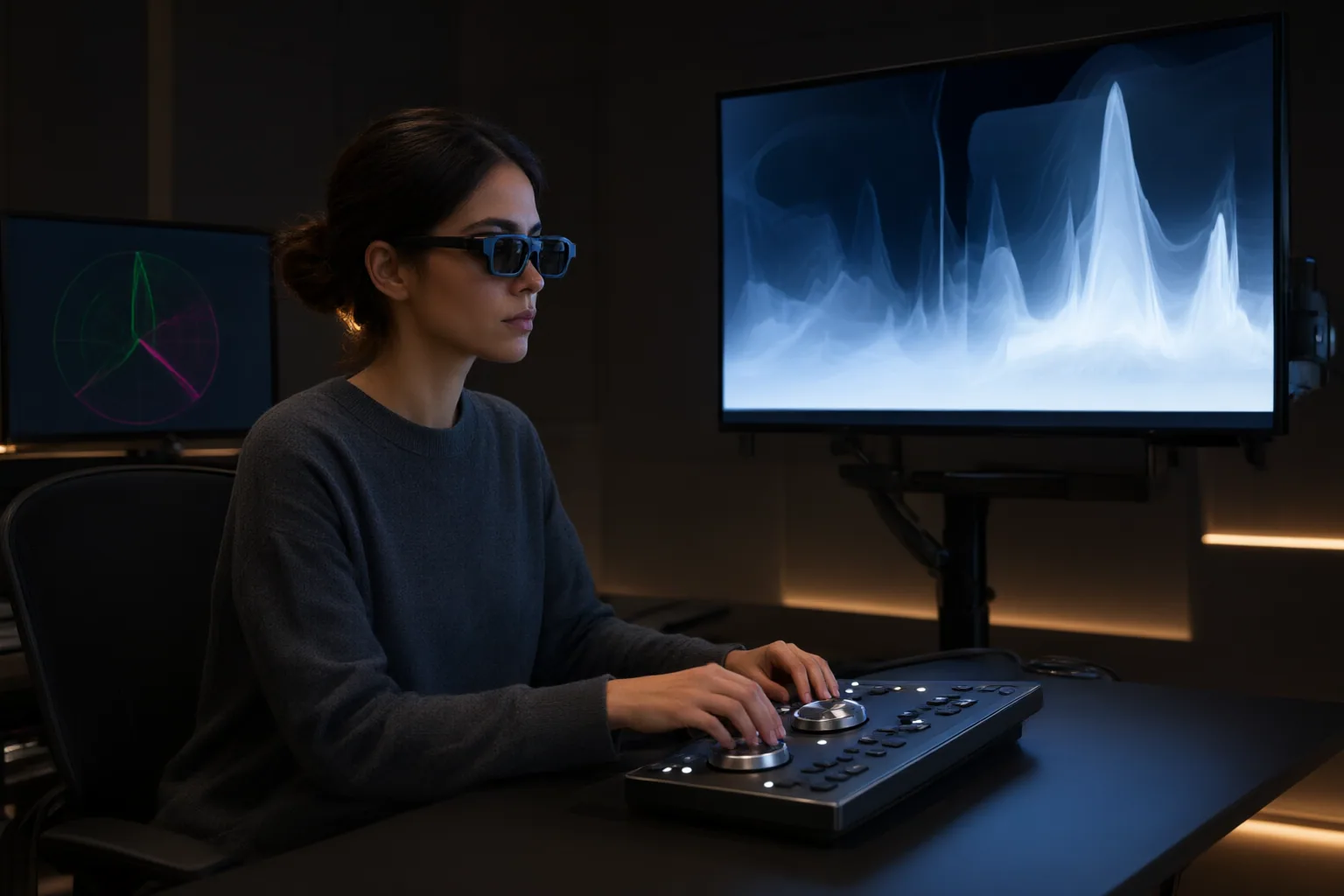
Check Viewing Comfort, Export, and Playback
Assess the converted clip on the viewing setup for which it is intended. Check whether stereo strength and convergence remain comfortable and whether separation creates distracting behavior near image edges. Excessive or poorly positioned separation can make viewing uncomfortable even if individual frames appear technically complete.
Confirm both the export format and how the destination system interprets it. Side-by-Side (SBS) video places the left-eye and right-eye images beside each other within a conventional video signal. Exporting that file successfully does not establish that a particular headset, player, television, projector, or spatial display will recognize and present the views correctly.
Test the actual delivery path rather than relying only on a desktop preview. Verify that the intended software and hardware support the selected stereoscopic format, assign the views correctly, and display the result as expected. This separates conversion defects from format or playback problems and reveals compatibility failures before the entire video is processed.
Conclusion
Use a staged review: convert a representative sample, watch it continuously for unstable depth, inspect object boundaries and reconstructed hidden regions, evaluate stereo comfort, and verify the delivered format on the target device. Demanding shots may need manual depth-map refinement, shot-specific stereo-view work, rotoscoping, or inpainting. Validate a short sample on the intended playback setup before committing time and resources to converting the full video.
Disclosures and limitations
- This article was prepared with AI assistance from the supplied research package and is limited to claims attributed to its listed sources.
- Some sources represent organizations promoting their own displays or conversion services; their capability and workflow statements were not independently verified in the supplied evidence. No product ranking, pricing, or performance recommendation is made, and no affiliate relationship is asserted.
Sources
- What to Test Before Converting 2D Footage into Depth-Based 3D — eWiki
- How AI 2D-to-3D Conversion Works: From Depth Estimation to Glasses-Free 3D – ViewX3D — ViewX3D
- 2D to 3D Video Conversion: The Ultimate Guide to Transforming Flat Video into Immersive 3D (2026) — EYEPOP-3D
Improve this guide
Report a problem or suggest the next question
Submissions enter a private editorial queue. They are reviewed and deduplicated before any public update or new page is created.