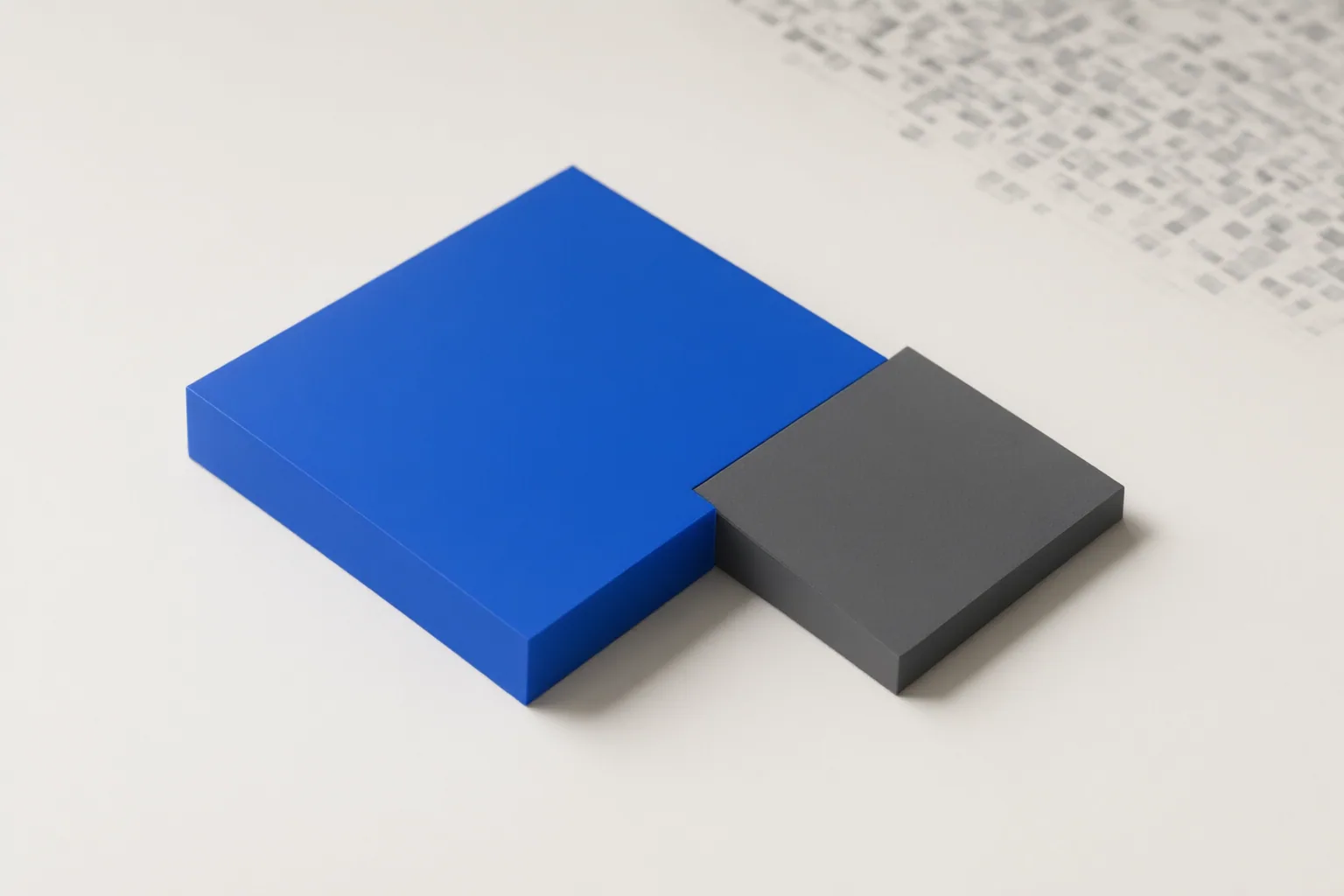
Chroma subsampling can leave a photograph looking normal while making added colored text appear soft, fringed, or less readable because it reduces color-detail resolution rather than brightness-detail resolution.
Why Colored Text Can Degrade While the Photograph Looks Normal
Chroma subsampling records color information at a lower resolution than brightness information. This approach takes advantage of human vision being more sensitive to brightness detail than color detail. It can work well for natural photographs, where textures and gradual color transitions tend to conceal the loss.
Added colored text changes the situation. A photograph containing text, a logo, or another graphic combines photographic content with abrupt color boundaries. Small characters and saturated edges can reveal reduced chroma resolution as fuzzy outlines, color bleeding, fringing, or diminished readability even when the photographic regions still appear acceptable.
This behavior is associated with encoding or processing that applies chroma subsampling; the supplied evidence does not establish that AI generation or editing itself causes the degradation.
What 4:4:4, 4:2:2, and 4:2:0 Preserve
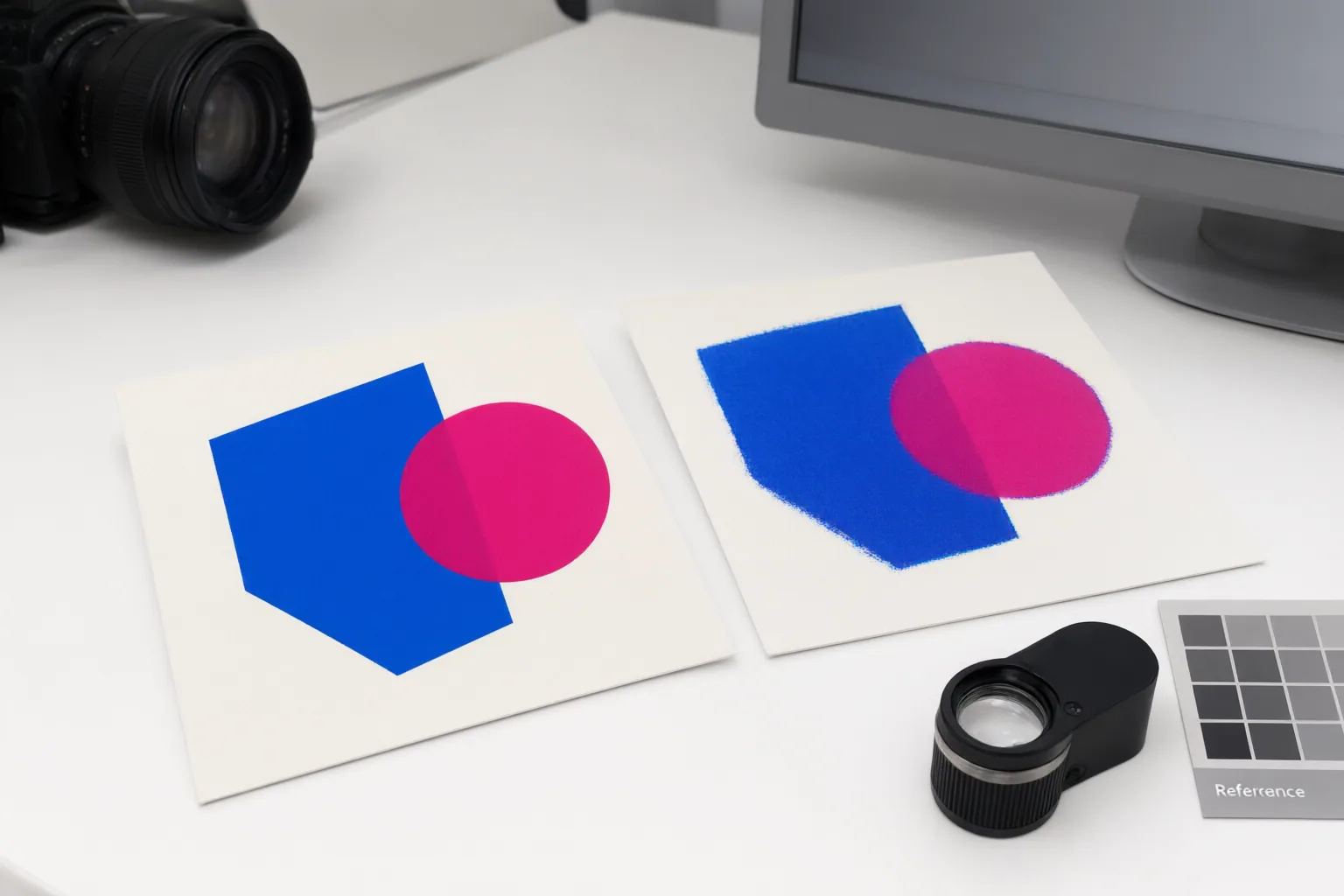
The three notation patterns describe different levels of color sampling. With 4:4:4, chroma is not subsampled, so full color-detail resolution is retained. With 4:2:2, horizontal chroma resolution is reduced. With 4:2:0, chroma sampling is reduced in both dimensions relative to 4:4:4.
These differences matter most when important detail is defined by color contrast. Full chroma can preserve colored letter edges and hard saturated boundaries better than 4:2:0. Subsampling is usually less conspicuous in ordinary photographic areas, but its limitations can become visible around text, logos, and interface-like graphics. Retaining 4:4:4 can require more storage or transmission bandwidth, so the choice involves both visual requirements and resource costs.
How to Evaluate Text Quality After Export or Processing
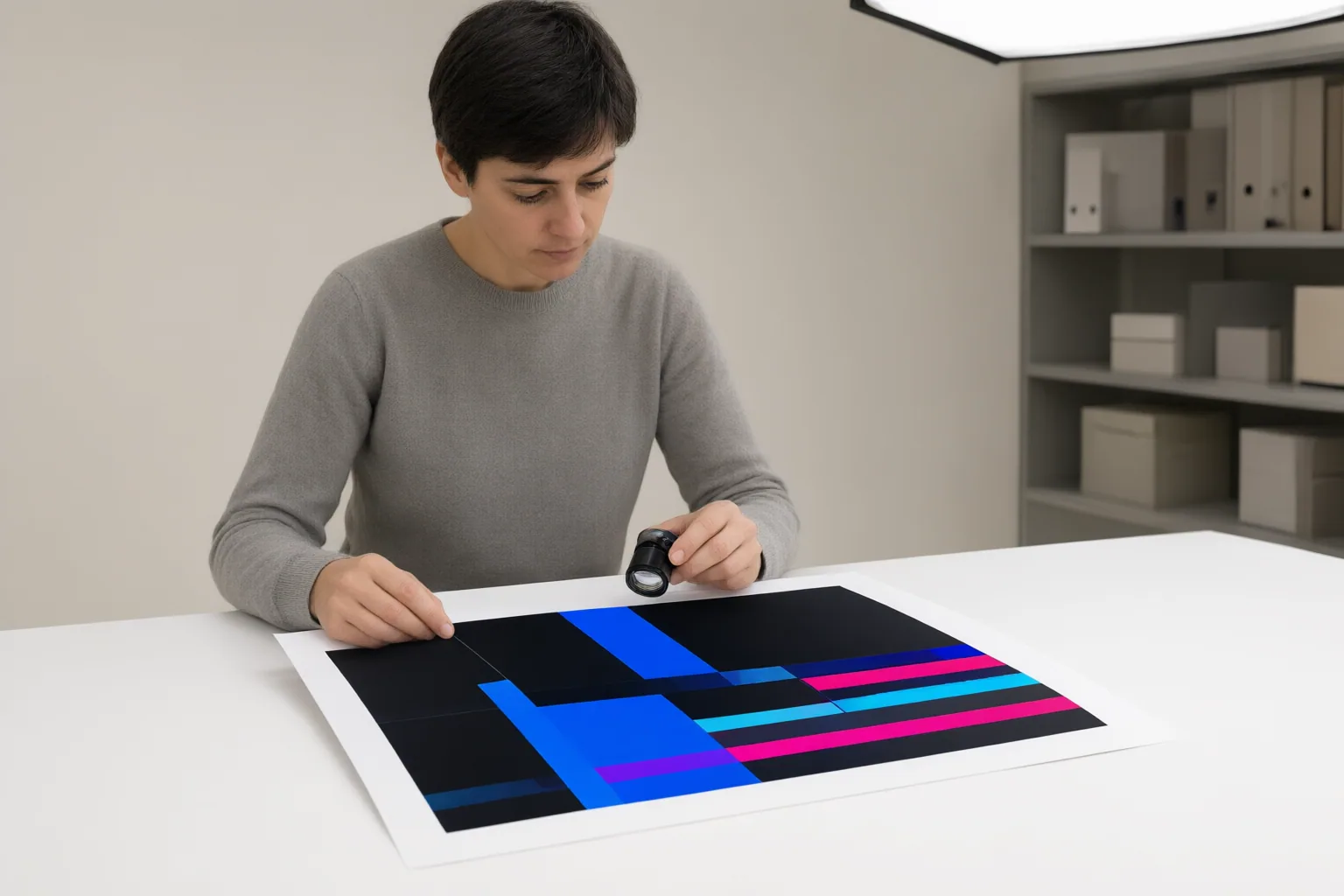
Compare the working image with the final exported or processed asset. Concentrate on small colored characters, logos, saturated outlines, and sharp boundaries between a foreground color and its background. Do not judge quality only from the natural-looking regions of the photograph, because those areas may hide chroma loss that is obvious in graphic elements.
Look for softened character shapes, smeared color, colored fringes around edges, and reduced legibility. If these signs appear in the final asset but not in the working image, reduced chroma resolution somewhere in the export or display process is a relevant possibility.
The available evidence does not identify the chroma setting used by any specific AI editor, image format, export preset, platform, or display pipeline. Avoid assigning a cause based only on an application label. When settings are available, compare the final results from full-chroma and subsampled output, paying particular attention to the meaningful colored details rather than the photograph as a whole.
Conclusion
Chroma-sampling needs depend on the asset. Ordinary photographic regions may tolerate subsampling, while meaningful colored text, logos, and saturated hard edges may benefit from 4:4:4. The tradeoff is that full chroma can require more storage or bandwidth.
Inspect small colored details in the final processed asset, compare them with the working image, and select full chroma when edge clarity matters and the available pipeline supports that choice.
Disclosures and limitations
- This article was prepared with AI assistance and is based solely on the cited research package; it does not report first-hand product testing or use.
- This article contains no product recommendation or affiliate claim.
Sources
- Chroma Subsampling Explained: 4:4:4 vs 4:2:0 and When It Shows | Inverity — Inverity
- Chroma subsampling – Wikipedia — en.wikipedia.org
- Chroma Subsampling: 4:4:4 vs. 4:2:2 vs. 4:2:0 — RTINGS.com
- Chroma Subsampling, and Why Red Text Goes Fuzzy | FileFlip — FileFlip
- Chroma Subsampling: 4:4:4 vs 4:2:2 vs 4:2:0 Simple Guide — Display Ninja
Improve this guide
Report a problem or suggest the next question
Submissions enter a private editorial queue. They are reviewed and deduplicated before any public update or new page is created.