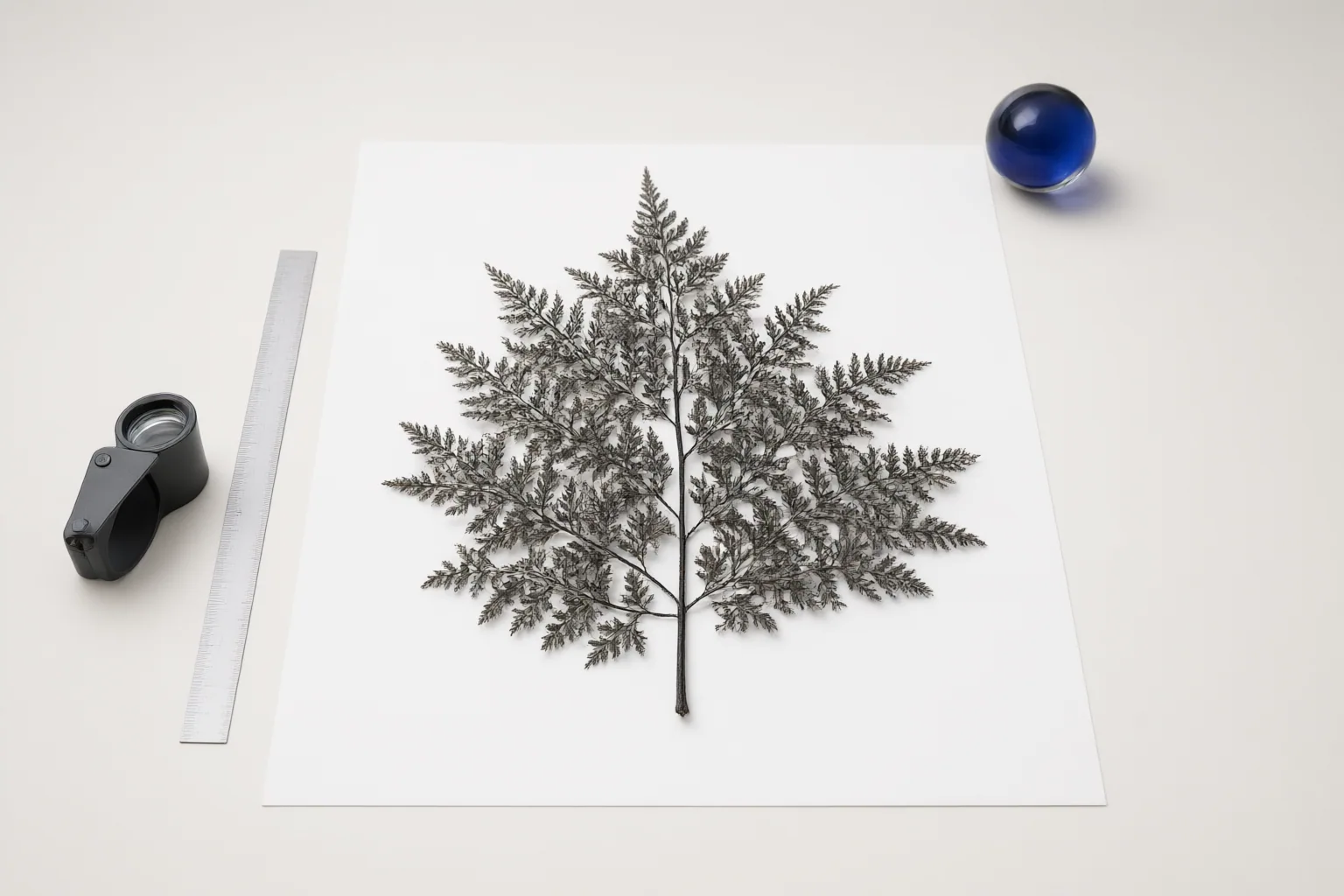
Compare mask refinement controls by asking four separate questions: Can they soften a transition, reposition a boundary, recover fine edge detail, and correct local errors over repeated passes? These capabilities address different masking problems, so their presence matters more than the size of a tool’s feature list.
The Four Mask-Refinement Capabilities to Compare
Start by separating four capabilities. Boundary softening blends the transition between selected and unselected areas. Edge repositioning expands or contracts the mask so it better follows the visible subject. Boundary-detail recovery concerns thin structures and intricate contours that a coarse mask may omit or represent poorly. Repeated localized correction lets users revise uncertain areas through additional passes, corrective clicks, or add-and-erase strokes.
This framework reflects documented refinement patterns ranging from rough masks followed by feathering and contrast changes to boundary-aware processing and iterative correction. A tool should not receive equal credit merely for offering several controls: record what each control actually changes and whether it addresses the errors common in your images.
Softening an Edge Versus Moving It
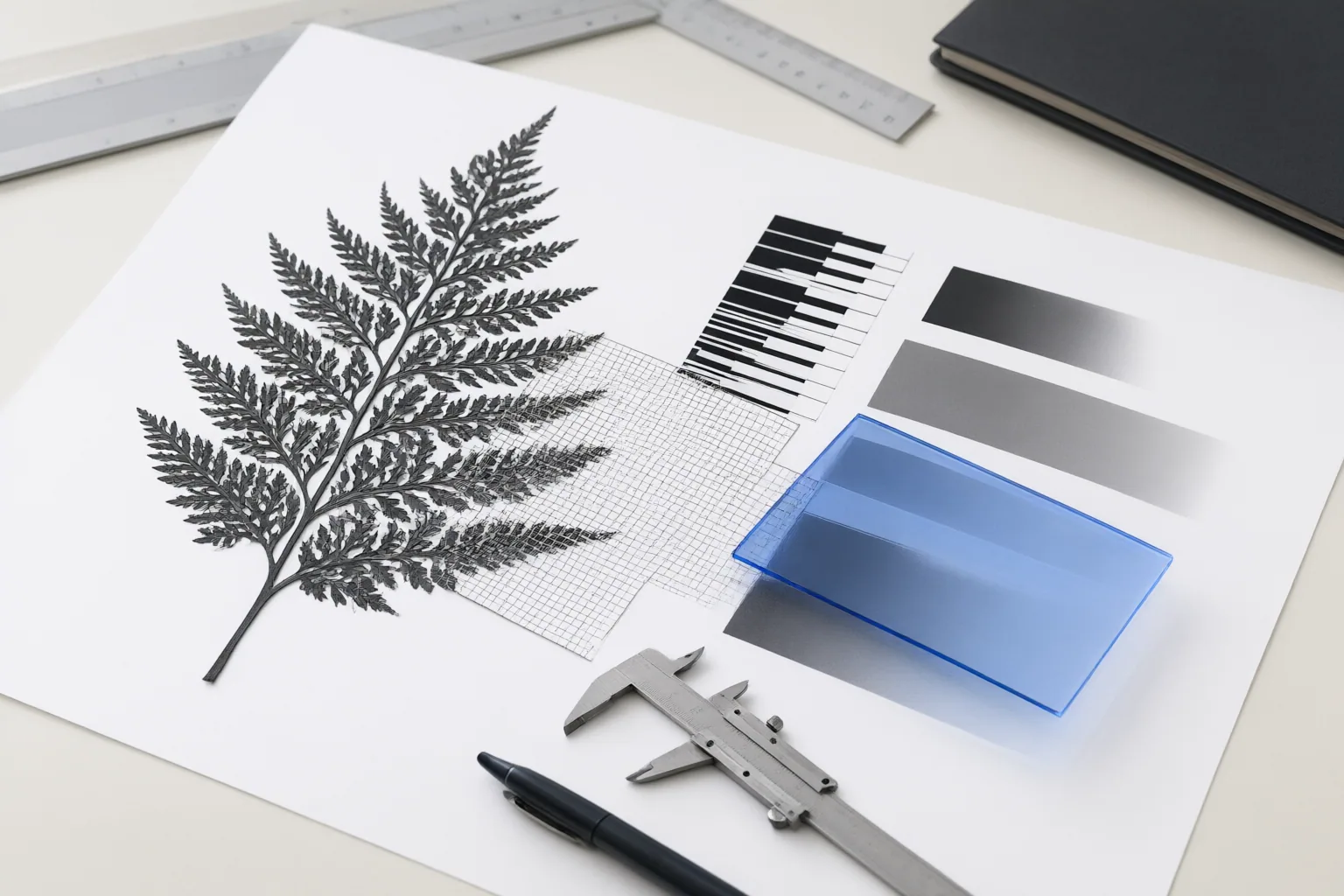
Feathering or blur softens a mask transition; it does not necessarily put the boundary in the right place. Greg Benz Photography describes Adobe Camera Raw 18.3’s Feather control as Gaussian-blur softening and its Edge control as expanding or contracting an AI mask. Because that description comes from a third-party tutorial, treat it as documentation of the reported controls rather than an independently verified performance result.
Other adjustments can change how a mask behaves without serving the same purpose. The darktable 5.6 manual documents feathering, blur, opacity, and contrast while refining a rough mask around a sculpture. Its edge-guided feathering example benefited from a distinct subject boundary and an out-of-focus background; it does not establish settings that will work for every image. When comparing workflows, inspect softness, boundary position, opacity, and contrast separately instead of using extra blur to conceal a misaligned edge.
Evaluate Complex Edges and the Correction Workflow
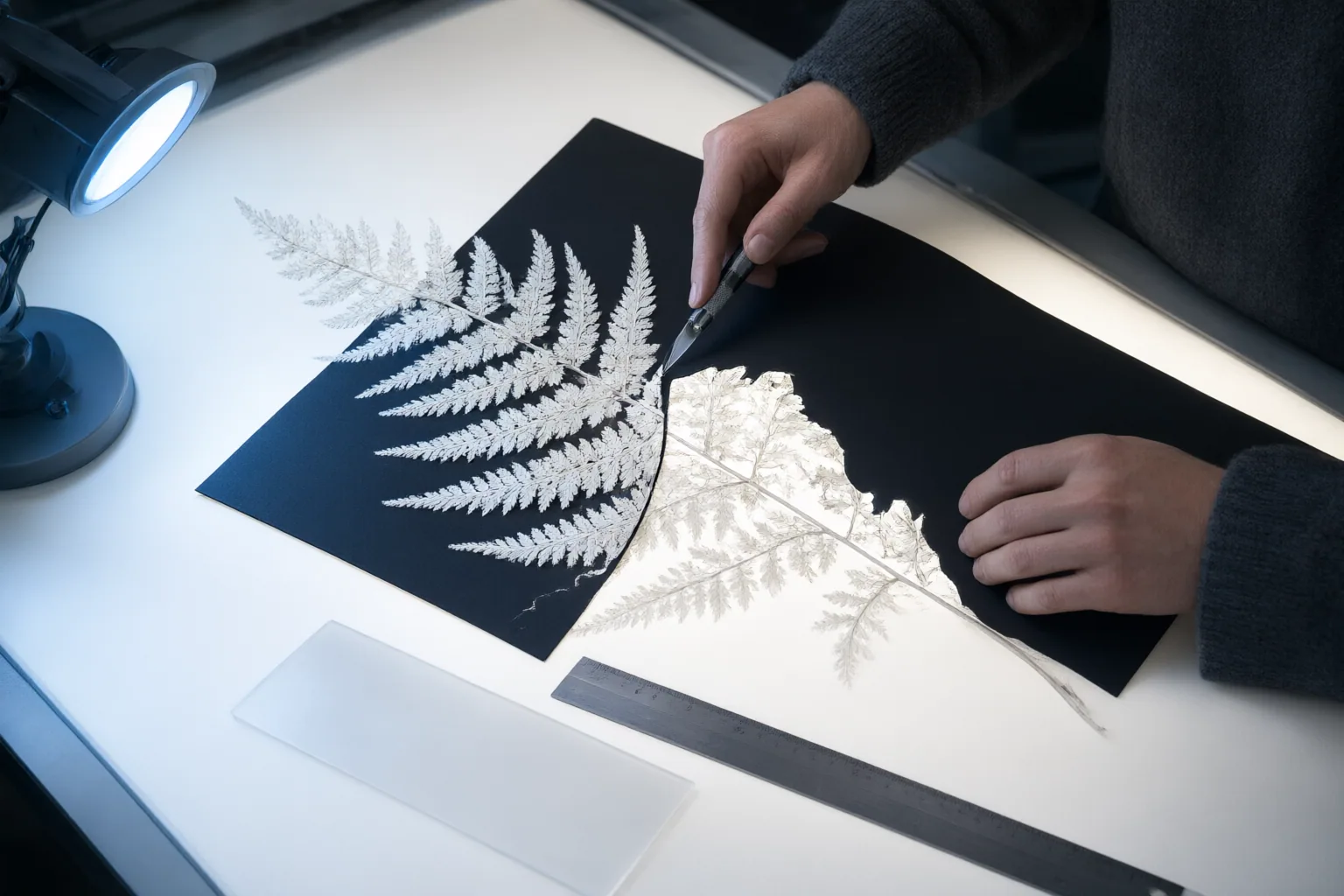
Use representative difficult boundaries when examining controls. Thin structures and detailed contours are especially useful because coarse masks can lose or poorly represent them. An Emergent Mind overview describes refinement approaches that include multi-stage fusion and boundary-aware processing, which provides a basis for checking whether a workflow can improve detail beyond its initial segmentation.
Also examine what happens when automation is wrong. An iterative-refinement overview describes systems that update uncertain or erroneous regions over multiple passes, sometimes accepting corrective clicks or add-and-erase strokes. Check whether corrections can be confined to a small region, whether earlier work is preserved, and how many passes are needed.
Worldmetrics identifies hair, textured surfaces, overlapping objects, reflections, and busy backgrounds as difficult examples that may need manual cleanup or repeated refinement. These are attributed editorial assessments—not controlled findings showing that one tool outperforms another.
Conclusion
Run a same-image comparison across every shortlisted workflow. Begin with each tool’s initial mask, zoom in on one or more difficult boundaries, and record whether the available controls can soften transitions, align the edge, preserve fine structures, and repair isolated errors. Apply comparable localized corrections and note the number of passes required.
The supplied evidence documents control types and refinement patterns, but it does not include controlled cross-tool tests on identical images. It therefore cannot support a product ranking or a claim that one object-removal tool performs better. Test your shortlisted tools on the same representative complex-edge image, record the corrections and passes required, and choose the workflow that provides sufficient control over softness, alignment, and local errors.
Disclosures and limitations
- This article was created with AI assistance from the supplied research package and source summaries; it does not report hands-on product testing.
- No product recommendation or affiliate offer is included. If affiliate relationships are added later, they should be disclosed clearly and must not be presented as evidence of product performance.
Sources
- mask refinement & additional controls — darktable 5.6 user manual
- NEW: edge & feather controls to avoid halos in RAW masks! — Greg Benz Photography
- Top 10 Best Photo Object Removal Software | Ranked for 2026 — worldmetrics.org
- Advanced Mask Refiners in Vision — emergentmind.com
- darktable 4.6 user manual – mask refinement & additional controls — docs.darktable.org
- Iterative Mask Refinement Overview — emergentmind.com
Improve this guide
Report a problem or suggest the next question
Submissions enter a private editorial queue. They are reviewed and deduplicated before any public update or new page is created.