
Before publishing, inspect the encoded video’s color signaling and HDR metadata, assess the visible image with appropriate scopes and displays, and review the SDR fallback separately. An HDR label or preset alone does not establish a valid HDR master or reliable SDR playback.
Inspect the Encoded File’s Color Signaling
Start with the rendered file rather than relying on timeline settings, an export preset, or “HDR” in a filename. Inspect its color primaries, transfer characteristics, matrix coefficients, bit depth, and HDR metadata. These elements should agree with the pixels that were actually rendered.
Confirm whether the transfer function is PQ or HLG; they are different HDR systems, so the tag must match the encoded image. Changing a tag does not convert the underlying colors, and placing footage in a wider color container or using a higher bit depth does not prove that the result contains genuine HDR detail. If you need a separate SDR deliverable, convert and review it in the intended SDR output space, such as Rec.709, instead of simply relabeling the HDR file.
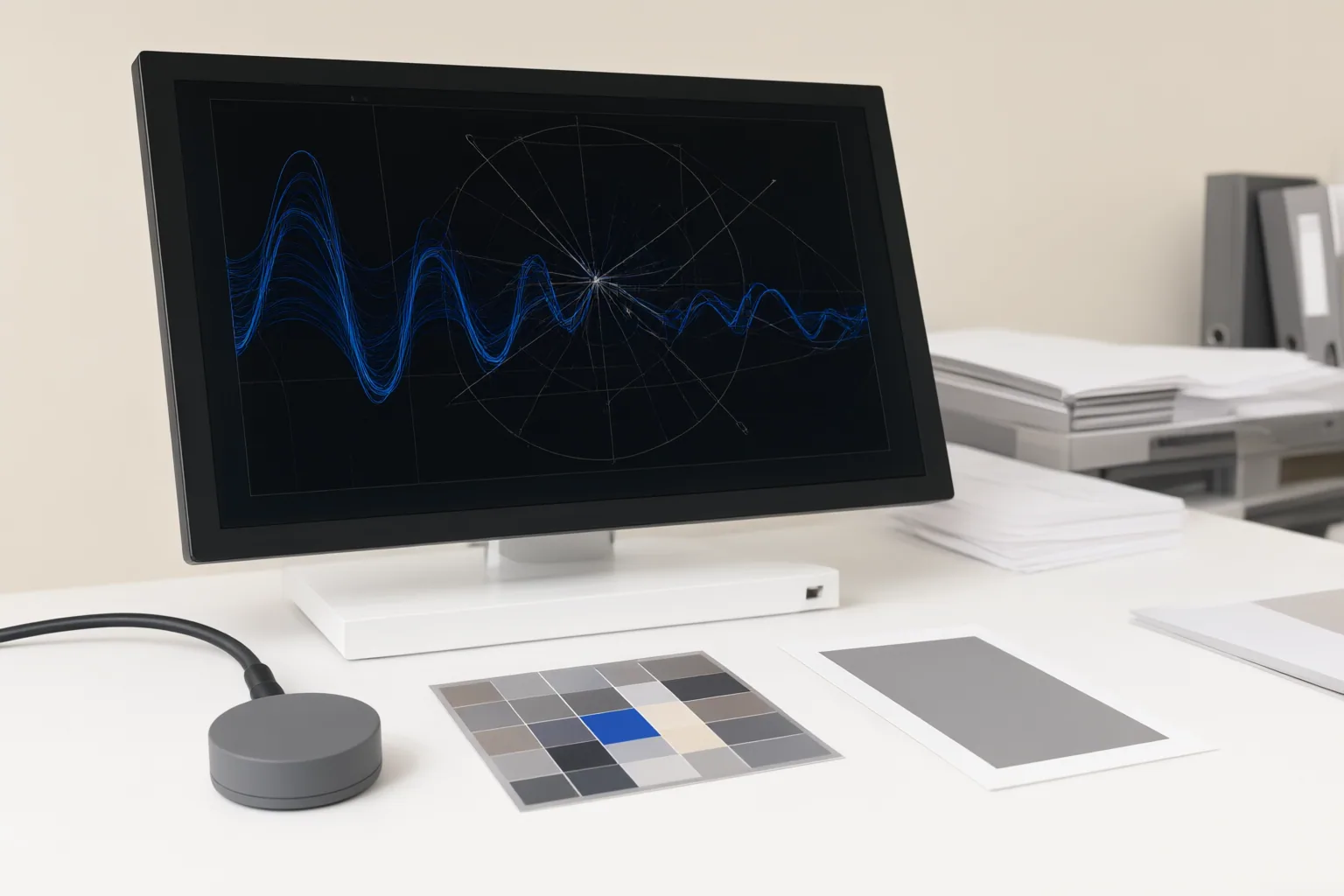
Check Static or Dynamic HDR Metadata Against the Master
For HDR10, inspect the mastering-display color-volume information and content-light values, including MaxCLL and MaxFALL. HDR10 provides one set of static metadata for the full sequence. Dynamic HDR metadata, by contrast, can vary by scene or frame.
The recorded values should describe the actual master. Invented or inaccurate luminance, color, MaxCLL, or MaxFALL values can give downstream tone mapping unreliable guidance. Also confirm that the source, any intermediate playback equipment, and the display support a common HDR format; metadata alone cannot guarantee compatible playback throughout the chain.
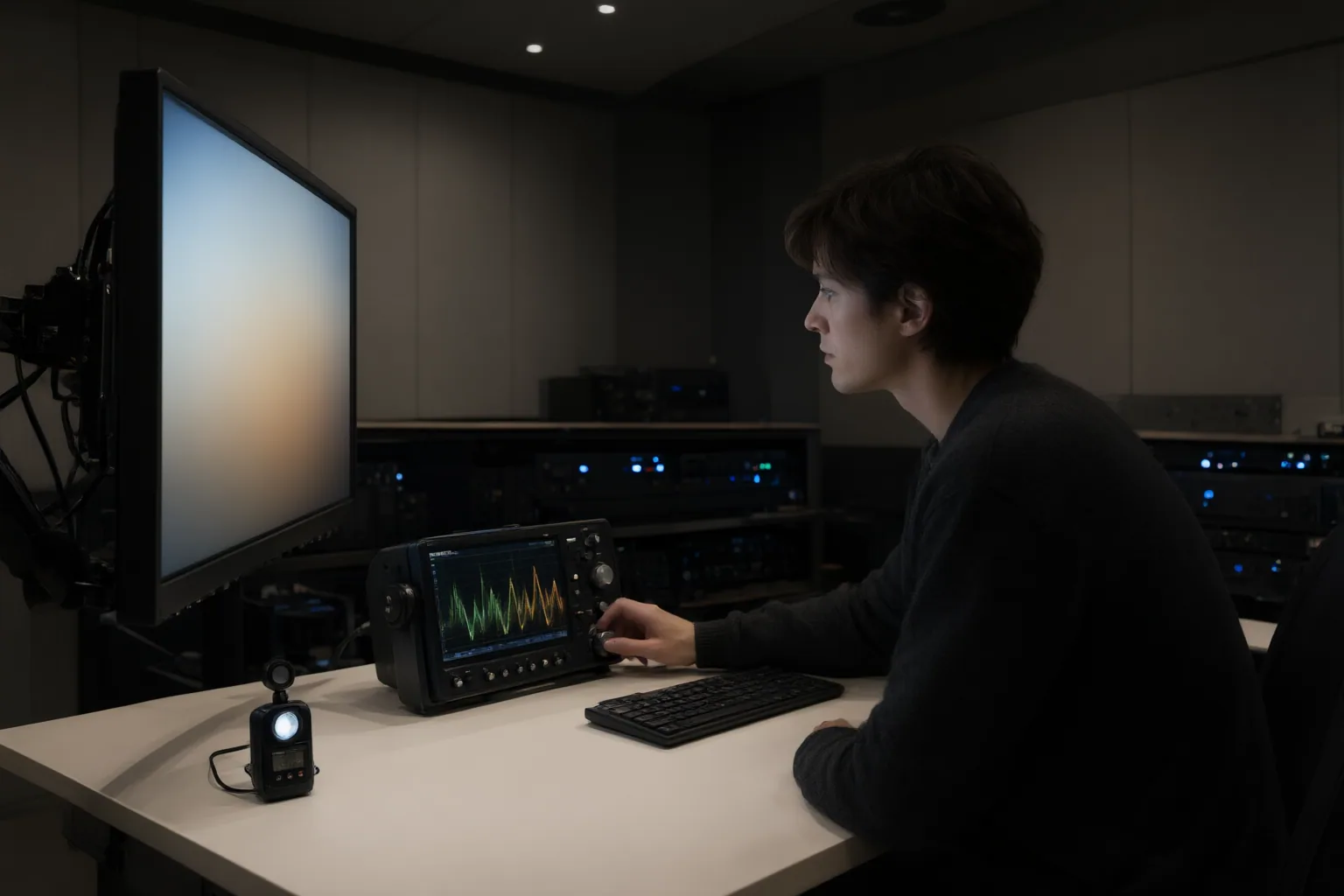
Review Image Quality and the SDR Fallback
Review the final encoded file with HDR scopes and on an HDR-capable display. Look beyond the container and metadata for clipped highlights, crushed shadows, banding, halos, unstable texture, and other visible defects. AI conversion may place limited SDR information inside a higher-precision HDR output without recovering lost highlight detail or removing source artifacts.
Then examine either the platform-generated SDR fallback or a separately converted SDR master on an SDR screen. Check whether tone mapping makes the image flat, washed out, too dark, or clipped, and whether important shadow and highlight detail remains understandable. Reviewing only an SDR desktop preview cannot verify intended HDR highlights, while an HDR-only review leaves the SDR audience unchecked. Test the actual upload when the destination platform creates its own fallback.
Conclusion
A dependable pre-delivery review covers three distinct questions: Does the encoded file carry signaling and metadata that match its pixels? Does the image itself retain acceptable detail without obvious artifacts? Do both the HDR and SDR playback paths look appropriate on suitable displays?
Before export, check the destination platform’s current specifications because supported formats and delivery requirements may differ. Then inspect the encoded file and its scopes, watch the HDR result on an HDR-capable display, and review the SDR fallback or SDR master on an SDR screen before publishing.
Disclosures and limitations
- This article was prepared with AI assistance from the supplied research package and source identifiers; technical settings should be verified against the destination platform’s current specifications.
- No products are recommended, and no affiliate relationship or commercial ranking is presented.
Sources
- How to Upload HDR Video to YouTube: Prep and Fixes — VanceAI
- DaVinci Resolve HDR Export: PQ, HLG & SDR Delivery — DaVinci Resolve Club: Tutorials, Fixes & Workflow Guides
- How HDMI Dynamic HDR Metadata Actually Works Between Source and Display — KTC
- HDR in depth | Elecard: Video Compression Guru — elecard.com
- Modify video color space and HDR metadata in Compressor — Apple Support
- Runway Ruby Review: Can SDR Become Real HDR? — nemovideo.com
- How Much Bandwidth Does HDR10 Metadata Actually Add to an HDMI Signal? — KTC
Improve this guide
Report a problem or suggest the next question
Submissions enter a private editorial queue. They are reviewed and deduplicated before any public update or new page is created.