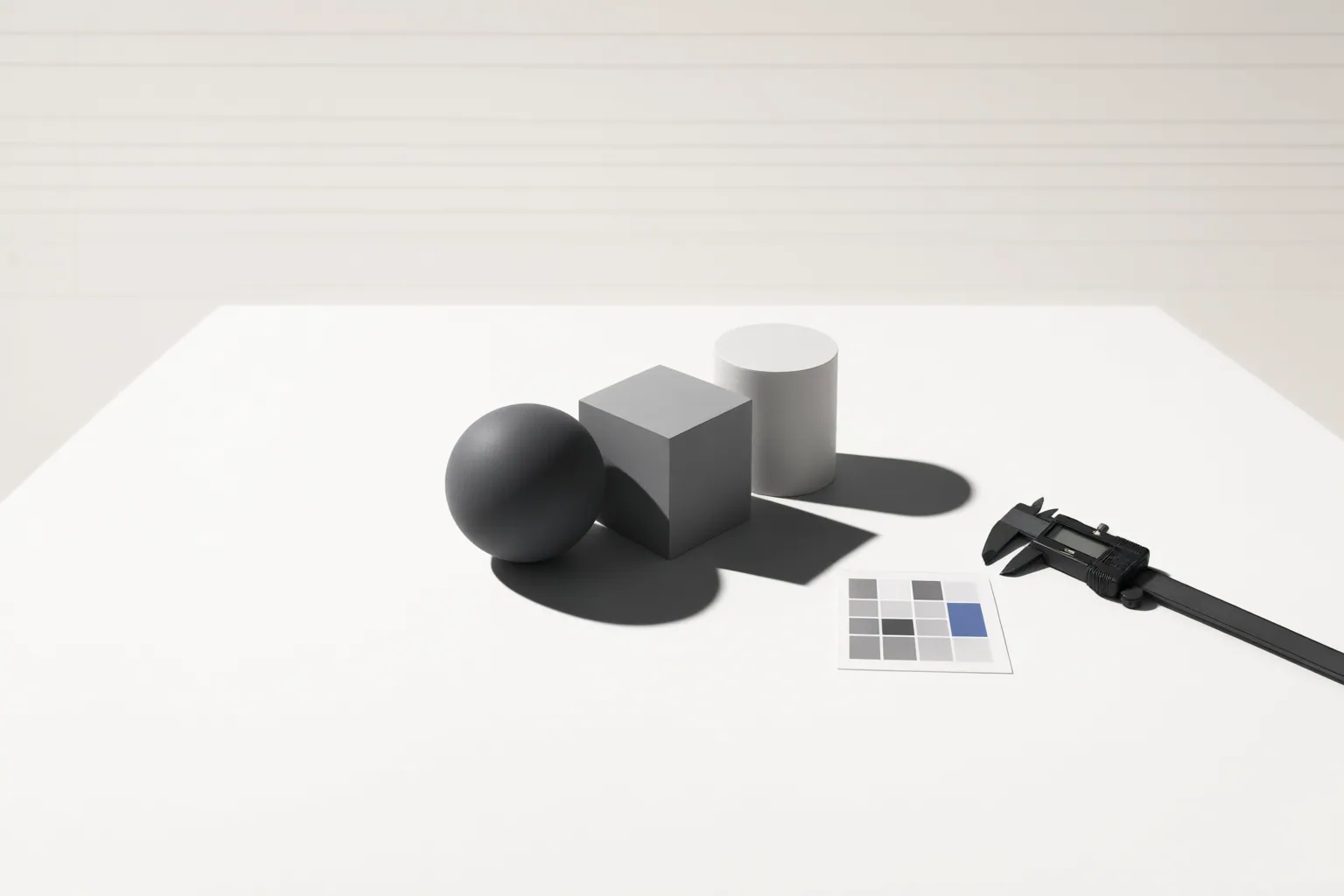
Choose AI shadow generation tools by testing workflow repeatability, creative control, file constraints, batch support, and image-handling terms—not by relying on unverified provider claims about visual quality or business results.
Start With the Shadow Workflow Your Team Can Repeat
AI shadow tools can approach the same task in substantially different ways. ImgGen presents a preset-oriented workflow with soft, drop, and long shadow styles. The provider describes subject segmentation, light-source analysis, and shadow rendering and blending, but that technical account was not independently verified. Imagy exposes settings for direction, strength, and softness. PicWish instead asks users to describe the desired shadow in a text prompt.
For ecommerce production, the key question is whether a workflow can produce consistent lighting across many listings. Presets may simplify routine work, adjustable parameters may support standardized settings, and prompts may offer descriptive flexibility. None of the supplied sources demonstrates which approach is more repeatable. Test each shortlisted tool with the same group of product images, record the settings or prompts used, and check whether another team member can reproduce the results.
Check Creative Controls With Representative Product Images
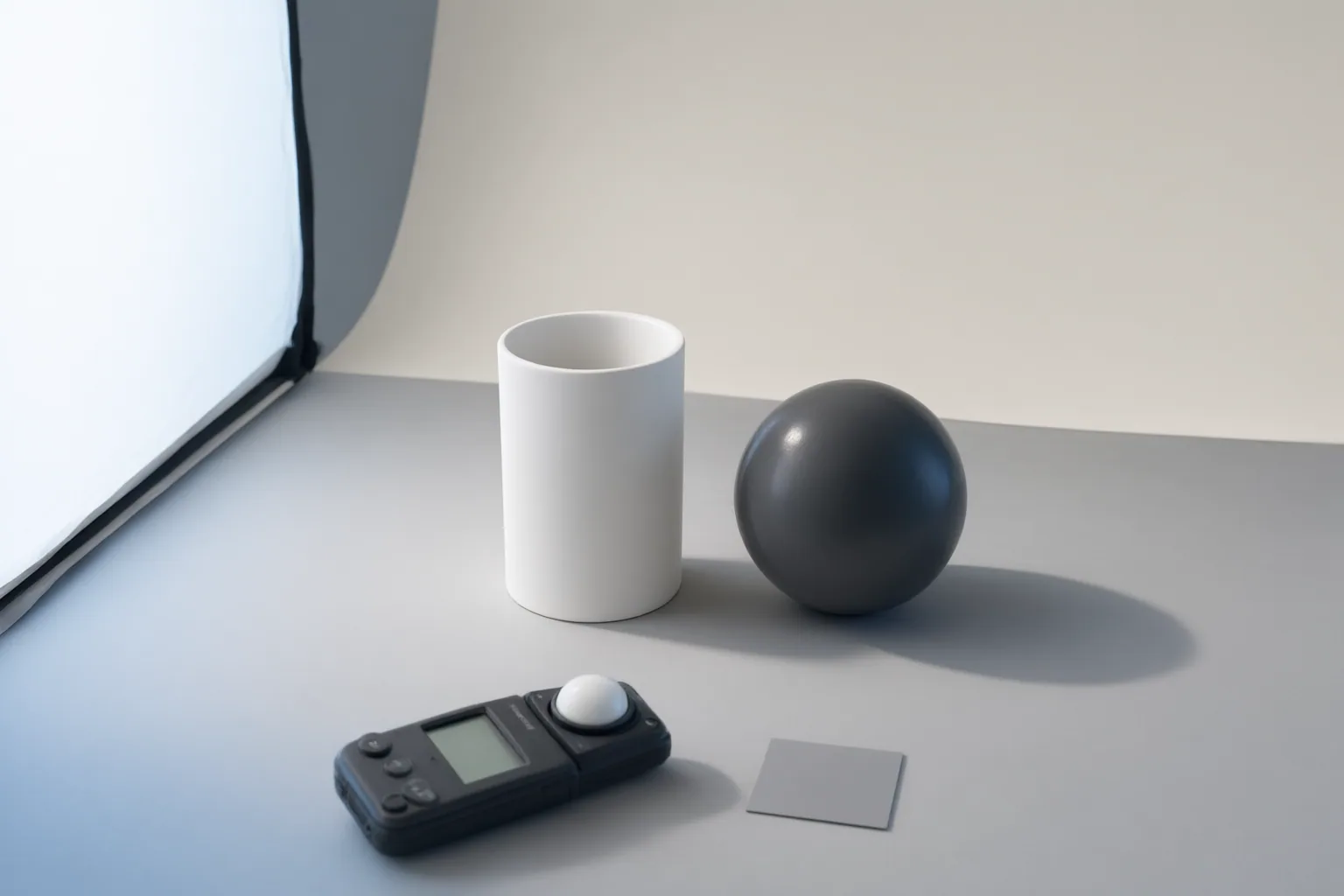
Compare controls against the actual needs of your catalog. ImgGen lists soft, drop, and long shadow styles. Imagy says users can choose shadow direction, strength, and softness, select a transparent or white background, and either retain the original canvas or expand it to accommodate the shadow. PicWish advertises controls for angle, length, blur, and opacity, although the supplied excerpt does not establish whether every control is included in every plan or workflow.
Use representative images rather than a single easy example. Include products with different shapes, edges, backgrounds, and available canvas space. Define what an acceptable result means before testing: consistent shadow direction, suitable softness, preserved product boundaries, required background treatment, and enough room for the full shadow. Provider descriptions position generated shadows as a way to add depth and ground product images, but the supplied evidence contains no independent comparison proving realistic, studio-quality, or physically accurate results.
Assess Production Limits, Batch Needs, and Image Handling
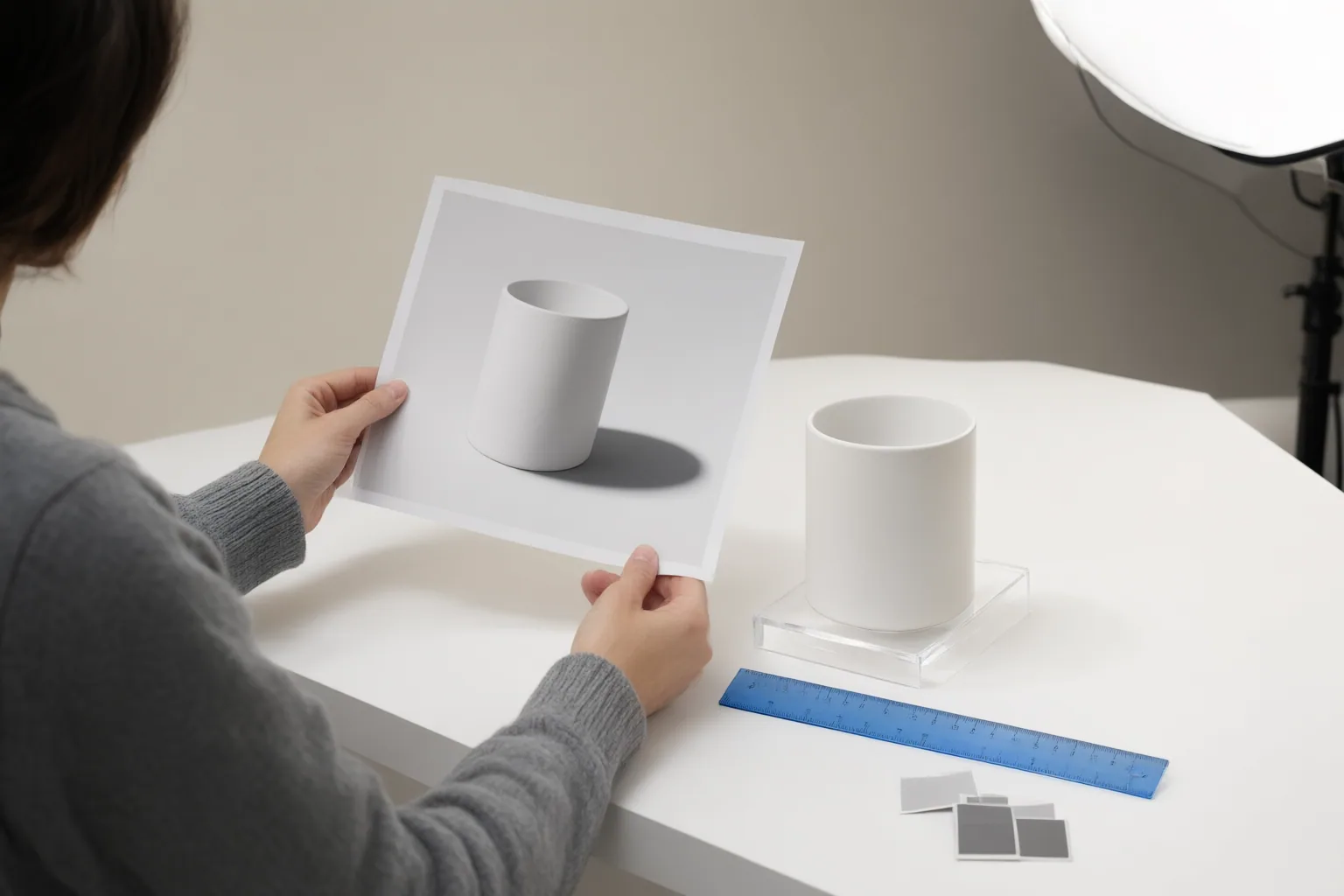
Check operational constraints before adopting a tool. Imagy says it accepts PNG, JPEG, and WebP files up to 15 MB, processes batches of as many as 10 images, and offers ZIP download. It states that free output is limited to 1024 pixels on the longest side, while Pro provides full-resolution output for one AI credit per image; the supplied source gives no monetary price.
PicWish lists PNG, JPG, and JPEG support, a 10 MB upload limit, and dimensions up to 2000 by 2000 pixels. Its documented inputs include an upload, a dropped file, a pasted image URL, or a sample image. The supplied excerpt does not establish equivalent batch processing.
Review image handling separately. Imagy states that uploaded originals are deleted within 48 hours, signed-in results remain in My Files, and anonymous results are removed after three days. Comparable retention details were not supplied for ImgGen or PicWish, so verify their current policies before uploading commercial assets.
Conclusion
Build a controlled trial around identical representative images. First, define required formats, dimensions, resolution, backgrounds, canvas behavior, batch volume, and acceptable shadow consistency. Then use the same files in every shortlisted tool, preserve the selected parameters or prompt wording, and record processing time and any manual corrections needed.
Treat advertised capabilities as provider claims until your trial confirms them. The supplied material contains no independent side-by-side testing, customer-review dataset, verified conversion study, or monetary pricing. It also does not substantiate claims that generated shadows increase trust or conversions. Availability, limits, plan terms, and policies may have changed since the sources were observed on September 22, 2026. Run your representative image set now, compare repeatability and workflow constraints, and verify current plan and retention terms before adopting a tool for catalog production.
Disclosures and limitations
- This article was prepared with AI assistance from vendor-controlled source material observed on September 22, 2026. Capabilities, limits, pricing terms, and policies should be verified with each provider before use.
- No affiliate relationship was identified in the supplied material. Tool mentions are evidence-based workflow examples, not paid endorsements or independently tested recommendations.
Sources
- Free AI Shadow Generator — Add Realistic Shadows to Photos | ImgGen AI — ImgGen AI
- Add Shadow to Image — Free AI Shadow Generator — imagy.app
- Free Online AI Shadow Generator | Add Shadow to Image Instantly — Free Online AI Shadow Generator | Add Shadow to Image Instantly
Improve this guide
Report a problem or suggest the next question
Submissions enter a private editorial queue. They are reviewed and deduplicated before any public update or new page is created.