
Compare local and cloud AI video processing by examining workload fit, hardware capacity, workflow speed, privacy terms, maintenance, connectivity, model access, and total operating cost. Neither approach is universally preferable, and a hybrid workflow may suit teams with mixed requirements.
Start With Workload and Hardware Feasibility
Begin with the work you actually expect to run: the intended model, resolution, clip length, batch size, and acceptable tradeoffs in speed or quality. Large models may need powerful cloud server clusters, while smaller specialized models can sometimes run on computers, individual servers, smartphones, or other devices.
For local AI video generation, do not treat one headline specification as proof of suitability. Relevant factors include the GPU and its memory, system RAM, CPU, NPU, storage speed and capacity, cooling, thermal behavior, and the software’s demands. Manufacturer-rated TOPS alone does not represent real-world workflow performance. Installation, dependencies, failed jobs, and ongoing maintenance also affect feasibility.
Cloud services can reduce the need to purchase a suitable GPU or maintain software dependencies because they bundle infrastructure and model access into a browser-based workflow. That convenience should still be evaluated against the specific output and usage limits of the service.
Compare Workflow Speed, Control, and Reliability
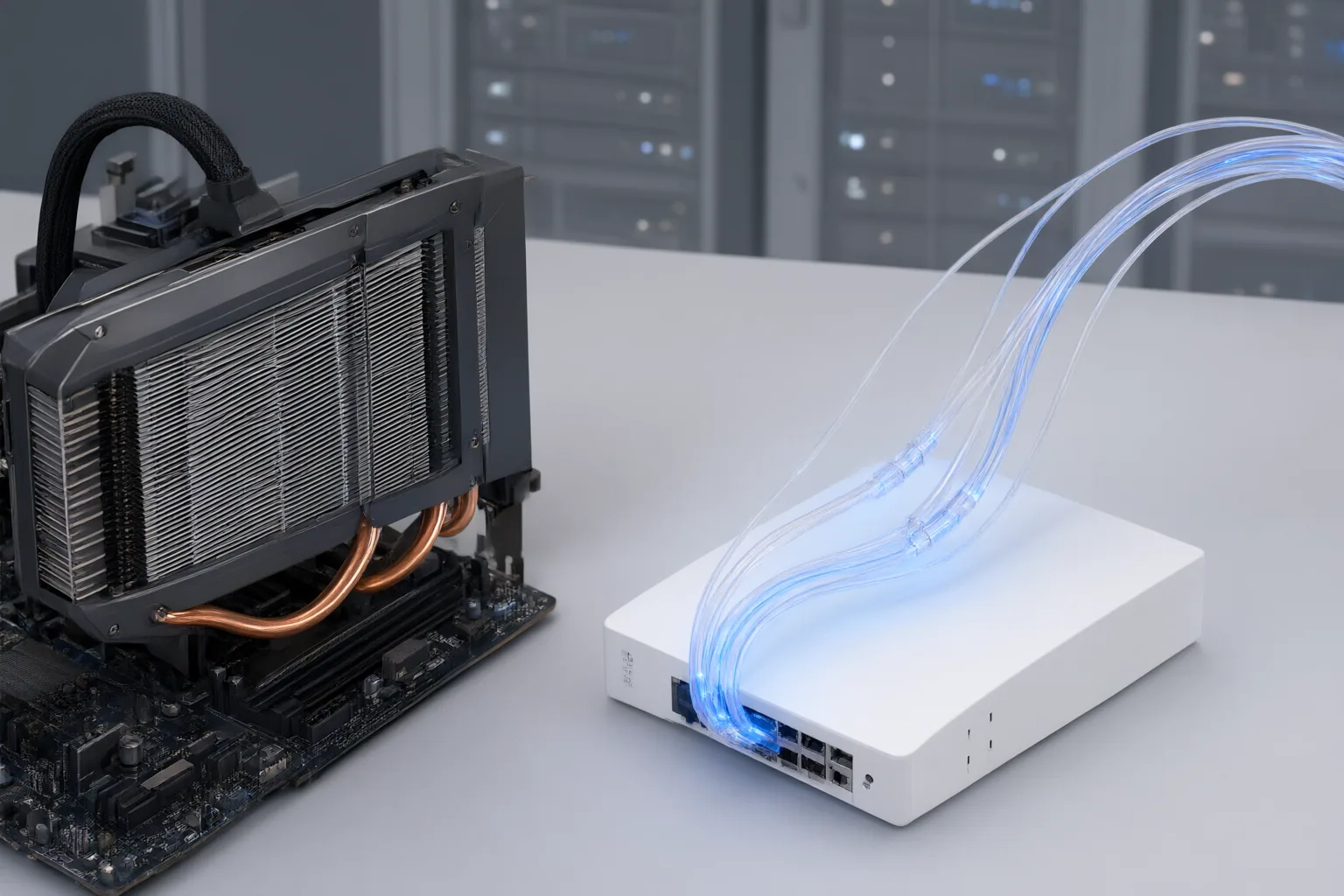
Local processing can reduce bandwidth use and avoid repeatedly sending source data to centralized infrastructure. It may also support faster iteration and previews when a team needs to adjust processing parameters. For large video or VFX files, upload time can itself become a bottleneck.
Cloud processing offers an alternative when local machines lack sufficient performance, but it depends on connectivity and the provider’s infrastructure. Buyers should examine queue priority, permitted resolution and duration, export restrictions, watermarks, model availability, and commercial-use terms—not just the advertised credit allowance. Local workflows carry a different operational burden: installation, dependency upkeep, troubleshooting, storage management, and hardware reliability.
There is no supplied standardized benchmark that compares local and cloud generators like for like. Test representative footage in realistic conditions and measure the time required to reach an acceptable result, including uploads, queues, failed jobs, revisions, and exports.

Assess Privacy, Terms, and Total Operating Cost
Before uploading sensitive footage to a cloud service, review its policies and contracts for asset retention, model-training use, deletion, access, and enterprise protections. Also check export and commercial-use terms, particularly for unreleased products, recognizable people, client footage, or licensed reference assets.
Keeping files local does not automatically make a workflow secure. A locally controlled environment still needs access controls, encryption, backups, updates, and deletion rules. The relevant comparison is therefore between specific governance practices, not simply “local equals private” and “cloud equals exposed.”
Compare costs over a realistic period. Cloud expenses can include subscriptions, usage charges, and plan restrictions. Local expenses can include hardware, electricity, storage, cooling, setup, maintenance, troubleshooting, backups, depreciation, failed jobs, and staff time. A technically capable machine may still be uneconomical if jobs are slow or require frequent intervention, while a convenient cloud plan may become costly or restrictive at recurring production volume.
Conclusion
Choose according to workload, asset sensitivity, connectivity, available hardware, operational capacity, and total cost. Local processing may fit sensitive or latency-sensitive work when suitable equipment and maintenance skills are available. Cloud processing may fit teams that prefer bundled infrastructure or lack high-performance machines.
The two approaches can also be complementary. A hybrid workflow can keep sensitive or latency-sensitive tasks local while using cloud infrastructure for other workloads, although deployment, standardization, monitoring, and orchestration may become more complex. List your representative footage, output requirements, privacy constraints, and recurring workload; then test the most plausible local, cloud, or hybrid option and measure time to an acceptable result before committing.
Disclosures and limitations
- This article was prepared with AI assistance from the supplied research package and content plan; material claims are attributed through the listed source IDs.
- The sources include vendor- and publisher-authored guidance rather than standardized independent comparative testing. No product prices, ratings, rankings, or affiliate product recommendations are presented.
Sources
- What is Edge AI? — esper.io
- Should You Buy an AI PC? Complete Buyer’s Guide 2025 — hp.com
- Edge Computing Feat. Cloud Computing: A powerful combination. – Bitvorous — Bitvorous
- Local vs Cloud AI Video Generator: Cost, Quality, Privacy, and Which to Choose — seedance.tv
- New Apple Mac Studio is great for AI, but not the AI you're thinking of – fxguide — fxguide
Improve this guide
Report a problem or suggest the next question
Submissions enter a private editorial queue. They are reviewed and deduplicated before any public update or new page is created.