Test AI-generated typography with predefined checks, repeated generations, normal-speed playback, and comparisons of the opening, middle, and final frames. Score wording accuracy separately from stability, readability, contrast, size, and placement. Because no cited source establishes universal thresholds, set acceptance criteria for the clip’s delivery context before testing.
Define Typography Checks Before Generating Clips
Create a reusable scorecard before generating any clips. Use separate pass/fail fields for:
- Exact wording: Does the visible text match the intended string?
- Stability: Do letters, words, and their appearance remain consistent over time?
- Contrast and size: Can viewers distinguish and read the text?
- Placement: Does the text remain inside an unclipped safe area without unwanted overlap?
- Playback readability: Can the wording be read while the clip runs at normal speed?
Do not collapse these checks into one overall quality score. A polished clip can still fail because its wording changes, its letters flicker, or its text is too small or poorly placed. Define acceptance criteria for the intended delivery context; the cited sources do not provide universally validated thresholds.
Run a Repeatable Multi-Generation Test
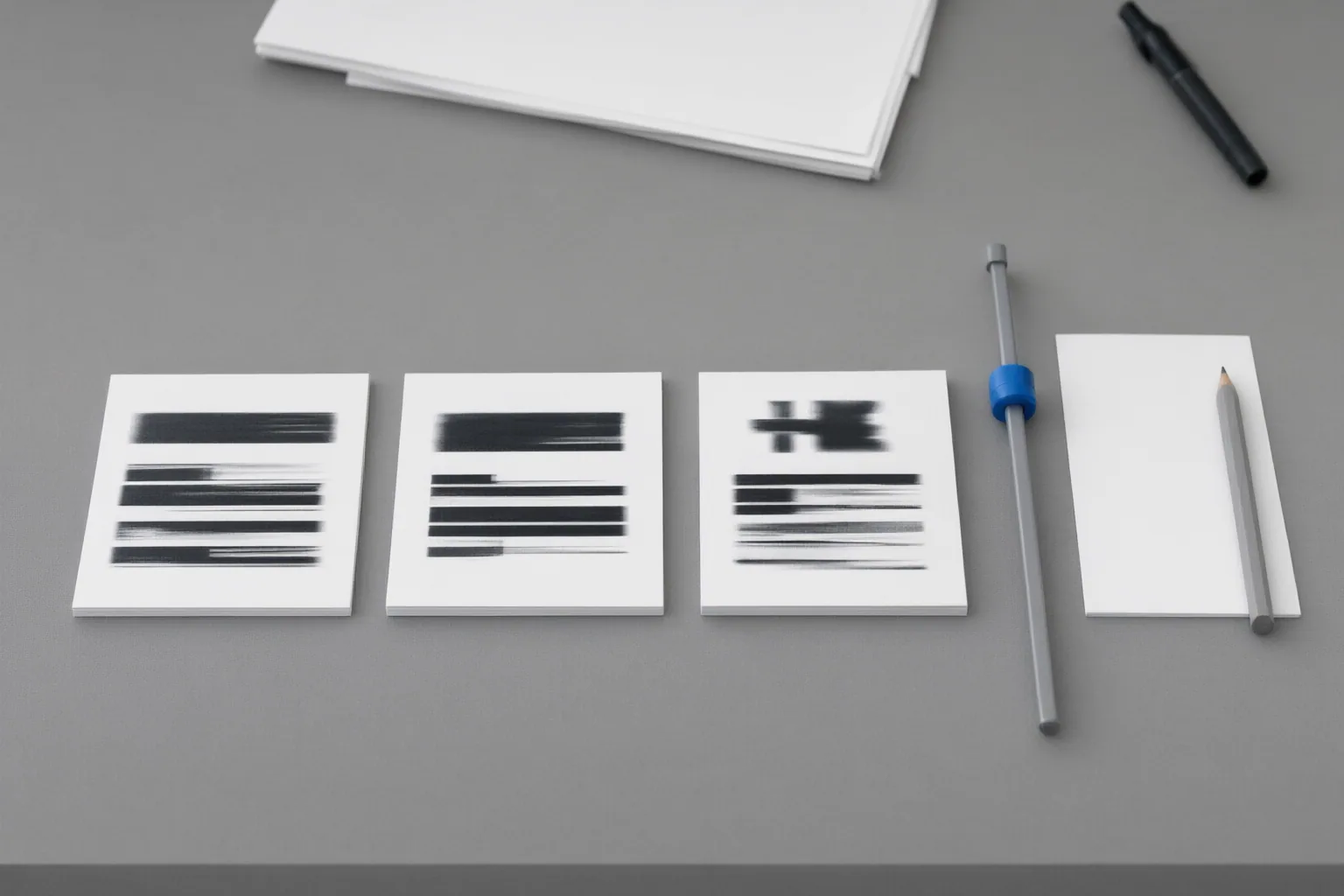
Build a fixed test set so every model or configuration receives the same prompts and is assessed with the same scorecard. For every run, record the prompt, model, available settings, seed when available, generation time, output link, and observed failures. Retain the clips and detailed notes so the team can review results later instead of relying on memory.
Generate each test prompt at least three times per model under the same test conditions. One successful output does not demonstrate reliable behavior because results can vary between runs. Review every generation independently, preserve both passing and failing examples, and compare the completed scorecards. This process supports a more defensible assessment of repeatability, although it is a source-based workflow rather than a validated universal testing standard.
Inspect Wording, Readability, and Stability Across Frames
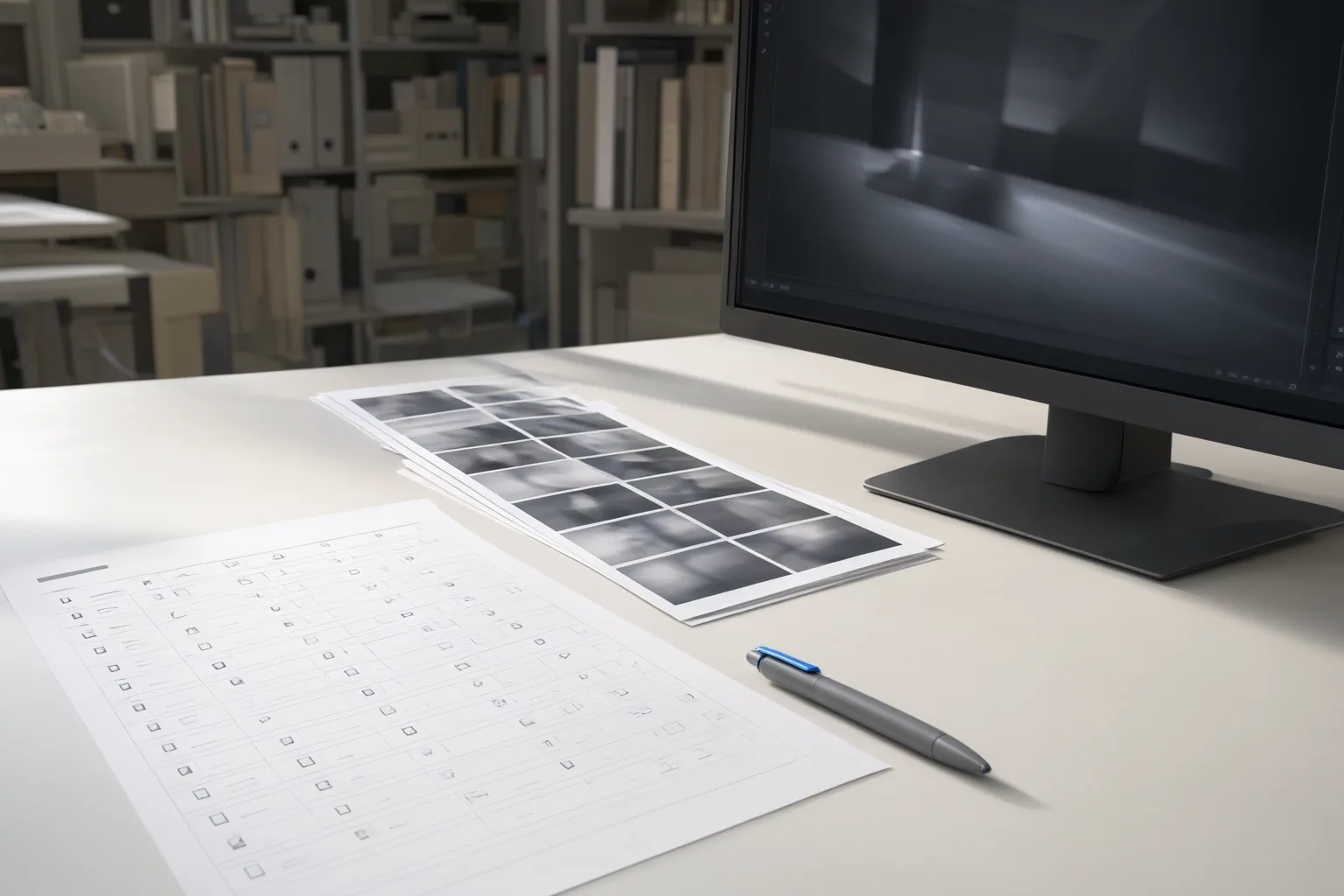
First, watch each clip at normal speed and record whether viewers have a practical opportunity to read the text. Look for flicker, warping, spelling changes, weak contrast, poor sizing, clipping, overlap, or movement that makes the wording difficult to follow.
Next, pause at the opening, middle, and final frames. Compare the intended string with the text visible in each selected frame, letter by letter. Record missing, irregular, repeated, reordered, case-changed, or excess text rather than treating an approximate match as correct. Also compare the text’s shape, color, placement, and overall appearance across those frames.
Exact letter-by-letter matching comes from an evaluation method for typography in AI-generated images. Using it on selected video frames is a practical adaptation, not a reported or validated video benchmark. Likewise, three sampled frames cannot reveal every brief defect, which is why normal-speed playback remains a separate check. Together, playback inspection and selected-frame comparisons address failures that a single still image may miss, including text that begins correctly but later drifts, flickers, warps, or changes spelling.
Conclusion
Keep generated typography only when it satisfies the team’s predefined checks across repeated runs. Preserve the accepted clips and scorecards alongside the recorded settings and failure notes.
When wording must remain correct, stable, revisable, or localizable, use an editable overlay or deterministic text layer instead of baking critical text into generated footage. This allows the wording to be corrected or replaced without regenerating the underlying video. As a concrete next step, create the scorecard, run one fixed prompt three times, inspect normal playback plus the opening, middle, and final frames, and move the text to an overlay if any critical criterion repeatedly fails.
Disclosures and limitations
- This article was prepared with AI assistance from the supplied research package and has not been presented as independent product testing or personal experience.
- The workflow synthesizes cited publisher guidance and image-typography research. It is not a universally validated video benchmark, and no affiliate product recommendation is included.
Sources
- Brand Colors and Typography Inside AI-Generated Video — Versely
- AI Typography Generator — BasedLabs
- ABHINAW: A method for Automatic Evaluation of Typography within AI-Generated Images — arXiv.org
- Why AI Video Garbles Text – and How to Fix It · CoreReflex — CoreReflex
- How to Test AI-Generated Video Quality – Apiframe — Apiframe
- FontVibe — Free AI Font Generator | 120+ Text Effect Styles — FontVibe
- Typography Generator — AI Font Style Library | FontVibe — FontVibe
Improve this guide
Report a problem or suggest the next question
Submissions enter a private editorial queue. They are reviewed and deduplicated before any public update or new page is created.