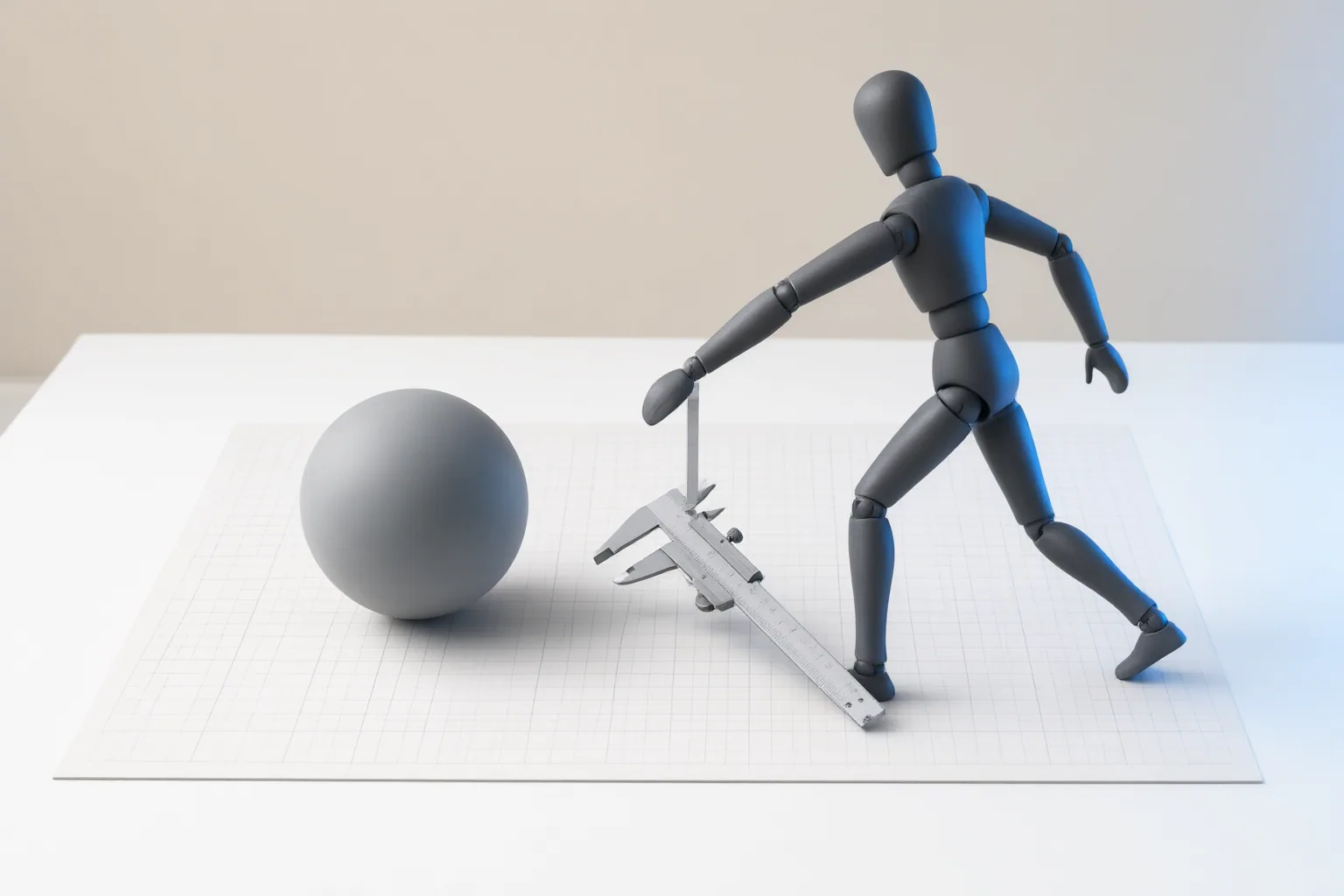
AI motion transfer combines a character image that defines appearance with a driving video that guides movement and timing. Before generating, check input visibility, composition, compatibility, and usage rights; afterward, inspect motion and character stability before attempting a longer sequence.
How AI Motion Transfer Uses Your Two Inputs
An AI motion-transfer workflow uses two distinct inputs. A still image establishes the character’s appearance, while a driving or reference video supplies the progression of poses, movement, and timing. The system must apply the recorded performance to the pictured character, so the clarity and compatibility of both inputs matter.
Do not assume every implementation handles additional instructions in the same way. One supplied guide describes an optional short note for identity or framing constraints, whereas another documented integration uses only the image and motion video and ignores text prompts. Check the workflow’s documented input behavior before relying on a prompt to correct a visual mismatch.
Check the Character Image and Driving Video
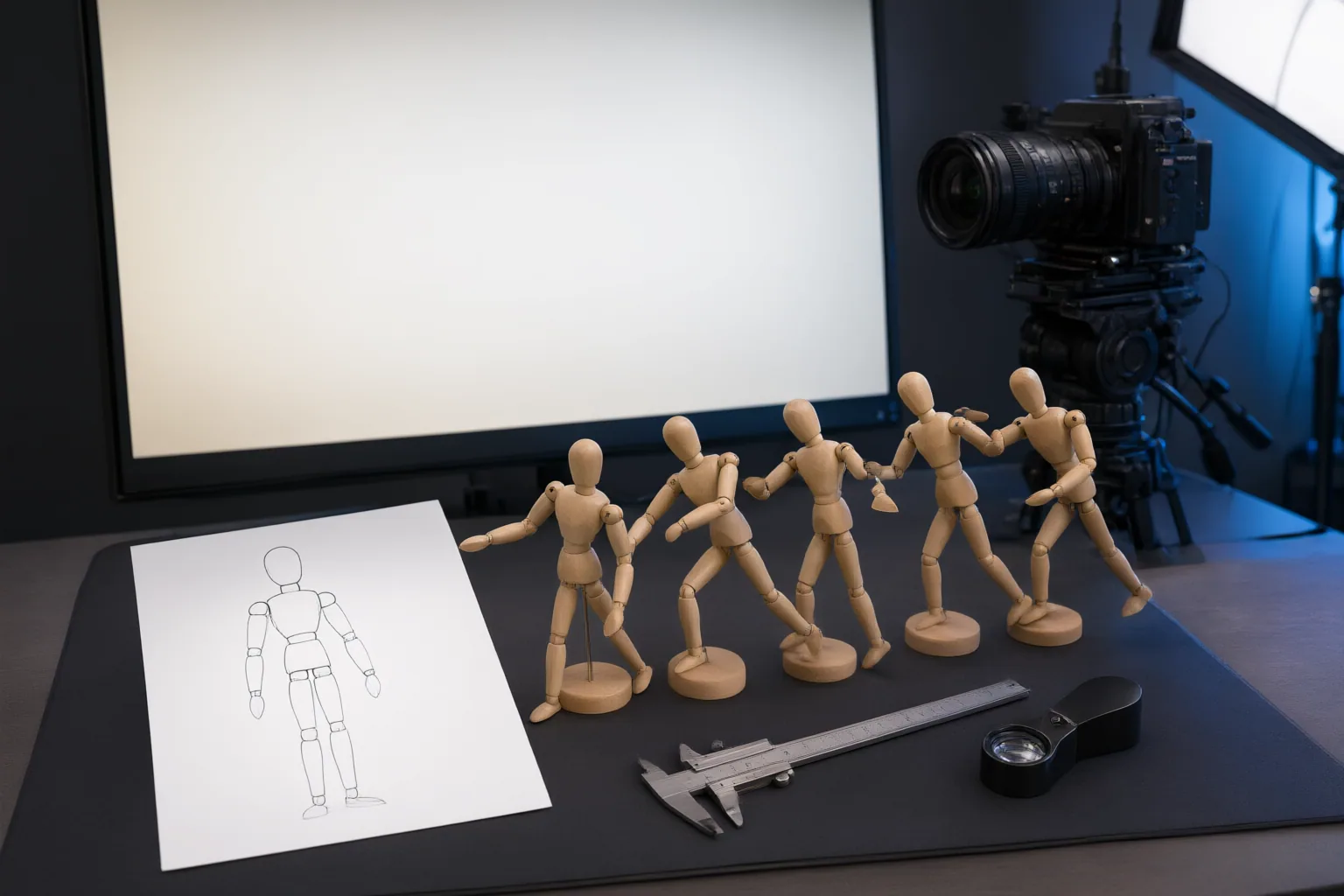
Start with the movement you want to transfer. If it involves the whole body, choose a character image that clearly shows the relevant limbs. A waist-up portrait does not provide visible legs and feet for a full-body performance.
For the driving clip, look for one clearly visible performer, steady framing, minimal obstruction, and few or no cuts. Motion blur, moving cameras, hidden limbs, multiple performers, and body parts leaving the frame can make the movement harder to interpret consistently.
Compare the character image with the video’s opening frame. Check whether the starting pose, scale, facing direction, visible body area, and position in the frame are reasonably aligned. Large differences in framing, orientation, or proportions create a more difficult retargeting task.
Finally, verify that you recorded, licensed, or otherwise have permission to use the reference footage. Confirm the rights to the character material as well before publishing or using the result commercially.
Run a Simple Test and Inspect the Result
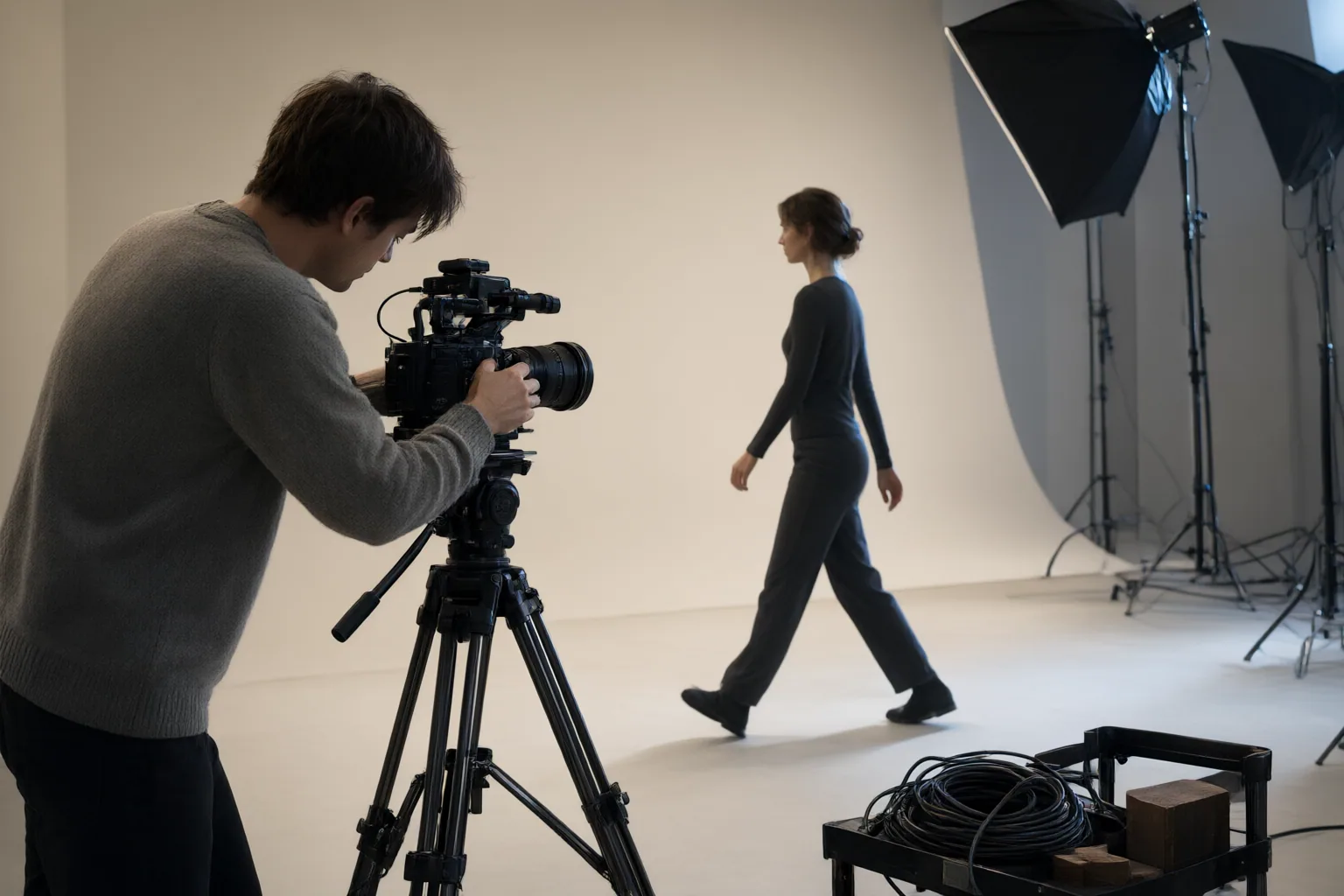
Begin with a short clip containing a simple, clearly visible movement. Use that test before committing to spins, floor work, rapid action, longer choreography, or other demanding sequences.
Review the first generation closely. Compare its choreography and timing with the driving video, then inspect the hands, feet, and body orientation. Look for breaks in motion continuity and check whether recognizable character traits remain stable as the pose changes, including the face, clothing, proportions, and overall visual style.
If the result becomes unstable, examine the inputs before extending the sequence. Possible complications identified in the supplied guides include occlusion, motion blur, rapid cuts, camera movement, mismatched framing, and limbs or the performer leaving the frame. These are workflow cautions from vendor pages and general guides, not independently verified performance benchmarks. Tool behavior may also vary by implementation, so a successful or unsuccessful test should not be generalized across every motion-transfer system.
Conclusion
Use a simple sequence of decisions: confirm permission for both inputs, select a clearly visible character and performer, compare their starting composition, and generate a short movement test. Inspect that first result for timing, continuity, body details, and stable character traits before increasing complexity or duration. As your next step, prepare one uncomplicated test clip and review the output frame by frame.
Disclosures and limitations
- This article was prepared with AI assistance from the supplied vendor pages and general guides. Tool-specific behavior was documented in the provided source material as of October 4, 2026, and was not independently benchmarked.
- No products, prices, ratings, or affiliate recommendations are included. If commercial links are added later, any affiliate relationship should be disclosed clearly.
Sources
- AI Motion Transfer: Make a Character Copy a Video — pixone.ai
- Motion Transfer AI: A Practical Guide to Animating Characters from Reference Videos — The Dipper Magazine
- AI Motion Transfer — Copy Motion From One Video To Another — kapwing.com
- Motion Transfer AI: Put Any Video's Moves on Your Character | Blog | Motion Control AI — Motion Control AI
- AI Motion Transfer — Any Motion, Any Character, in Minutes — AI Motion Transfer
Improve this guide
Report a problem or suggest the next question
Submissions enter a private editorial queue. They are reviewed and deduplicated before any public update or new page is created.