
Start with the destination’s audio specification, configure the export to match it, and then inspect the encoded test file. Timeline playback alone cannot confirm that the delivered file has the intended sample rate, streams, and channel routing.
Define the Audio Requirements Before Export
Record the destination’s required audio codec, sample rate, bit depth, bitrate, and channel arrangement before rendering. These requirements belong to the delivery service, so do not treat one platform’s settings as universal.
Filmhub, for example, requires PCM audio to have a sample rate of at least 48 kHz and a bit depth of at least 16-bit. It recommends PCM for ProRes or DNxHD/HR exports and 320 kbps AAC for H.264 or H.265 exports. Its accepted arrangements include one two-channel stereo stream, separate single-channel left and right streams, one six-channel 5.1 stream, or one eight-channel 7.1 stream.
Use the actual destination specification to create a short checklist for the planned deliverable. This gives you a defined target for both the export settings and the inspection of the resulting file.
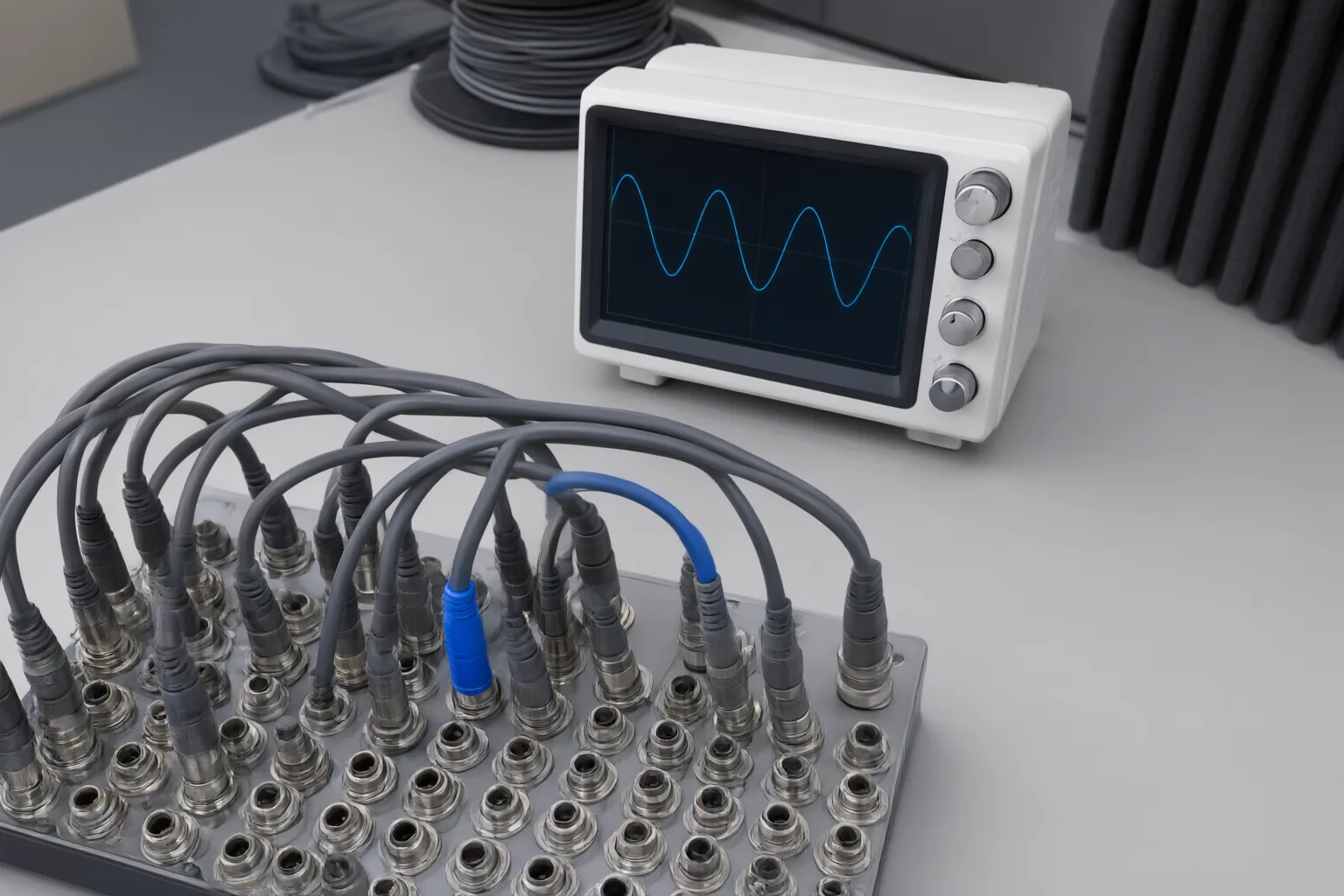
Check Sample Rate, Streams, and Channel Layout
Before exporting, compare the planned audio configuration with the destination checklist:
- Confirm that the codec, sample rate, bit depth, and, when applicable, bitrate meet the stated requirements.
- Determine whether the program must be mono, stereo, 5.1, or 7.1.
- Check how many audio streams the file should contain and how many channels belong in each stream.
- Verify the required channel order instead of assuming that the displayed labels establish it.
These distinctions matter. A destination expecting stereo may reject or mishandle mono audio. A six-channel 5.1 program stored as six separate single-channel streams may not satisfy a requirement for one six-channel stream. Multiple streams can also leave the intended stereo track unclear.
Channel names are not a dependable shortcut. MediaArea explains that audio formats and vendors use different naming methods; its cross-format mapping to common MediaInfo names is explicitly described as unofficial. Treat displayed labels as evidence to compare with the destination specification, not as proof that the order is correct.

Inspect the Encoded File and Test Every Variant
Create a test export, then open the encoded file independently of the editing timeline. Review it at normal speed with sound on and again with sound off, and inspect its actual audio channels. A successful render or correct timeline playback does not establish that the encoded deliverable is correct; an exported file can still contain an unintended muted channel or another delivery error.
Repeat this process for every variant rather than assuming that versions produced from the same project share identical audio properties. Confirm that each file matches the required stream count, channels per stream, and intended channel order.
Give custom routing additional attention. A mapping can duplicate an input, leave an output silent, or place audio in the wrong target position. The Audio Channel Layout Mapper can display input-to-output gain, polarity, and delay and can generate FFmpeg pan-filter text, but it does not execute that text and warns users to verify the target channel order. Use mapping information as an analysis aid, then validate the resulting encoded file through both inspection and playback.
Conclusion
Use the same sequence for every deliverable: record the destination requirements, match the export settings, verify the stream structure and channel mapping, and inspect the encoded result. Account for differences in channel naming instead of inferring order from labels alone. Then repeat the check for every separate export variant.
Before submitting a final video, make a short test export and compare its audio properties and playback with the destination specification. Correct any sample-rate, stream, channel-order, or routing mismatch before producing the final files.
Disclosures and limitations
- This article was prepared with AI assistance using only the supplied research package and its identified sources.
- No product recommendation or affiliate relationship is presented; destination requirements should be verified against the receiving service’s current specification.
Sources
- Audio Channel Layout Mapper — Virtual Tools — Virtual Tools
- Audio Codec and Channel Layout: Requirements and Fixes — help.filmhub.com
- AI video export checklist and delivery acceptance matrix — aicraft.academy
- Audio Channel Layout — mediaarea.net
Improve this guide
Report a problem or suggest the next question
Submissions enter a private editorial queue. They are reviewed and deduplicated before any public update or new page is created.