
Scene-referred color describes scene values before final output rendering, while display-referred color has already been shaped for a particular display and viewing conditions. The distinction matters because the stage at which an AI-assisted edit occurs can affect the information and editing latitude available to it.
Scene-Referred and Display-Referred Color: The Core Difference
A scene-referred image represents the colors of a photographed or virtual scene relative to one another. It is not yet a finished picture optimized for a particular reproduction medium. This approach allows material from different capture sources to be placed into a common encoding for compositing and shared color rendering before the final destination is chosen.
Display-referred values describe an image that has already been shaped for a particular display and its viewing conditions. “Output-referred” is the broader term because the target could be another reproduction medium rather than a display.
Both models may use bounded RGB data, but their boundaries differ in the cited explanation: display-referred RGB is bounded by luminance and chromaticity, whereas scene-referred RGB is bounded only by chromaticity. Consequently, a scene-referred value above 1 is not, by itself, proof that the corresponding scene information has been clipped.
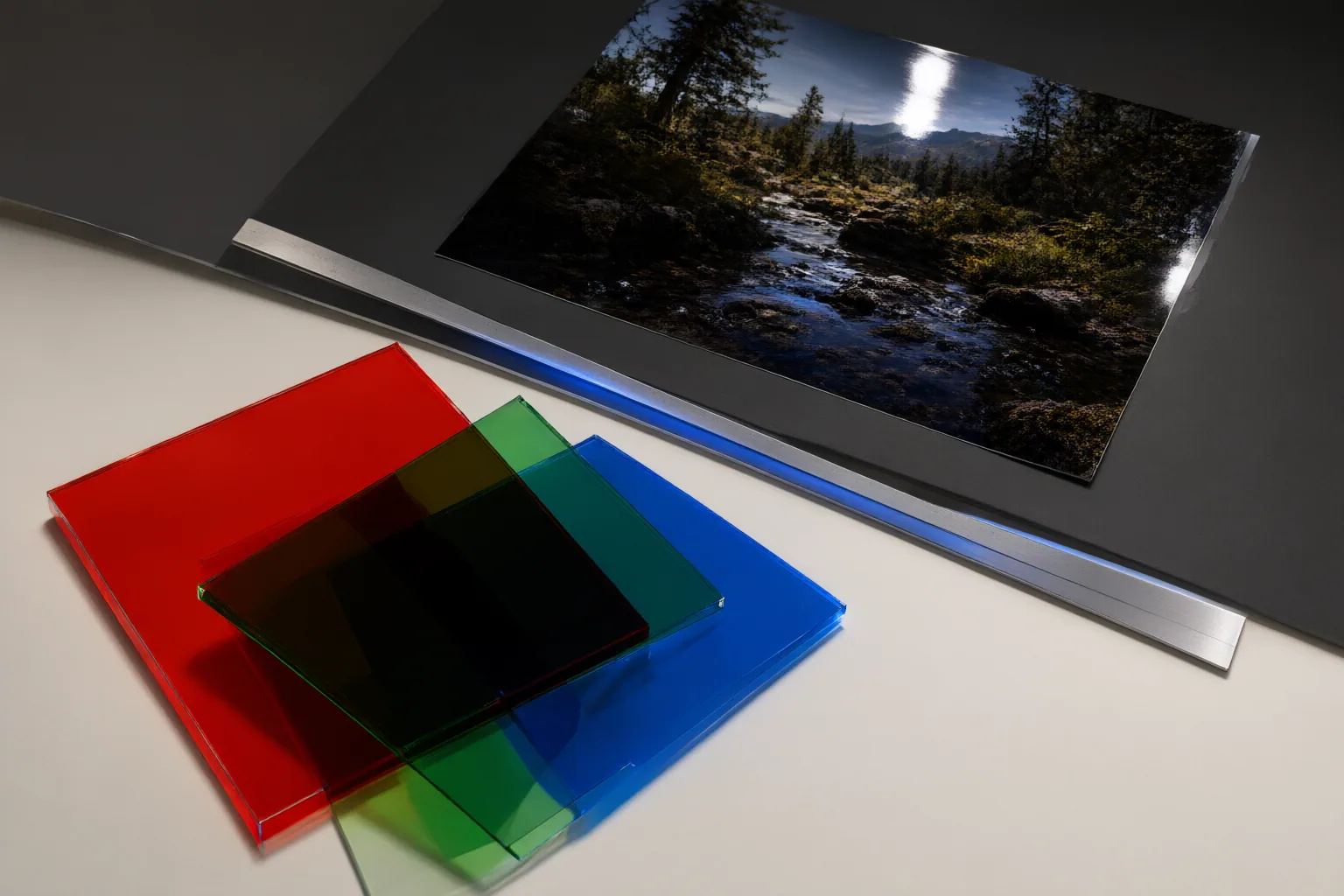
Where the Difference Changes an Editing Workflow
In the described RAW workflow, scene-referred pixel values remain proportional to captured light until a view transform maps them to the display. A display-referred workflow performs conversion and compression into a display-adapted range earlier. Delaying that output rendering can retain more latitude for later processing, while rendering early commits the image sooner to an output range and appearance.
This timing becomes important around highlights and colors that the target medium cannot reproduce directly. If distinctions are discarded during rendering, decoding the resulting display-prepared image into linear values cannot reconstruct the missing information. Bright values in a scene-referred image may therefore remain distinct before the output transform even when a preview makes them appear clipped.
For compositing, a scene-referred exchange can bring different capture sources into a common encoding without first specifying the final reproduction medium. A scene-referred VFX pipeline can similarly retain underlying media in a common wide-gamut working space, then apply display transforms, looks, or delivery treatments when the material is viewed or delivered.
What to Check Before an AI-Assisted Edit
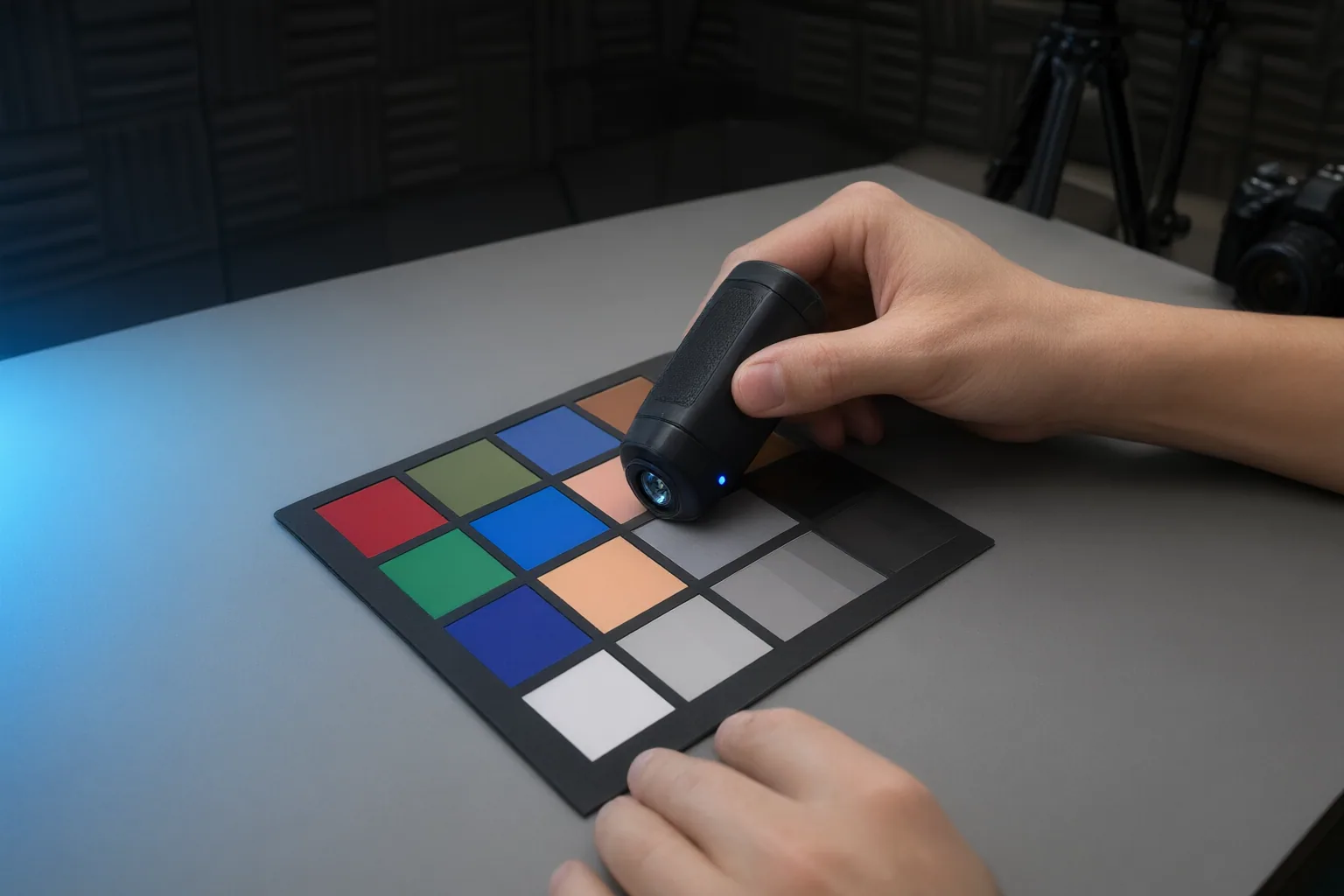
Before applying an AI-assisted operation, inspect the pipeline rather than relying on the operation’s name or the image’s appearance:
- Determine whether an output rendering or view transform has already been applied.
- Identify whether the operation runs before or after the nonlinear output transform. The same kind of edit can produce different results on opposite sides of that transform.
- Verify the working color space, metadata, LUTs, and input, view, and output transforms. Incorrect settings can make results inconsistent.
- Do not infer the image’s reference state from its file extension or from labels such as Rec.709, wide-gamut, Linear, or Log alone. Processing history and prior output rendering also matter.
- Do not treat “scene-linear” and “scene-referred” as synonyms. Linear describes a mathematical relationship to light; scene-referred describes what the values refer to.
- Do not assume that a value above 1 proves clipping. Scene-referred values can exceed 1 and remain distinct before output rendering.
The available evidence does not establish whether any particular AI photo tool preserves scene-referred data. A tool-specific conclusion would require separate verification of where that tool operates and which transforms it applies.
Conclusion
Scene-referred and display-referred color identify different stages of an image pipeline. A scene-referred workflow delays final output rendering and can preserve more latitude for later processing. A display-referred image has already been shaped for reproduction, and information discarded during that rendering cannot be recovered simply by converting the image back to linear values.
Before your next edit, identify whether output rendering has already occurred. Then verify the working color space, metadata, LUTs, and transform settings before placing an AI-assisted operation in the pipeline.
Disclosures and limitations
- This article was prepared with AI assistance from the supplied research package and attributes its material claims through the listed source IDs. No product recommendations, prices, rankings, affiliate offers, or claims about specific AI tools are included.
Sources
- BlockReel | Where Independent Films Get Funded, Made & Seen — BlockReel
- Display-referred, scene-referred — ninedegreesbelow.com
- Scene-Referred Workflow — Color Management Guide
- Lift Gamma Gain – Colorist & Color Grading Forum — Lift Gamma Gain – Colorist & Color Grading Forum
- Scene Referred vs Display Referred color workflows for VFX pipelines — pIXELsHAM
- Scene Referred color calibrated workflow doc | Imaging Working Group — culturalheritage.org
- 2.1. Display Referred vs. Scene Referred – Brylka – TooDee – PanicPost — toodee.de
- Creating scene-referred images using Photoshop | Profile Library — registry.color.org
- Scene-referred and display-referred explained — colour science for video — videomontazher.com
Improve this guide
Report a problem or suggest the next question
Submissions enter a private editorial queue. They are reviewed and deduplicated before any public update or new page is created.