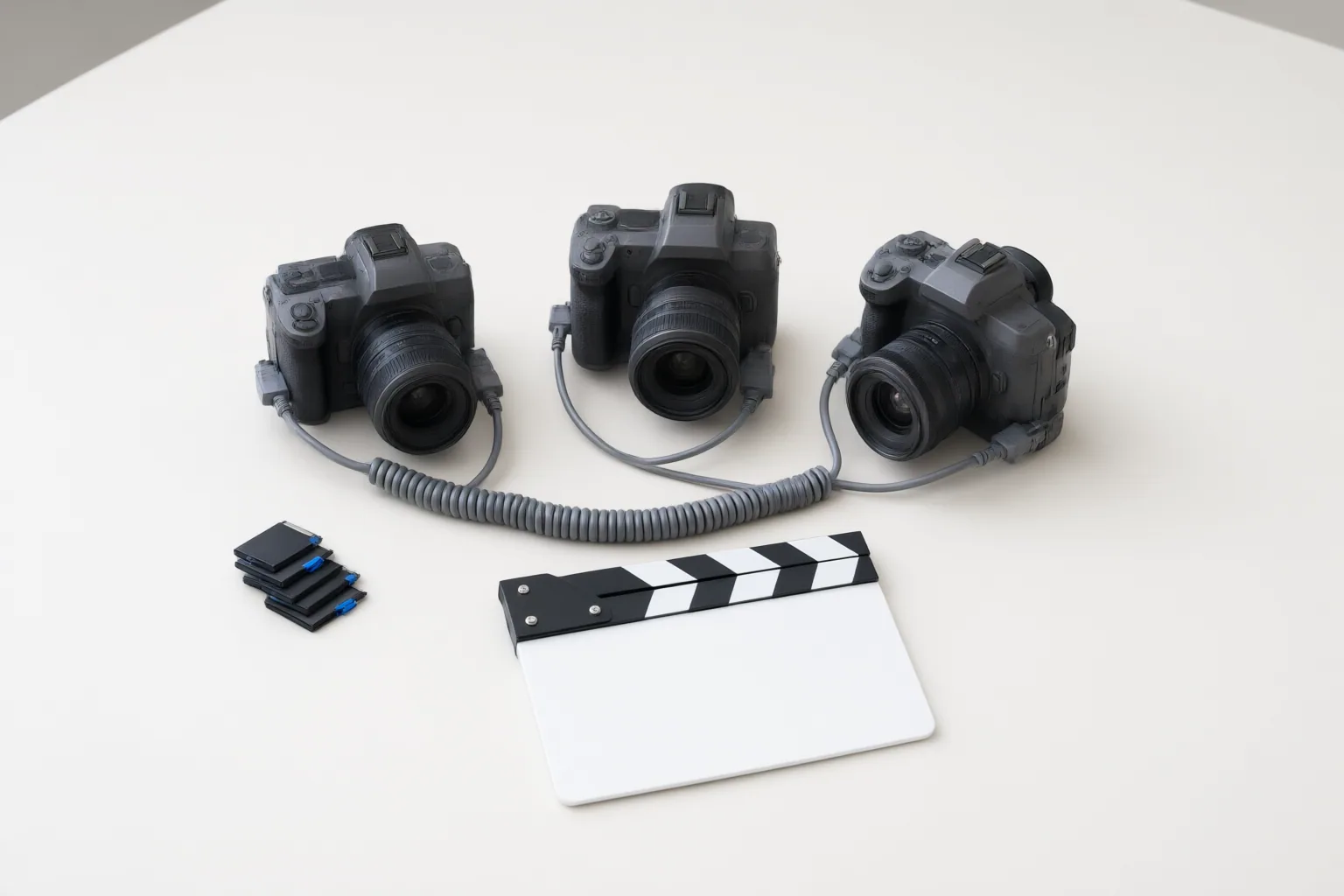
Before sending multicamera footage into an AI-assisted editing workflow, confirm that every device used compatible frame-rate and timecode settings, inspect the recorded metadata, and test visible synchronization cues at several points across the timeline. A correct-looking opening alone does not rule out later drift.
Confirm the Capture Setup Before Reviewing Footage
Start by documenting the capture configuration for every camera and external recording system. Move AI’s Genesis guidance says these devices should be synchronized to the same master timecode clock, with each camera’s project frame rate matching the timecode source’s frame rate. StrongMocha likewise advises checking frame-rate and timecode settings across devices to reduce drift.
Do not assume that an initial jam sync remained intact throughout the shoot. Battery changes and other interruptions can undermine synchronization if affected devices are not synchronized again. Record any interruption alongside the relevant camera and clip so the editor knows where closer inspection may be necessary. Consistent settings establish the basis for alignment, but the recorded footage still needs verification.
Inspect Timecode Metadata in the Recorded Files
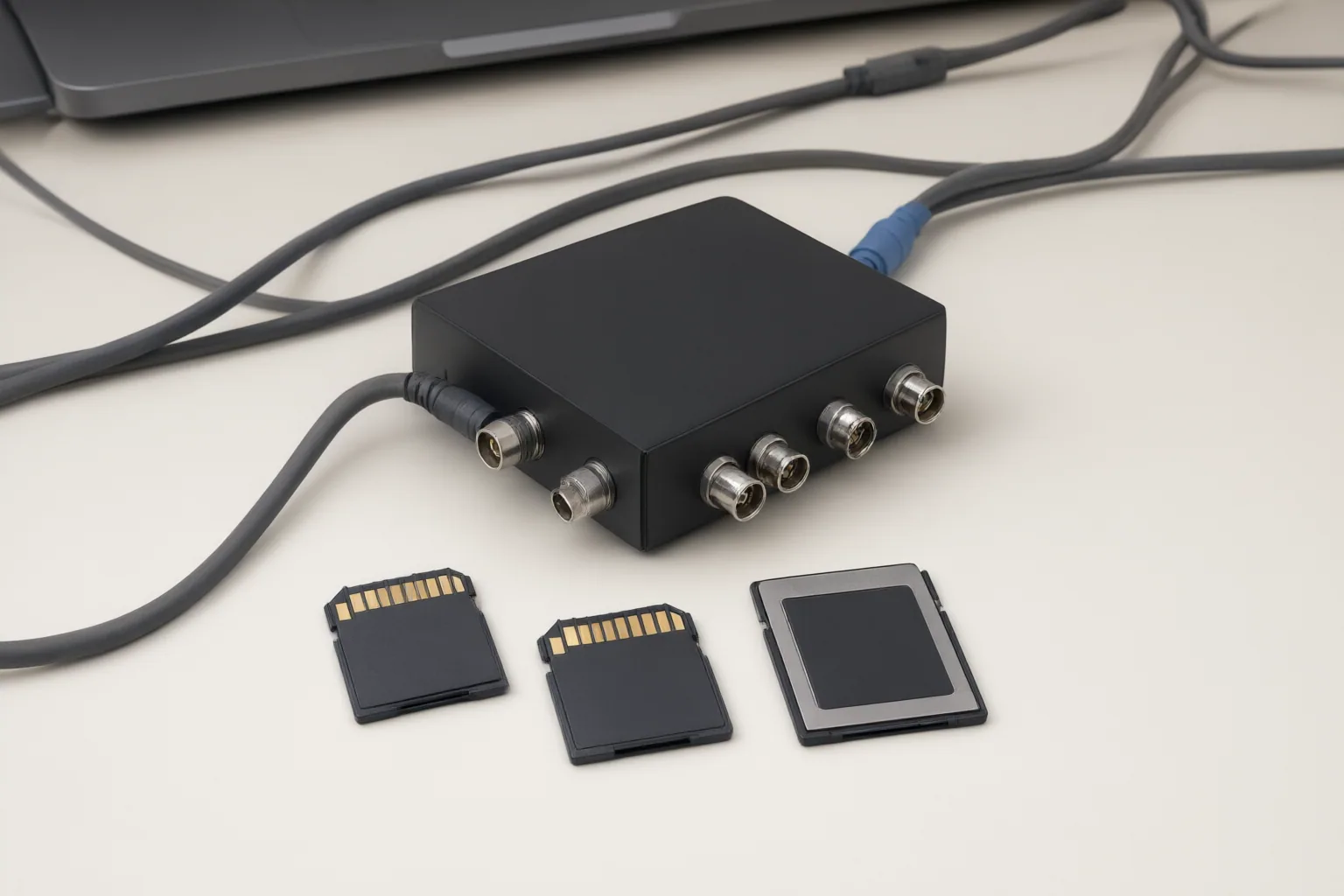
Before relying on automated alignment, check that each recorded file contains readable timecode metadata. Move AI documents an ffprobe-based inspection approach for examining this metadata and says Genesis Post expects timecode in hours:minutes:seconds:frames form, such as 08:48:44:10.
Review representative files from every recording device, including files created after a battery change or interruption. Confirm that the timecode is present, readable, and consistent with the documented capture setup. Metadata handling and supported fields can vary by application and software version, so compare the inspection process with the documentation for the installed release. A readable value is useful evidence, but it does not replace checking whether the pictures remain synchronized across the full recording.
Test Alignment and Drift Across the Timeline
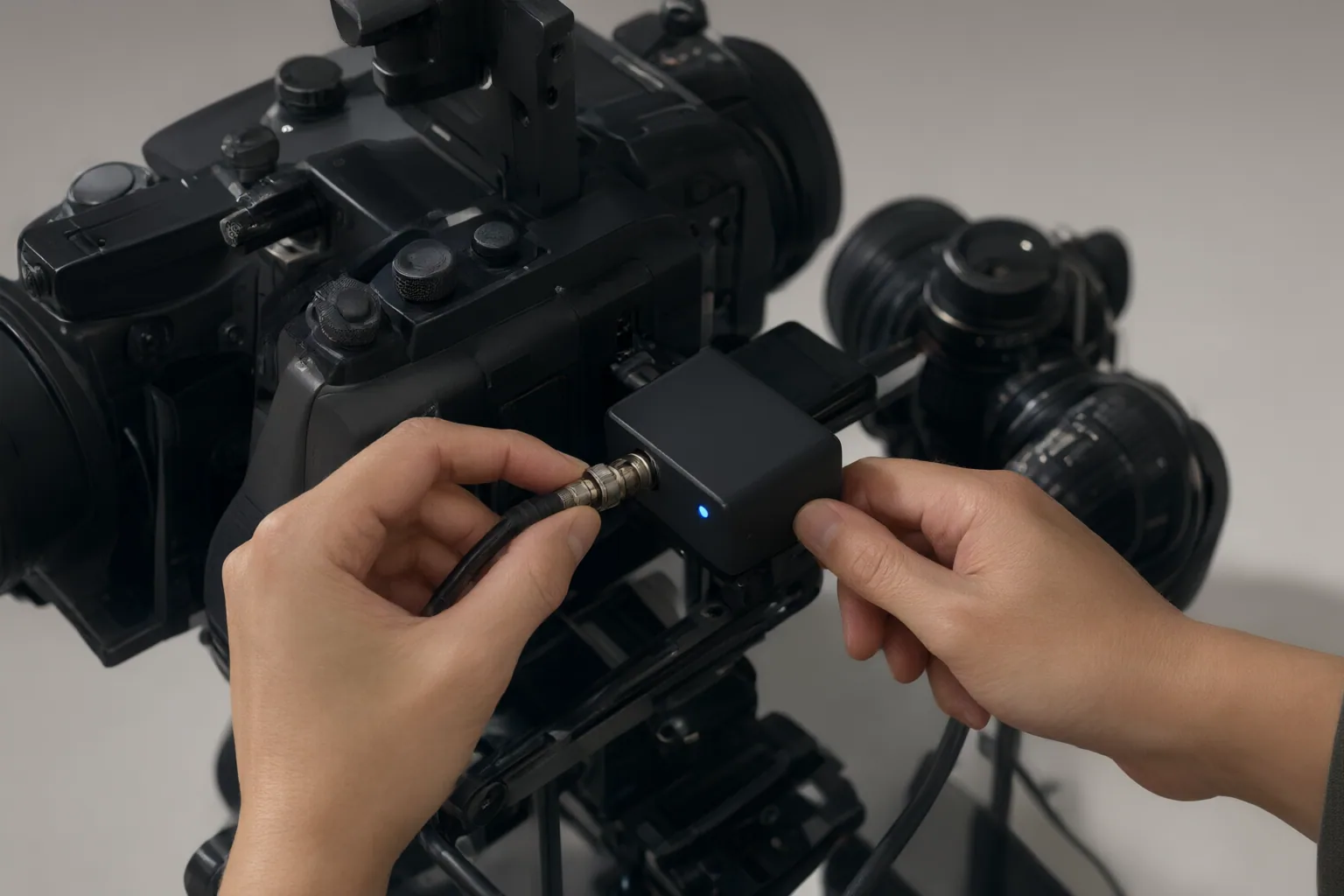
Open the resulting multicamera source sequence and inspect a clear visible cue near the beginning, middle, and end. Suitable cues may include a distinct movement, an equipment action, or a lighting change that appears across the relevant camera angles. Cevylo recommends this multi-point review because clips that align near the start can drift during a long recording.
Apply the same scrutiny to automatic audio-waveform synchronization. A repeated beat, chorus, or musical passage can produce a plausible match at the wrong position. Confirm the proposed placement against a visible action, then compare another cue later in the clip. Audio matching may also be unreliable when a camera has no audio, the recording is too quiet or noisy, clips are unusually long, or the sound has been heavily processed.
If alignment deteriorates between the opening and later checkpoints, treat the sequence as unverified rather than allowing an automated or AI-assisted editor to build on the mismatch. Recheck frame-rate and timecode settings, identify any capture interruption, and correct the synchronization before editorial automation begins.
Conclusion
A reliable pre-edit check follows a clear sequence: document matching frame-rate and timecode settings, confirm that the recorded files contain readable metadata, and inspect synchronization at multiple positions on the timeline. This combines capture-side evidence with an editorial check for drift.
When usable shared timecode is unavailable, the cited Premiere workflow describes audio waveforms or shared visual markers as fallback alignment methods. These alternatives still require visual confirmation, especially when audio is weak, processed, or repetitive. Before starting AI-assisted editing, verify a clear cue near the beginning, middle, and end of the multicamera sequence and resolve any mismatch you find.
Disclosures and limitations
- This article was prepared with AI assistance from the supplied research package and attributes its technical guidance to Move AI, Cevylo, and StrongMocha; the claims were not independently tested.
- No products are recommended and no affiliate relationship is asserted. Any future commercial recommendation should disclose relevant affiliate relationships and independently verify capabilities, prices, and software-version behavior.
Sources
- AI Timecode Calculator: Precise Editing Formulas for Multi-Camera — reelmind.ai
- Multi-Camera Editing in Premiere Pro CC: A Precise, Frame-Accurate Workflow — frameandfocal.com
- Timecode Sync Basics: What No One Told You (Cameras, Photo & Video Guide) – StrongMocha News Group — StrongMocha News Group
- Sync Multicam Footage in Premiere Pro: Audio & Timecode · Cevylo — Cevylo
- Using Timecode Synchronisation — docs.move.ai
Improve this guide
Report a problem or suggest the next question
Submissions enter a private editorial queue. They are reviewed and deduplicated before any public update or new page is created.