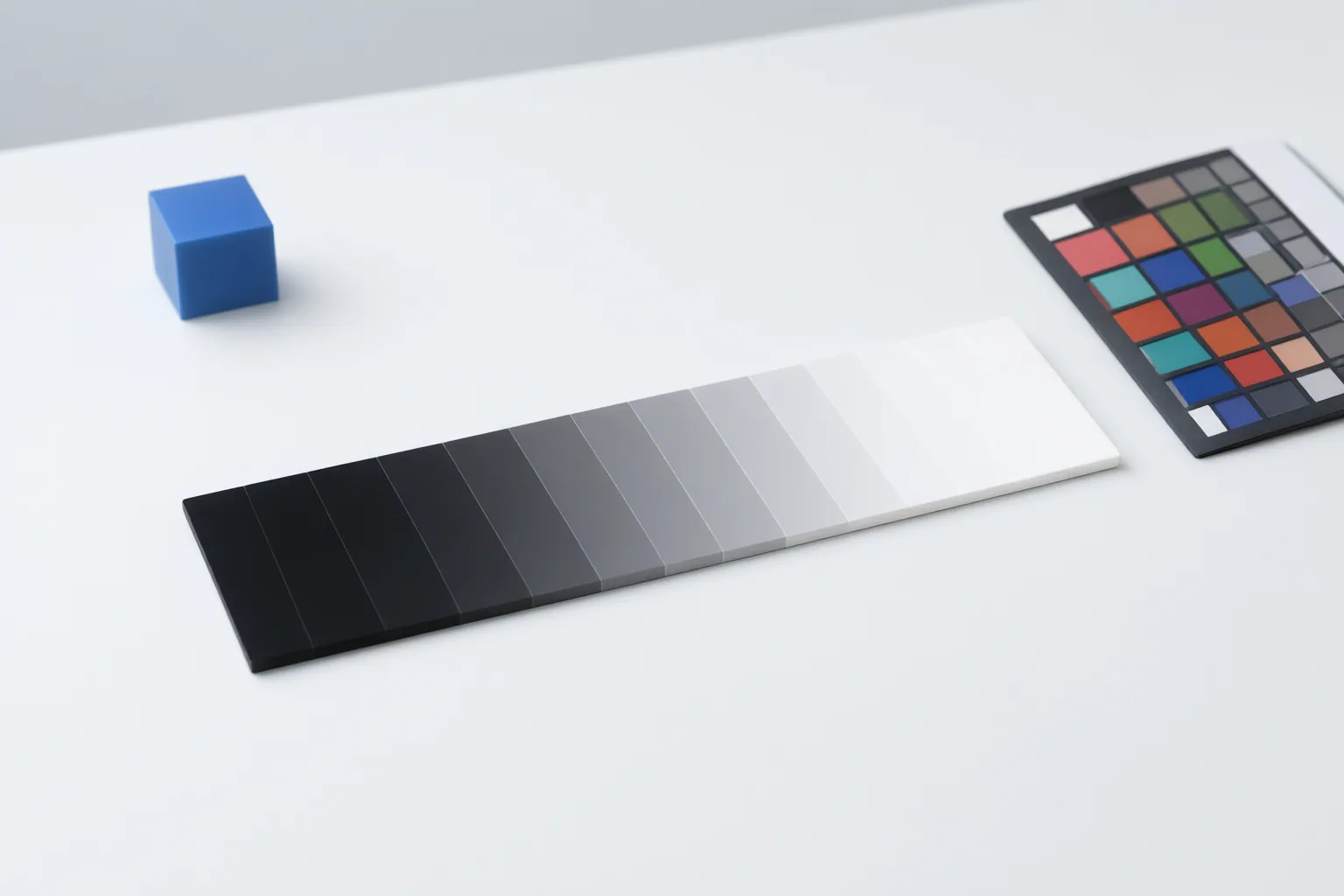
Full range and legal range are different mappings of video code values, not competing measures of image quality. In an AI-assisted workflow, reliable results depend on aligning the footage, metadata, software interpretation, conversion, export tags, and playback path.
What Full Range and Legal Range Mean
For common 8-bit video, full range spans code values 0–255. Limited range, also called legal, studio, narrow, or TV range, places nominal luma black at 16 and nominal white at 235. In common 10-bit limited-range video, nominal luma runs from 64 to 940, while limited-range chroma commonly runs from 64 to 960. Interfaces may also use terms such as data or PC range for full range, but labels can describe different operations in different contexts.
Signal range is separate from color gamut and HDR status. Rec.709 footage can be either full or limited range, so a Rec.709 tag alone does not settle the question. Full range is not inherently wider-gamut, HDR, or higher quality. Values below nominal black or above nominal white may represent footroom or headroom; their presence alone does not determine whether footage is usable or meets a delivery specification.
How Range Mismatches Damage an AI Video Workflow
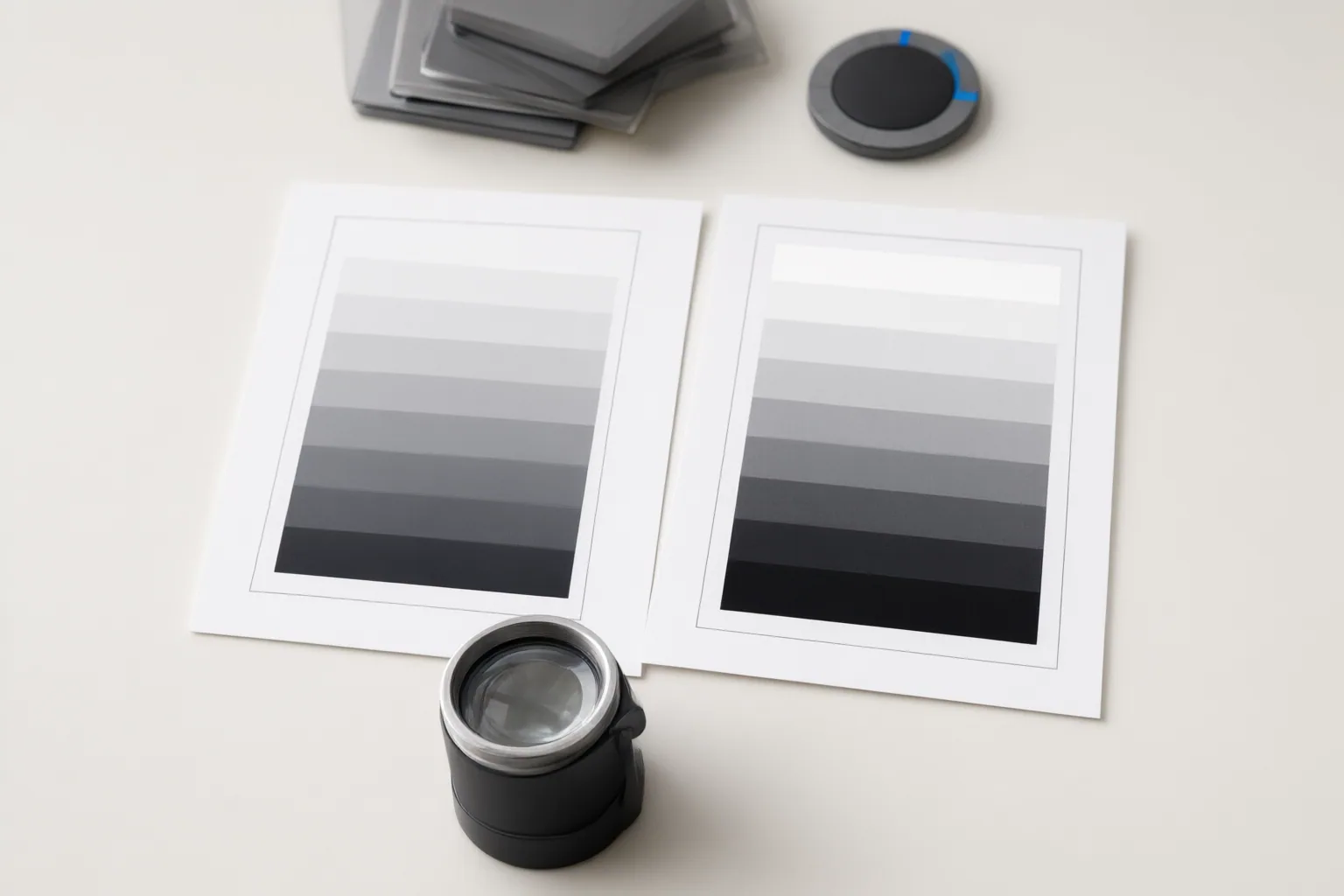
AI-generated RGB footage may contain full-range values while carrying Rec.709-related tags. If the encoded values, metadata, editing software, export settings, and display path disagree about the range, the visible result can change between applications. Limited-range material interpreted as full range can show lifted blacks and weak highlights. Full-range material interpreted as limited can produce crushed blacks or clipped highlights, making the picture appear overly contrasty.
The distinction between assignment and conversion is critical. Assigning a range tells software how to interpret the code values already present. Converting a range changes those values so the intended appearance can be preserved under a different mapping. Confusing these operations can create a mismatch, while converting more than once can repeatedly compress or expand the signal, causing dim whites, lifted blacks, crushing, or clipping. Editors receiving an AI-generated clip therefore need a clear handoff stating whether it is full-range RGB or has already been transformed for legal-range Rec.709 delivery.
How to Inspect and Process Footage Before Delivery
Use an evidence-based check instead of judging the picture in a single player:
- Establish the source’s intended range from the available handoff information.
- Inspect the file metadata, but do not treat its label as conclusive by itself.
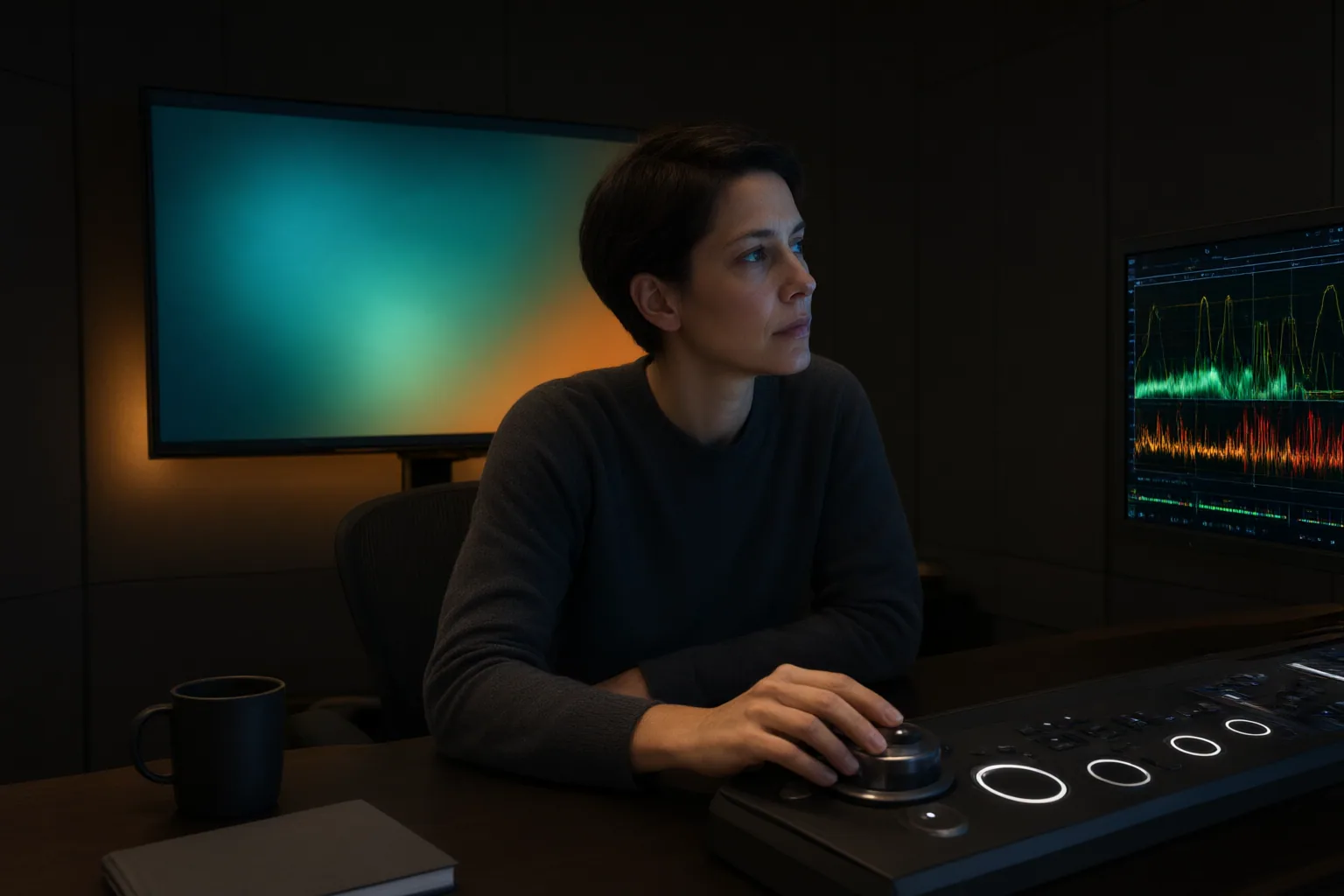
- Examine the signal on a waveform to compare the encoded levels with the expected mapping.
- When the result remains uncertain, use a suitable test pattern to reveal clipping below black or above white.
- Assign the interpretation that matches the actual source before grading.
- For an SDR Rec.709 delivery workflow, grade before applying any required final legal-range transform.
- Perform that conversion once, then export with range tags that match the encoded values.
Headroom or footroom should be evaluated in context rather than automatically clipped or treated as proof of noncompliance. Likewise, a limited-range flag does not establish complete broadcast compliance: other requirements can involve luma, chroma, gamut, and excursion limits. Check the complete delivery specification separately.
Conclusion
There is no universally superior range for every workflow. The practical goal is end-to-end agreement: interpret the source correctly, monitor its levels, convert only when the destination requires it, and keep the encoded values and export tags aligned. Remember that a limited-range designation alone does not guarantee broader broadcast compliance. Before processing or delivering your next clip, document its intended range, compare its metadata with a waveform, test the relevant playback path, and confirm that any required conversion occurs only once.
Disclosures and limitations
- This article was prepared with AI assistance and is based only on the supplied research sources. Claims should be checked against the requirements of the intended editing, playback, and delivery pipeline.
- No products are recommended here, and no affiliate relationship informed this guidance.
Sources
- Legal Range vs Full Range in Delivery | Versely — Versely
- Understanding Video Range vs. Full Range Levels — Portrait Displays
- Full vs Limited Video Range Explained — Joseph Nilo
- Full range & Legal Range for video in adobe Premire question | Community — community.adobe.com
- Legal/Video range or Full/Data range? — Cinematography.com
Improve this guide
Report a problem or suggest the next question
Submissions enter a private editorial queue. They are reviewed and deduplicated before any public update or new page is created.