
Optical flow retiming can make uneven AI-generated footage appear smoother by estimating motion and creating intermediate frames. Its success depends on the individual shot, so compare retiming methods and inspect faces, moving objects, backgrounds, and fine details before committing to a full edit.
What optical flow retiming changes in AI-generated footage
Optical-flow-guided processing estimates movement between neighboring frames, warps those frames, and generates intermediate images. This can reduce perceived flicker and make motion in temporally inconsistent AI-generated footage look smoother.
Before retiming, identify the type of defect you are trying to correct. Generative flicker originates during AI inference, while compression flicker is introduced by codec encoding. The cited guidance treats them as different problems requiring different remedies, so interpolation should not be assumed to correct every form of instability. If a clip changes faces, objects, or background details from frame to frame, optical flow is working from already inconsistent visual information.
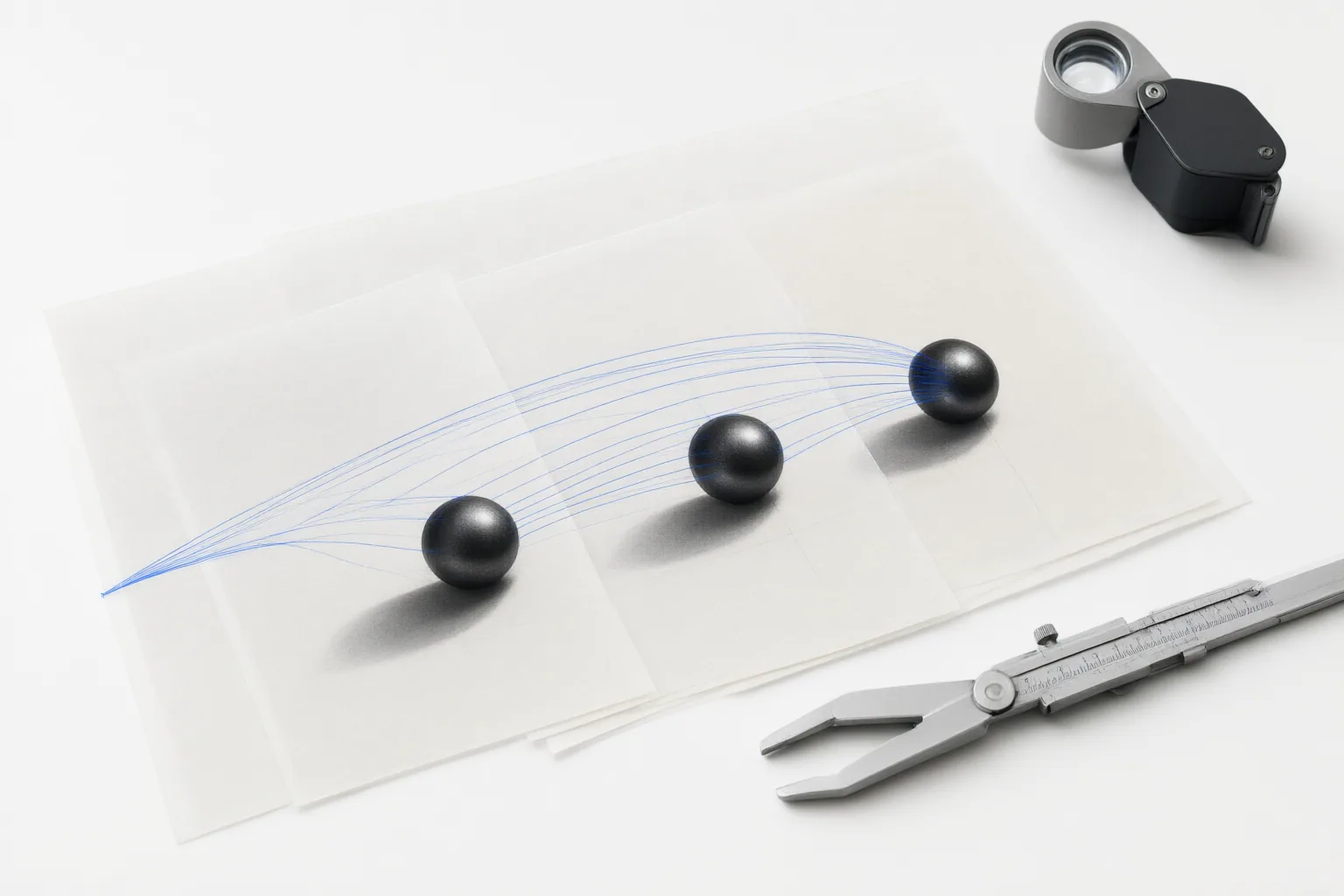
Warning signs that invented frames are breaking down
Review the result during playback and one frame at a time. Warning signs supported by the supplied material include shimmering objects, morphing faces, pulsing backgrounds, and fine details that change across frames. A clip can appear sharp in individual stills while these problems become obvious in motion.
Pay particular attention to areas where subjects, backgrounds, or details change rapidly. If the generated intermediates make those regions less stable, the retiming method is not helping that shot. The sources establish that motion estimation is shot-dependent, but they do not document the exact mechanism of occlusion artifacts. It is therefore safer to describe visible breakdowns than to assign every defect to occlusion without further evidence.
How to decide whether optical flow is the right retiming method
First determine whether new frames are necessary. High-frame-rate source footage may already provide clean slow motion. The cited Resolve guidance recommends calculating the timeline frame rate divided by the source frame rate to assess the slowdown available from existing frames.
When Resolve must invent frames, test the actual shot with Frame Blend and Optical Flow rather than choosing a method globally. Keep the timing and viewing conditions consistent, then compare moving subjects, faces, backgrounds, and fine texture at normal playback speed and frame by frame. Favor the version with the least distracting instability.
Motion quality is configured separately under Inspector > Retime and Scaling. The cited guide also identifies Speed Warp as a Studio-only motion-estimation mode and warns that it cannot rescue every shot. A more advanced setting is therefore not evidence that a difficult clip will retime cleanly.
Conclusion
Optical flow may smooth temporally inconsistent AI-generated footage by estimating movement and inventing intermediate frames, but its results must be judged shot by shot. Existing generative instability can remain visible or become more distracting after interpolation, and compression flicker may require a different remedy.
Render a short section with no generated frames, Frame Blend, and Optical Flow. Inspect motion boundaries, faces, backgrounds, and fine details at normal speed and frame by frame, then keep the least artifact-prone method before applying it to the full edit.
Disclosures and limitations
- This article was prepared with AI assistance and is based only on the supplied research sources. Claims about the exact mechanism of occlusion artifacts were limited because the supplied sources did not explicitly document it.
- Product and software references are informational, not endorsements; no affiliate recommendation is made in this article.
Sources
- Fix AI Video Flickering and Temporal Inconsistencies in 20 Minutes | Markaicode — Markaicode
- How to Change Clip Speed in DaVinci Resolve (2026) — DaVinci Resolve Club: Tutorials, Fixes & Workflow Guides
Improve this guide
Report a problem or suggest the next question
Submissions enter a private editorial queue. They are reviewed and deduplicated before any public update or new page is created.