
Compare storyboard-to-video AI tools by the draft your next production step requires, then evaluate control, consistency, editability, audio, collaboration, export options, and post-production fit using the same representative sequence.
Start with the video draft you actually need
Begin by defining the deliverable, because “storyboard to video” can describe several different workflows. A timed animatic arranges storyboard panels at defined durations and may add rough voiceover, temporary music, and basic sound effects. Its main value is revealing whether shots linger too long or pass too quickly before production begins.
A frame-to-video workflow instead takes individual panels, applies requested motion or camera behavior, and produces short clips for later assembly. Other systems interpret storyboard sequences as scenes, while script-driven systems can derive scene breakdowns, suggested visuals, overlays, transitions, and voiceover suggestions from prompts, scripts, URLs, product copy, or briefs. Some tools emphasize an editable timeline or a more finished draft. Compare these outputs as distinct production paths, not interchangeable features.
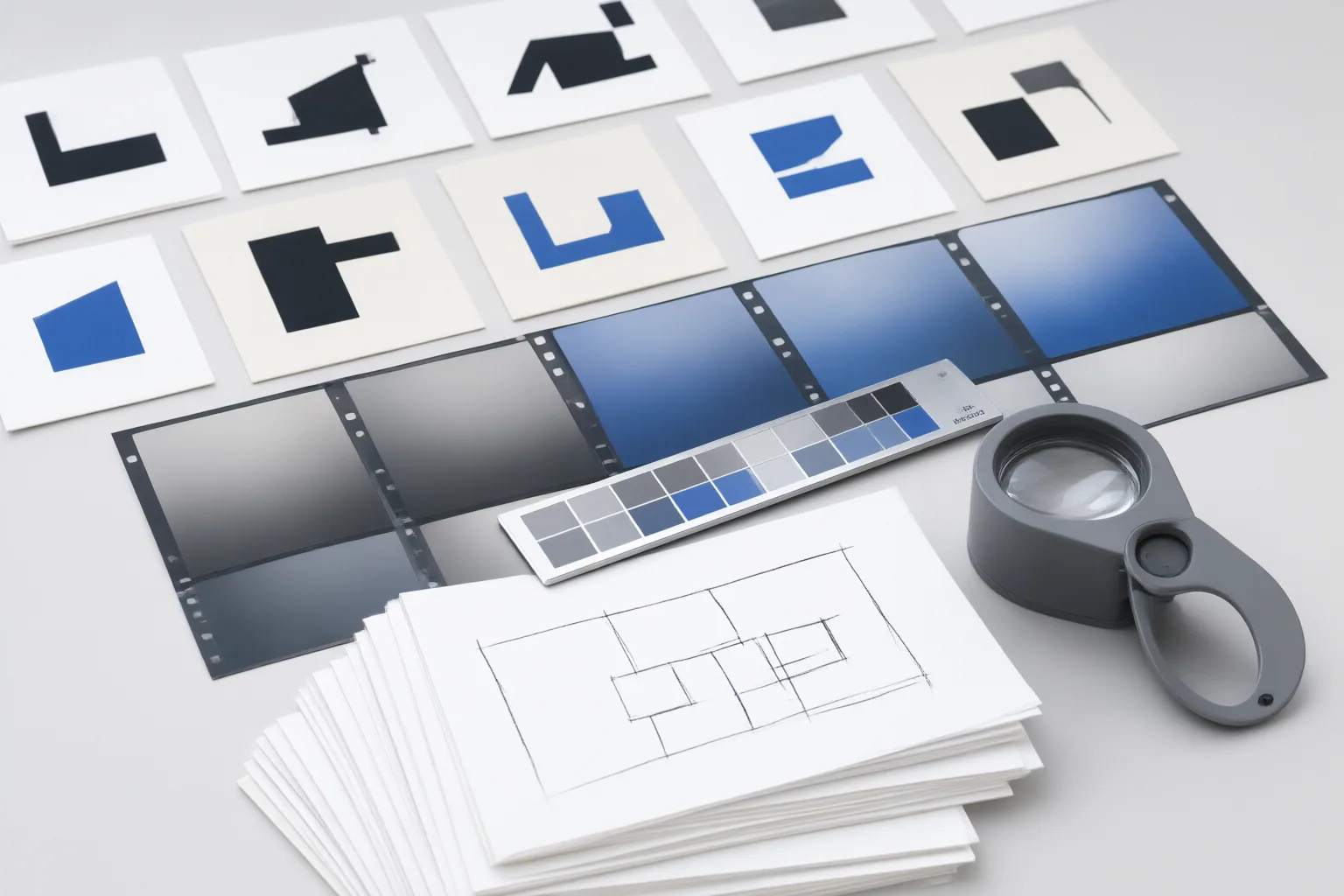
Compare control, consistency, and editability
Build a shortlist around the controls that affect your work. The supplied guides suggest examining script understanding, scene and narrative structure, pacing, visual quality, motion support, customization, export options, and generation speed. If precise direction matters, check how specifically you can describe camera angles, shot sizes, lighting, action, and camera movement. Faster automated interpretation may offer less control, while generated motion can require repeated attempts to match the intended result.
Consistency deserves a separate test. Independently generated clips can drift in faces, clothing, proportions, and other character details. Do not assume that strong individual frames will form a coherent sequence.
Also inspect what remains editable after generation. Can you reorder scenes, replace visuals, change pacing, rewrite overlays, or adjust voiceover timing? Consider collaboration and audio support where those affect review. Finally, confirm whether the export is a preview, separate clips, an editable timeline, or material that can enter your planned post-production workflow. These are comparison criteria reported by tool-publisher guides, not results from independent testing.
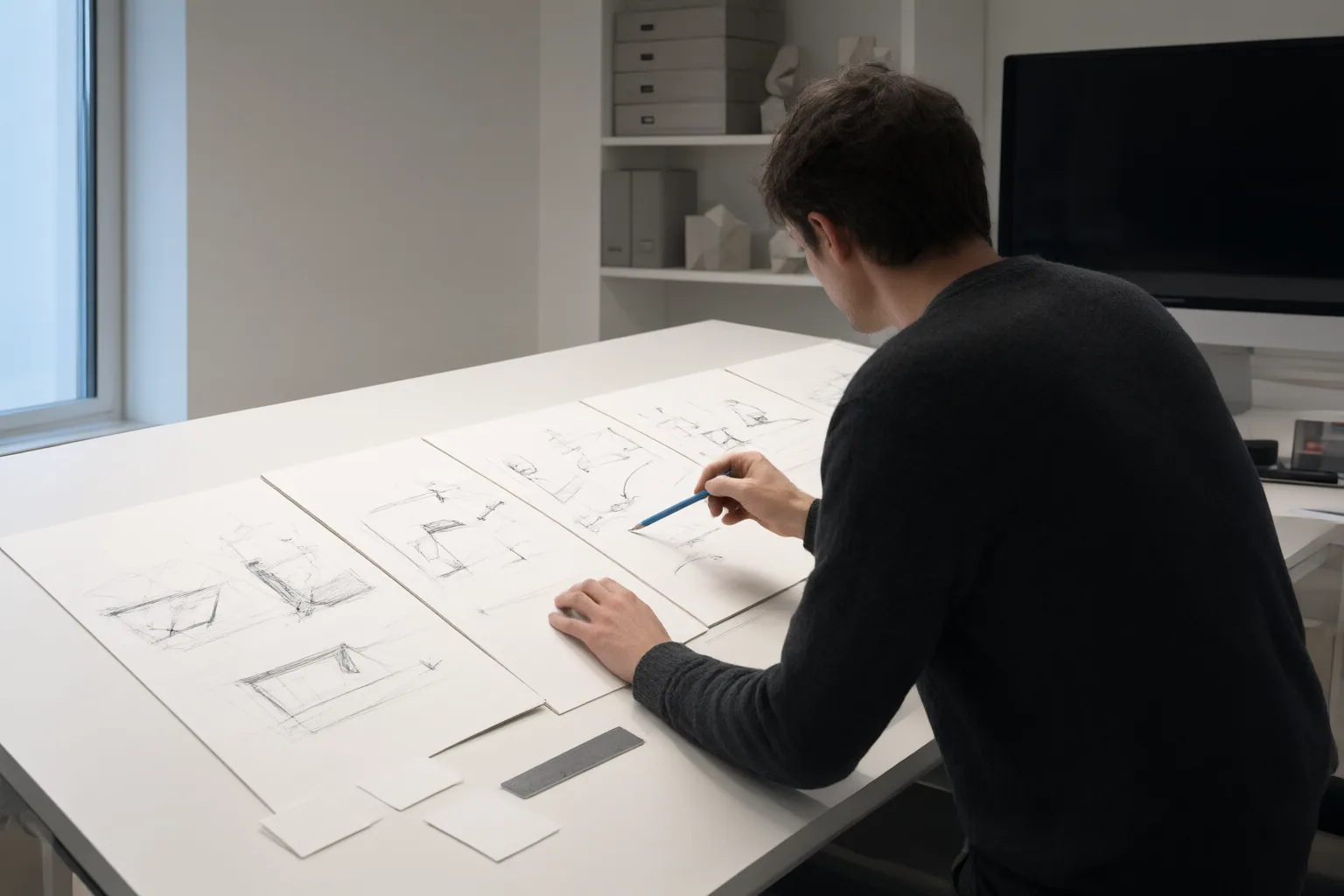
Test workflow fit with one representative sequence
Test every shortlisted tool with the same short sequence rather than comparing unrelated demonstrations. Choose panels that include a pacing decision, a recurring character, a clear action, and a camera instruction. Then assess:
- Whether panel durations make the intended rhythm understandable.
- Whether character appearance and scene continuity survive across shots.
- Whether motion and camera behavior follow the request predictably.
- How many revisions are needed to reach a usable draft.
- Whether reviewers can make or communicate required changes.
- Whether the output transfers cleanly into the intended next step.
This exercise can expose different kinds of friction. A static storyboard may hide pacing problems. Frame-generated motion may need multiple attempts. A rigid template may make feedback difficult to apply, while moving into separate video software may force a team to rebuild or reassemble work. Account for the remaining post-production tasks as well: clip assembly, sound work, color and effects, picture lock, and final export may still be required regardless of how the first draft was produced.
Conclusion
Choose according to workflow fit: prioritize timing when you need an animatic, controlled motion when generating from individual frames, or revision and handoff flexibility when an editable draft is essential. Define the required deliverable, run the same small storyboard test across shortlisted tools, and verify current capabilities and export options in official documentation before committing.
Disclosures and limitations
- This article was prepared with AI assistance using the supplied vendor and tool-publisher guides. It is not an independent hands-on test; rapidly changing capabilities and export options should be verified against current official documentation before a tool is selected.
- No products are ranked or recommended here, and no affiliate relationship is asserted. Any commercial or affiliate links added later should be clearly disclosed.
Sources
- Storyboard Tools That Render Video in 2026: 7 Alternatives | Luma — lumalabs.ai
- Storyboard to Video: The Complete Pipeline from Frames to Final Cut — drawstory.ai
- AI-Driven Video Storyboard Creation | Biteable — Biteable
- Best AI Storyboard Generators for Video Creators in 2026 — nemovideo.com
- Sketch to Video AI: 6 Best Tools Compared (2026) — Argil
Improve this guide
Report a problem or suggest the next question
Submissions enter a private editorial queue. They are reviewed and deduplicated before any public update or new page is created.