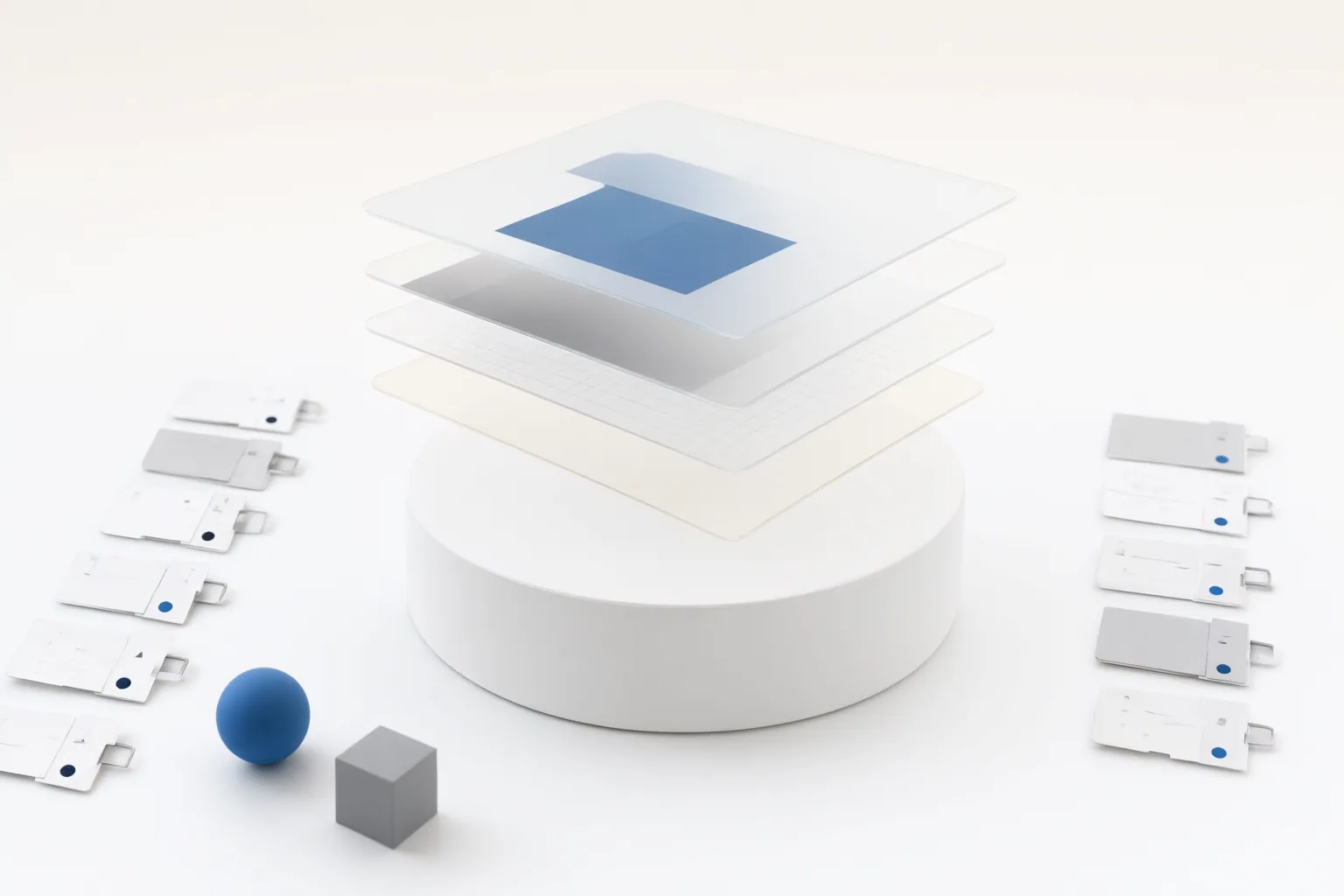
Compare more than an AI image tool’s undo button. Examine whether it preserves the original, keeps individual operations adjustable, restores revision history after reopening, supports alternative versions without duplicating source assets, and remains manageable when linked or cataloged files move.
What Nondestructive Editing Should Preserve
Nondestructive editing should preserve the underlying image while keeping changes separately adjustable. Established workflows illustrate several ways to achieve this: Photoshop uses mechanisms such as Smart Objects, Smart Filters, adjustment layers, and layer masks, while Lightroom stores editing instructions in a catalog instead of changing the original pixels. Exporting from Lightroom creates a new file with those instructions applied.
Do not treat “nondestructive” as an application-wide guarantee. The Photoshop material notes that some operations can require rasterization, meaning editability may vary from one operation to another within the same software. When assessing an AI image tool, check each important task separately: cropping, masking, transformations, generated changes, filters, and other adjustments. Ask whether the result remains editable or becomes permanently baked into pixels. If later modification matters, also examine whether the working format retains layers, masks, and adjustments rather than flattening them.
Test Whether Version History Survives the Full Workflow
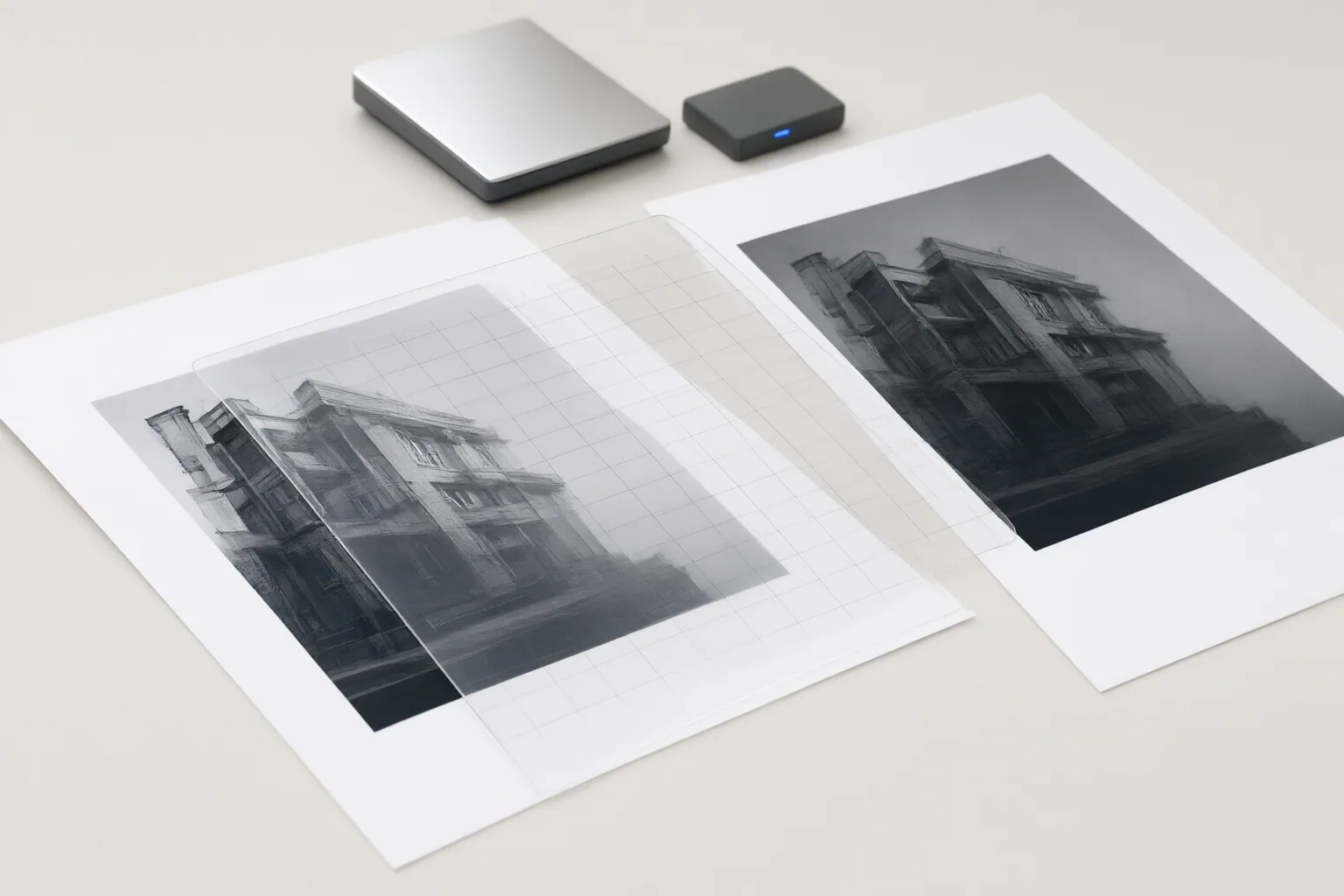
A visible history panel does not establish that revisions will remain available throughout a real project. Use a representative image, make several distinct edits, save the project, close the application, and reopen it. Then verify whether you can identify an earlier state, return to it, and continue editing without replacing the original.
The supplied workflow material says Lightroom histories can be revisited after closing and reopening the application. It also describes snapshots and virtual copies as ways to preserve multiple editing paths from one original. Those examples provide useful comparison criteria for AI tools, but they do not verify that any particular AI product behaves the same way.
Test alternative paths as well as linear history. Create two clearly different versions and determine whether both remain accessible after reopening. Record whether the tool offers persistent history, named states, snapshots, or another durable version mechanism. This distinguishes a reusable revision system from a temporary undo stack available only during the current session.
Check Storage, Duplication, and Portability
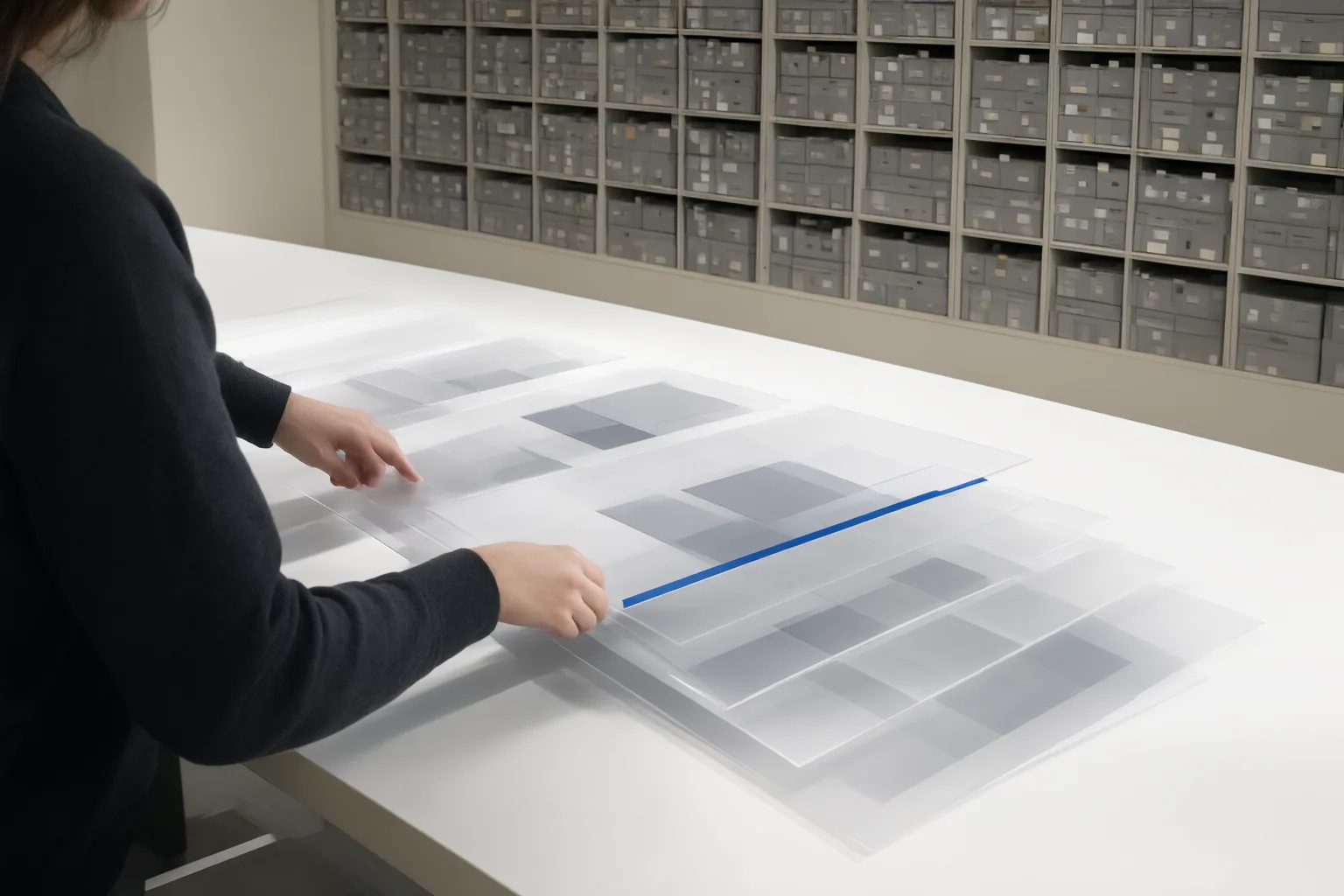
Find out where the original, edit instructions, alternative versions, and exported files live. In Lightroom’s catalog-based model, instructions are stored separately from the original pixels, and Virtual Copies can hold different edits without duplicating the original image file. This can reduce unnecessary source duplication, but catalog-based workflows may lose track of originals when files are moved, renamed, or deleted outside the application’s library controls.
Linked or externally referenced assets introduce a related portability question. Moving or renaming a source may require relinking, so test what happens when a project and its assets are transferred to another folder or system. Check whether the project opens intact, reports missing sources, or loses access to editable content.
Also inspect export behavior. A rendered export may correctly contain the visible edits while no longer preserving their adjustability. For team use, document which files must travel together, whether alternatives share one source, and how missing or relocated assets are identified and restored.
Conclusion
Use six checks when comparing version history and nondestructive editing: whether the original remains untouched; which operations stay adjustable; whether history survives saving and reopening; how alternative versions are stored; what export preserves or flattens; and what happens when cataloged or linked source files move.
These are evaluation criteria drawn from documented Photoshop and Lightroom workflows, not verified capability claims about specific AI image tools. Before adopting a tool, run one representative project from import through reopening and export. Record which edits remain adjustable, how alternatives are stored, and what happens when linked source files move. Choose only after the workflow meets the team’s actual revision and portability requirements.
Disclosures and limitations
- This article was prepared with AI assistance from the supplied research package and is based on the cited Photoshop, Lightroom, and WCC workflow sources.
- No specific AI image tool, price, ranking, or product capability was verified or recommended, and no affiliate product relationship is presented.
Sources
- Nondestructive Photoshop Editing: Preserve Pixels, Control Workflow — frameandfocal.com
- Non-Destructive Editing in Lightroom Explained — Presets.io
- Non-destructive editing | WCC Resources — resources.waverleycameraclub.org
Improve this guide
Report a problem or suggest the next question
Submissions enter a private editorial queue. They are reviewed and deduplicated before any public update or new page is created.