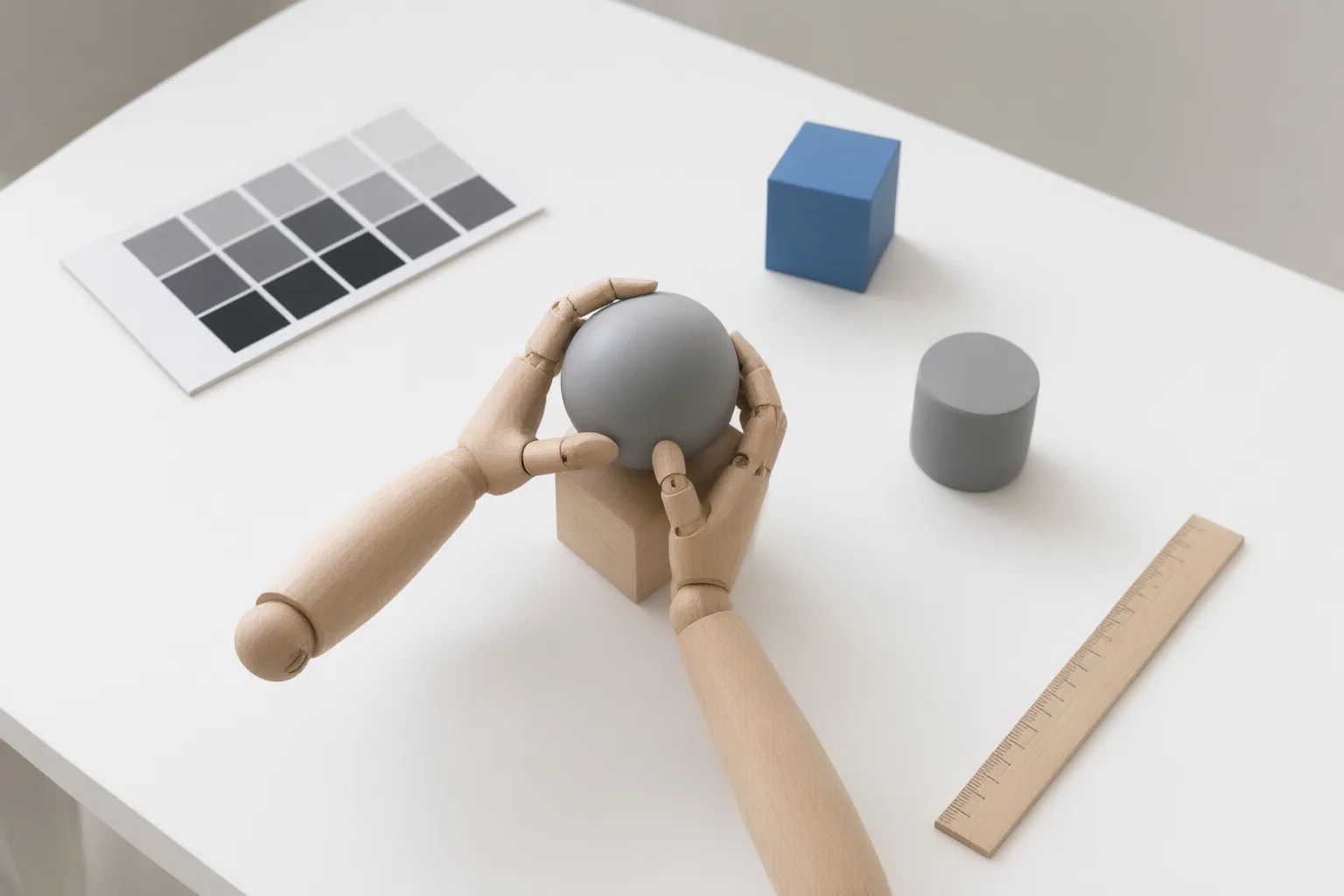
Evaluate AI pose-control tools with one repeatable test from your actual workflow. Score pose fidelity, hand–prop contact, preserved visual details, repair options, and video stability separately instead of relying on a clean demonstration or a single successful frame.
Choose the Right Pose-Control Approach for the Task
Pose control is not one uniform capability. Start by identifying the kind of control your project needs: a draggable skeletal rig, pose transfer from a reference, prompt-based direction, masking or regional correction, or an image-to-video workflow.
ArtSmart documents PosePerfect as an in-app draggable character rig that combines a configured skeleton with a prompt. Other workflows emphasize reference-frame behavior, regional controls, or motion generated from a verified source image. Hailuo AI recommends keeping the motion instruction simple after choosing that image, but this is vendor workflow guidance rather than an independent benchmark.
Compare candidates only within the approach relevant to your deliverable. A tool that makes skeletal positioning convenient may not necessarily preserve garments, resolve hand–prop contact, or maintain stable motion. Documented features establish what controls are offered, not how reliably they perform on your material.
Build a Stress Test Around Overlap and Occlusion
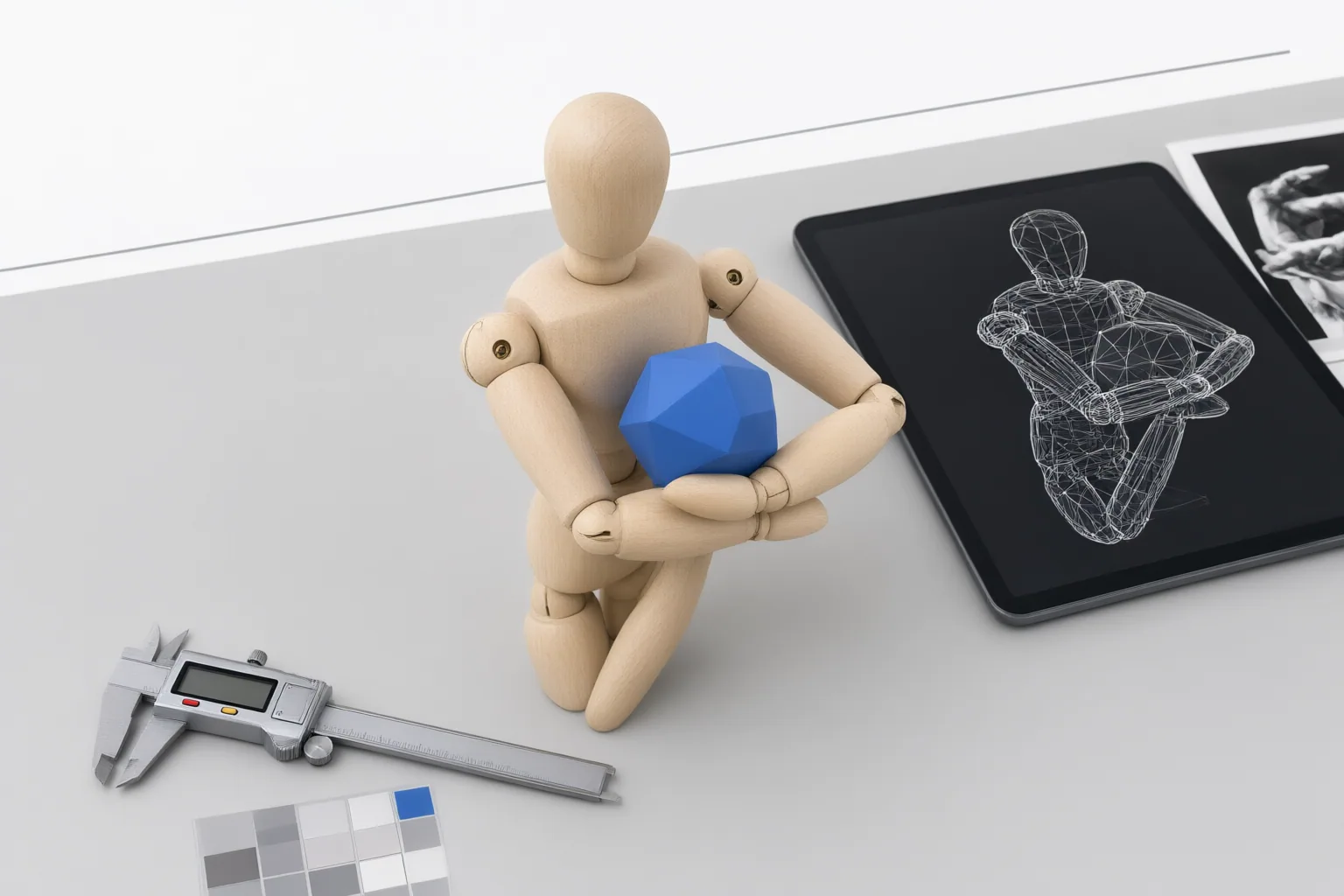
Use the same difficult reference, instructions, and review conditions for every candidate. Choose a scene representative of your work: a hand gripping a phone, crossed or partly hidden limbs, sleeves or jewelry near a joint, an extreme camera angle, a busy background, or motion blur. These conditions can obscure landmarks and reveal weaknesses that clear, front-facing subjects do not expose.
For a hand–prop test, describe the action and palm orientation, then check the anatomical connection from wrist through elbow to shoulder. If the gesture is complex, simplify it before adding negative constraints. Look for fingers merging into the object, an ambiguous grip, a missing wrist connection, or an incorrect number of readable fingers.
Change one variable and adopt one review goal at a time—such as finger accuracy, prop grip, full-body stance, or emotional silhouette. This makes failures easier to identify than a test that combines separated fingers, crossed limbs, props, jewelry, camera restrictions, and motion all at once.
Score Pose, Preservation, and Motion Separately
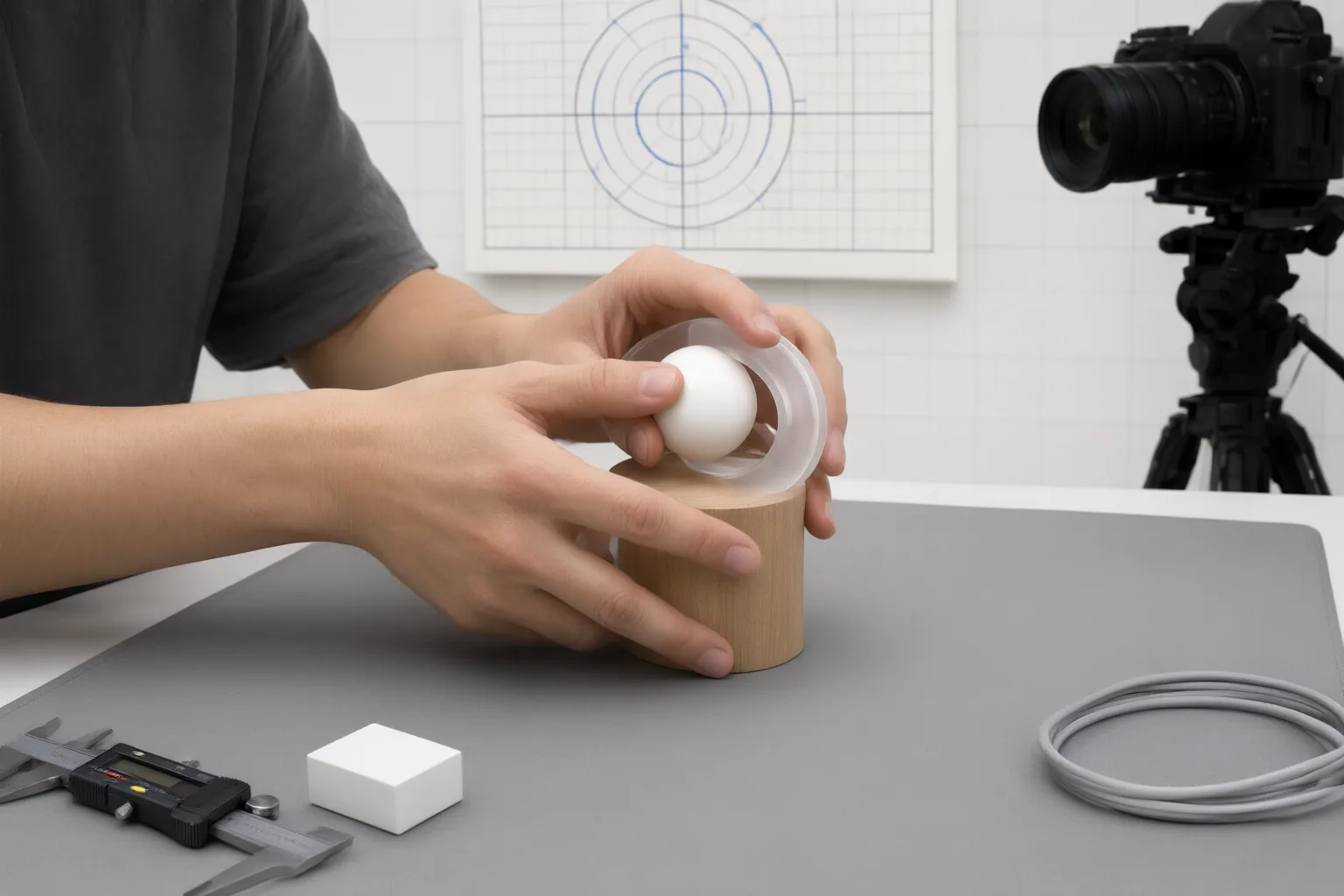
Create separate score fields so a strong skeleton match cannot conceal damage elsewhere.
- Pose fidelity: Inspect shoulders, elbows, wrists, hips, knees, and other visible joints. Check whether crossed or hidden limbs remain mechanically plausible.
- Hand–prop contact: Review wrist continuity, readable fingers, palm orientation, grip placement, and whether the hand remains distinct from the object.
- Preservation: Evaluate identity and clothing or product details independently. WearView notes that a workflow can copy a skeleton while damaging garment seams, prints, fit, or other details.
- Temporal stability: For video, examine the sequence frame by frame. A pose can look correct in one frame yet drift, snap, flicker, warp, or move implausibly over time. Zenith Design treats pose fidelity and temporal stability as separate criteria.
Also record which corrective controls are available and whether they address the observed failure. Relevant controls include pose strength, reference-frame behavior, masking or regional control, temporal smoothing, and retargeting presets. During a local repair, preserve elements that have already passed review and target a single defect. For image-to-video tests, begin with the same verified reference image and keep the motion instruction simple. This protocol is a synthesis of the supplied guidance, not a comparative test result or evidence of a winning tool.
Conclusion
Select an AI pose-control tool by repeatability on your own difficult material, not by a single polished output. Give every candidate identical inputs, then record pose fidelity, contact accuracy, preserved details, and temporal stability as independent results. Repeated failure patterns are more useful for selection than one successful frame.
Before adopting a tool, create one real overlap case from your workflow. Define pass criteria for pose, contact, preservation, and motion; run the same case through each candidate; and compare the results with the same review process.
Disclosures and limitations
- This article was prepared with AI assistance using only the supplied research package. Vendor documentation and promotional guidance are attributed and are not treated as independent performance validation.
- No product winner or affiliate recommendation is presented. Any future commercial or affiliate relationship should be disclosed before adding product recommendations.
Sources
- Anatomical Precision: Prompting for Realistic Limbs and Posture — Hailuo AI
- PosePerfect – ARTSMART AI — artsmart.ai
- 7 best AI pose transfer and pose editing tools in 2026 — WearView
- Fix AI Anatomy with Style-Pose: No More Mangled Hands or Extra Limbs — Style3D AI Blog
- AI Anime Hands and Pose Prompt Fixes | ArcLoop — Arcloop
- Comparing Top AI Pose Transfer Video Tools: Features, Accuracy, and Ease of Use – Zenith Design — zenithdesign.net
Improve this guide
Report a problem or suggest the next question
Submissions enter a private editorial queue. They are reviewed and deduplicated before any public update or new page is created.