Evaluate an AI-assisted rotoscoping mask across the entire shot, not from a single clean frame. Replay it at normal speed and delivery resolution, then inspect fast motion, occlusions, reappearances, frame exits, motion blur, and fine edges for drift, chatter, detachment, or lost detail.
What Mask Stability Means Across a Moving Shot
A matte is a grayscale transparency map: white reveals the subject, black hides the background, and gray represents partial transparency. A stable matte keeps that boundary attached to the subject as both subject and camera move.
One convincing frame does not demonstrate temporal consistency. During playback, the boundary may drift away, detach, or develop edge chatter—visible jumping from one frame to the next. Evaluate these defects in motion rather than judging only isolated stills.
Even a stable matte does not guarantee a convincing composite. Exposure, color, grain, focus, lens behavior, and motion blur must also match the plate. Review mask stability as one essential part of the composite, not as proof that the complete result is finished.
Where AI-Assisted Masks Commonly Become Unstable
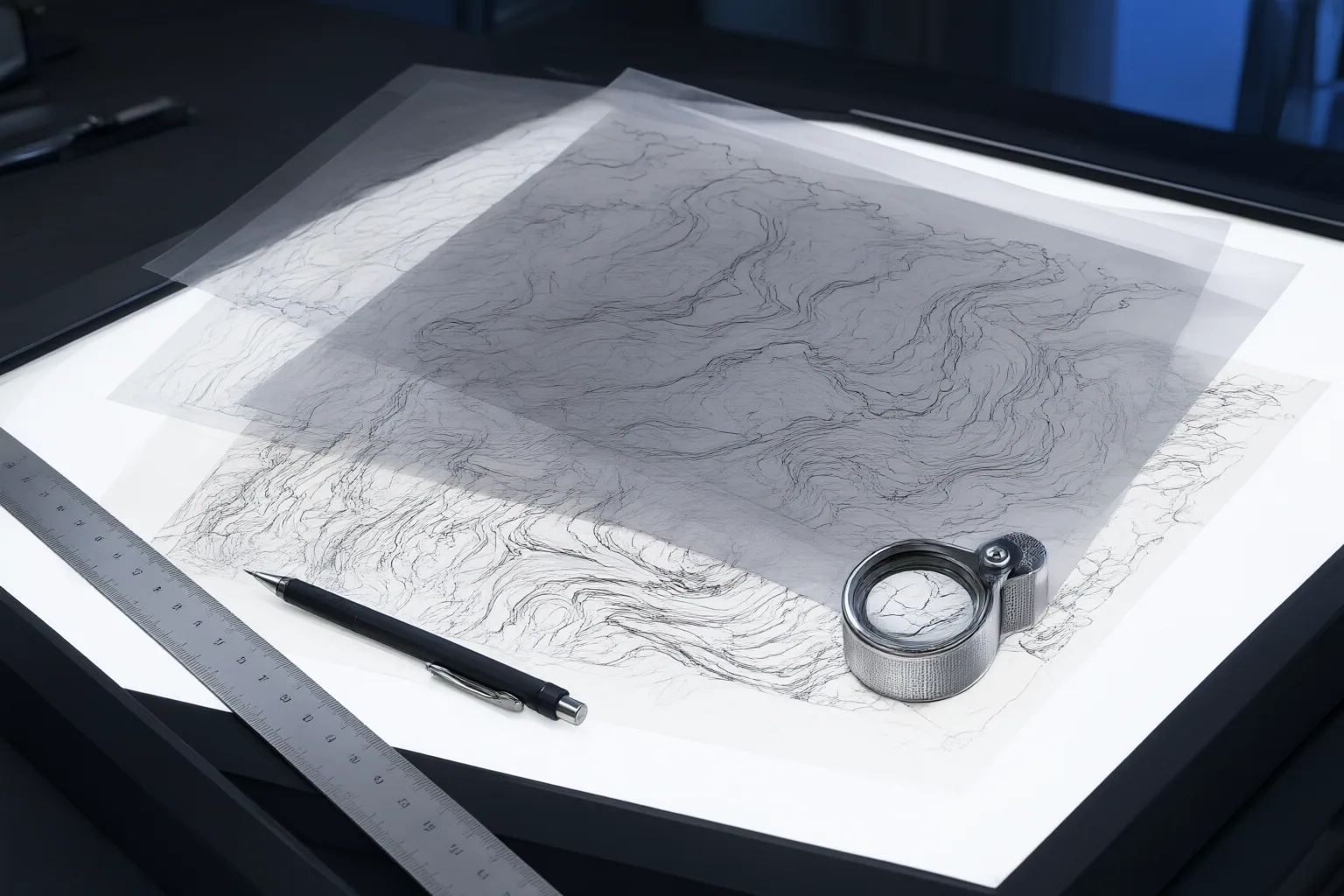
Concentrate scrutiny where boundaries change quickly or become ambiguous. Fast subject or camera movement can produce blurred, rapidly shifting edges that require softer treatment and frame-specific correction. Weak separation between foreground and background can also make automated isolation less reliable.
Occlusion events deserve particular attention. Check the moments when a subject passes behind another object, disappears, reappears, changes appearance, overlaps a visually similar area, or exits the frame. Propagated selections can lose the correct boundary across these transitions.
Fine and semi-transparent features are another pressure point. Hair, fingers, fabric, reflections, transparency, and other articulated details may be lost, merged, hardened, or surrounded by halos. Inspect these regions over the actual plate, because an isolated mask view may not reveal how partial transparency and edge treatment affect the composite.
A Repeatable Review and Correction Workflow
Use the following as an editorial framework, not a standardized performance benchmark:
- Establish representative frames. Define the subject carefully and lock useful hero frames before a long propagation. Include frames that represent major poses, edge conditions, and appearance changes.
- Divide difficult anatomy and materials. When useful, separate hair, fingers, fabric, and other articulated regions into manageable shapes instead of forcing one mask to describe every kind of motion.
- Propagate and review the complete shot. AI-assisted rotoscoping commonly carries a selection or artist-defined shape across frames, but editors still need to correct places where the boundary drifts or fails.
- Watch at normal speed. Look for flicker, edge chatter, detachment, and inconsistent contours that may be difficult to recognize while examining one frame at a time.
- Inspect critical transitions closely. Step through major motion, blur, overlap, disappearance, reappearance, appearance change, and frame-exit events. Check whether the mask remains attached before, during, and after each transition.
- Judge difficult edges in context. Review semi-transparent and blurred boundaries over the actual plate rather than relying only on an isolated matte view.
- Check delivery resolution and replay. Correct each failed frame or span, then watch the shot again at normal speed. Repeat until the marked temporal and edge defects no longer remain visible.
Conclusion
AI assistance can accelerate the initial matte pass, but production-ready results still require artist review and refinement across the shot. Before approval, replay the complete shot at normal speed and delivery resolution. Log every instance of drift, chatter, detachment, mishandled blur, or occlusion failure; correct those frames and transitions; then repeat the playback review.
Disclosures and limitations
- This article was prepared with AI assistance from the supplied research package and reflects secondary guides and vendor- or publisher-authored material, not controlled comparative testing. Its workflow is an editorial evaluation framework rather than a validated industry standard.
Sources
- AI Rotoscoping, Keying, and Compositing Helpers (Common Pitfalls) – FilmDaft — FilmDaft
- Top 7 AI Rotoscoping Tools: Free and Paid | Boris FX — Boris FX
- Rotoscoping and masking automation – AI Movie Street — AI Movie Street
- Advanced AI Rotoscoping Techniques | Video, Film & Visual Effects | AI Agency Framework — AI Agency Framework
- Top 7 Best AI Rotoscoping Software | Ranked for 2026 — worldmetrics.org
- AI rotoscoping: how AI masks, mattes, and isolates subjects in 2026 — invideo
- GitHub – Zarxrax/Cutie-Roto: Cutie Roto is a tool for AI assisted rotoscoping / background removal — GitHub
- AI Rotoscoping: Complete Guide for VFX Artists in 2026 — Zgian
Improve this guide
Report a problem or suggest the next question
Submissions enter a private editorial queue. They are reviewed and deduplicated before any public update or new page is created.