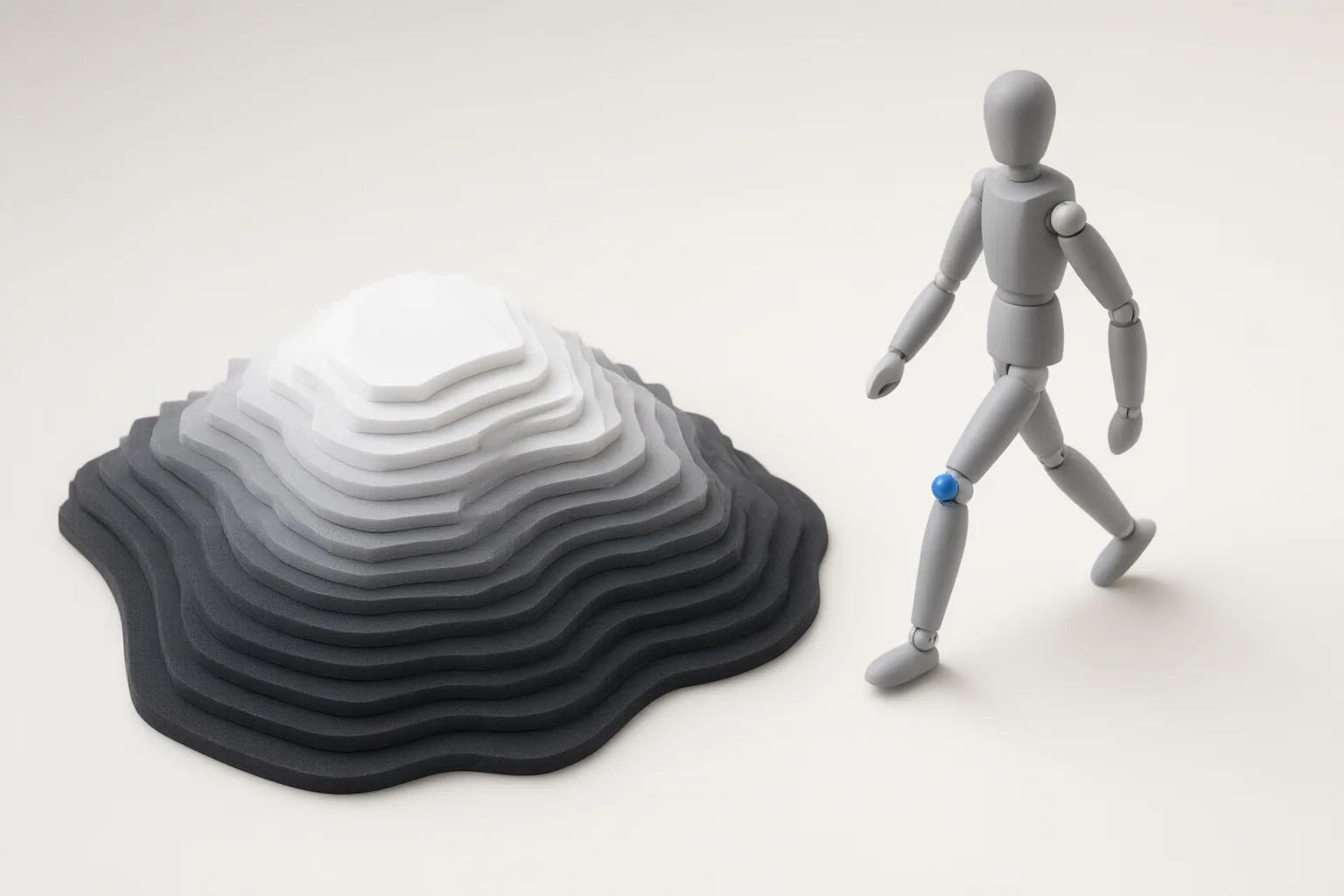
Depth maps guide spatial relationships and perspective, while pose controls guide a character’s body configuration and placement. Used together, they can provide complementary conditioning for a video workflow, but the resulting movement and consistency still need to be checked across frames.
What Depth Maps and Pose Controls Actually Guide
Depth and pose guidance describe different parts of a scene. A depth map uses grayscale depth information to represent spatial relationships and perspective. It can help constrain where elements appear relative to one another and how the scene’s structure is presented.
Pose control instead represents a person through keypoints. OpenPose-style skeletons can include body, hand, and face keypoints, allowing the conditioning input to define a character’s configuration and placement. This distinction matters when diagnosing an output: depth guidance addresses spatial arrangement and perspective, whereas pose guidance addresses the position of the character and their body parts. Neither control should be assumed to perform the other’s job.
How Pose and Depth Conditioning Fit Into a Video Workflow
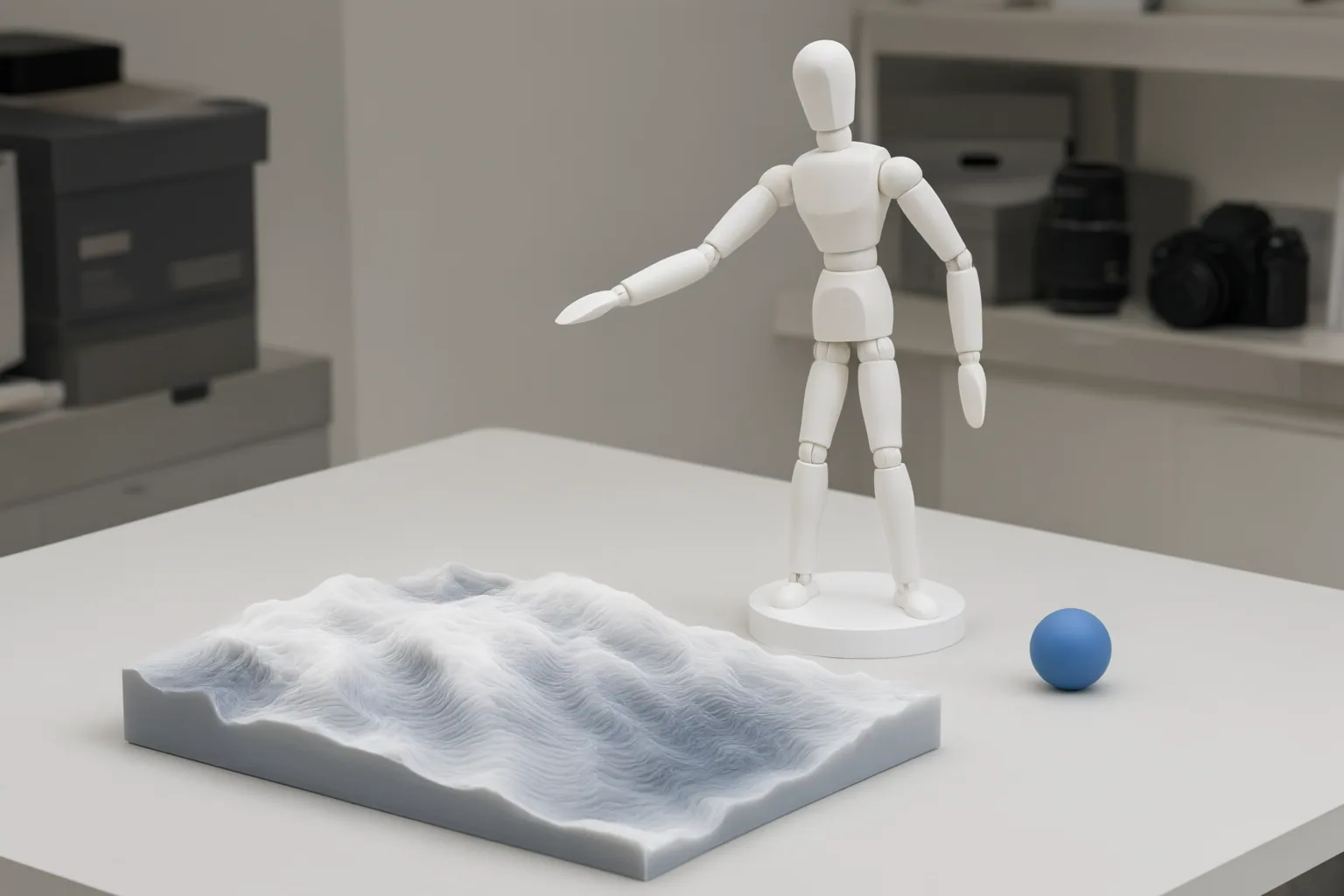
Begin by preparing the pose and depth inputs independently. A pose-composition tool can arrange multiple people on one canvas and reposition detected skeletons before they become conditioning inputs. Crop or fit operations can alter framing through coordinate transformations without changing the skeleton’s proportions. Preserving the resolution stored in pose-keypoint data can also help prevent alignment errors when preparing ControlNet conditioning.
Depth composition can be prepared separately. The documented Depth Composer provides four placement slots and gradient controls, which can be used to organize depth information before generation. Once both inputs match the intended canvas, they can be supplied as separate constraints. Multiple ControlNets may be stacked so depth, pose, and edge guidance receive their own weights during one generation pass.
This evidence establishes a method for preparing and combining spatial controls in still-image generation. It does not establish that a particular video model will convert those controls into temporally consistent motion. In a video workflow, inspect the output across multiple frames rather than treating one well-composed frame as proof of stable movement.
Common Control Problems and How to Diagnose Them
If a generated limb is misplaced, first inspect the pose input. Pose extraction may omit hands, arms, or feet when confidence thresholds are too high or when limbs are occluded, blurred, or foreshortened. Correct the extracted skeleton or its placement before changing unrelated controls.
If the subject appears in the wrong part of the frame, compare the pose-data resolution, target canvas, and framing. Preserving the stored pose resolution and using coordinate-based crop or fit operations can reduce misalignment without distorting skeleton proportions.
When a prompt does not reliably correct an arm position or structural angle, use the corresponding explicit control: pose for body configuration and depth for spatial structure or perspective. If pose, depth, and edge controls are stacked, adjust their weights separately. A conflict between constraints should not automatically be attributed to the text prompt, because each conditioning input can exert its own influence during generation.
Conclusion
Use pose guidance when the main requirement is a character’s configuration or placement. Use depth guidance when spatial relationships and perspective are the priority. Combine them when both kinds of control are needed, while keeping their inputs and weights independently adjustable.
Create a small pose-and-depth conditioning test before attempting a longer video. Preserve the pose data’s resolution and proportions, align every input to the intended canvas, tune each constraint separately, and then inspect multiple frames to verify framing and movement consistency.
Disclosures and limitations
- This article was prepared with AI assistance from the supplied research package and was not based on hands-on product testing.
- Technical statements were synthesized from source-25410d52813ecf33919de89c and source-38134d3a3941a1b3578989af; the sources do not directly verify temporally consistent movement in a specific AI video model.
Sources
- GitHub – EricRollei/Eric_Composer_Studio: Set of nodes that allow you to create, design, and layout compositions of poses, depth-maps for controlent guided generation as well as create collages of images and text for refinement in generative AI diffusion. — GitHub
- ControlNet for Stable Diffusion: sketch-to-image, depth control — Botmonster Tech
Improve this guide
Report a problem or suggest the next question
Submissions enter a private editorial queue. They are reviewed and deduplicated before any public update or new page is created.