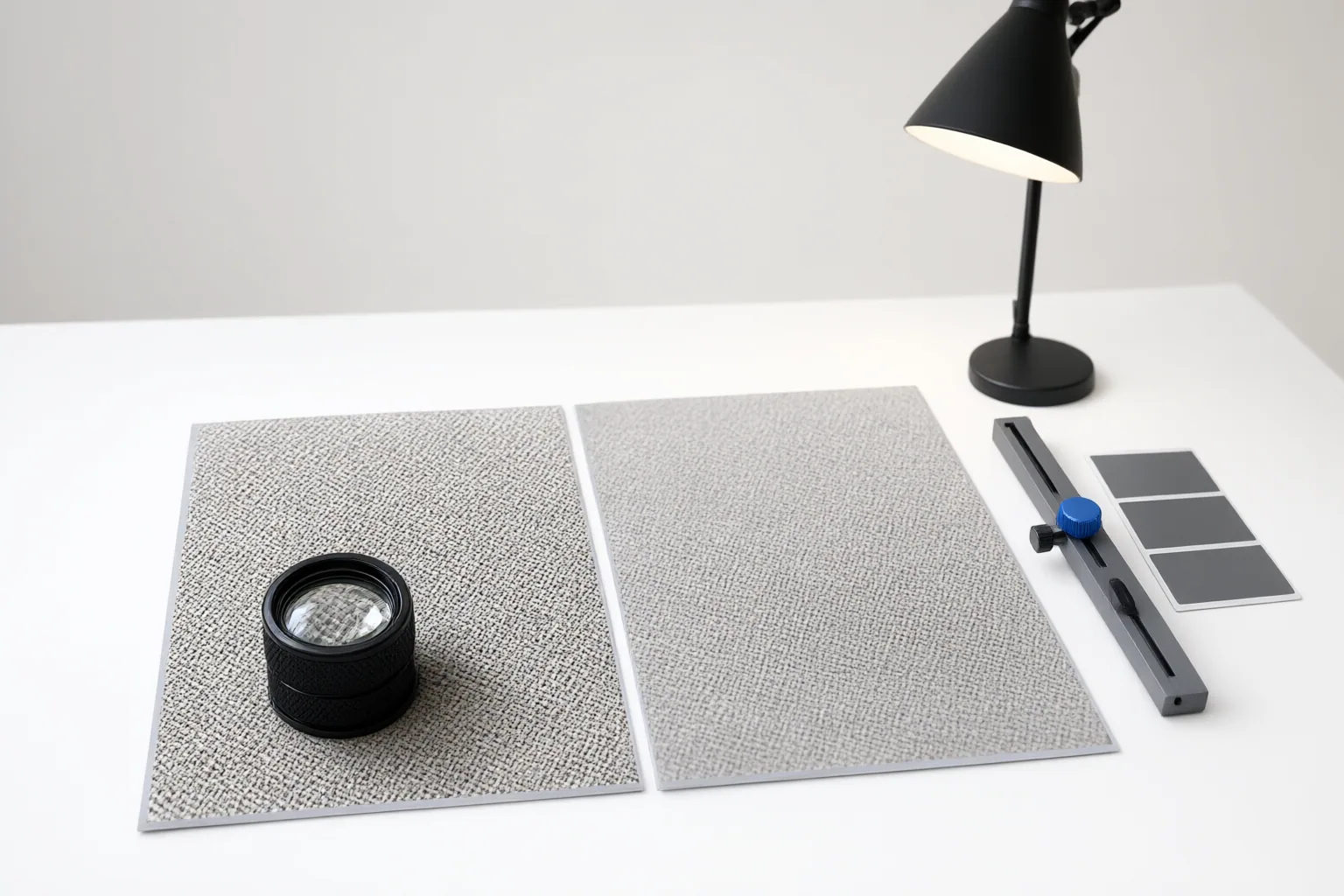
AI image upscalers can make an image look sharper by inferring plausible high-resolution content, but apparent detail is not proof that missing information was recovered. Evaluate fidelity by comparing representative outputs with their originals, inspecting vulnerable areas closely, and testing at the intended delivery size.
Why Sharper Images Can Contain Invented Detail
AI upscaling is reconstruction, not a reliable reversal of information loss. A model uses learned patterns to infer what additional pixels might plausibly look like. The result may appear detailed while introducing texture, facial features, or other information that was not present in the source.
This distinction matters whenever accuracy is more important than visual appeal. AI-generated reconstruction should not be treated as evidence of original detail in forensic, scientific, or similarly accuracy-critical work. Vendor descriptions that refer to rebuilding or recreating detail also indicate that generated information may be part of the output.
Maximum-resolution labels such as 4K, 8K, or 16K describe output scale, not faithfulness. Judge an enlargement against its original structure rather than assuming that the crispest isolated result is the most accurate.
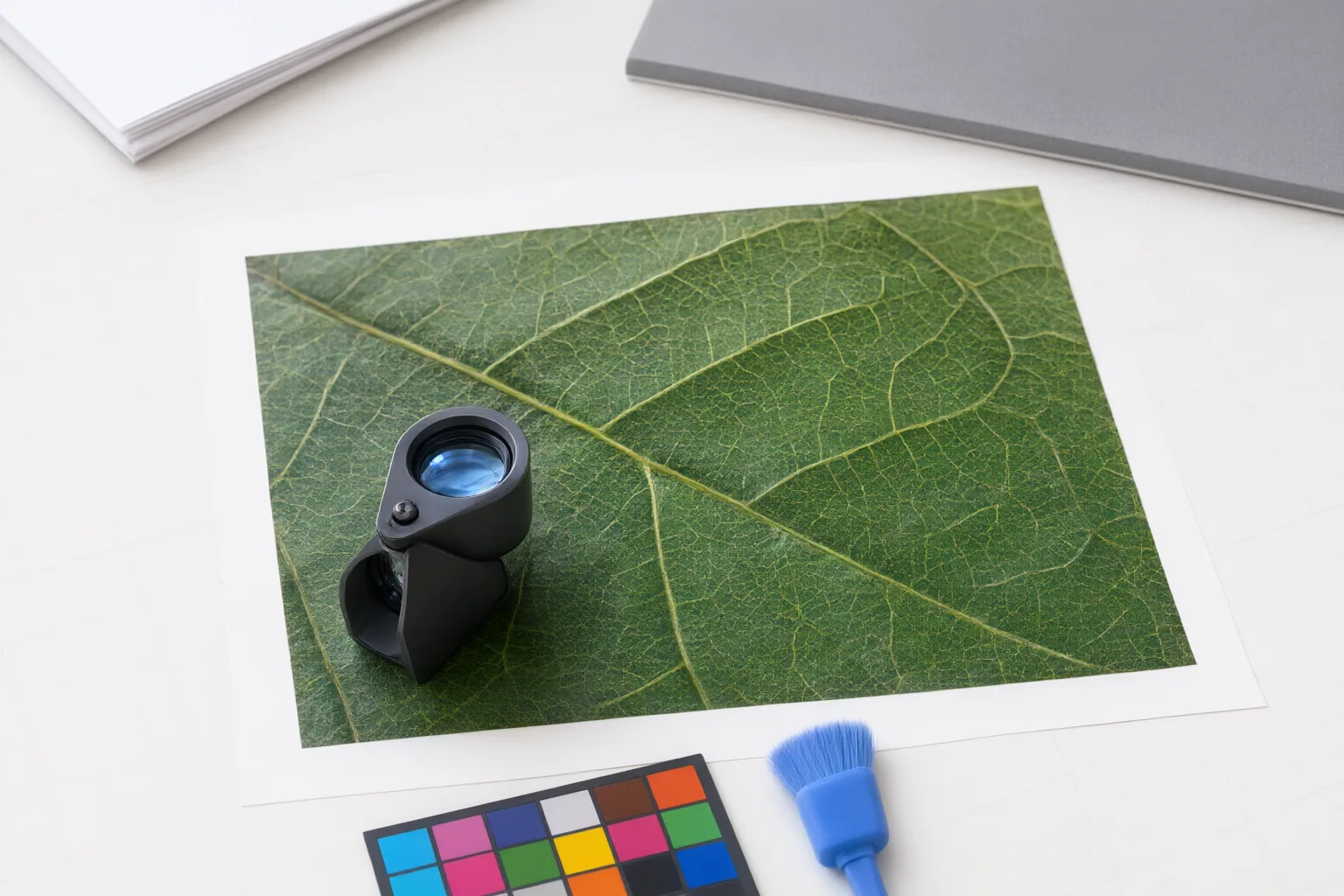
Build a Fair Test With Representative Images
Create a small test set from the files your workflow actually handles. Depending on the use case, that might include portraits, product images, old scans, screenshots, landscapes, or AI-generated artwork. Use identical source files, comparable settings, and the same target size for every tool. Review the results at the final delivery size as well as under magnification.
Include both stronger and weaker sources. Clear originals with recognizable edges and texture generally provide a better basis for enlargement than heavily compressed, soft, or severely pixelated files. A tool that performs well on one category may produce plastic, smeared, or overly sharpened results on another, so a single showcase image is not a sufficient trial.
Do not merge published rankings or numerical scores as though they were one benchmark. The supplied evaluations used different datasets, hardware, tool selections, settings, and scoring systems, making their results unsuitable for direct comparison. Your representative files and intended use provide the more defensible basis for a buying decision.
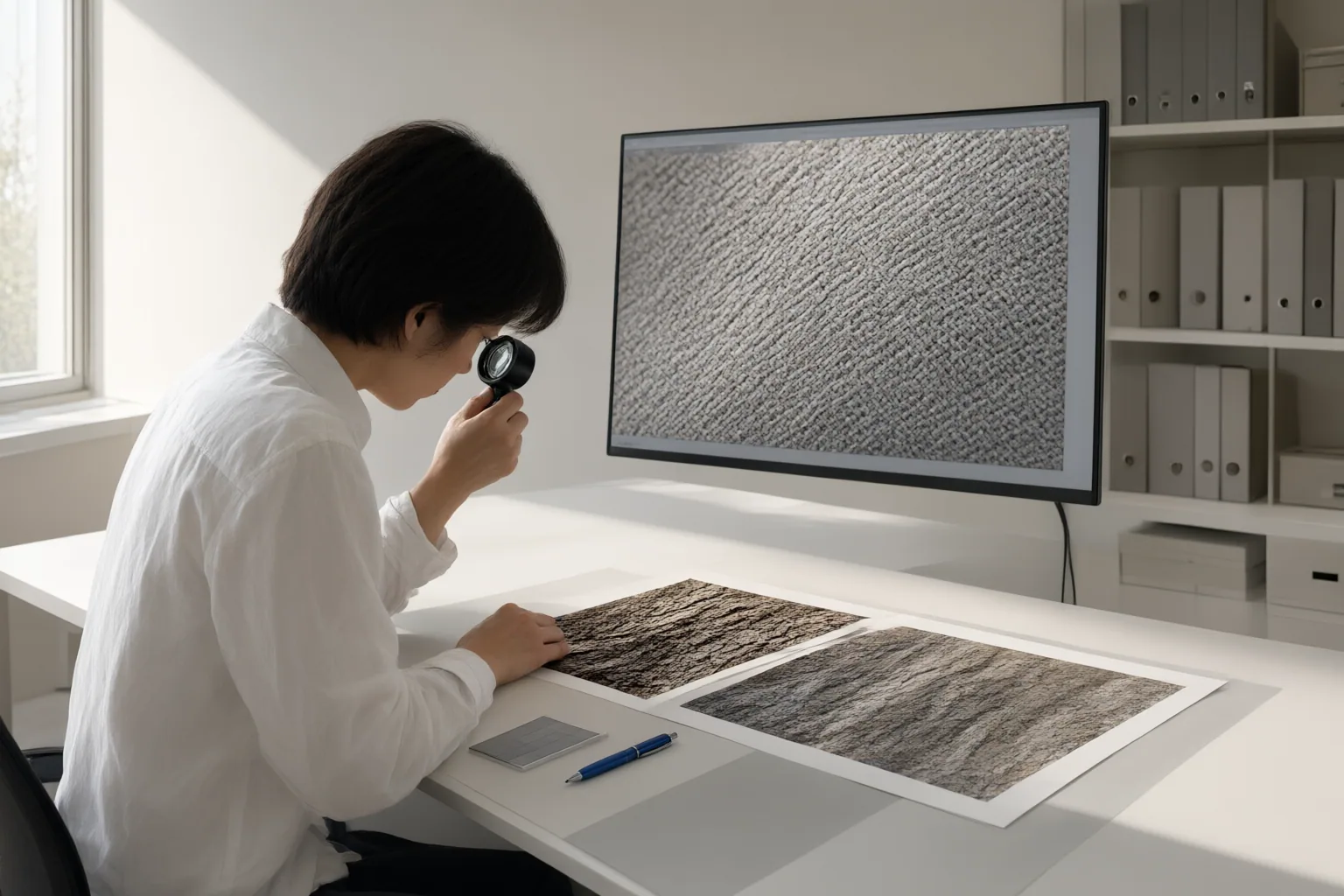
Inspect Fidelity, Artifacts, and Workflow Fit
Compare each output side by side with its original at 100% or greater zoom. Check whether important shapes and edges remain structurally consistent, whether genuine texture is preserved, and whether apparent new detail has support in the source. Then inspect the image at its intended final size, because some defects become more or less visible in actual delivery conditions.
Pay particular attention to faces, small text, repeated patterns, fabric, foliage, packaging, signs, and labels. Warning signs include altered facial features, garbled or deceptively clean-looking text, invented texture, aggressive sharpening, ringing, halos, color fringing, smearing, and unnatural fine patterns. A pleasing surface can still conceal a meaningful change to a face, letter, boundary, or product detail.
Record results for each image category instead of choosing a universal winner. A simple review sheet can track structural consistency, edge fidelity, texture preservation, text accuracy, facial accuracy, and visible artifacts. Reject settings that repeatedly change information that matters to the intended use.
For professional or batch work, also assess processing time, hardware dependence, storage growth, batch reliability, and onboarding. Attractive promotional demonstrations—including sponsored coverage—should be treated cautiously rather than generalized to every file type. Run the same representative batch yourself before deciding whether the output quality and operational burden fit the workflow.
Conclusion
Prefer the tool and settings that preserve important structures for your specific image category and delivery needs—not the result that merely looks sharpest on its own. Fidelity requires comparison with the original, while practical suitability also depends on consistent performance across representative files.
Run the checklist on several of your own images, compare every output with its source, inspect the intended delivery size, and reject any result that alters important structures, text, faces, or textures.
Disclosures and limitations
- This article was prepared with AI assistance from the supplied research package; material claims are tied to the listed source IDs and no hands-on product testing was performed.
- No specific product, price, ranking, or affiliate recommendation is presented. Vendor and sponsored materials should be independently verified before making a purchase.
Sources
- AI Image Upscaler: How to Get Sharper Images Without the Fake Detail in 2026 — SentX
- 6 AI Image Upscaling Tools Tested 2026: Topaz vs Magnific vs Photoshop (Ranked) — toolsradar.net
- AI Super Resolution Online – Free Image Upscaler & Detail Enhancer — imgupscaler.ai
- AI Image Upscaling Tools 2026: We Tested 6 (Honest Results) — triedbyhumans.com
- Free AI Image Upscaler Online – Upscale Image to 4K, 8K or 16K | EnhancePhoto.ai — enhancephoto.ai
- 6 Best Image Upscalers Tested: Photo Upscaling Without the Plastic Look — PetaPixel
Improve this guide
Report a problem or suggest the next question
Submissions enter a private editorial queue. They are reviewed and deduplicated before any public update or new page is created.