
Compare local and cloud AI image editors by tracing where files are processed, then weigh connectivity, device requirements, collaboration, storage, and setup against the sensitivity of your assets.
Start With Where Your Images Are Processed
The first question is not which architecture sounds more private, but what happens to an image after you import it. Lumli describes a typical cloud workflow as uploading the file for processing on remote servers, while a local workflow processes the selected image on the user’s device. Wideframe similarly distinguishes remote-server processing from processing that depends on workstation hardware.
For personal photos, client images, internal screenshots, or unreleased product assets, map the entire file path. Check whether the original leaves the device, which infrastructure receives it, and whether the service stores it. Do not rely on a “local” or “cloud” label alone: verify the specific editor’s behavior and settings before providing a private asset.
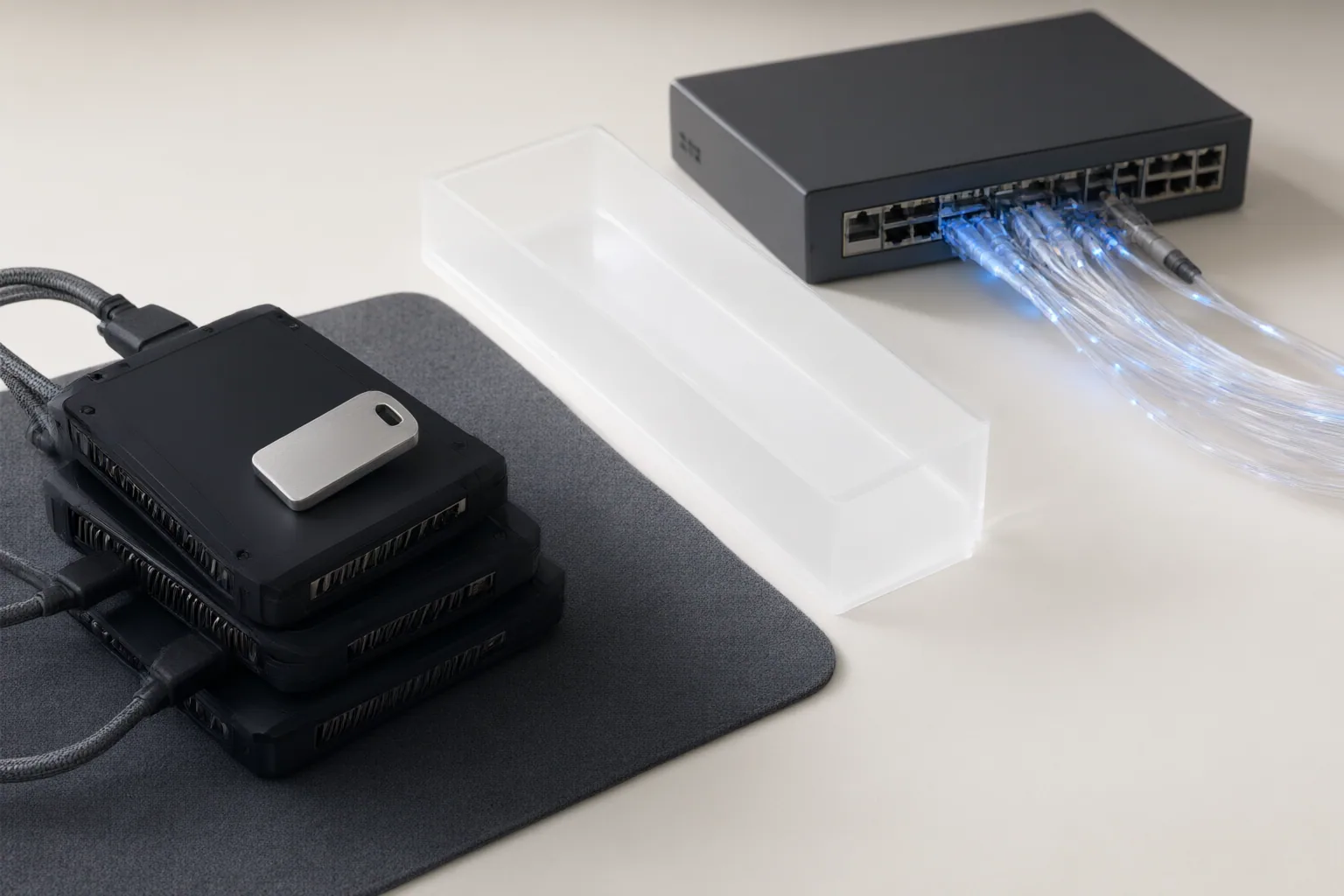
Compare Privacy, Connectivity, and Device Requirements
Cloud processing depends on remote infrastructure and transferring assets over a network, according to Wideframe. That dependence can make a cloud workflow unsuitable when connectivity is limited or offline operation is required. Local processing changes the tradeoff rather than eliminating it: computing and setup responsibilities move to the user’s device.
The Uncensored AI Studio repository describes an offline desktop application for Windows, Linux, and macOS that uses Stable Diffusion model weights for local image generation and editing. Its documentation also identifies acceleration-backend choices and particular Linux library requirements, illustrating how local tools can require compatible hardware, model files, installation work, and troubleshooting.
Local processing can also occur inside a browser. PhotoQuill says its WebGPU editor performs rendering, AI filters, and color adjustments on-device, and that the core editor can work offline after loading. These are project or vendor claims, not independent performance or privacy tests, so confirm current requirements and behavior for the exact version under consideration.

Balance Collaboration Conveniences Against Asset Exposure
Lumli says cloud tools can support shared brand assets, templates, comments, approvals, storage, and work across devices. Those capabilities may be useful when several people must review or reuse material, but they also introduce another provider into the asset-handling workflow.
List the collaboration functions the project actually needs. A solo task may not require shared storage or approvals, while an ecommerce team may depend on both. Then examine each candidate editor’s processing, storage, and cross-device workflow instead of treating convenience as automatically more important—or less important—than file sensitivity. Wideframe’s comparison indicates that the appropriate choice varies with sensitivity, connectivity, cost tolerance, speed needs, and workflow integration.
Conclusion
Neither architecture is universally appropriate. Before choosing an editor, classify the asset’s sensitivity and confirm where processing occurs. Check whether the original is transferred or stored, whether an internet connection is required, and whether offline operation continues after installation or initial loading. For local tools, assess compatible hardware, model files, acceleration support, operating-system requirements, and the setup burden. For cloud tools, identify the collaboration, storage, approval, and cross-device features that genuinely support the workflow.
Before importing a private asset, verify the specific editor’s file-processing path, network requirements, hardware needs, storage behavior, and collaboration features against your workflow.
Disclosures and limitations
- This article was prepared with AI assistance using only the supplied vendor-authored and project-controlled materials. Capability and privacy claims should be independently verified before publication or use with private assets.
- No product recommendation is made here. Any future commercial or affiliate relationship must be clearly disclosed before recommendations are added.
Sources
- Cloud AI vs Local AI Photo Editors | Privacy Comparison | Lumli Blog — Lumli
- Cloud AI vs Local AI: Which is Better? Complete Comparison 2026 — localalternative.io
- GitHub – techjarves/Uncensored-Local-Studio: Uncensored local AI studio for Windows, Linux, and macOS. Zero-setup GUI for Image Generation, GGUF LLMs, Text to Speech & Speech to Text — GitHub
- Cloud AI Editors vs. Local AI Editors Compared — try.wideframe.com
- 100% Private & Unrestricted AI Photo Editor | PhotoQuill — photoquill.com
- What is the best free offline AI image editor available in 2026? — WebAsha Technologies
- Cloud vs. Local AI: The Complete Privacy and Performance Comparison for 2026 — ironclaw.co
Improve this guide
Report a problem or suggest the next question
Submissions enter a private editorial queue. They are reviewed and deduplicated before any public update or new page is created.