
A coherent transition gives viewers a clear visual or narrative connection to follow. Define that connection first, test the cut as still frames, inspect the actual generated motion, and then verify story, character, environmental, and audio continuity.
Define the connection before evaluating the transition
Before reviewing the edit, write one sentence describing what viewers should connect across the two scenes. The bridge might be a shared shape, a continuing action, a sound, or a narrative idea. This statement gives the transition a specific purpose and makes problems easier to identify.
Then consider why the story moves between these scenes. Keep the locations or viewpoints understandable, and check whether the timing, pacing, and thematic relationship communicate the intended story function. A transition can contain related imagery yet remain confusing when viewers cannot tell where they are, whose perspective matters, or how the second scene advances the idea introduced by the first.
Check the cut in still frames and after motion generation
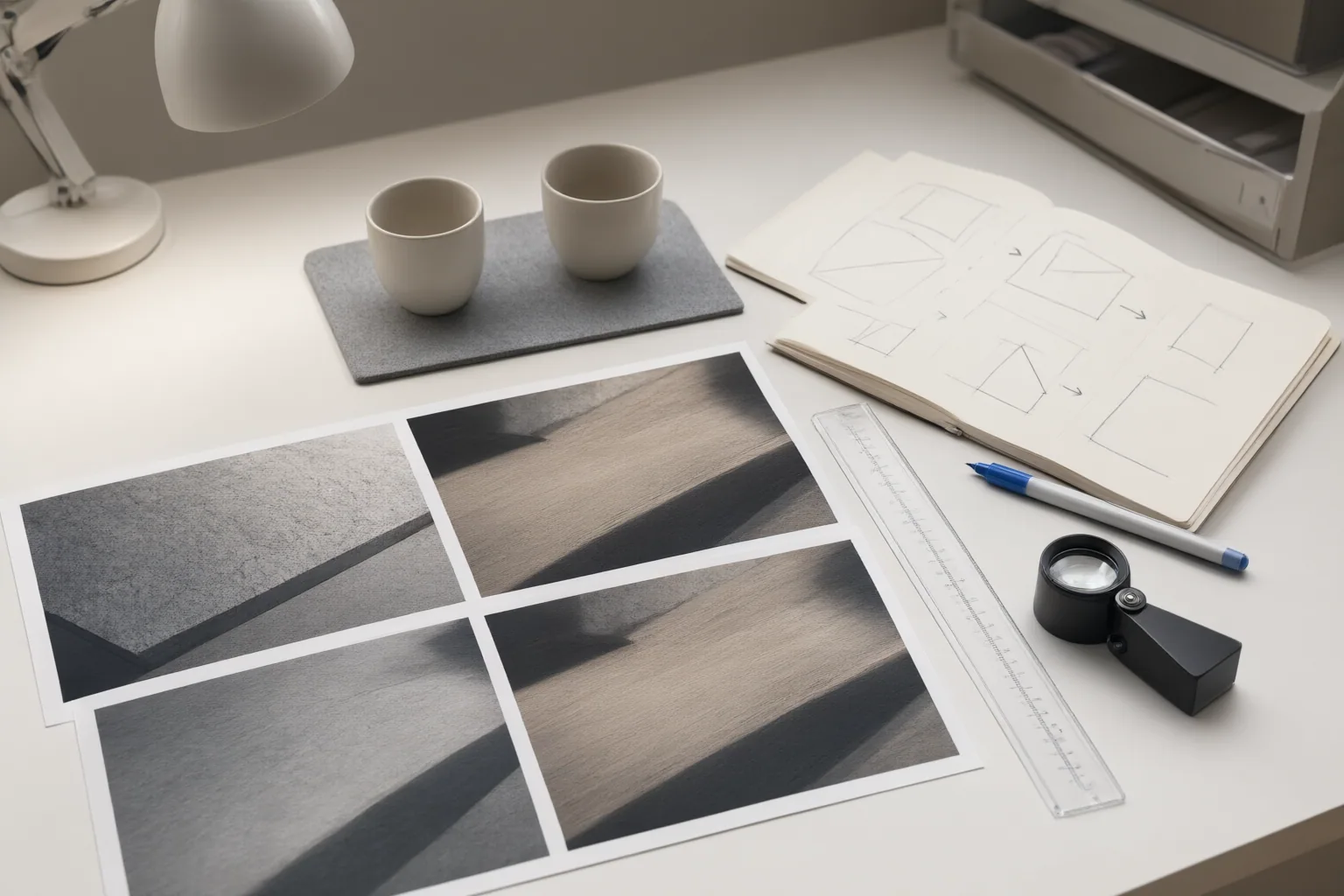
Start with the two anchor images as a direct still-to-still cut. Compare the subjects’ positions and displayed sizes, then look for competing details that pull attention to a different part of the frame. Differences in luminance or local contrast can also weaken a graphic match. Numerical alignment may help diagnose why a cut feels displaced, but matching measurements alone cannot guarantee coherence.
If the intended relationship is unclear in stills, adding motion may create more uncertainty rather than resolve it. When evaluating an action match, inspect movement direction, speed, and action phase. An unexplained directional reversal—or a cut from reaching in one shot to withdrawing in the next—can break the sense of continuous action.
Repeat the inspection using the frames that appear at the actual edit point. Generated movement can shift a subject away from the planned position or change its outline, so approved anchor images do not establish that the finished cut will remain aligned.
Check narrative, character, environment, and audio continuity
Review each scene for unintended changes in character appearance, clothing, hairstyle, lighting, background, and surrounding environment. Separately generated clips can introduce inconsistencies in any of these areas. Decide whether a difference is understandable within the intended transition or whether it distracts from the connection.
Also verify that location, timing, viewpoint, pacing, and scene purpose remain legible. Each scene should perform its intended narrative function, and their thematic relationship should be understandable without requiring viewers to reconstruct missing context.
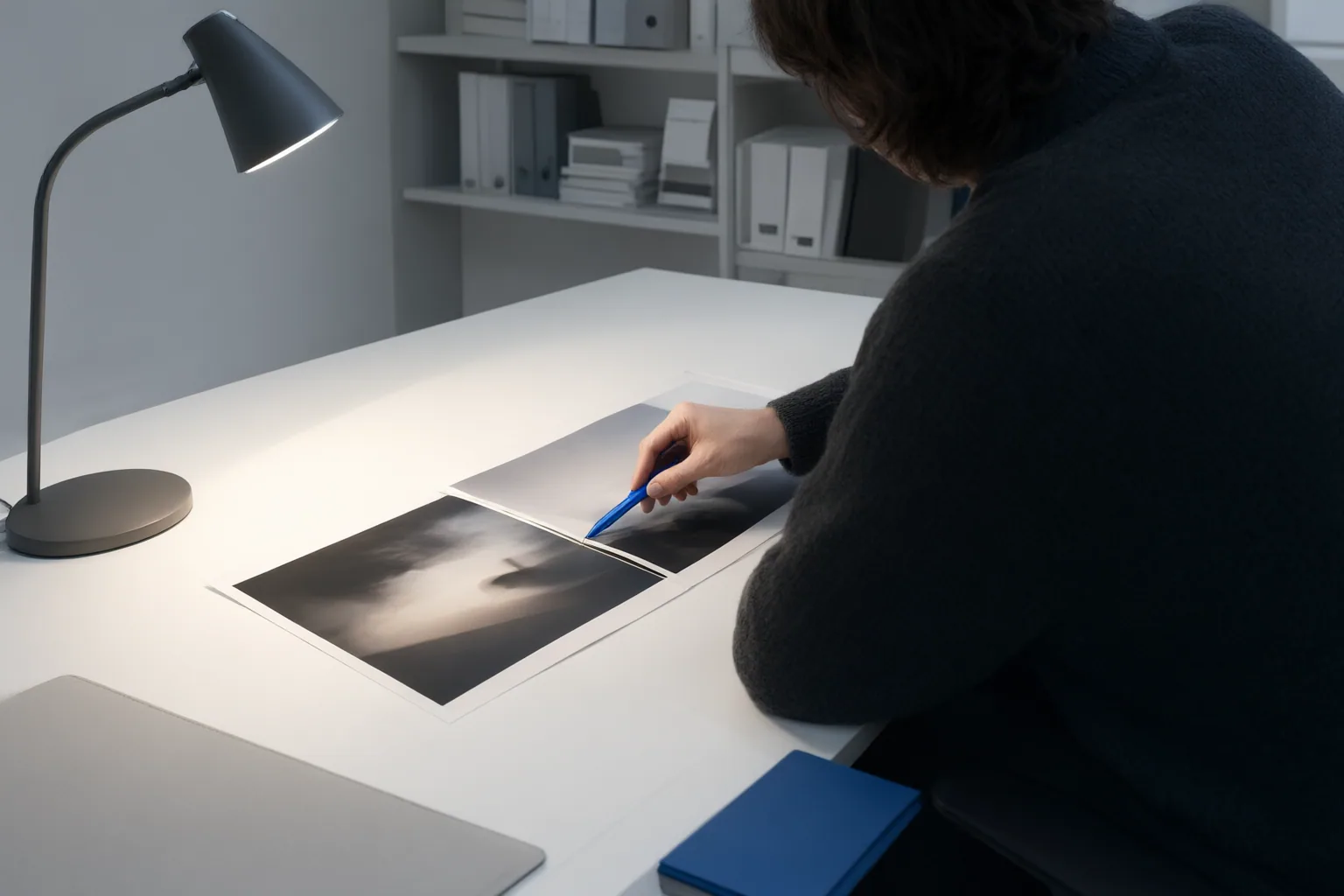
Finally, preview the transition twice: first without sound and then with sound. Audio can anticipate or reinforce a change, but it should not conceal an unclear visual connection. The silent review exposes visual discontinuities; the second review shows whether sound and image support the same transition.
Conclusion
Use a consistent review sequence: define the intended relationship, test the still-to-still cut, inspect the generated movement at the actual edit point, and verify narrative, character, and environmental continuity. Then preview the transition without sound and with sound. Identify the first moment when the intended connection becomes unclear and revise that continuity problem before adjusting later details.
Disclosures and limitations
- This article was prepared with AI assistance using only the cited research package; its material claims are bounded by those sources.
- No products are recommended, and no affiliate relationship or product-performance claim is presented.
Sources
- AI Match Cut Transitions: Plan Two Shots That Actually Connect — QuestStudio
- How to Write Two Simultaneous Scenes (Explained + Examples) | Writing Beginner — Writing Beginner
- AI Video Continuity: Ensure Smooth Transitions Between Scenes — reelmind.ai
- Combine Two Scenes for Pacing and Clarity – Behind The Draft — Behind The Draft
Improve this guide
Report a problem or suggest the next question
Submissions enter a private editorial queue. They are reviewed and deduplicated before any public update or new page is created.