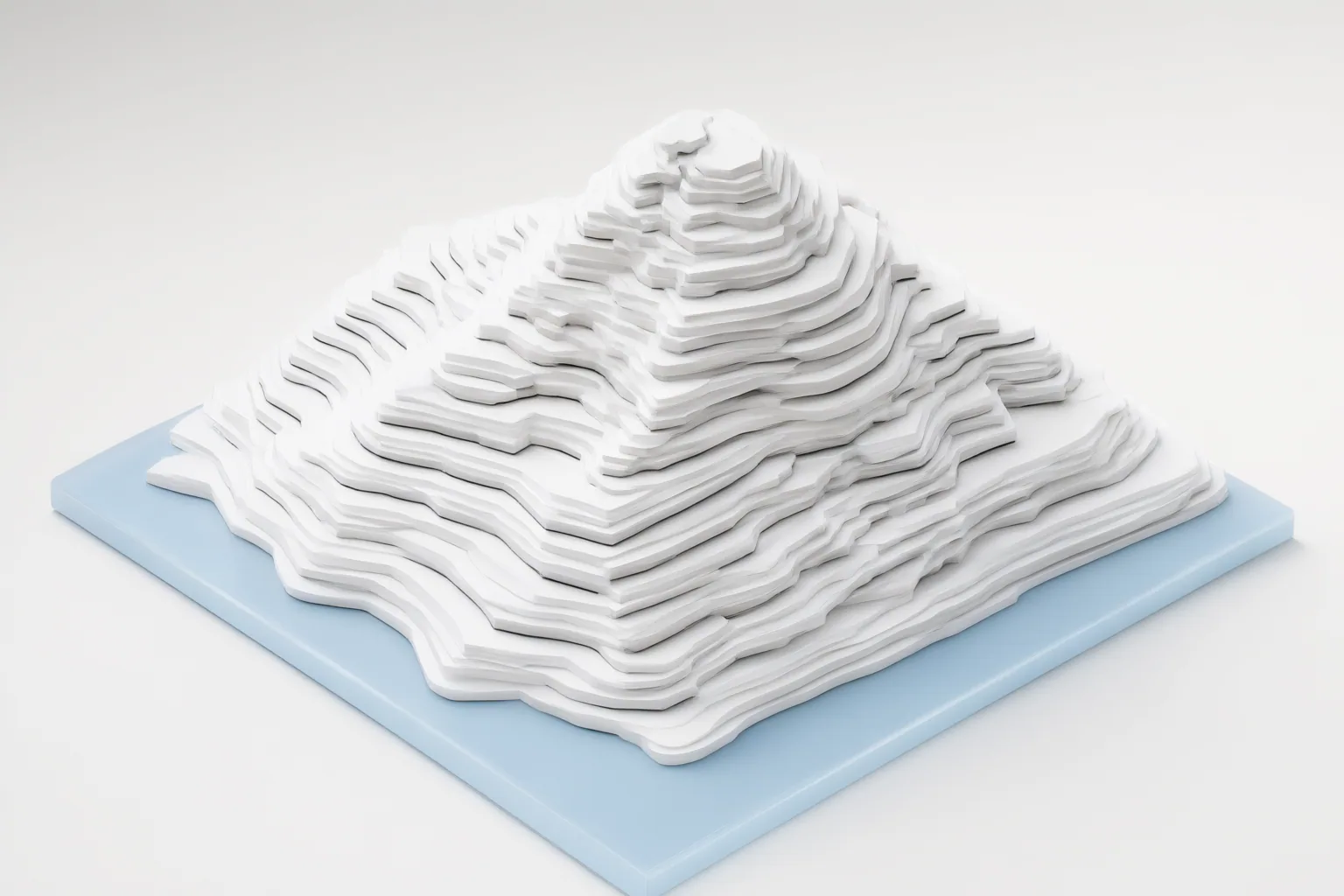
ControlNet edge maps give an image generator structural guidance in addition to a text prompt. By extracting outlines and boundaries from a reference image, they can help preserve its composition while the prompt changes characteristics such as style, color, texture, lighting, and detail.
What ControlNet edge maps do
Text prompts can describe a scene, but prompt-only generation may not reliably preserve an exact pose, framing, or layout across attempts. ControlNet addresses this problem by adding a structural condition alongside the prompt. Supported control inputs can include edge maps, depth maps, pose skeletons, sketches, and scribbles.
For edge-based control, a preprocessor converts a reference image into a control image representing its outlines or boundaries. A corresponding ControlNet then uses that signal during sampling to steer where objects and major forms appear. Canny edge control is particularly suited to retaining hard outlines, silhouettes, object boundaries, and the overall scene layout. The supplied secondary explanations describe the underlying architecture as a trainable copy of part of a diffusion model connected to a frozen original model through zero-convolution layers, which inject the learned control signal.
How edge guidance constrains composition without fixing appearance
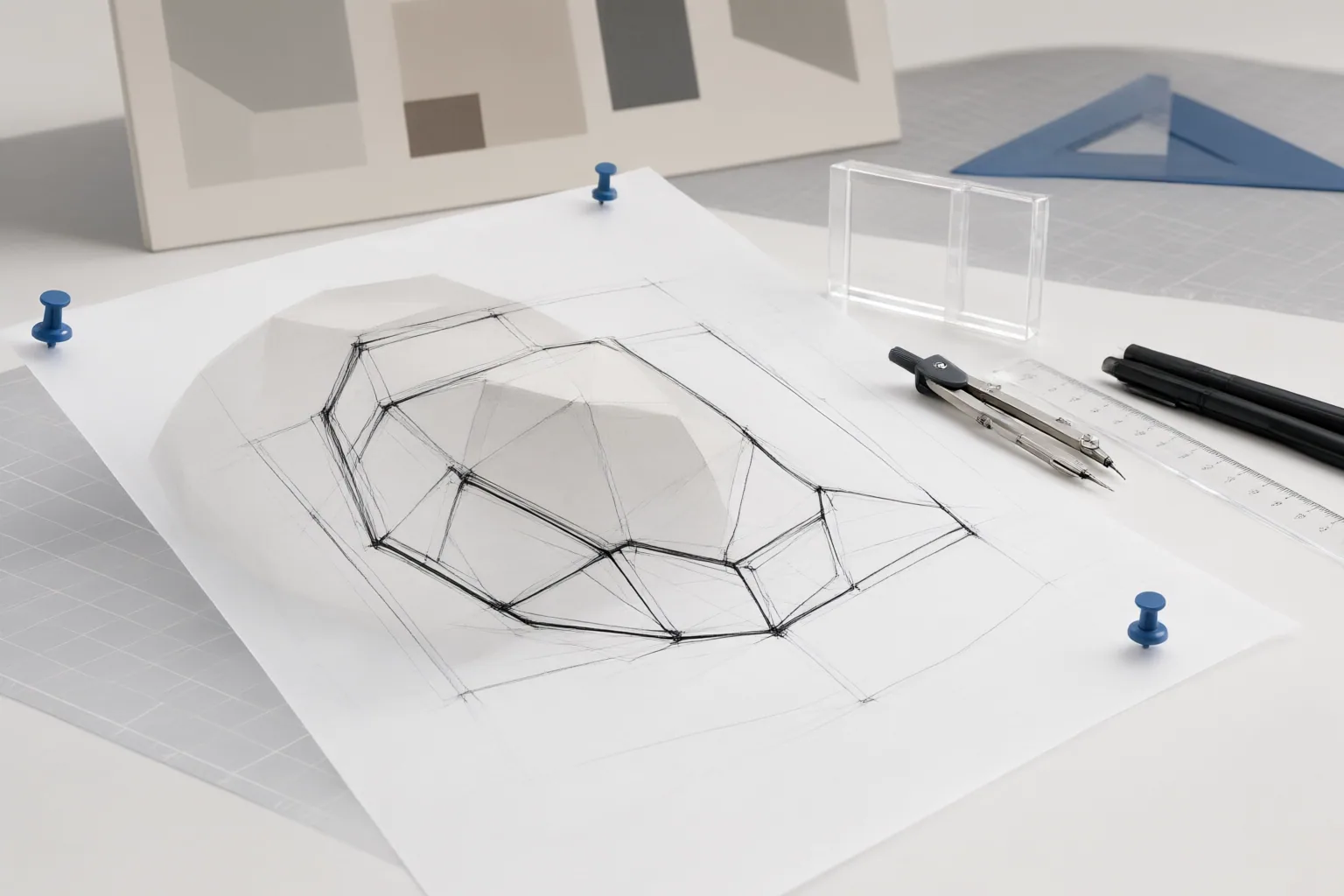
An edge map constrains spatial structure rather than fully determining the finished image. Its lines tell the generation process where important boundaries should remain, helping retain the reference image’s silhouette, framing, object placement, and layout. At the same time, the text prompt continues to influence appearance, including style, color, texture, lighting, and fine detail. This separation makes it possible to seek a new rendering while keeping recognizable compositional relationships.
The appropriate control type depends on what must be preserved. Edge maps emphasize visible outlines and boundaries. Depth maps represent spatial depth and perspective, while pose maps encode the arrangement of a human body. An edge map is therefore appropriate when boundaries are the priority; it is not interchangeable with depth or pose guidance when perspective or body position is the main constraint.
Control is also a balance between fidelity and flexibility. The cited practical guidance says influence can be adjusted through control strength and through how much of the denoising process receives that control. Stronger or longer-lasting guidance can hold the output more closely to the reference structure, while weaker guidance permits more deviation. Excessive strength can produce undesirable results.
Workflow, limitations, and two common questions
A basic workflow has four parts:
- Choose a reference image whose composition contains the boundaries you want to preserve.
- Use an edge preprocessor to produce the control image.
- Load a ControlNet that accepts the same kind of control signal.
- Generate with both the text prompt and the structural condition, then adjust the strength or control duration if the result is too rigid or departs too far from the reference.
Compatibility checks are essential. The preprocessor output and ControlNet must represent the same control type. ControlNet weights must also match the base-model family: the supplied guidance specifically warns against combining SD 1.5 ControlNet weights with an SDXL checkpoint, or SDXL ControlNet weights with an SD 1.5 checkpoint.
These steps describe how the components are intended to work together, not a guarantee that every output will reproduce the reference exactly. The supplied sources support the structural role, workflow, and compatibility requirements, but uncorroborated performance and hardware claims have not been included.
Conclusion
Use ControlNet edge maps when preserving boundaries, silhouettes, framing, and scene layout matters more than preserving the reference image’s original appearance. Choose another control type if depth, perspective, or body arrangement is the actual priority. To begin, select a reference, generate a matching edge map, verify that the preprocessor, ControlNet weights, and base-model family are compatible, and test moderate control settings before adjusting toward greater structural fidelity or visual flexibility.
Disclosures and limitations
- This article was prepared with AI assistance exclusively from the supplied research package, which summarizes secondary sources rather than original ControlNet documentation. It contains no product recommendation or affiliate endorsement.
Sources
- What Is ControlNet and Why It Changed AI Image Generation – Public Art Now — Public Art Now
- ControlNet explained — pose, depth and edge control — Twin AI
- ControlNet 101 (with ComfyUI): types, use-cases, and practical node setups — LJGA // Blog
Improve this guide
Report a problem or suggest the next question
Submissions enter a private editorial queue. They are reviewed and deduplicated before any public update or new page is created.