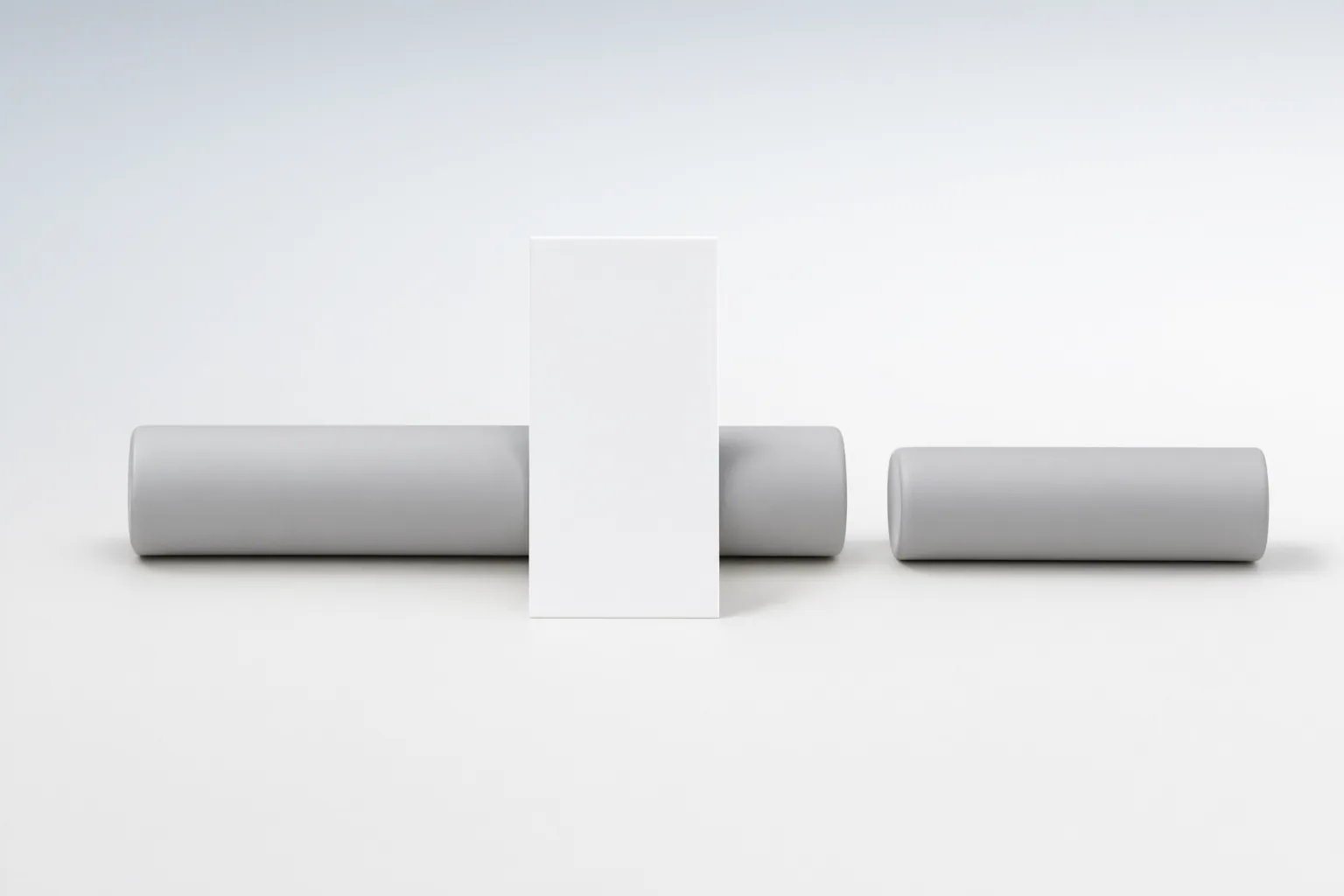
Test the entire exported sequence—not just a strong still frame—and compare the object before it is hidden, at the obstruction boundary, and after it reappears. Look for changes in identity, shape, position, scale, edges, and tracking stability, then repeat the test with only one variable changed.
What the occlusion test should reveal
An occlusion test examines continuity as a moving object becomes hidden and then returns to view. The gradual disappearance is called deletion, while the gradual reappearance is called accretion. Together, these phases create a useful test of whether an AI-generated or AI-edited object remains coherent through time.
Start by identifying visible traits that should persist, such as the object’s overall shape, recognizable identity, proportions, surface details, and relationship to the scene. Watch for those traits to drift as the obstruction begins or ends. Also check for artificial blending where the object meets the obstruction. A convincing isolated frame is not enough: an object may appear plausible in one image yet change identity or blend poorly across the moving sequence.
Run a controlled before-during-after check
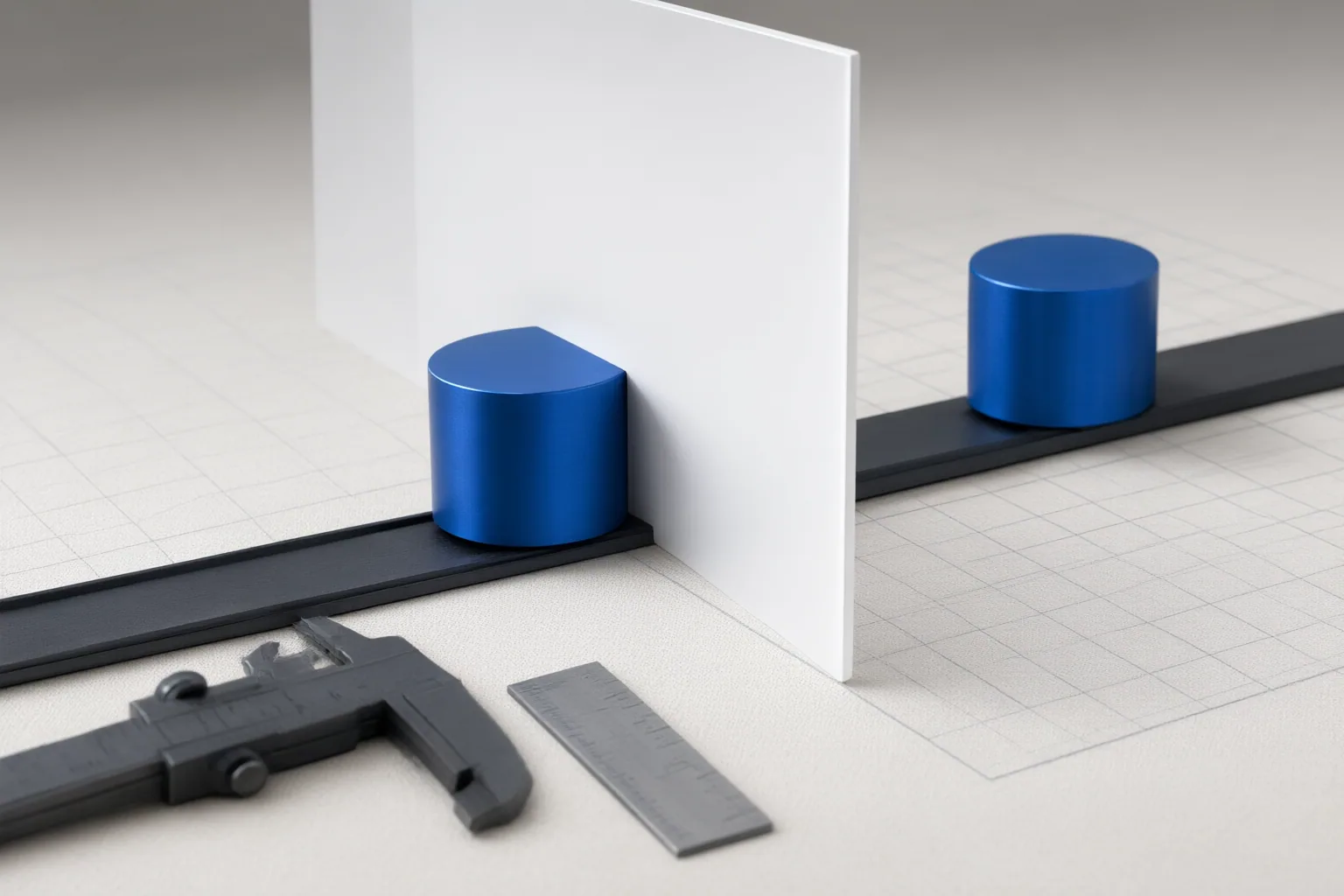
Use a short clip with a clear pre-occlusion view, a period of partial or full obstruction, and an unobstructed reappearance. Establish the last stable frames before the object passes behind the obstruction as your reference. Record its shape, identity, position, scale, visible details, and edge quality.
Next, inspect the boundary frames where the object starts to disappear. Look for edge smearing, implausible blending, sudden resizing, position jumps, or details that vanish too early. During partial obstruction, check whether the visible portion still matches the reference. When the object reappears, compare the first visible frames with the pre-occlusion reference and note any identity, geometry, scale, or placement change.
Finally, watch the complete exported clip at normal speed and inspect the critical frames individually. This catches both temporal defects and frame-level errors. Do not rely solely on an initial preview or still image. If the tracking rectangle changes size rapidly, visible jitter may appear, so log where it begins, peaks, and ends.
Add stress conditions and compare tracking approaches carefully
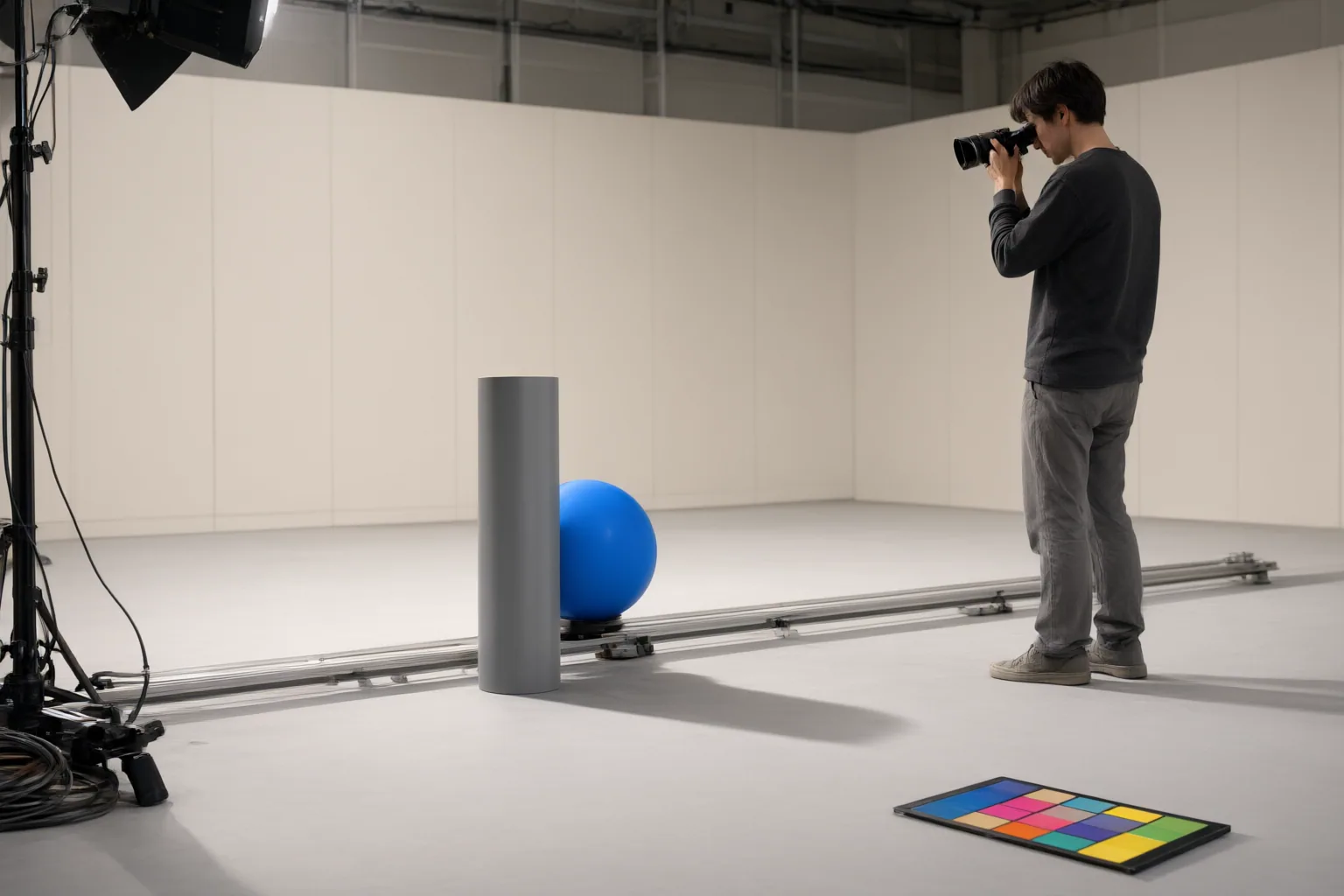
After the controlled test, repeat it with one added difficulty at a time. Useful stress conditions include head turns, expression changes, changing light, fast movement, partial occlusion, and longer clips. These conditions can reveal identity drift, blending problems, or instability that a simple sequence does not expose. Changing one condition per run makes failures easier to attribute.
Tracking approaches may suit different footage. Apple states that Final Cut Pro’s Machine Learning method can overcome moderate occlusion, such as an object passing behind a tree for several frames and reappearing. Its Point Cloud method instead tracks a defined group of pixels on a rigid, relatively flat region and may reduce bounding-box jitter compared with the Machine Learning method.
Treat method changes as separate test runs. In Final Cut Pro, changing the analysis method requires deleting existing motion-track keyframes and reanalyzing the clip. Apple also notes that tracking results can differ between Apple-silicon and Intel-based Macs because Apple-silicon systems use an enhanced machine-learning model. Record the hardware and method so comparisons remain interpretable.
Conclusion
Pass the clip only if the object preserves its recognizable identity and visual continuity across the full sequence, especially at disappearance and reappearance. Revise it when you see drift, unnatural blending, jumps, resizing, or jitter. These checks are evaluation criteria, not comparative benchmarks or proof that one tool performs better than another.
Export one controlled test clip, inspect the object frame by frame around the obstruction, log every defect, and rerun the same test after changing only one setting or input condition.
Disclosures and limitations
- This article was prepared with AI assistance from the supplied research package and reflects only the cited source material; it does not report private hands-on testing or comparative benchmark results.
- No product prices, ratings, rankings, affiliate recommendations, or independently verified performance claims are presented.
Sources
- VidMage AI Review 2026: Face Swap, Privacy & Video Exports — Filmora
- Deletion and Accretion — isle.hanover.edu
- Change the tracking analysis method in Final Cut Pro for Mac — Apple Support
- How to Replace a Face in a Travel Video Online — NorthIowaToday.com
Improve this guide
Report a problem or suggest the next question
Submissions enter a private editorial queue. They are reviewed and deduplicated before any public update or new page is created.