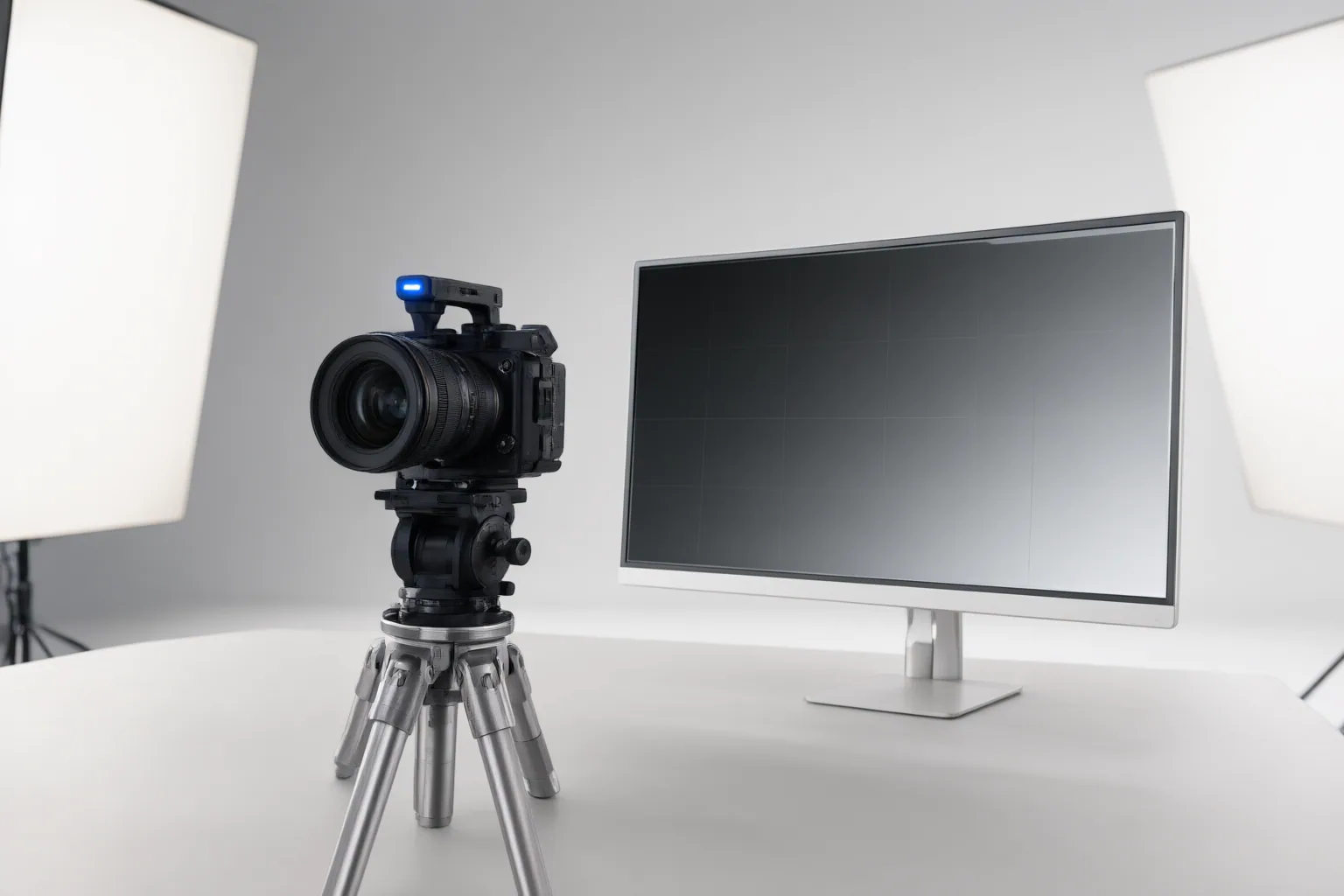
AI eye contact correction can redirect a speaker’s gaze in prerecorded talking-head footage, but a useful result must preserve ordinary blinks, expressions, and head movement. Evaluate it on a short representative clip before applying it to an entire video.
What AI Eye Contact Correction Does—and Where It Fits
AI eye contact correction is presented by several vendors as a post-production tool for talking-head footage in which a speaker reads a script, checks notes, or occasionally looks away from the lens. The documented workflows are not identical. Kapwing and VEED place correction within broader video editors, Captions focuses on analyzing talking-head footage, and CaptionX describes a browser workflow for uploaded prerecorded clips.
Confirm that a tool fits the intended production process before judging its visual quality. For example, VEED says its feature detects gaze in prerecorded video and does not directly correct a live stream. Its workflow involves uploading or recording footage, enabling Eye Contact on the timeline, and then exporting or continuing to edit. Kapwing similarly documents uploading or recording, applying Eye Contact from the editor sidebar, reviewing the result, and exporting.
Prepare Footage for a Believable Correction
Give the correction system a clear view of the eyes. Captions recommends recording close enough for the camera to see them clearly and placing the script slightly above or beside the camera instead of far below it. This reduces the distance the apparent gaze must be redirected.
Other useful source conditions include:
- Even lighting across the face
- A head position that remains mostly camera-facing
- An eye line unobstructed by glare, hair, hands, or other objects
- High-resolution footage with enough visible detail
These conditions can make a believable correction more achievable, but they do not guarantee one. Sharp head angles, uneven lighting, obscured eyes, and inadequate image detail may make artifacts harder to avoid. Capture a short trial under the actual lighting, framing, and script setup intended for the finished video so the evaluation represents the real production conditions.
Review Blinks, Expressions, and Gaze Before Exporting
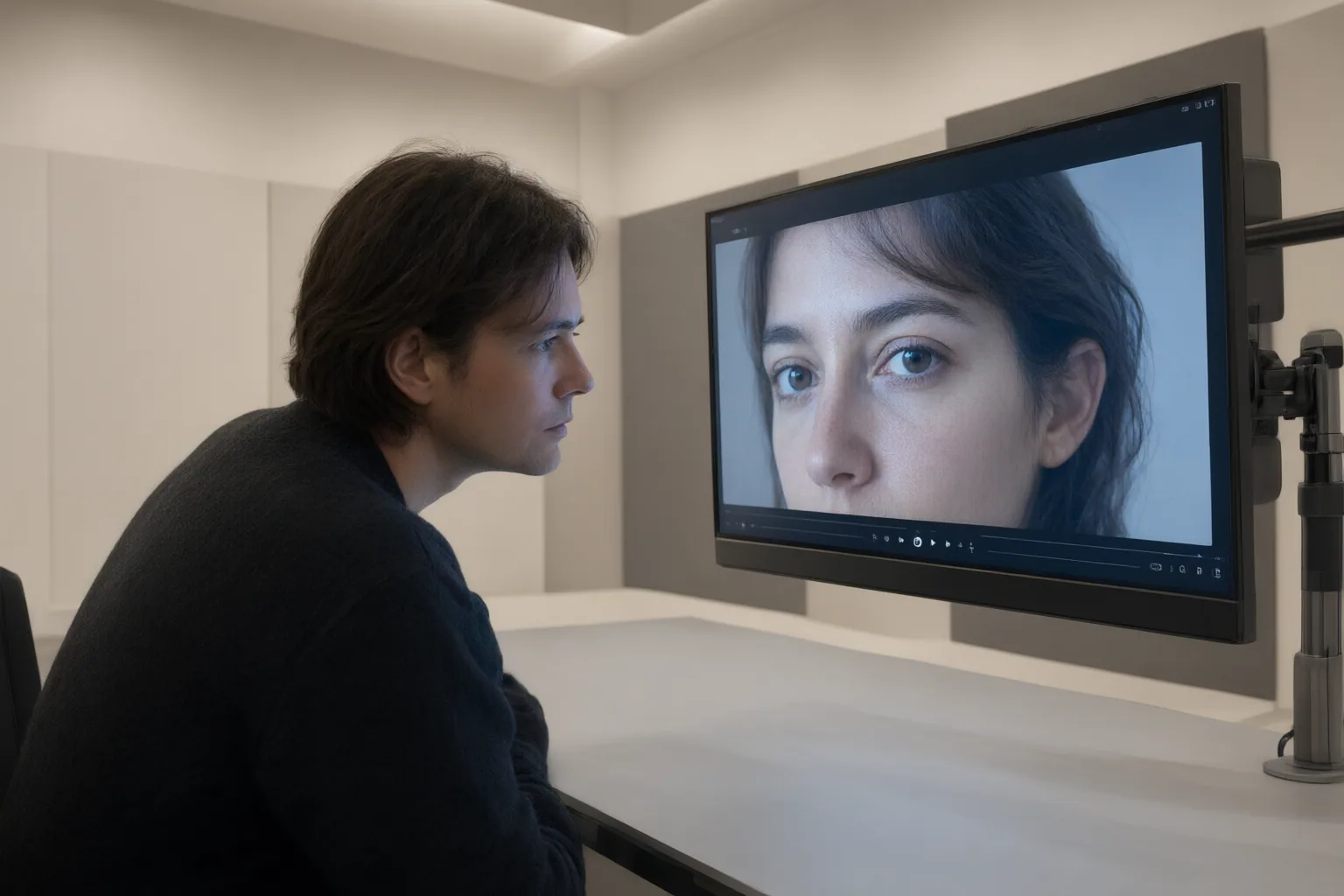
Preview the processed clip before export, a step explicitly included in CapCut’s documented workflow. First watch the original and corrected versions at normal speed. Look for a gaze that feels consistent with the speaker’s delivery rather than rigidly fixed on the lens. Then inspect difficult moments frame by frame, especially ordinary blinks, subtle facial reactions, intentional glances, pauses, abrupt head turns, and frames where the eyes become partly obscured.
Captions says its correction is intended to retain natural blinks, expressions, pauses, and glances, while CapCut claims to imitate blinking patterns and eye movement. Treat these as vendor claims rather than independent proof. An independent comparison recommends checking whether blinks and micro-expressions remain intact and reports that abrupt head turns produced a slightly digitally locked appearance in its VEED test. However, the supplied account does not include a full protocol or reproducible benchmark.
Reject or reduce the correction when the eyes appear frozen, blink timing changes unnaturally, expressions lose their subtlety, or gaze shifts draw more attention than the original glance.
Conclusion
A suitable eye contact correction should preserve natural motion, work with the intended prerecorded-video workflow, and perform acceptably on the available source footage. Workflow and access also matter: Kapwing says Eye Contact requires Pro, while VEED describes a free trial followed by Pro for unlimited access. Because these terms and capability descriptions come from vendor pages, verify them before committing to a tool or production process.
Test a short representative clip, compare it with the original at normal speed and frame by frame, and use the correction only if blinks, expressions, and head movements still look natural. If it creates a frozen expression, digitally locked gaze, or distracting artifacts, keep the original footage or adjust the recording setup before trying again.
Disclosures and limitations
- This article was prepared with AI assistance from the supplied vendor materials and an independent comparison; vendor capability and access claims were not independently verified here.
- No affiliate relationship is asserted in the supplied research. Verify current features, limitations, and access terms directly before making a purchase decision.
Sources
- AI Eye Contact Correction — Fix Eye Contact In Videos Online — kapwing.com
- Eye Contact AI – Always Look at the Camera – VEED — VEED
- Correct Eye Contact with AI: Fix Any Video | Captions — Captions
- AI Eye Contact Correction — Make Eyes Look at the Camera | Evoto — Evoto
- AI Eye Contact Correction: Fix Lazy Eyes in Photos Online Free | Media.io — Media.io
- Eye Contact AI: Fix Gaze Instantly in Videos to Improve Focus — CapCut
- AI Eye Contact Correction — Fix Your Gaze in Any Video (Free) | CaptionX — caption-x.com
- AI Eye Contact Correction Free Online That Makes Photos Feel Natural | Bylo.ai — bylo.ai
- AI Eye Contact Correction Online Free – Perfect Your Gaze in Photos — Kaze AI
- 9 Best AI Eye Contact Correction Online Tools 2026 FixThePhoto Choice — FixThePhoto.com
Improve this guide
Report a problem or suggest the next question
Submissions enter a private editorial queue. They are reviewed and deduplicated before any public update or new page is created.