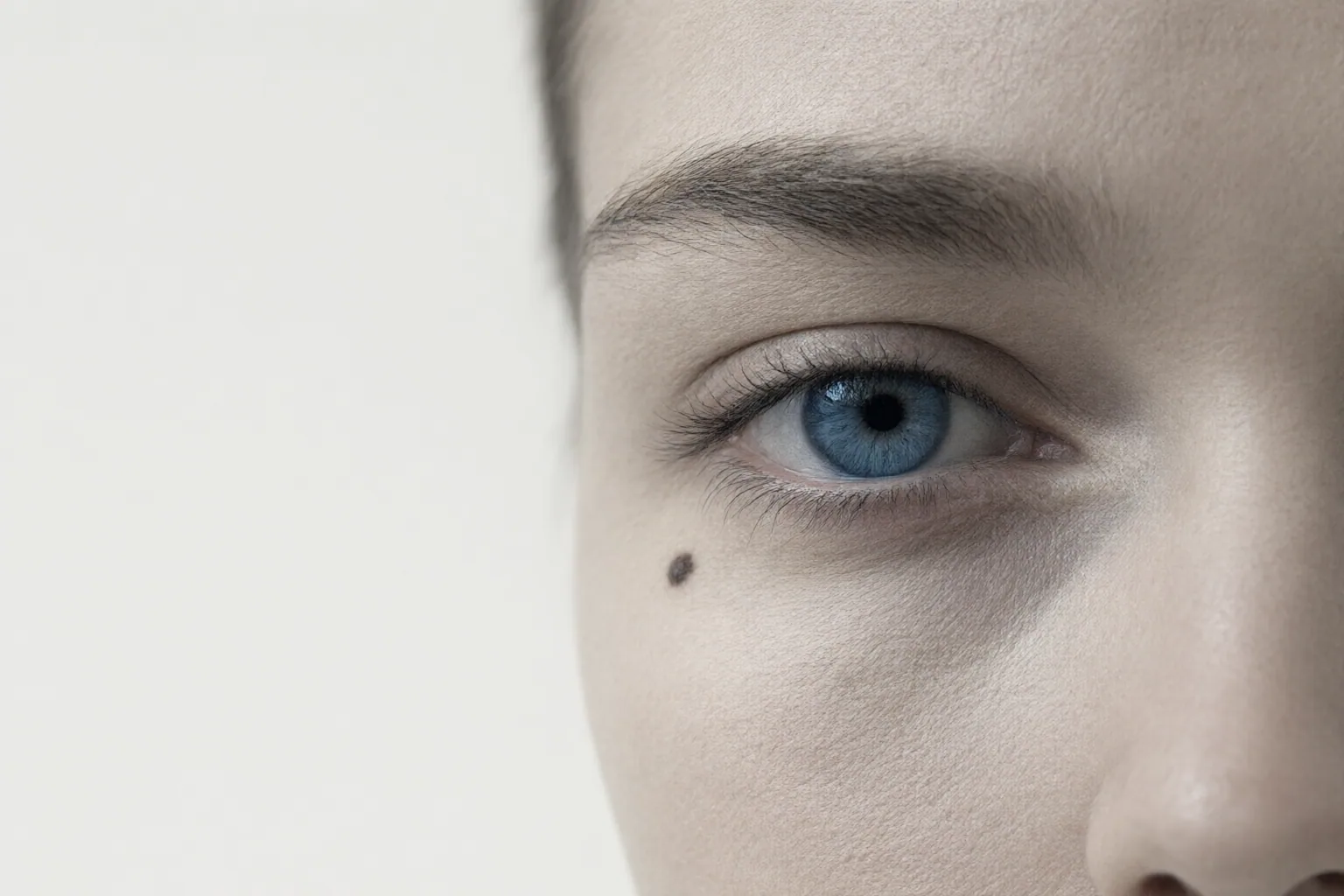
A faithful restoration should retain the person’s recognizable proportions and distinctive details—not merely produce a sharper, smoother face. Compare the original and restored images side by side at 100% zoom, and treat details reconstructed from severe damage as uncertain.
Why a Cleaner Face May Not Be a More Faithful Face
AI face restoration can clarify an old, blurry, low-resolution, or damaged portrait, but visual polish is not proof of identity preservation. When facial information is missing, the system may construct plausible detail instead of recovering the original pixels. The more severe the damage, the more the result can depend on inference.
Judge the result by whether stable proportions and distinctive details remain consistent with the source. Added sharpness matters less than familiar eye spacing, nose width, lip shape, jawline, and natural skin texture. Be especially cautious if enhancement removes asymmetry, wrinkles, scars, moles, or other recognizable traits.
It also helps to distinguish restoration from beautification. The supplied guidance describes restoration as clarifying texture while retaining facial proportions, whereas beautification may smooth, symmetrize, or revise identifying features. A technically clean face can therefore be less faithful to the depicted person.
Compare the Original and Restored Face at 100% Zoom
Keep the untouched source file and begin with the best available scan or capture. Apply restoration conservatively, then place the original and result side by side at 100% zoom. Do not rely on a small preview, where changes to proportions or texture may be difficult to notice.
Inspect the face systematically:
- Compare the distance and alignment between the eyes.
- Check whether the nose has become wider, narrower, or differently shaped.
- Compare the lips, jawline, and overall facial proportions.
- Look for lost asymmetry, wrinkles, scars, moles, and characteristic skin texture.
- Ask whether the result still resembles the source before judging whether it looks attractive or sharp.
Repeat this review after every additional enhancement. A before-and-after preview and the ability to rerun processing are useful features to seek. Photor AI documents both a side-by-side preview and additional runs when a plan has sufficient credits, but those features do not by themselves prove that identity is preserved.
Recognize High-Risk Inputs and Tool Limitations
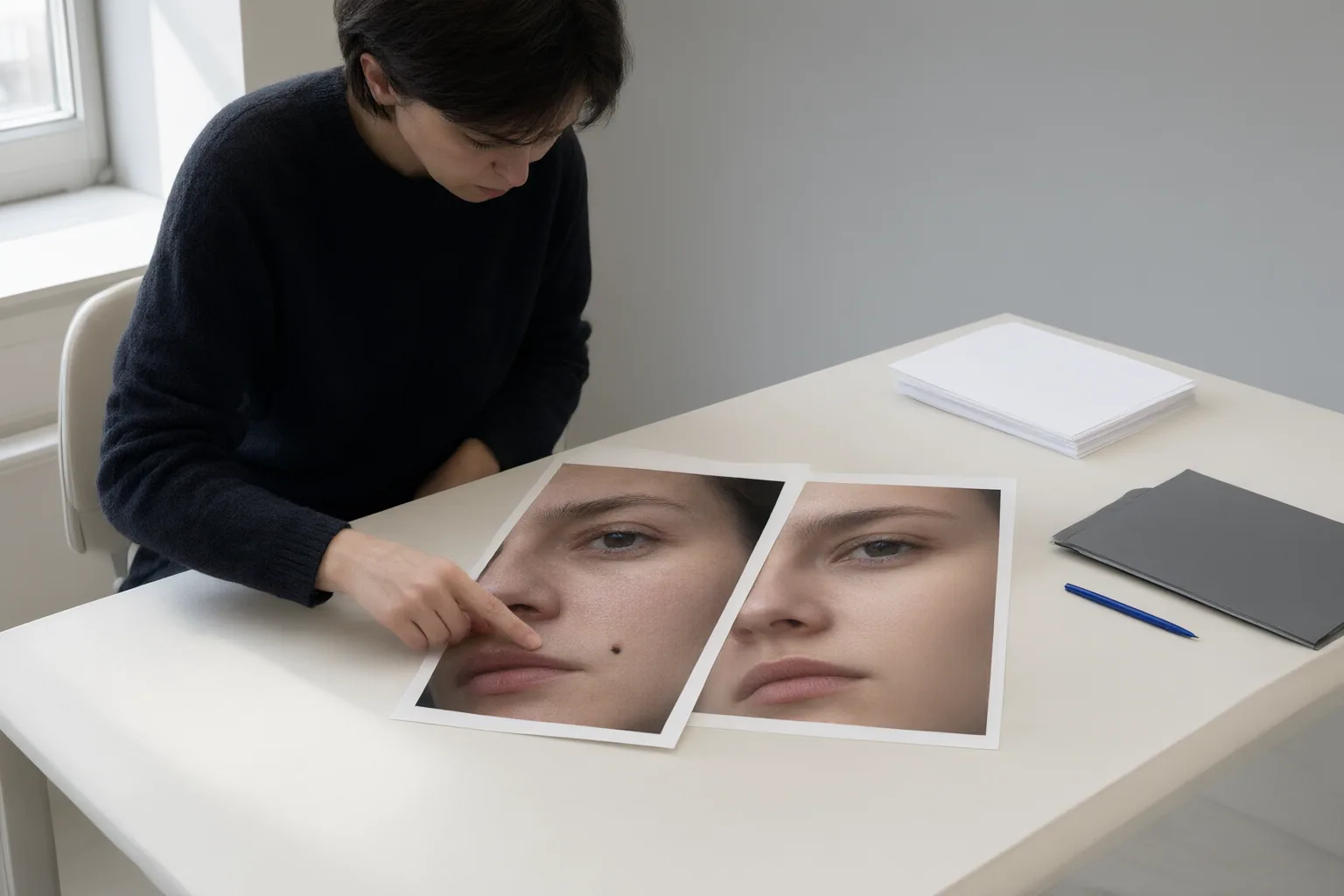
Increase scrutiny when scratches, tears, fading, blur, or low resolution affect the eyes, nose, mouth, jaw, or other important features. Severe degradation leaves less original evidence and more room for generated details. Aggressive enhancement raises the same concern because it can replace distinctive traits with smoother, more generic-looking ones.
User control is another useful evaluation criterion. A HitPaw guide identifies limited customization and difficulty with severely damaged images as drawbacks of one online restoration option. When a one-click tool offers little control, preserve every original and intermediate version so that unwanted changes remain detectable.
Group photographs require face-by-face review. Restore Photo says its service automatically detects and enhances multiple faces, but that vendor claim does not establish that every identity remains accurate. Inspect each person separately at 100% zoom; successful processing of the image is not evidence that every restored face is faithful.
Conclusion
Accept a restoration only when recognizable proportions and distinctive details remain consistent with the source during side-by-side inspection. If the eyes, nose, lips, jawline, texture, or individual marks change noticeably, reduce the enhancement or compare another iteration. When damage makes the result impossible to verify, retain the original as the more reliable record rather than treating plausible reconstruction as recovered fact.
Before saving or sharing, preserve the source file, start with the best available scan or capture, use conservative restoration, and inspect every restored face beside the original at 100% zoom.
Disclosures and limitations
- This article was prepared with AI assistance from the supplied research package. Its sources are vendor pages or commercially affiliated guides, not independent laboratory tests, and no tool is established here as better at preserving identity.
- No product ranking or purchase recommendation is made. Documented tool features are included as examples, not endorsements or evidence of identity-preservation accuracy.
Sources
- Restore, reunite, and preserve your family photos | BringBack — BringBack
- 8 Best AI Face Restoration Tools (Free Online/Win/Mac) 2026 — hitpaw.com
- AI Face Restoration | Restore Old & Blurry Faces Online | Restore Photo co — restorephoto.co
- How do I restore an old family photo when AI keeps changing the person's face? — photosharpener.com
- Face Restoration | Photor AI — Face Restoration | Photor AI
Improve this guide
Report a problem or suggest the next question
Submissions enter a private editorial queue. They are reviewed and deduplicated before any public update or new page is created.