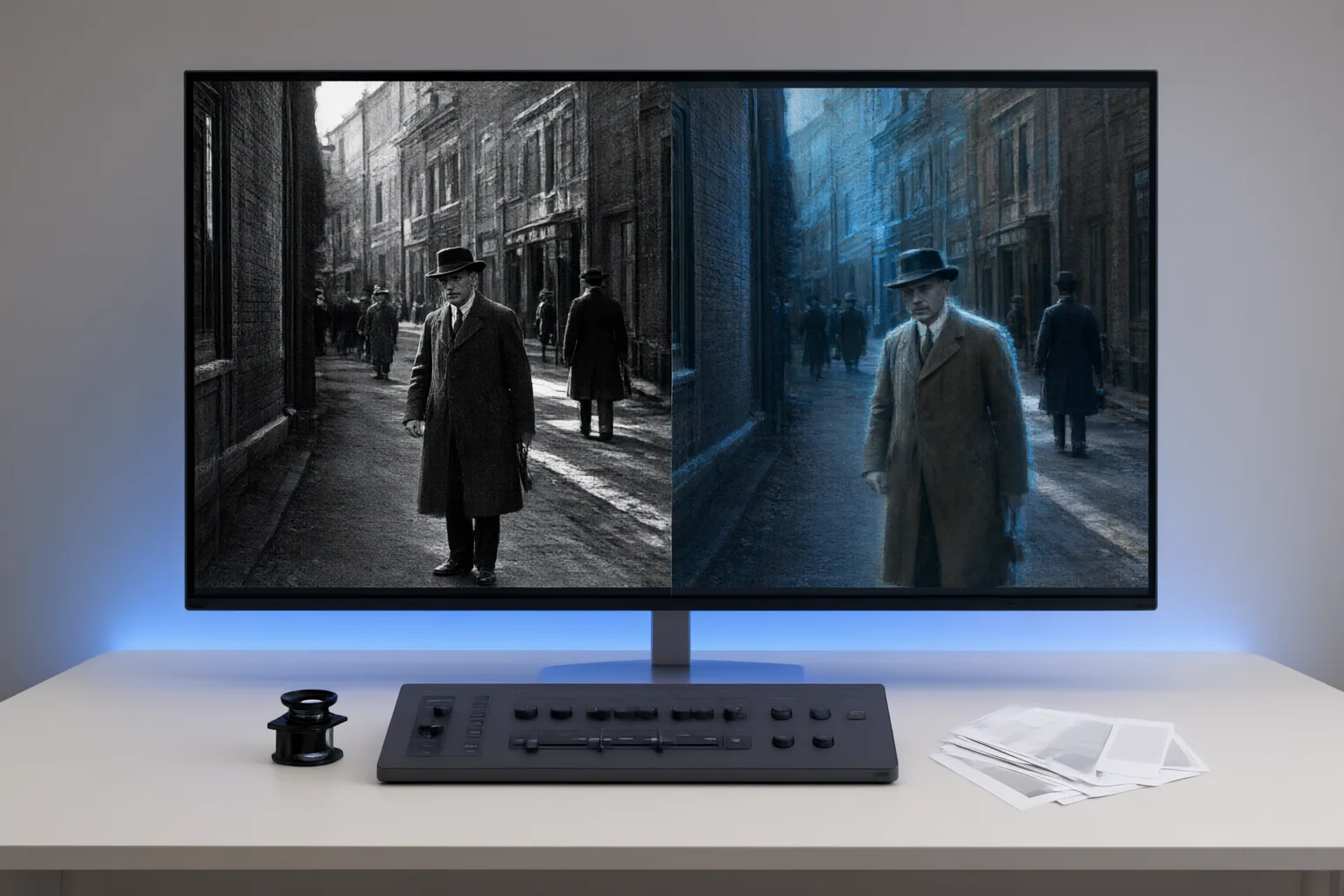
Review AI-colorized archival footage as an interpretation, not a guaranteed reconstruction. Check the source scan, complete scenes, adjacent frames, skin tones, brightness, and generated details before publishing.
Start With the Source and Workflow
Begin by retaining the original scan and placing it beside every restored or colorized version. This comparison helps separate existing film damage from changes introduced during cleanup, colorization, restoration, or upscaling.
Record visible problems in the source, including dust, scratches, grain, uneven exposure, blur, smearing, and compression artifacts. Poor input quality can impair enhancement, while restoration may add artifacts or invented facial detail instead of recovering authentic information.
Track the workflow from digitization through optional cleanup, AI analysis and color assignment, consistency work, final review, and export. Keep each stage identifiable so reviewers can determine when a questionable color or detail appeared. Preserve the untouched scan even when preliminary cleanup improves readability.
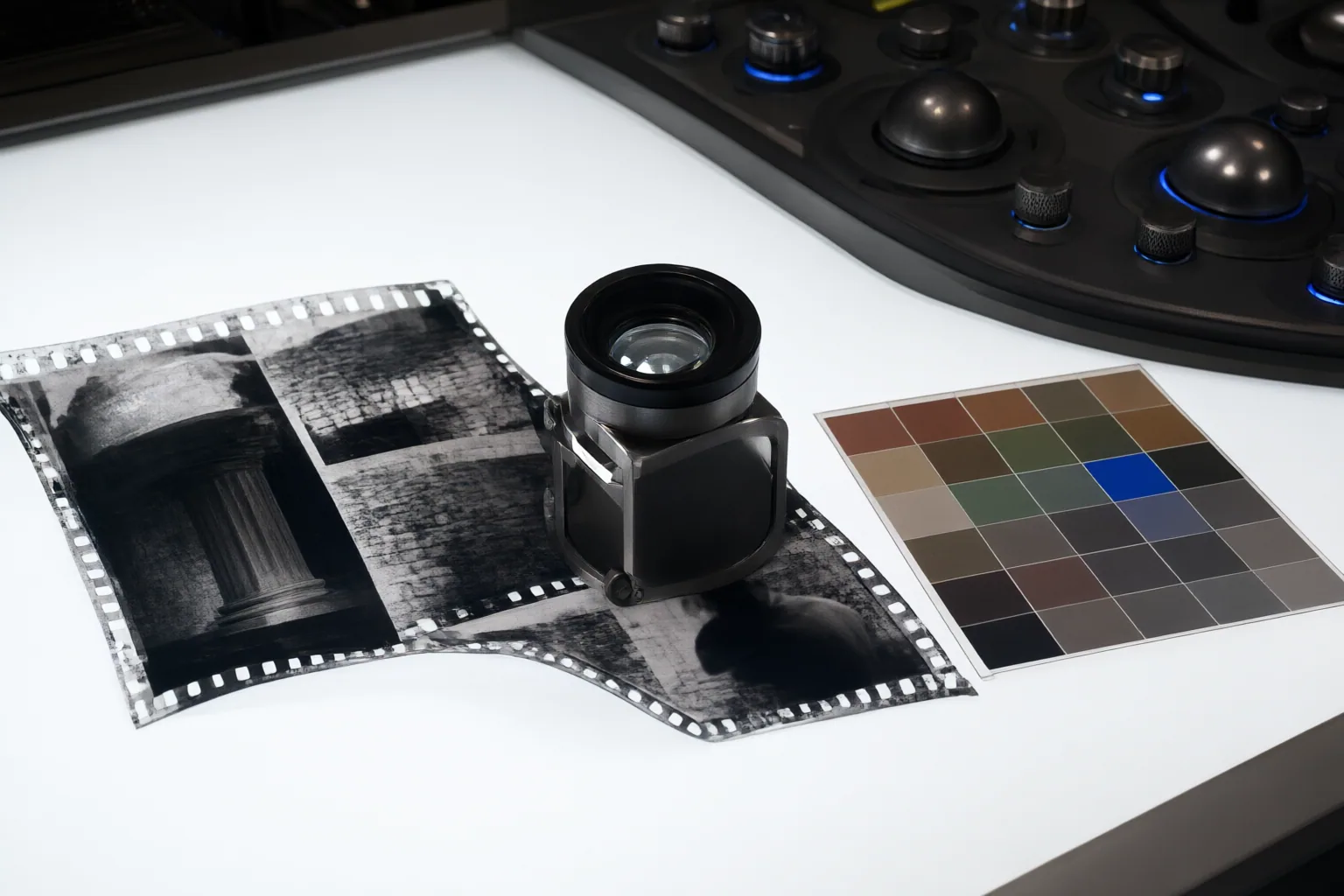
Check Motion, Flicker, and Frame-to-Frame Color
Watch complete scenes at normal speed, then inspect adjacent frames around motion, cuts, and lighting changes. An isolated frame can look convincing even when the sequence is unstable.
Check for color bleeding across object boundaries, ghosting around moving subjects, patchy skin tones, and colors that shift on the same person or object from one frame to the next. Pay particular attention to fine edges, faces, hands, clothing, and objects crossing complex backgrounds.
Also look for brightness flicker: rapid, artificial exposure changes between consecutive frames. Irregular exposure in hand-cranked footage, physical film damage, and frame-by-frame processing are identified as possible contributors. Compare the original sequence to determine whether a fluctuation was already present or became more pronounced during processing.
Keeping settings stable across adjacent frames and reviewing scene by scene can improve temporal consistency, especially where lighting changes. Any correction should be checked through playback rather than judged solely from still images.
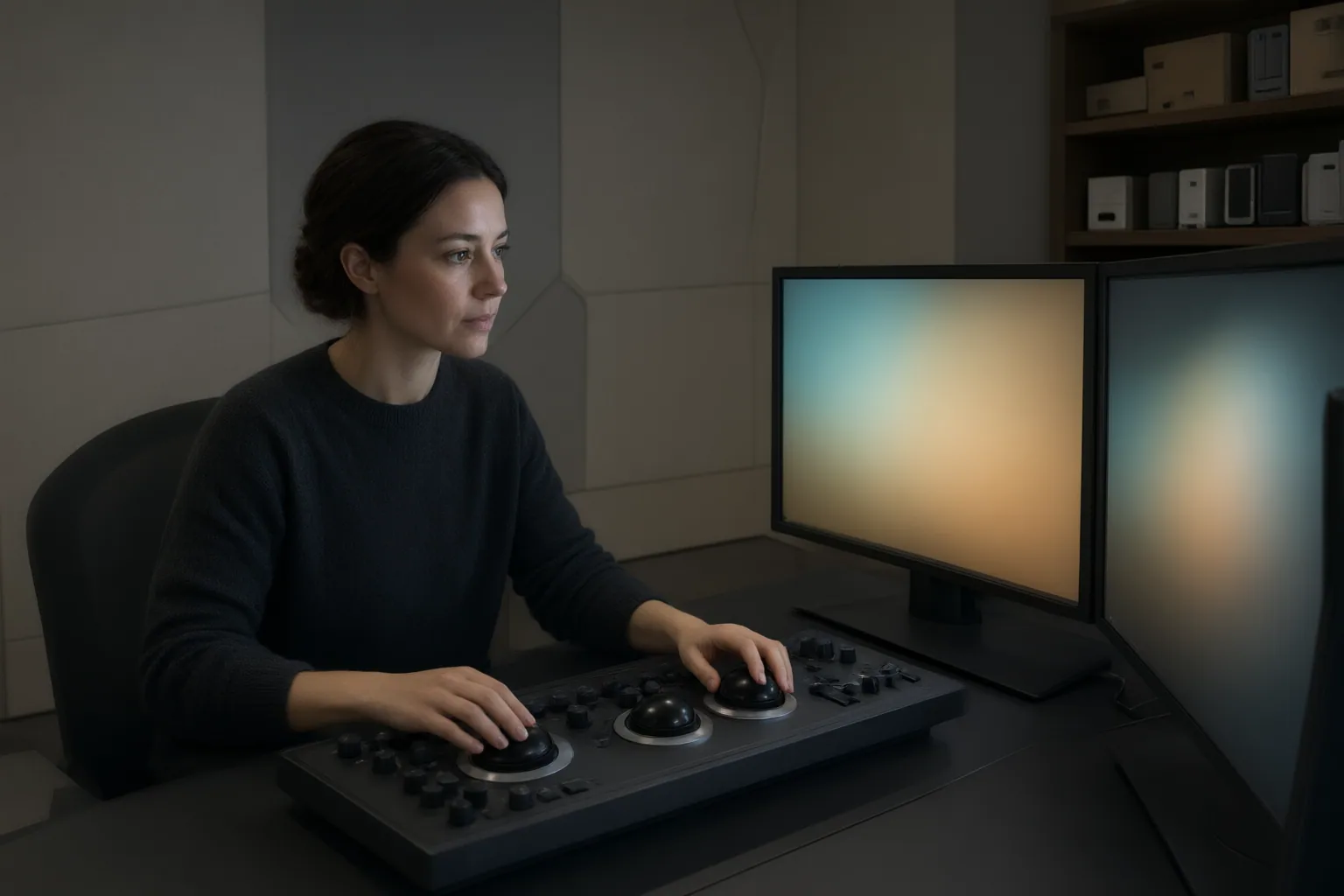
Review Plausible Colors for Accuracy and Bias
AI colorization commonly predicts colors from grayscale information and contextual cues. A plausible result therefore does not prove that the system recovered the original colors.
Scrutinize skin tones, faces, clothing, objects, and environmental colors for unsupported assumptions. One documented DeOldify example rendered a Black subject with a lighter skin tone, showing why editors must consider representational bias rather than accepting visual plausibility as accuracy.
Review newly visible facial features and textures with equal care. Experiments with poor archival sources found that restoration could introduce artifacts or hallucinated facial detail rather than reliably restore authentic detail. Compare such features against the retained original and avoid presenting generated additions as recovered evidence.
Where historical evidence is limited, document the uncertainty and identify colorization as an interpretive layer. The goal is not merely to find visually distracting errors, but also to prevent confident-looking predictions from being mistaken for historical fact.
Conclusion
A responsible final review connects technical inspection with historical judgment. Preserve the original scan, compare it with each processed version, and inspect complete scenes as well as individual frames. Log source defects, colorization choices, restoration changes, and decisions that remain uncertain.
Before export, replay scenes containing movement, faces, exposure changes, or damaged film. Confirm that colors remain stable, boundaries do not bleed, brightness does not flicker artificially, and added details are not being represented as authentic recovery.
Then compare the colorized footage scene by scene with the retained original, record every uncertain or altered detail, and clearly label the colorization as interpretive when historical evidence is limited.
Disclosures and limitations
- This article was prepared with AI assistance using only the supplied research package and its identified sources; no products or footage were independently tested.
- Some supplied sources are vendors or tool providers, so their workflow guidance and artifact descriptions are presented as attributed evidence rather than independent product validation.
Sources
- Fix Flicker in Colorized Historical Video with AI — hitpaw.com
- Film Colorization in 2026: How to Colorize Black & White Movies with AI — UniFab
- The Controversial History of Colorizing Black-and-White Photos — PetaPixel
- AI Video Colorization Offline – 1-Click Solution — Deep Art AI Insights
- AI Historical Restoration and Analysis: 20 Advances (2026) – Yenra — yenra.com
- Experiments With AI Image & Video Enhancement: Colorizing, Upscaling & Face Restoration – The GDELT Project — blog.gdeltproject.org
Improve this guide
Report a problem or suggest the next question
Submissions enter a private editorial queue. They are reviewed and deduplicated before any public update or new page is created.