
Evaluate AI video relighting against an approved reference—not visual appeal alone. Use consistent inputs and lighting directions, inspect SKU-defining details across frames, and require human approval before publishing.
Define Product Fidelity Before Testing Relighting
Start with a trusted, preferably clean and well-lit product asset. Before processing it, document the details that must remain accurate: product color, texture, fabric characteristics, shape, proportions, labels, logos, hardware, prints, and other SKU identifiers. Also define the intended channel, because an attractive campaign treatment may still be unsuitable as a dependable listing representation.
SceneWeaver advises reviewing generated clips for product clarity and says its workflow prioritizes readable labels, textures, and edges. Treat that as a vendor claim rather than proof. The practical standard is whether the output continues to match the approved source throughout the clip.

Compare Restyling and Corrective Relighting on Equal Terms
The documented tools represent different approaches. OpenArt describes a workflow using an uploaded video, a preset or reference image, and an optional prompt, with side-by-side comparison available afterward. It characterizes the result as a full-frame transformation that may alter lighting, atmosphere, color, and visual style together. Ecommerce reviewers therefore need to check whether the product changed along with the scene.
Filmora describes Face Light, Ambient Light, and a custom mode with controls for position, intensity, color, distance, and range, plus optional keyframes. Its stated use cases include underexposure, harsh shadows, backlighting, and poor color temperature. Compare either approach with the same source clip and fidelity checklist; documented controls or presets do not establish independently verified preservation performance.
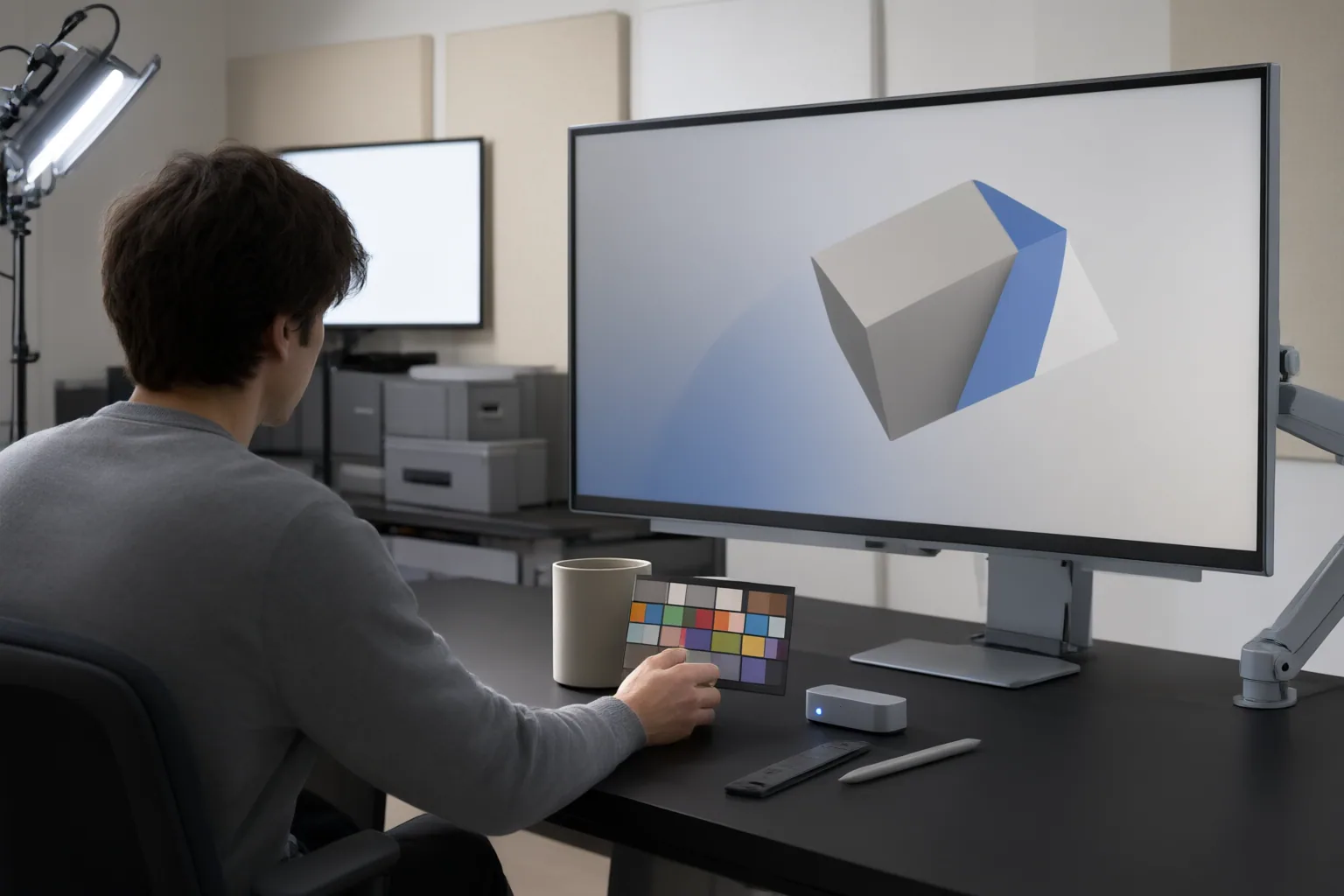
Run a Repeatable Side-by-Side Quality Review
Use a controlled review sequence:
- Preserve the approved source clip and record its SKU-defining details.
- Give each tool the same clip and defined lighting direction. Keep adjustable settings consistent where the tools permit it.
- Compare every output directly with the source. Check color, texture, fabric detail, shape, proportions, labels, logos, hardware, prints, edges, and intended-channel suitability.
- Review the entire timeline for flicker, drifting colors, unstable text, changing logos, or disappearing details. Pay particular attention to animated lighting or keyframed changes.
- Reject an output when relighting modifies a product attribute rather than merely improving presentation.
- Have a person approve one master asset before creating listing or social derivatives.
Side-by-side views can assist inspection, but they do not replace a documented decision. Record the tested direction, settings, observed deviations, reviewer, and pass-or-reject result so later evaluations use the same standard.
Conclusion
Pass a relit clip only when it solves the lighting problem without altering documented product details or introducing frame-to-frame instability. The available sources provide no shared independent benchmark, so they cannot establish which tool preserves fidelity best. Choose one approved product clip, document its SKU-defining details, apply fixed lighting directions, and require side-by-side human sign-off before publishing.
Disclosures and limitations
- This article was created with AI assistance using only the supplied research package. Its evidence is primarily vendor or vendor-affiliated material, and capability and fidelity claims have not been independently verified.
- No products are ranked or recommended for purchase here. Verify current controls, export behavior, limitations, and any relevant commercial or affiliate relationships before acting on a future product recommendation.
Sources
- AI Product Video Generator for Ecommerce | SceneWeaver AI — SceneWeaver AI
- AI Video Relight – Restyle Any Footage with OpenArt VFX — OpenArt
- How to Turn Product Images Into Videos With AI — Tolstoy
- AI Product Photography for Fashion Ecommerce — Snappyit
- AI Video Relighting — Transform the Lighting in Any Video | Higgsfield — Higgsfield
- Google Pixel 11 Pro XL vs Pixel 10 Pro XL — Specs, Leaks & Everything You Need to Know — The Pixel Store
- 7 Best AI Tools for Product Consistency in Ad Creatives (2026) | Film Threat — Film Threat
- AI Relight Video – Instantly Fix Dark & Backlit Footage with AI | Filmora — Wondershare
Improve this guide
Report a problem or suggest the next question
Submissions enter a private editorial queue. They are reviewed and deduplicated before any public update or new page is created.