
Evaluate an AI video summary as a traceable interpretation, not a complete record. Check the recording conditions and transcript first, then verify important statements, speaker attribution, decisions, and action items against the original video before approving the summary.
Start With the Recording and Transcription Conditions
AI video summarization commonly begins by acquiring audio or video, recognizing speech, analyzing the resulting text, and generating a condensed output. A weak transcript can therefore undermine even a polished summary.
Before reviewing the result, document the conditions under which it was produced. Note the audio clarity, background noise, number of speakers, specialized terminology, source organization, file condition, and any processing limits or failures. These factors can affect transcription or processing difficulty.
Also record which capture and enhancement features were active. Microsoft distinguishes meeting transcription from features such as background-noise suppression, distorted-speech enhancement, and reverberation reduction. Knowing what was enabled helps reviewers interpret errors and compare future runs under similar conditions.
Begin the evaluation by sampling the raw transcript against the recording. Concentrate first on names, technical terms, speaker changes, and passages affected by noise or overlapping discussion. If the transcript is unreliable, correct or flag it before judging the summary built from it.
Check Traceability and Speaker Attribution
A useful summary should make consequential statements easy to trace to their source. Check whether it includes timestamps, speaker labels, or links between summarized points and the transcript. For every decision, assignment, disputed claim, or important quotation, a reviewer should be able to locate the relevant passage in the recording without searching the entire video.
Some services advertise timestamps, speaker identification, transcripts, action items, adjustable detail levels, and formats such as bullets, paragraphs, or Q&A. Treat these as vendor-described controls, not evidence that the output is accurate. Verify whether labels remain consistent when speakers alternate, interrupt one another, or discuss specialized terminology.
Test more than one output format or detail level when available. A shorter version may expose omissions, while a structured format may reveal incorrect attribution or an action item that the conversation did not actually establish. Record each discrepancy rather than silently editing away evidence of a recurring failure.

Review Context, Decisions, and Action Items
Readability is not the same as completeness. Condensed text may omit pauses, tone, gestures, qualifications, ambiguity, or disagreement. Those missing signals matter when a tentative suggestion could be rewritten as a decision or when limited agreement could appear to be consensus.
Review the summary passage by passage at consequential moments. For each claimed decision, compare the summary with both the raw transcript and the recording. Ask whether the proposal was accepted, deferred, rejected, or left unresolved. For each action item, confirm the responsible speaker, requested task, and any stated condition. For attributed opinions, verify who spoke and whether the summary preserved qualifications.
Pay particular attention to transitions such as “might” becoming “will,” a question becoming a recommendation, or one participant’s statement becoming the group’s position. Also inspect places where the transcript is ambiguous rather than allowing the summary to resolve that ambiguity without support.
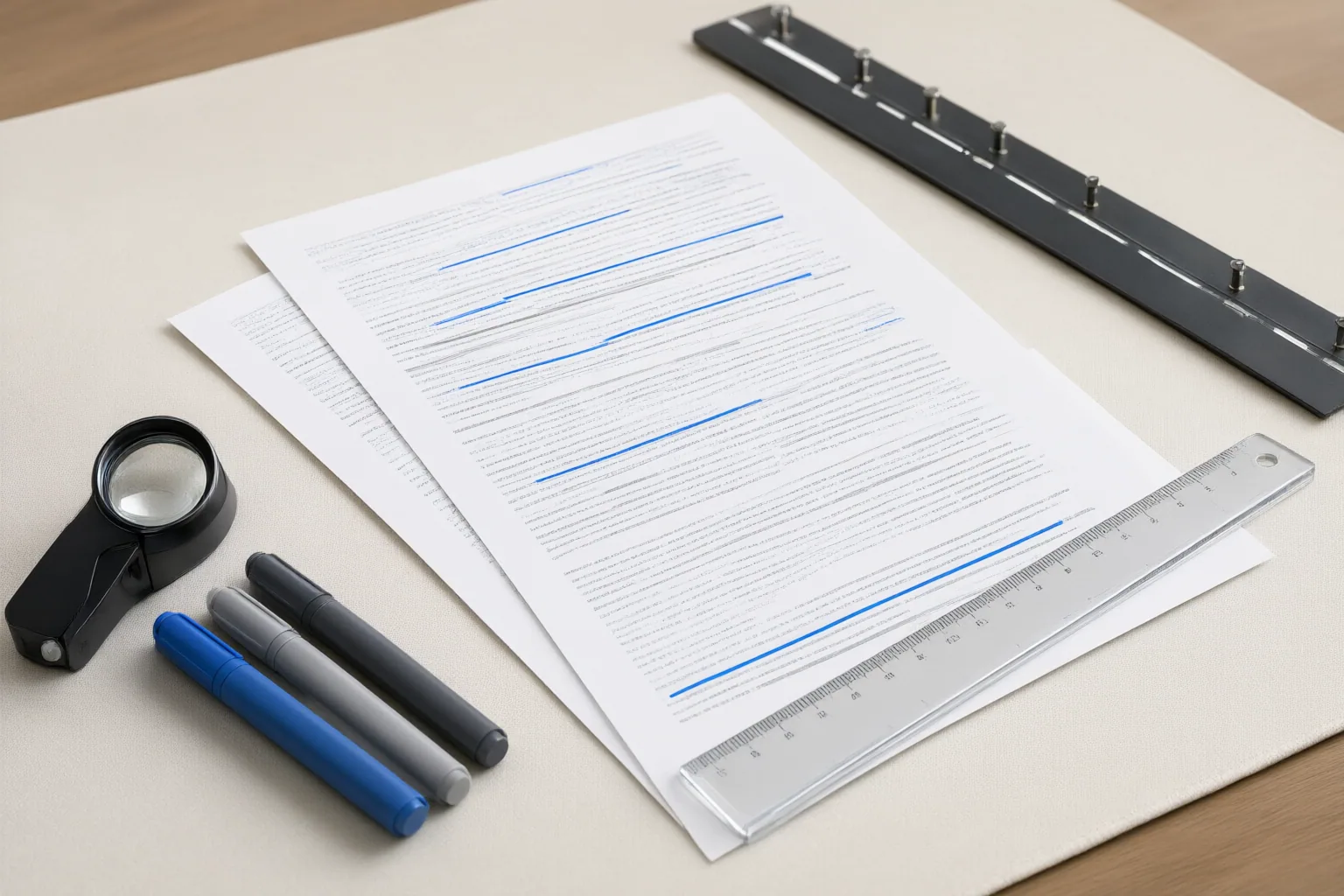
Annotate discrepancies in a review copy. Classify them as transcription errors, attribution errors, omitted context, overstated certainty, unsupported decisions, or incorrect action items. Keep the recording and raw transcript available so readers can examine the source when the wording has operational or reputational consequences.
Conclusion
Use a repeatable review checklist: record the input and enhancement conditions, verify transcription fidelity, require usable timestamps and speaker labels, and compare every consequential passage with the original recording. Annotate discrepancies instead of treating the condensed output as the sole record.
A summary can accelerate review, but its polished wording does not establish accuracy or completeness. Test this checklist on one representative video, inspect every important statement against the transcript and recording, and require human approval before treating the summary as authoritative.
Disclosures and limitations
- This article was prepared with AI assistance from the supplied research package. Material claims are limited to those sources, and vendor-described features are presented as claims rather than independently verified performance results.
- No product recommendation is made here. Any future commercial or affiliate relationship affecting recommendations should be disclosed before publication.
Sources
- How To Use AI Video Summarization Tools Without Losing Critical Nonverbal Cues In Remote Team Meetings — ProGradeList
- How To Use Ai Video Summarization Tools Without Missing Critical Nonverbal Cues In Team Meetings — GradeOneTools
- Summarize Videos in Seconds | Free AI Video Summarizer — summary.ai
- How To Use AI Video Summarization Tools Without Losing Nonverbal Communication Cues In Team Retrospectives — ToolGuideDaily
- Audio & Video Summarizer (Free) — AI Summaries with Key Points | GoTranscript — gotranscript.com
- How Microsoft Teams uses AI to enhance audio and video in meetings | Microsoft Support — support.microsoft.com
- VideoSeek AI – AI Video Transcription & Summarization — VideoSeek AI
- How To Use AI Video Summarization Tools Without Losing Critical Nonverbal Cues In Meeting Recordings — GradeOneTools
Improve this guide
Report a problem or suggest the next question
Submissions enter a private editorial queue. They are reviewed and deduplicated before any public update or new page is created.