
Treat product fidelity as an approval gate, not a matter of visual polish. Define the SKU’s fixed attributes, provide reference views for every surface the motion may reveal, begin with restrained motion, and compare individual frames with approved product images before increasing complexity or producing clips in batches.
Define What Must Stay Fixed
Start with approved master images as the source of truth. Before generating video, document the product attributes that must remain unchanged throughout the shot. These invariants should be specific enough to reveal SKU-level errors rather than simply confirm that the clip looks convincing.
Record the silhouette and width-to-height ratio, along with the size and position of closures, labels, distinctive edges, buttons, ports, accessories, and packaging. Include color in the review criteria. A polished result should still fail if the product becomes taller or narrower, a closure changes size, a label shifts, or a component changes between frames.
Keep the approved hero image available during review. It provides a consistent baseline for comparing the generated product’s overall geometry and visible details.
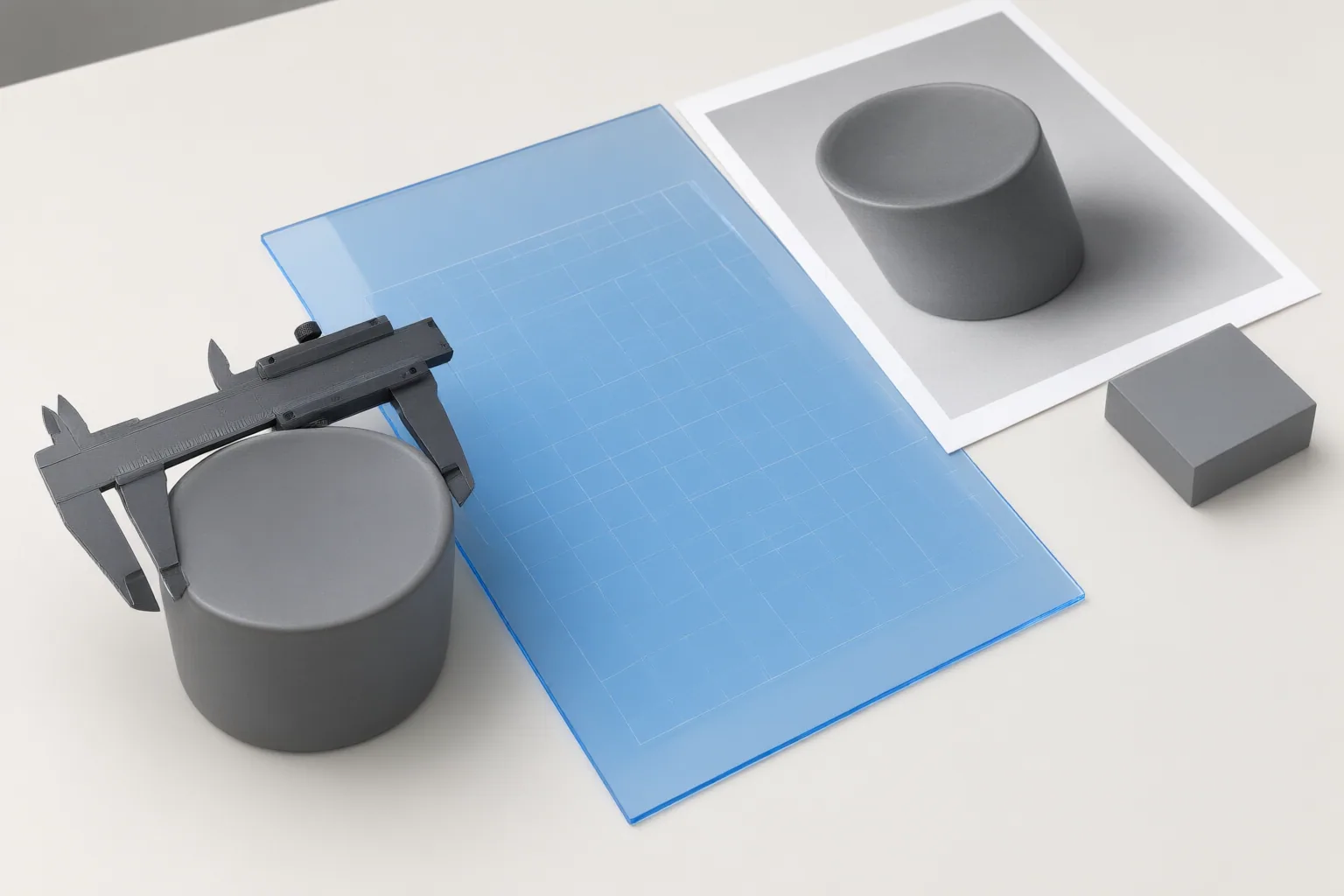
Prepare References for the Planned Motion
Choose reference images according to what the planned shot will expose. A front-facing image may document the hero angle, but it cannot establish the correct geometry of an unseen side, rear panel, top, interior, accessory, or contact point. If the video reveals any of those areas, add approved side, rear, top, or detail views before generation.
Match each visible surface in the proposed motion to a supporting reference. This reduces the amount of unseen structure the generator must infer. For example, a rotation requires references beyond the front view, while an opening action may expose an interior or closure that needs its own documented appearance.
Do not assume that visual consistency at the first frame proves that later views are accurate. References should cover the geometry and details that become visible across the full motion.

Test Motion and Review Every Frame
Run the first test with one SKU and restrained motion. A locked frame or slow push changes less visible geometry than an orbit, full spin, handoff, or fast camera move. More complex motion requires the generator to infer more unseen structure, increasing the review burden.
Avoid combining rotation, opening, hand interaction, and camera changes in a single initial test. When several actions occur together, it becomes harder to identify which one introduced a geometry failure. Increase complexity only after a simpler motion passes.
Review the output frame by frame against the approved hero image and any supporting views. Check the recorded invariants rather than judging only the clip’s style or smoothness. Reject or revise a clip if:
- The silhouette or width-to-height ratio changes.
- Labels, closures, buttons, ports, or distinctive edges drift or change size.
- Accessories or other parts appear or disappear.
- Product color changes between frames.
- Newly exposed surfaces conflict with approved references.
Treat consistency as a hard gate before batch production. Passing means the protected attributes remain aligned with the approved references throughout every reviewed frame; visual polish alone is not sufficient.
Conclusion
A practical product-fidelity check follows a clear sequence: define measurable invariants, supply references for the surfaces the motion will reveal, begin with a low-risk camera move, and inspect individual frames against approved images. Add more demanding motion only after the restrained test passes.
The available evidence is vendor-published guidance. It supports this review method but does not guarantee fidelity or establish that one AI video tool performs better than another.
Choose one SKU now, document its fixed visual attributes, generate a locked-frame or slow-push test, and record whether every reviewed frame matches the approved references before authorizing greater motion complexity or batch production.
Disclosures and limitations
- This article was prepared with AI assistance using only the supplied research package and approved content plan.
- The supporting material is vendor-published guidance rather than independent benchmark testing; it informs a review workflow but does not guarantee product fidelity or compare tool performance.
Sources
- AI Product Video Generator Selection Guide for Ecommerce — PixPix
- How to Keep Product Shape Consistent in AI Video Ads — seedance.tv
- 7 Best AI Tools for Product Consistency in Ad Creatives (2026) | Film Threat — Film Threat
- Reference to video for Ecommerce: How to Keep Product Visuals Consistent Across Scenes – UK Tech News — UK Tech News
- E-commerce S2V: Consistent Product Videos & ROI — Hailuo AI
Improve this guide
Report a problem or suggest the next question
Submissions enter a private editorial queue. They are reviewed and deduplicated before any public update or new page is created.