Evaluate an AI facial expression transfer by comparing the original and edited faces at the same scale. Check head position, eyes, mouth detail, and identity separately; for video, also inspect consistency across the entire sequence. The supplied sources offer useful inspection criteria, but no independently validated pass/fail threshold.
Start With Source Images That Support a Clean Transfer
Begin by checking whether both source images provide enough visible facial information. Expression Editor AI recommends clear, high-resolution portraits with good lighting and advises avoiding extreme angles and face coverings. It also says the expression-source face should not be obscured by shadows, hair, or accessories. Musely similarly recommends a clear, well-lit face with a visible jawline and minimal occlusion.
Treat these points as vendor guidance, not a guarantee of a successful transfer. Before editing, compare the faces for angle compatibility and confirm that the mouth, eyes, jawline, and head orientation are easy to see. If an important feature is hidden or poorly lit, use a more suitable image when possible. Clean inputs make later inspection easier because there is clearer evidence of what the edit should preserve.
Inspect Head Pose, Eyes, and Mouth as Separate Elements
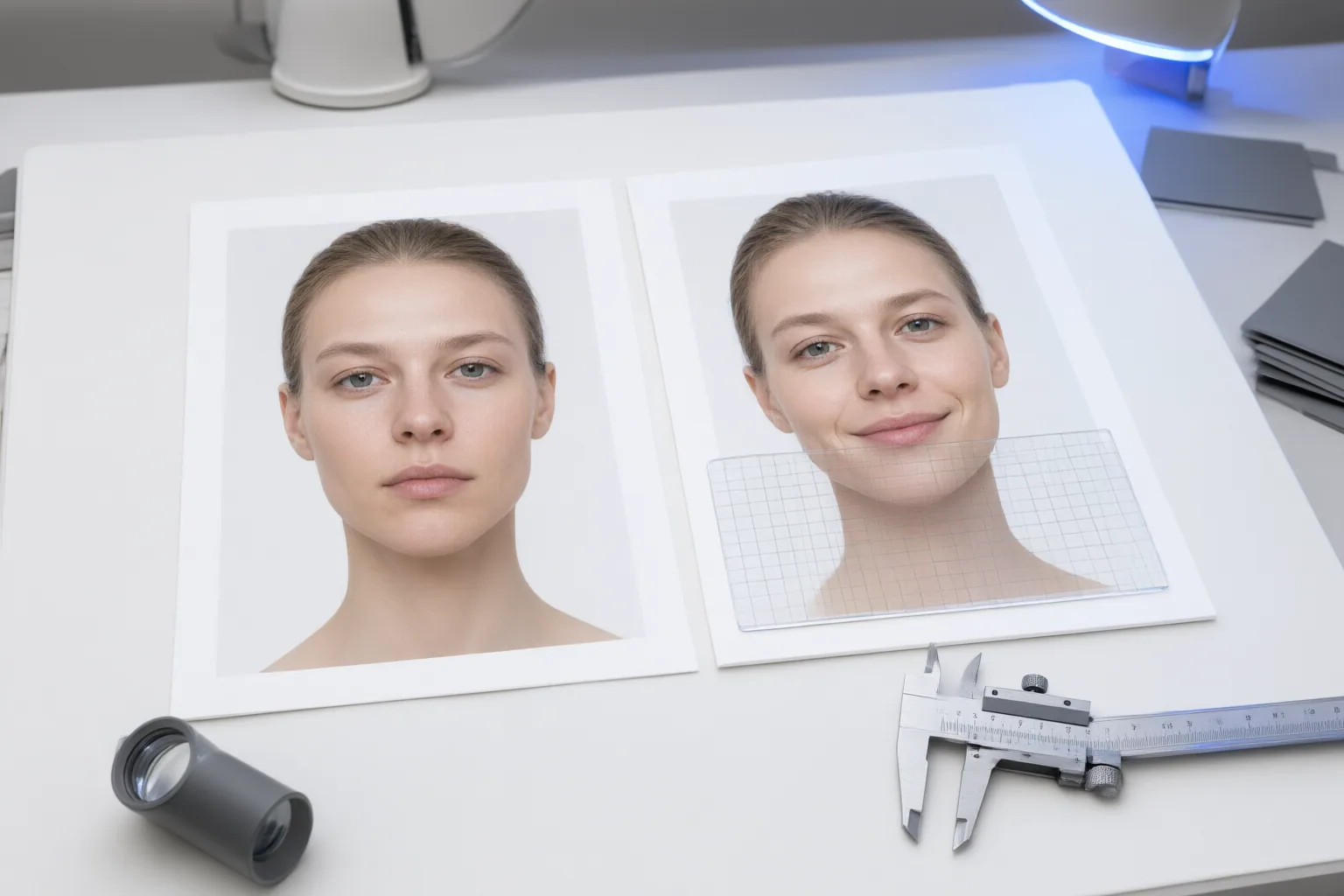
Place the original and transferred results side by side at a matched scale. First compare head tilt and position without judging the expression. Then inspect the eyes and mouth independently. Look for changes in gaze, eyelid shape, lip edges, tooth visibility, mouth opening, and natural asymmetry. A result can appear generally plausible while replacing distinctive mouth detail with a more generic shape.
Face2FaceAI says its controls can adjust eyes, mouth, and head position separately, from subtle blending to full replacement. Where an editor provides comparable controls, change one element at a time and compare each result with the original. The same source says partial mirroring can reduce a crooked mouth while retaining the original head tilt and expression, while full mirroring works best with a relatively upright face and a compatible expression. This distinction reinforces the need to verify whether a correction preserved intentional asymmetry or removed meaningful detail.
Finally, assess natural appearance and identity separately from expression strength. Expression Editor AI presents identity preservation and natural-looking transfer as goals, but those goals do not establish that a particular output preserved every feature.
Check Identity and Video Consistency Beyond a Single Frame
Do not treat resemblance as proof that the expression is accurate. Check recognizable identity features, expression shape, head pose, and fine facial details as separate criteria. Pincel says expression editing attempts to preserve identity while modifying facial features, but it also acknowledges that output quality can vary from the original.
For video, review the full sequence rather than selecting one favorable frame. Pause at several points and look for drifting facial attributes, unstable mouth shapes, unexpected body-motion changes, or background inconsistency. MagicPose is a research system that conditions motion and facial-expression transfer on pose skeletons and face landmarks while seeking to retain identity information from a reference image. Its described pipeline separates appearance control from pose control and adds a motion module; temporal consistency in the upper body, facial attributes, and background is a stated design goal.
These research goals provide useful inspection categories, but they do not show that consumer tools deliver equivalent performance. Evaluate the actual sequence produced for your task.
Conclusion
Use a staged acceptance check. Confirm that the inputs clearly show the face and jawline. Compare head angle, eyes, mouth shape, fine detail, asymmetry, and identity one category at a time. For moving footage, inspect the complete sequence for facial, motion, and background instability.
The supplied evidence provides no shared, independently validated threshold for acceptable pose or mouth preservation. Define tolerances based on the edit’s purpose, and reject any result that changes important details beyond them. Before accepting or publishing the edit, compare the original and result at matched scale, then review every relevant video segment frame by frame.
Disclosures and limitations
- This article was prepared with AI assistance from the supplied vendor materials and MagicPose research-project information. Vendor claims and research goals are not independent verification of consumer-tool performance.
- No products are recommended here. If future pages include affiliate links or commercial relationships, those relationships should be disclosed and should not be treated as evidence of product quality.
Sources
- AI Facial Expression Changer: Edit Emotions in 35s — Musely
- Emotion Sync | Expression Editor AI – Expression Editor AI — Expression Editor AI
- MagicPose: Realistic Human Poses and Facial Expressions Retargeting with Identity-aware Diffusion. — boese0601.github.io
- Smart Video Facial Expression Transfer: Change Performances in Post — reelmind.ai
- GitHub – alina1021/facial_expression_transfer: Real-time Facial Expression Transfer –> facial expression capture and reenactment via webcam — GitHub
- Face2FaceAI — Expression Swapper — face2faceai.com
- AI Face Expression Changer – Pincel — pincel.app
Improve this guide
Report a problem or suggest the next question
Submissions enter a private editorial queue. They are reviewed and deduplicated before any public update or new page is created.