Evaluate AI auto-reframing with representative multi-subject footage, then compare the processed version with the untouched original. Check whether the crop follows the right people smoothly, preserves important context, and can be corrected efficiently when automatic decisions fail.
What AI Auto-Reframing Does
AI auto-reframing analyzes a video for important visual elements and adjusts a crop window as the footage progresses. Unlike a fixed center crop, it can move the framing to follow activity over time.
Multi-subject footage is a demanding test because several people may compete for attention. Depending on the device, application, and software version, an automatic-framing pipeline may use techniques such as face tracking, body tracking, group detection, dynamic cropping, or speaker prioritization. The practical question is not which technique a tool claims to use, but whether it detects the intended subjects, tracks them smoothly, and handles difficult transitions without losing essential content.
Build a Multi-Subject Test Sequence
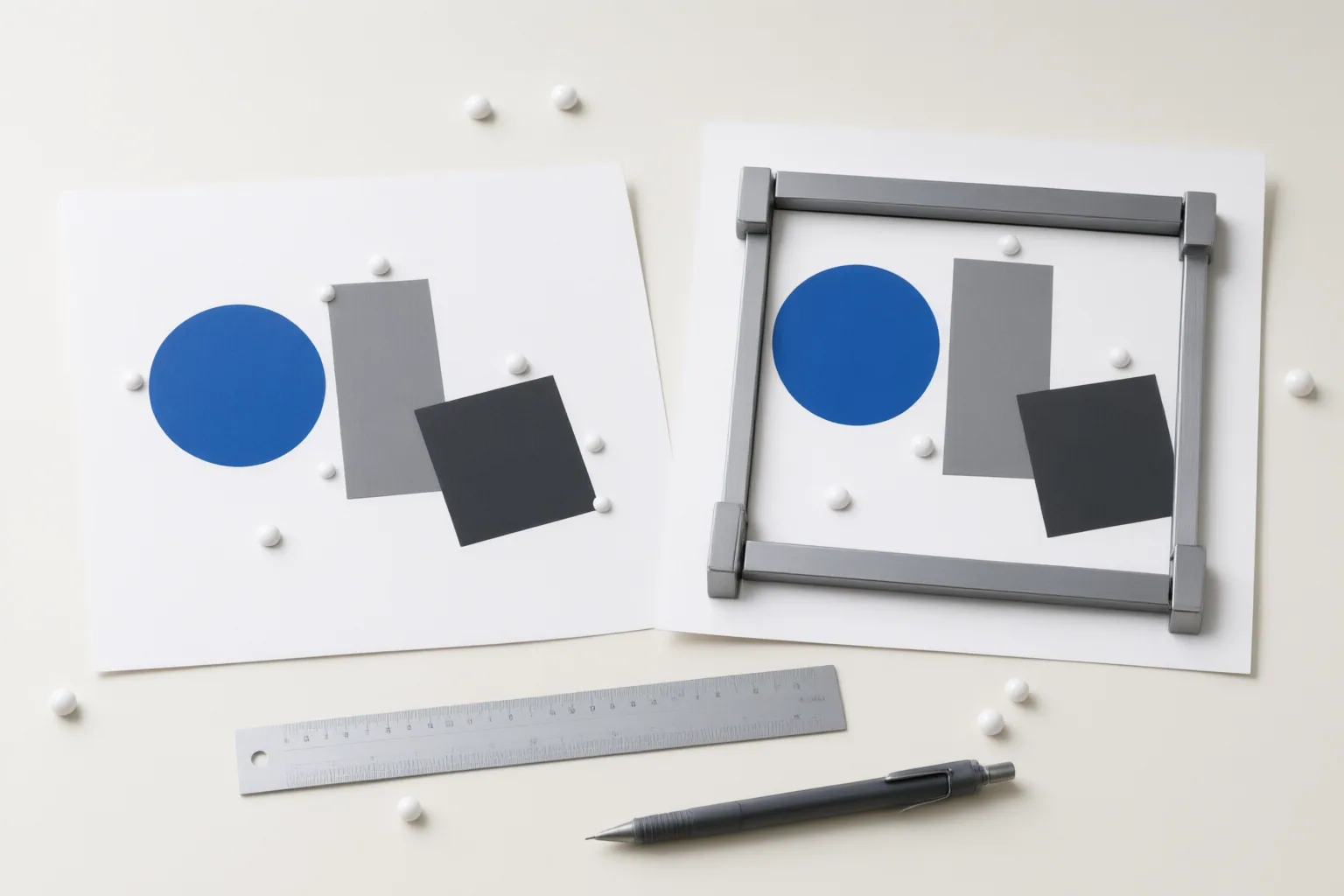
Choose clips that resemble the footage the tool would process in production. Include moments when people enter or leave the shot, cross paths, separate, move independently, or exchange speaking roles. Add rapid or irregular movement where relevant. These cases reveal whether the system maintains a sensible priority or jumps between competing candidates.
Assess the sequence across four areas:
- Detection accuracy: Does the crop recognize the people or activity that matter?
- Tracking smoothness: Does it follow movement without hunting, lagging, or making abrupt shifts?
- Group handling: Does it keep multiple relevant people visible instead of clipping or excluding them?
- Context preservation: When wide footage becomes a narrower composition, does the crop retain important peripheral information?
Use more than one type of scene. A result that works when one speaker stands still may not predict performance when several subjects move or cross. Keep the original footage unchanged so every processed result has a clean reference.
Review the Result and the Correction Workflow
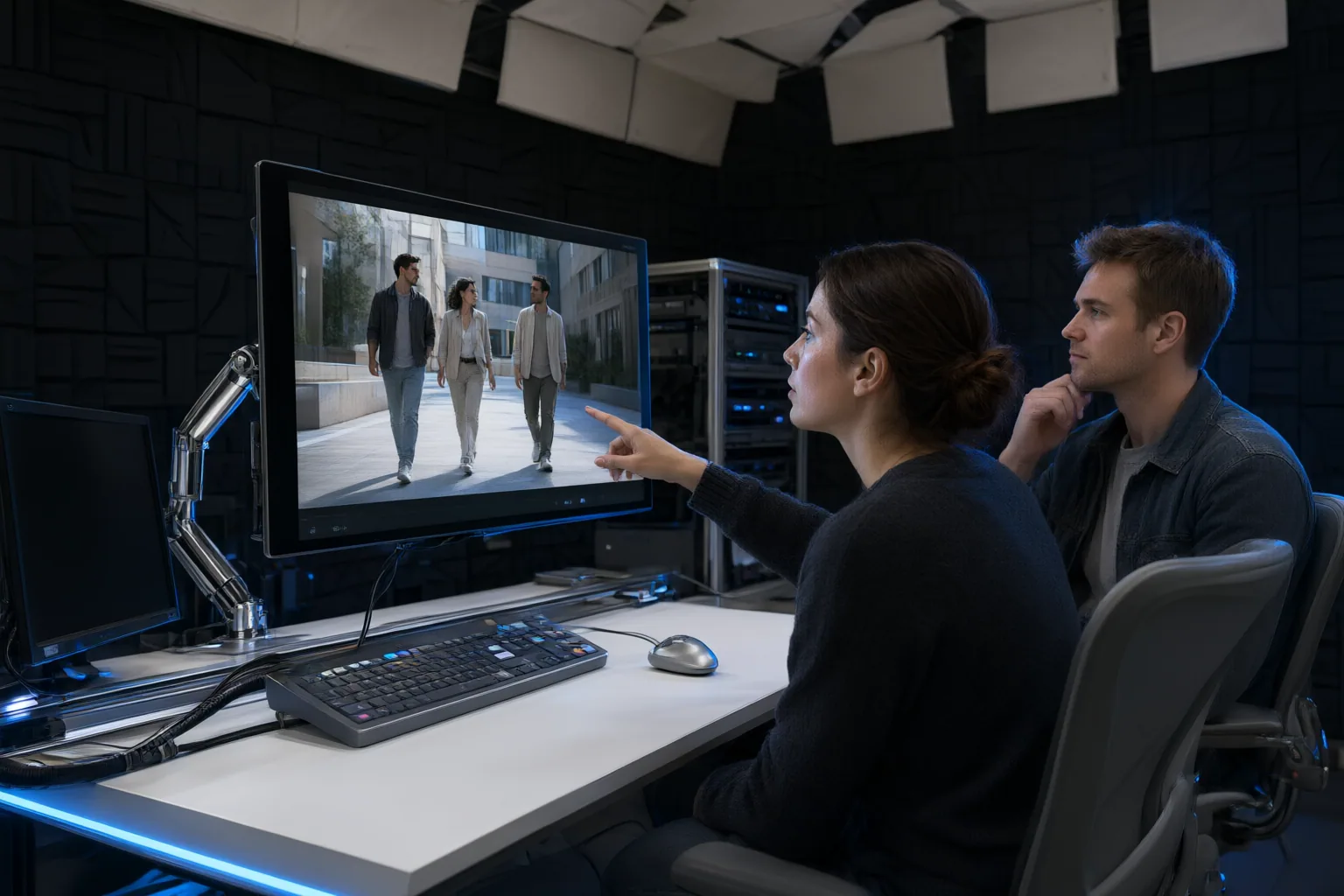
Watch the processed footage beside the original before exporting or sharing it. Review the full timeline rather than checking only a few still frames. Look for crop hunting, delayed movement, sudden framing jumps, selection of the wrong subject, clipped people, group-framing errors, resolution loss, and missing peripheral context. Pay particular attention to the exact moments when subjects enter, cross, exchange priority, or leave.
Then evaluate the correction workflow. Determine whether the editor can override generated framing at specific points with manual crop or keyframe controls. Test how many adjustments a difficult transition requires and whether those changes introduce new problems nearby. Automatic framing may offer little practical time savings if frequent errors demand extensive correction or if overrides are cumbersome.
Retain the clean source file throughout this review. Deleting or overwriting it before inspecting the processed version can leave no reliable original when framing errors appear. The useful comparison is therefore not simply automatic versus manual output; it is the quality of the automatic result plus the effort needed to make it acceptable.
Conclusion
Judge AI auto-reframing by both its output and its correction cost. A tool can still be useful when it creates a strong starting crop, even if a few complex transitions need manual adjustment. A hybrid workflow—generate the automatic reframe, inspect the timeline, and correct clipping or awkward jumps—can combine speed with editorial control.
Before adopting a tool for production, run this test on representative footage, compare the result with the untouched original, and confirm that crop errors can be corrected efficiently.
Disclosures and limitations
- This article was prepared with AI assistance from the supplied research package. Material claims are synthesized from source-a7bec6b4d877c11cb8987c8c, source-803494df2678838a13842c30, source-b0c60af37fcccbc87b7b7eaa, and source-f5f42060086bc7d76a0daa9a; no product was personally tested.
- No products are recommended in this article, and no affiliate relationship is asserted.
Sources
- AI Video Editing Tools Compared: Auto-Reframe, Smart Crop & Subject Tracking (2026) — portrait.spectatr.ai
- Why Do Ai Video Editors Auto-crop Faces Beautifully But Butcher Group Shots With Three Or More People — CommercialToolry
- AI Auto Framing Explained: Subject Tracking for Video Calls — Godealio
- AI Video Reframing: Complete Guide to Resize Videos for Reels, TikTok & YouTube Shorts | VFX AI — VFX AI
- Intelligent AI Video Composition: Auto-Framing for Multiple Subjects — reelmind.ai
- AI reframe: How to reframe videos automatically — Async blog
- Auto Reframe vs. Manual Keyframing for Vertical Video (2026) — bytecap.io
- Why Does My Ai Video Editor Keep Auto-cropping Faces In Group Shots Fixes — CommercialToolry
- Smart Framing Algorithms: AI That Preserves Composition During Edits — reelmind.ai
Improve this guide
Report a problem or suggest the next question
Submissions enter a private editorial queue. They are reviewed and deduplicated before any public update or new page is created.