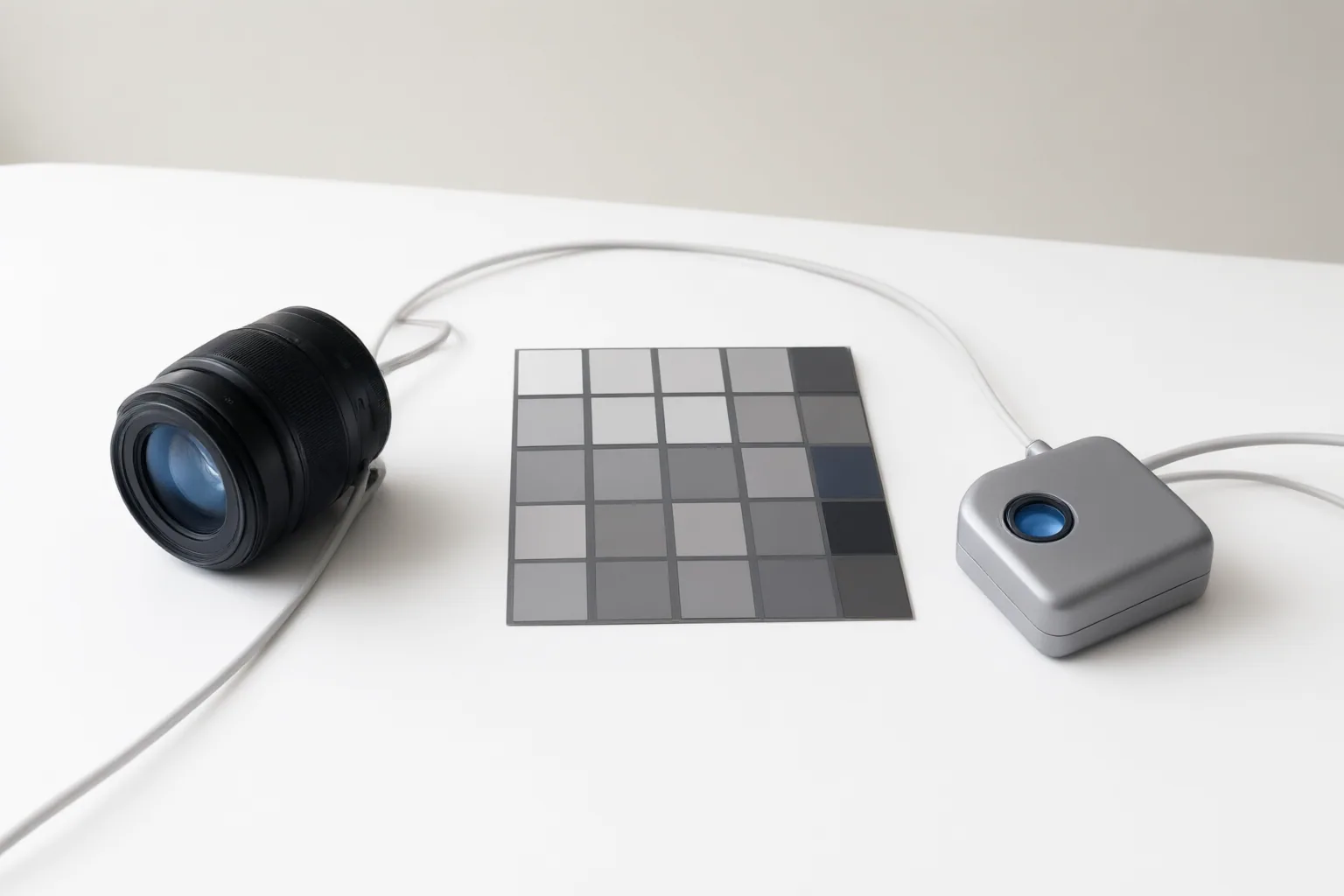
AI color matching can speed up a multi-camera correction pass, but a dependable result still requires compatible footage, a carefully corrected reference shot, and a review of scopes, skin tones, and the complete edited sequence.
Check the footage before applying an AI match
Start by identifying why the clips differ. Possible causes include each sensor’s color rendering, recording profiles, white-balance and ISO settings, lenses, and lighting at each camera angle. Changing daylight or mixed tungsten and daylight can also create shot-to-shot drift.
Before comparing the images, check whether the cameras recorded in standard, LOG, flat, or otherwise different profiles. Bring unlike material into a compatible working state before asking an automatic tool to match it; otherwise, profile differences may be mistaken for creative color differences.
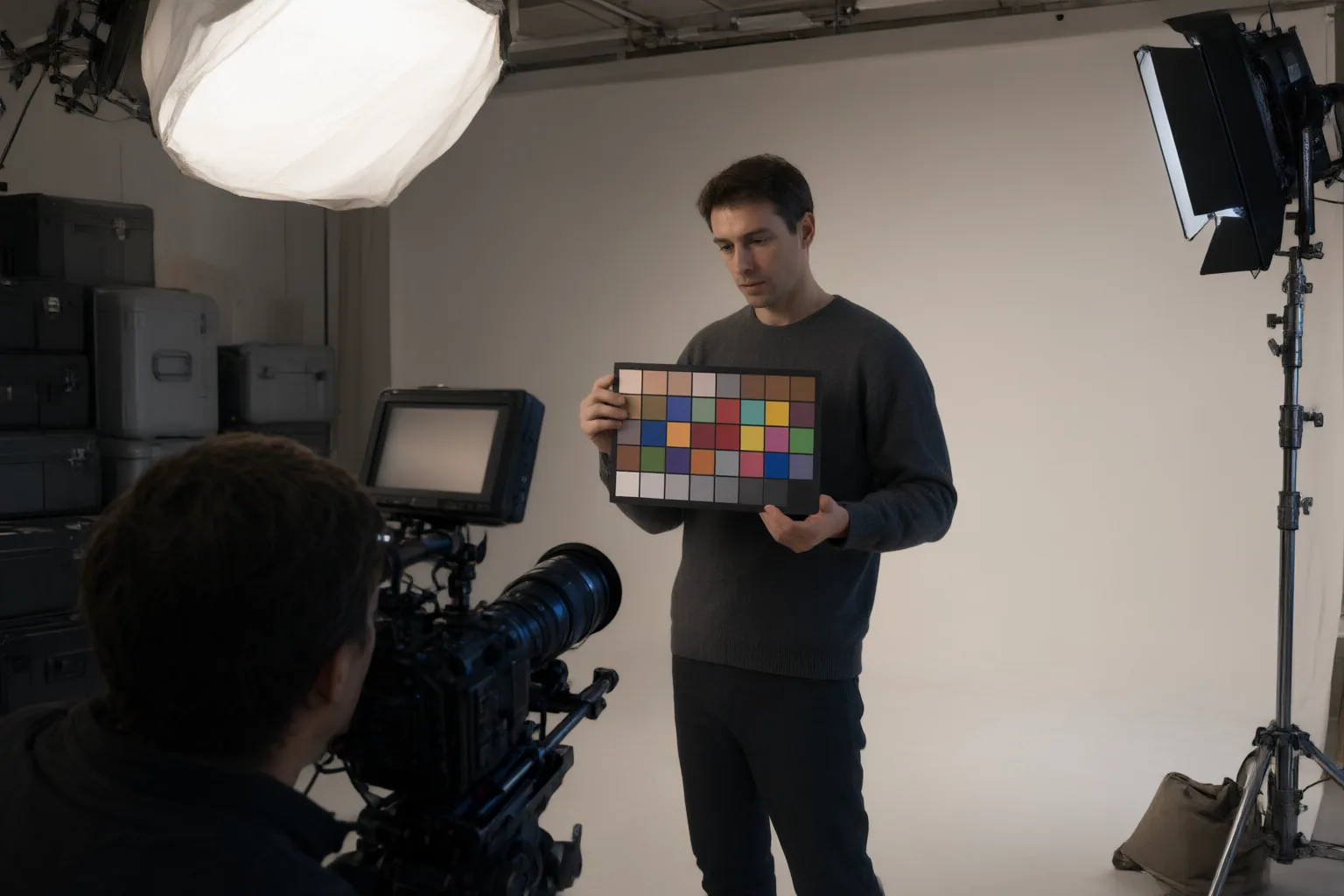
For future shoots, recording a color chart or gray card with every camera can provide a common reference. Lock consistent capture settings where practical and document camera settings so that later corrections are easier to trace.
Choose and correct the reference shot carefully
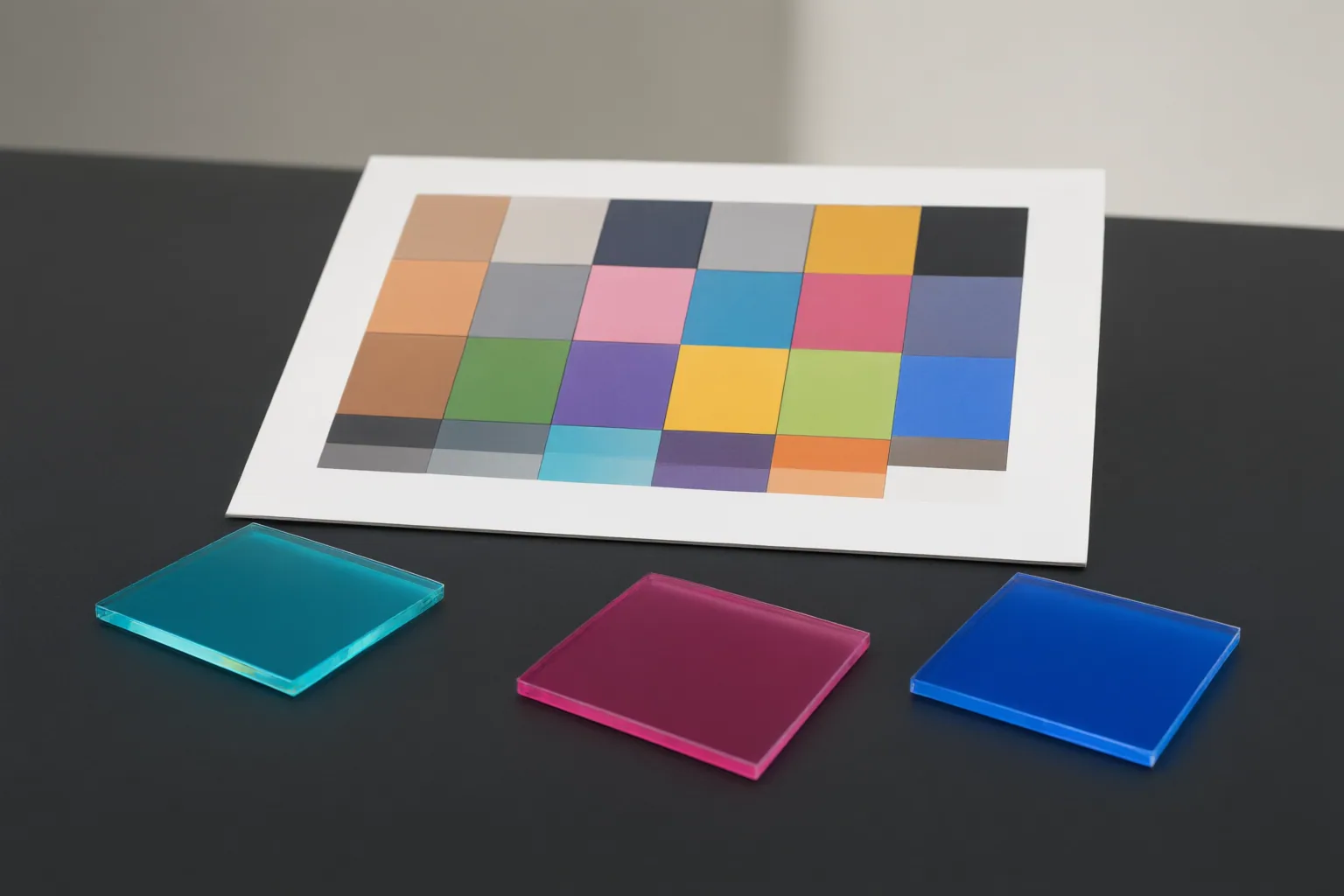
Select a well-exposed hero shot with a natural-looking balance and content that represents the sequence. Correct this shot before using it as the target for other cameras. The reference establishes the direction of the match, so an unwanted exposure, white-balance, or skin-tone bias can spread to every clip matched against it.
Evaluate the reference on its own merits rather than choosing it only because it came from the primary camera. Where people appear, inspect whether skin tones are credible. Also consider whether the reference reflects the lighting and palette that the surrounding shots should share.
Reference-based systems compare footage with a chosen look. Evoto says its AI color-matching process can use a built-in sample or an uploaded image as the reference. That description is a vendor claim, not an independently tested result in the supplied research.
Evaluate the automatic match instead of simply accepting it
Treat the AI result as a first pass. Compare matched and reference clips for overall exposure, neutral balance, contrast, and unwanted color casts. If people are visible, inspect skin tones separately; a broadly similar palette does not guarantee that faces have been handled well.
Use video scopes alongside the image rather than relying only on the viewer display. Then make manual corrections with the available color controls wherever automation leaves meaningful differences. Evoto says users can adjust the strength of its matching effect and save the result as a preset. Those controls may help refine or repeat a treatment, but their availability does not make the output self-validating.
Test representative material from every camera and lighting condition, including difficult transitions. Finally, watch the full edited sequence. A clip may appear acceptable in isolation yet produce a distracting shift at a cut. Consistency across the sequence is the practical test of whether the match works.
Conclusion
Reliable multi-camera color matching begins before automation: capture consistently where possible, prepare unlike profiles for meaningful comparison, and build the match around a sound reference. AI can accelerate the initial adjustment, but scopes, manual controls, skin-tone checks, and sequence-level review remain important. Choose a well-exposed reference, test the match on representative clips, and watch the complete sequence before finalizing the grade.
Disclosures and limitations
- This article was produced with AI assistance from the supplied research package and content plan; it does not report hands-on product testing.
- Evoto capability descriptions are attributed vendor claims that were not independently verified by the supplied sources. No product recommendation or affiliate relationship is presented.
Sources
- Neural Video Color Consistency: Match Shots from Different Sources — reelmind.ai
- AI Color Match for Video — AI Color Grading & Reference Color Match | Evoto — Evoto
- Match the Color – Free Online Color Games, Daily Challenges & Tests — match-color.com
- How to Color Match Different Cameras — Shot Matching Guide — Edición Video Pro
- How to Get Consistent Color in Video with AI Color Match — Evoto Blog
Improve this guide
Report a problem or suggest the next question
Submissions enter a private editorial queue. They are reviewed and deduplicated before any public update or new page is created.