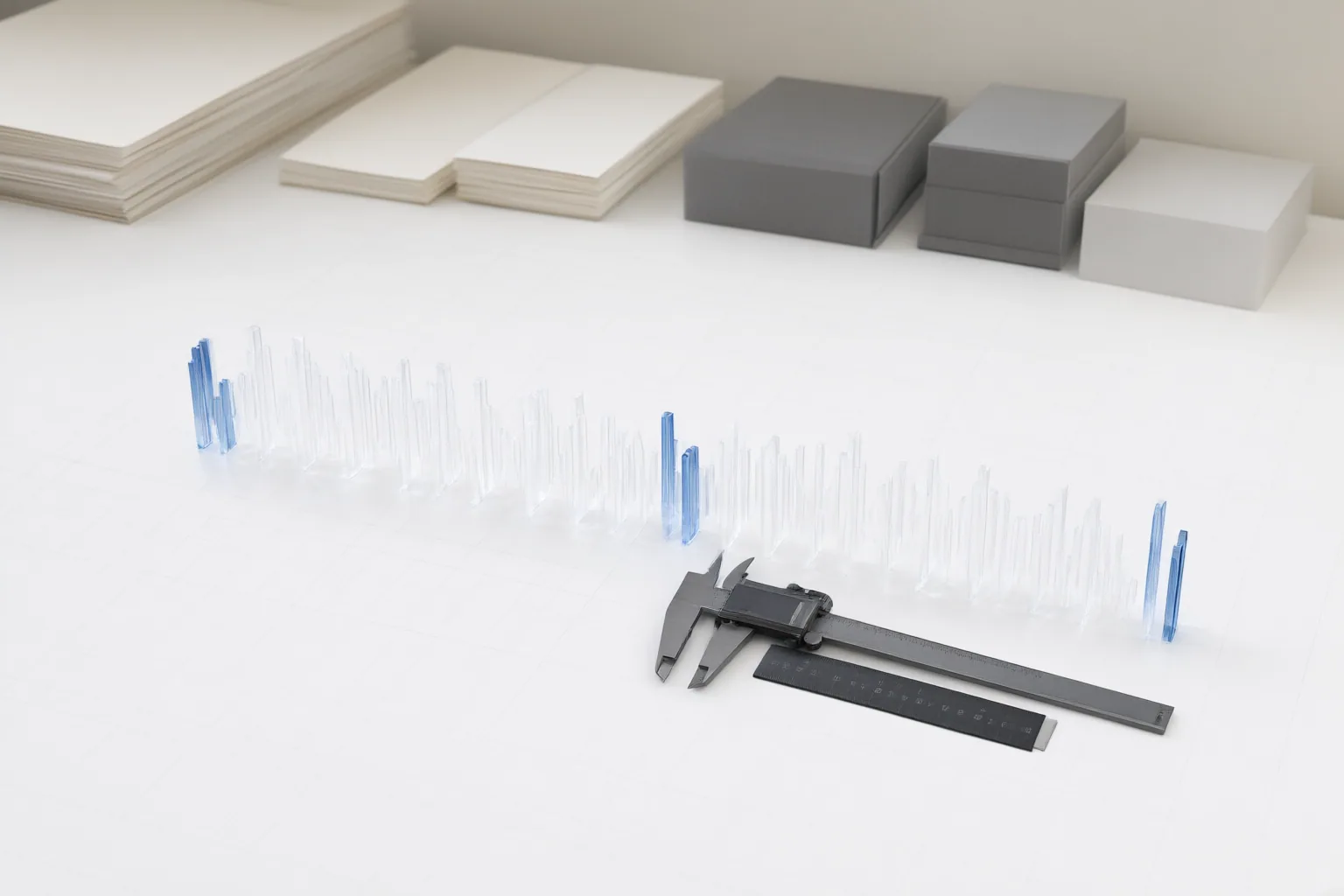
Audio drift is a synchronization error that grows over time. Diagnose it by measuring sync at the start, middle, and end of the timeline, then match the correction to a fixed, linear, or irregular error pattern. A project-level inspection is necessary before concluding that an AI-assisted frame-rate change caused the problem.
Confirm That the Problem Is Audio Drift
Audio drift is progressive desynchronization: the sound and picture may match near the beginning but move increasingly far apart during playback. This differs from a fixed offset, where the timing gap remains approximately the same throughout the video.
Find visible and audible reference events, such as a clap paired with a waveform spike. Compare those events at the start, middle, and end of the timeline. If the gap stays constant, the issue is likely an offset. If it steadily expands or contracts, it is drift. Checking only the opening can miss a problem that becomes obvious later, particularly in a long recording.
Identify Where Synchronization Was Lost
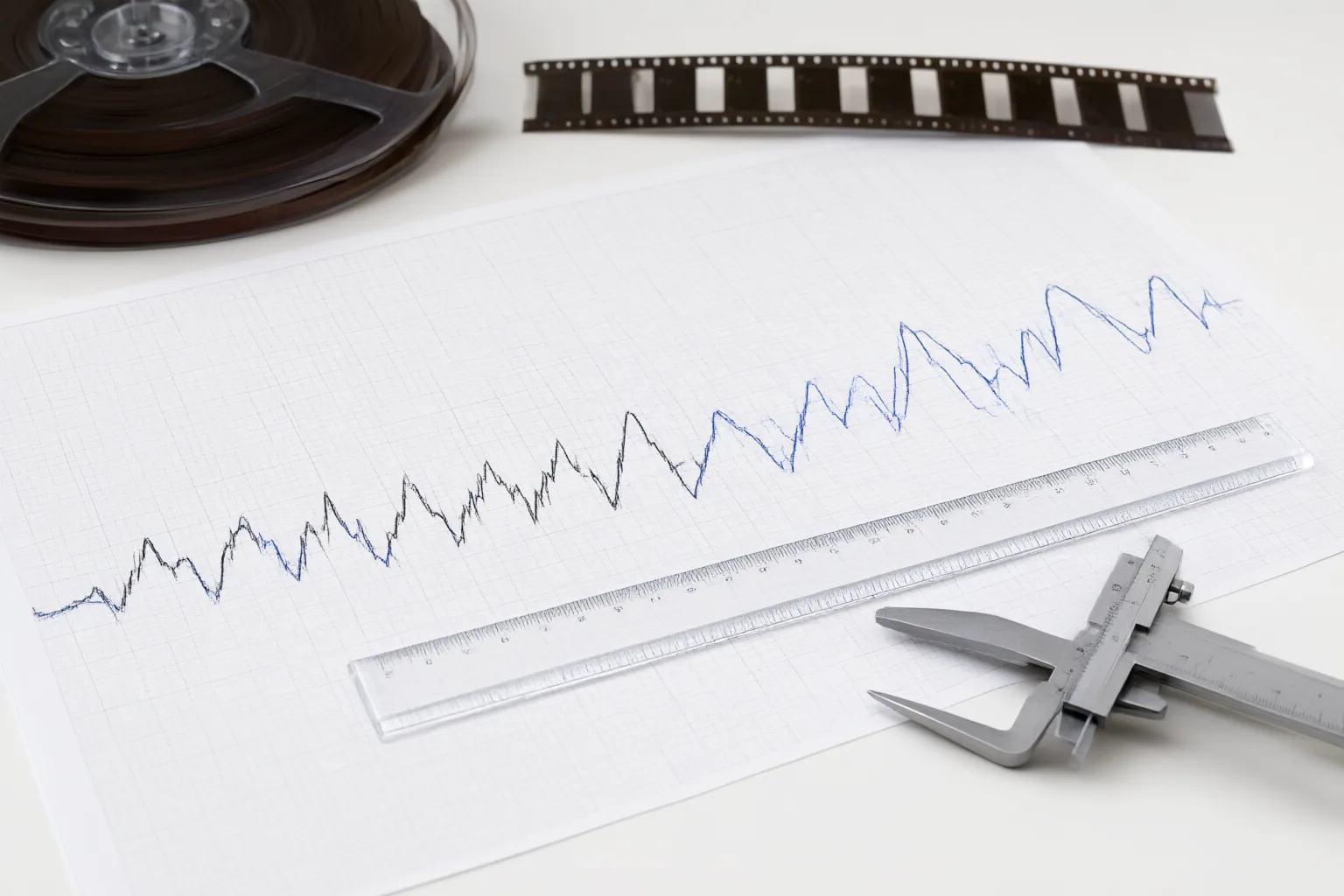
Measure the audio-to-video offset at several timeline points and record whether it is fixed, steadily increasing, or irregular. This pattern helps narrow the investigation and prevents repeated track movements that cannot correct a speed mismatch.
Several supported causes are possible. Variable-frame-rate footage interpreted as constant-frame-rate footage can accumulate timing errors. Dropped frames, duplicated frames, and sample-rate conversion errors can also disrupt synchronization. When audio and video were captured on separate devices, small differences between their internal clocks may build into noticeable drift over a long recording.
Compare the source media, any intermediate transcodes, the edited timeline, and the exported file where available. An export or conversion can introduce a problem even when the edit appeared synchronized. These checks can locate the stage at which the error emerged, but the timing pattern alone does not prove that a particular AI operation caused it.
Choose the Correction That Matches the Drift Pattern
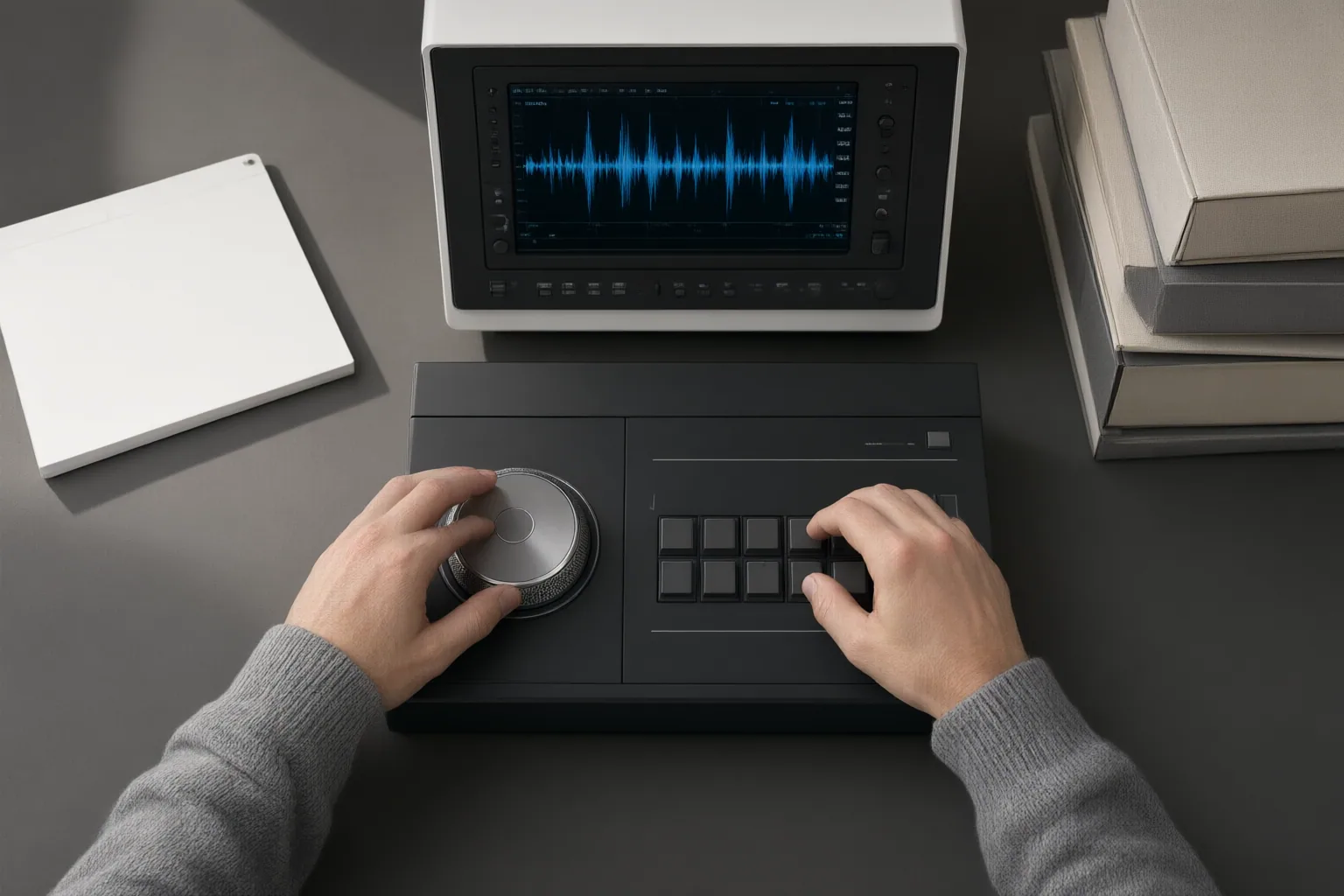
Use the measured pattern to select the correction. For a constant offset, shift the entire audio track by the measured amount and verify that the same reference events align across the timeline. Moving a track cannot solve progressive drift because it changes the starting position without changing duration.
For steadily increasing or decreasing drift, a small audio-duration adjustment through time-stretching may restore alignment. Calculate the correction ratio from measured durations or offsets rather than guessing, then check multiple reference points after applying it.
If synchronization improves and worsens unpredictably, one constant stretch is unlikely to work. Investigate the source and transcode stages for dropped or duplicated frames and other discontinuities. Correcting separate problem sections may be necessary, but the available evidence does not establish a universal procedure for every editing application.
Conclusion
After any correction, check synchronization again at the start, middle, and end, then inspect the exported file rather than assuming timeline playback guarantees a synchronized result. Where possible, use constant frame rates, consistent recording settings, and clear synchronization markers to reduce drift or make it easier to detect.
For the current project, first measure the timing error at several reference events. Only then should you move the track, calculate an audio-duration adjustment, or investigate irregularities in the source and conversion chain.
Disclosures and limitations
- This article was prepared with AI assistance from the supplied research package; factual claims are limited to source IDs listed with each section and FAQ.
- No product recommendations or affiliate relationships are included. The supplied sources did not verify a specific AI tool or model as the cause of audio drift.
Sources
- How to Avoid Audio Drift in Long Video Recordings? – — Videogearspro
- Audio Sync Drift: How to Find and Measure It — diff-all.com
- What is Audio Drift? – SquadCast.fm 🎙️✨🎙️ — squadcast.fm
- From Script Errors to Success: Fixing Video Audio Out of Sync in — reelmind.ai
- Transitions Video Editing: Fixing Audio Drift in Professional — reelmind.ai
Improve this guide
Report a problem or suggest the next question
Submissions enter a private editorial queue. They are reviewed and deduplicated before any public update or new page is created.