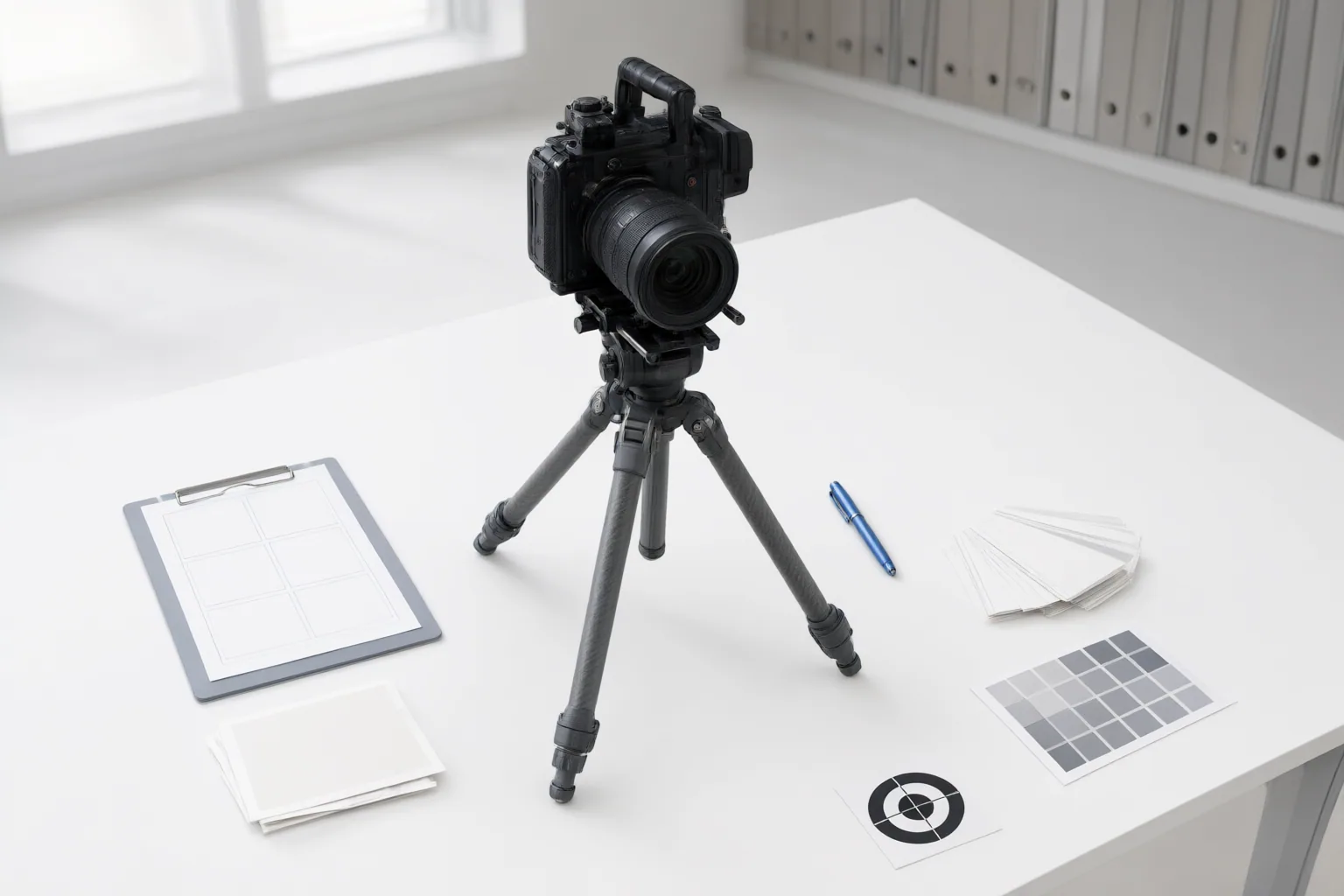
Reduce instability by starting with a clear reference, explicitly identifying what must remain unchanged, limiting each shot to simple motion and camera behavior, and assembling several short generations instead of relying on one long clip. Review each test frame by frame and revise one variable at a time.
Recognize Flicker, Identity Drift, and Other Continuity Failures
Temporal consistency is the preservation of coherent identities, objects, textures, lighting, and scene relationships across successive frames. Weak consistency may appear as obvious flicker, but it can also be gradual: eye spacing or jaw shape shifts, skin texture changes, details morph, surfaces shimmer, or the background quietly warps.
Inspect motion rather than judging only a few attractive still frames. A sharp frame does not prove that the entire clip is coherent. Watch faces, hands, hair, clothing patterns, rings, buttons, labels, props, shadows, reflections, anatomy, object weight, and scene geometry. If any element disappears, reappears, changes shape, or behaves inconsistently over time, treat it as a continuity failure and note when it begins.
Prepare a Strong Reference and State What Must Stay Fixed
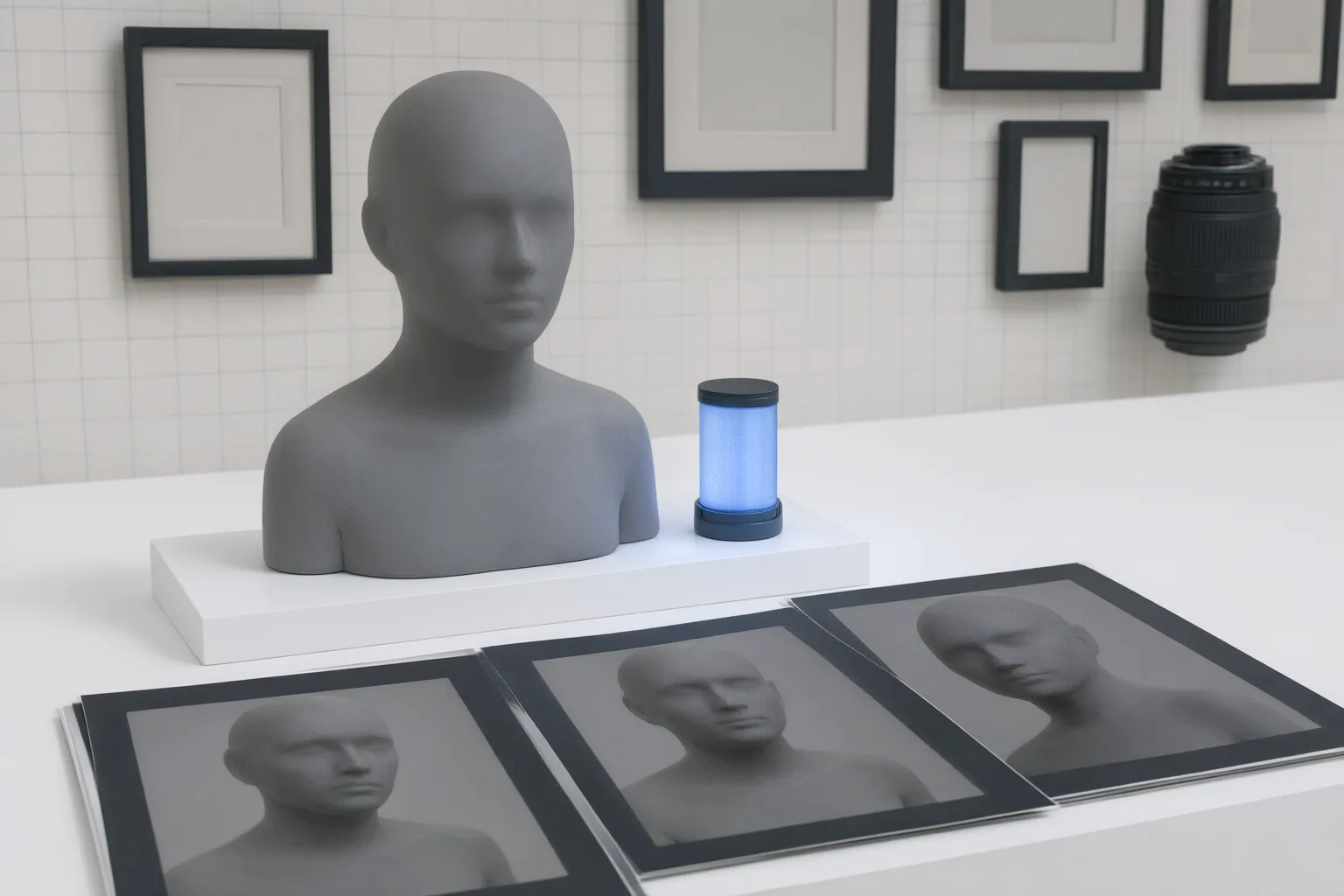
In image-to-video work, the starting frame acts as a continuity anchor. Practitioner guidance favors one clear subject, visible identity or product details, clean separation from the background, stable lighting, and minimal clutter. Before generating, look for hidden limbs, damaged labels, ambiguous reflections, crowded edges, distorted details, or extreme poses. These features allow multiple interpretations that motion may amplify.
Use the same master reference across related generations when the workflow permits. Then state the continuity requirements explicitly. Depending on the scene, name the face, body, wardrobe, product, vehicle, environment, logo, text, and object inventory that must remain unchanged. This does not guarantee consistency, but it makes the intended constraints clearer than a prompt that describes only the desired action.
Simplify Motion and Build the Video from Short Controlled Shots
Every added movement increases what the model must preserve. A shot that combines a complex camera move, full-body action, moving hair or fabric, object handling, and changing light creates many simultaneous continuity demands. Aggressive motion also introduces more occlusion, pose change, perspective change, and background reinterpretation.
Source guidance recommends giving each shot one dominant action and one camera behavior, then adding only necessary secondary motion. For example, simplify the subject’s action before combining it with a more demanding camera move. If hands, reflections, fabric, or a busy background destabilize the result, reduce those interacting elements in the next test.
Favor short, clean generations. Longer clips give small inconsistencies more opportunities to accumulate, so asking one clip to carry an entire sequence can waste generation effort when only a brief segment remains coherent. Create several controlled shots and establish pace during editing. These are practitioner and vendor workflow recommendations, not guaranteed settings or independently verified performance results.
Conclusion
Use a repeatable troubleshooting sequence: inspect the source image, remove ambiguity where possible, define the elements that must stay fixed, simplify the action and camera behavior, and generate a short test. Review that test frame by frame, paying particular attention to faces, hands, labels, props, clothing details, lighting, reflections, and backgrounds.
When a failure appears, revise one variable at a time so the next result has a narrower set of changes to assess. Apply this checklist to one short test shot now: clean the reference, specify the fixed details, limit motion, inspect the output, and only then build the wider sequence from controlled clips.
Disclosures and limitations
- This article was prepared with AI assistance using only the supplied research package and its identified sources; no product was personally tested or used.
- The underlying materials are vendor or practitioner explainers rather than independent controlled tests. Their workflow recommendations are presented as guidance, and no prices, rankings, ratings, or product-specific performance claims are included.
Sources
- Temporal Consistency in AI Video Explained — invideo
- How to reduce morphing and identity drift in AI video — aicraft.academy
- Solving the Temporal Consistency Challenge in AI Video — Green News Desk
- How to Fix AI Video Consistency & Visual Drift — kling.ai
- Why AI Videos Look Weird Sometimes: Temporal Consistency Explained — picto.video
- Temporal Consistency in AI Video: Why Some Models Flicker and How to Reduce It — happyhorsemodel.ai
- AI Video Consistency: How to Fix Drift — QuestStudio
Improve this guide
Report a problem or suggest the next question
Submissions enter a private editorial queue. They are reviewed and deduplicated before any public update or new page is created.