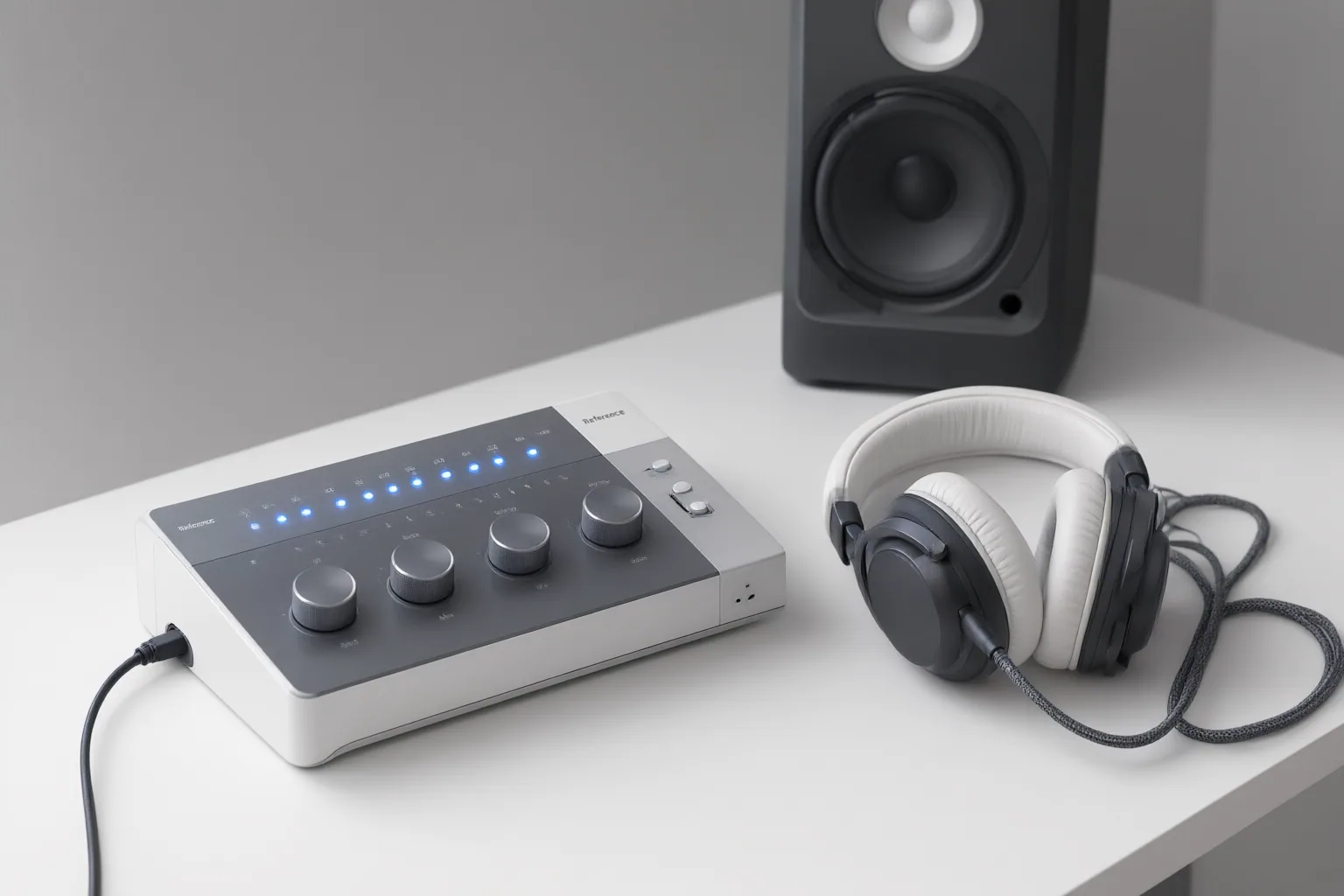
Compare AI speech cleanup by how well it improves intelligibility while preserving natural dialogue—not simply by how much noise it removes. Test each workflow on the same clips, listen for lost room tone or breaths, inspect difficult overlaps, and judge the result inside the complete scene.
Start With the Dialogue Defect, Not the Tool
Begin by identifying what is actually wrong with each representative clip. Broadband hiss, fan noise, tonal hum, clicks, reverberation, clipping, abrupt interference, and competing voices are different problems and should not be treated as a single “noise” category.
Steady hum, hiss, or fan noise may suit classical processing such as spectral subtraction. Changing noise, echo, music, and overlapping speakers pose different separation challenges. AI systems attempt to distinguish speech from surrounding sound, but difficult mixtures can lead to artifacts or missing vocal detail. Overlapping voices are particularly demanding because both the wanted and competing signals contain speech characteristics.
Build a small comparison set that reflects the production: include steady ambience, a reverberant passage, quiet breaths or pauses, abrupt sounds, and genuine speaker overlap where available. Label each defect before processing. A workflow that handles constant background noise well should not automatically be assumed to handle every other clip equally well.
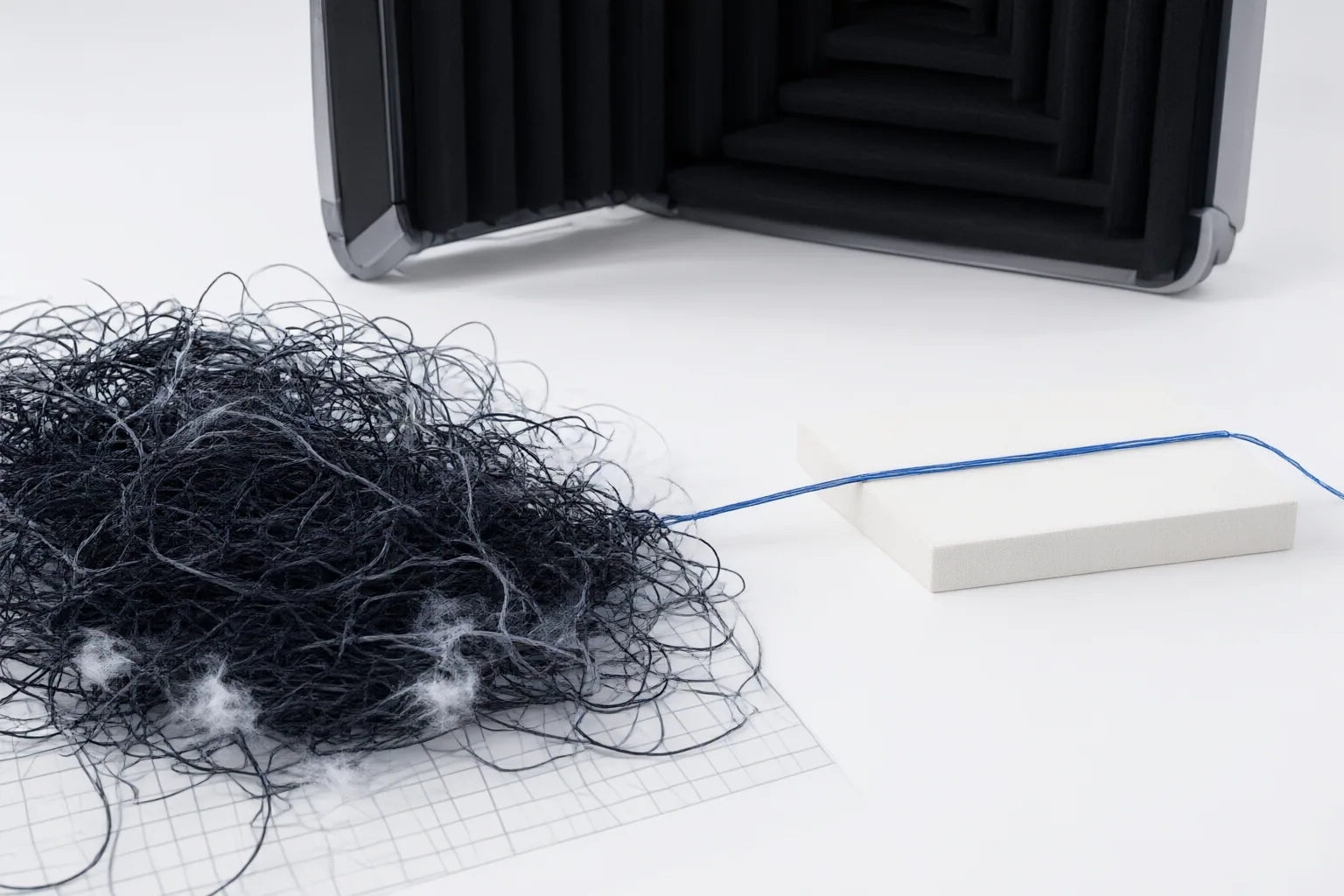
Compare Preservation, Not Just Noise Suppression
Score every result on intelligibility, vocal timbre, listening effort, continuity of room tone, preservation of pauses and breaths, and the severity of audible artifacts. More suppression is not necessarily better: aggressive processing can make speech sound watery, hollow, metallic, smeared, or conspicuously processed.
Room tone helps dialogue remain connected to its environment. Removing too much ambience can turn natural pauses into artificial silence. Breaths and subtle vocal details can also be mistaken for unwanted sound, making a speaker sound less natural. A noise gate presents a related risk because it reduces audio below a threshold and may remove quiet wanted material along with noise. Learned enhancement instead attempts to distinguish speech from interference, but it can still make mistakes on difficult recordings.
Retain the original, process a working copy, and compare alternatives at similar listening levels so a louder or quieter output does not dominate the judgment. Audition isolated problem moments, then replay them within the complete scene. The preferred result should make speech easier to follow without drawing attention to the cleanup or breaking the scene’s environmental continuity.
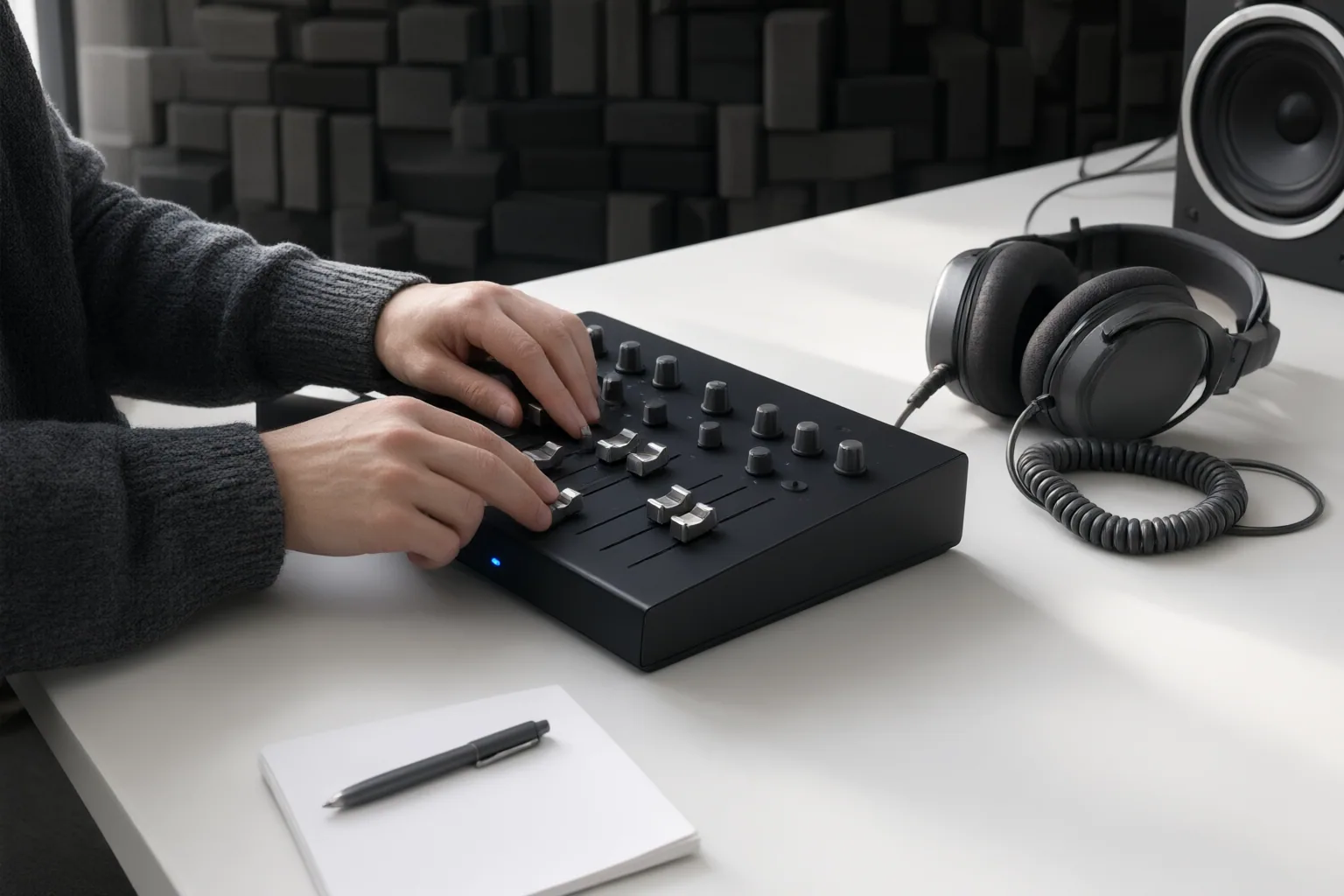
Evaluate Workflow Control and Review Options
Compare not only the sound but also the correction path. Automated upload-and-export tools may reduce effort, while spectral editors can provide more control when repair must target a particular frequency or event. A practical restoration sequence is to assess the recording, apply broad correction gently, make targeted repairs, and review the result in context.
Look for previews, reversible decisions, and a clear way to inspect every proposed change. HeyGen states that its Speech Cleanup workflow can toggle cleanup targets, preview detected edits, and let users skip, restore, or accept changes before export. Treat these as vendor-reported capabilities, not independent performance findings. Test whether such controls actually expose the moments that matter in your material.
For video, review the picture as well as the waveform. Removing fillers, pauses, or retakes may sound acceptable yet create visible discontinuities. Note how quickly an editor can restore a breath, retain ambience, correct a damaged syllable, or override a poor decision. The best workflow fit depends on whether the project favors fast broad cleanup, detailed manual repair, or a reviewable combination of both.
Conclusion
Use a preservation-first comparison: classify the defects, keep the original, process copies gently, inspect difficult moments, and audition each version within the complete scene. No supplied evidence establishes a definitive product ranking across shared test clips, so base the decision on representative material from the intended production. Test shortlisted workflows on copies of the same clips at similar listening levels, then choose the one that improves intelligibility while retaining natural vocal and environmental detail.
Disclosures and limitations
- This article was prepared with AI assistance from the supplied research package and content plan; factual claims are tied to the listed source IDs.
- Some evidence comes from vendors or publishers describing their own tools and methods. Capabilities and comparative performance should be independently verified before publication or purchase decisions.
Sources
- AI Dialogue Cleaner: The Complete Guide | Isolate Audio — Isolate Audio
- AI Speech Cleanup : Polish Video Without Jump Cuts — HeyGen
- Best AI Audio Cleanup Tools in 2026: 10 Solutions Compared — mixinggpt.com
- Professional Audio Restoration Guide for Cleaner Dialogue – ClearAudio — clearaudio.app
- Voice Cleaner — Free AI Audio Cleaner & Background Noise Remover | StemSplit — StemSplit
- Top 10 Best Audio Isolation Software: 2026 Comparison — Gitnux
- AI Speech Cleanup: Polish Video Without Jump Cuts — HeyGen
- Speech Enhancement Techniques: A Practical Guide for 2026 | Isolate Audio — Isolate Audio
Improve this guide
Report a problem or suggest the next question
Submissions enter a private editorial queue. They are reviewed and deduplicated before any public update or new page is created.