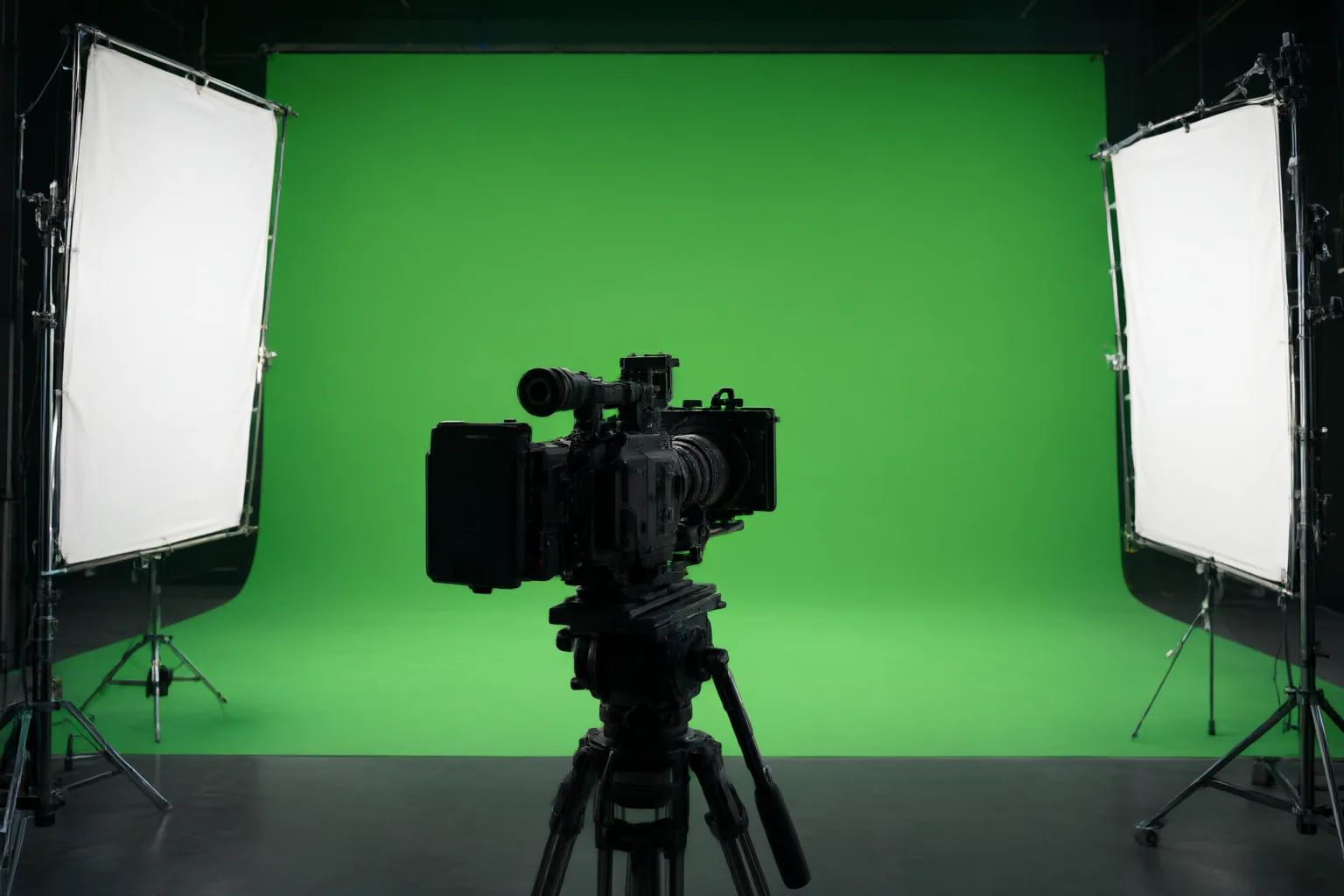
Before approving AI-generated video for chroma key compositing, test a representative clip for backing uniformity, conflicting subject colors, edge quality, spill, temporal stability, and compatibility with the intended replacement scene.
Check the backing and subject before keying
Chroma keying makes a selected color range transparent so another image or video layer can appear in its place. Start by examining the generated backing across the entire frame. Changes in hue or brightness, hot spots, shadows, wrinkles, and other color variations can produce an uneven or patchy key that requires additional matte cleanup.
Next, inspect the foreground for anything close to the intended key color. Clothing, props, hair accents, reflections, and small subject details may disappear if the keyer treats them as part of the backing. Check both obvious surfaces and details visible only during movement.
These checks adapt guidance about captured green-screen footage into a practical framework for generated video. They do not establish that any particular AI generator will produce consistently key-ready footage.
Inspect the matte, edges, and spill
Do not judge the result only from the color composite. Inspect the matte to find foreground areas that have become unintentionally translucent and backing areas that remain partially opaque. A usable matte should separate the subject without reducing every boundary to a hard cutout.
Pay particular attention to fine hair, translucent materials, glass, thin fabric, reflections, fast-moving limbs, and motion blur. These cases can contain partially transparent boundary pixels, making them vulnerable to clipping, contamination, or unstable edges. Review difficult areas at useful magnification while also checking how they look at normal viewing size.
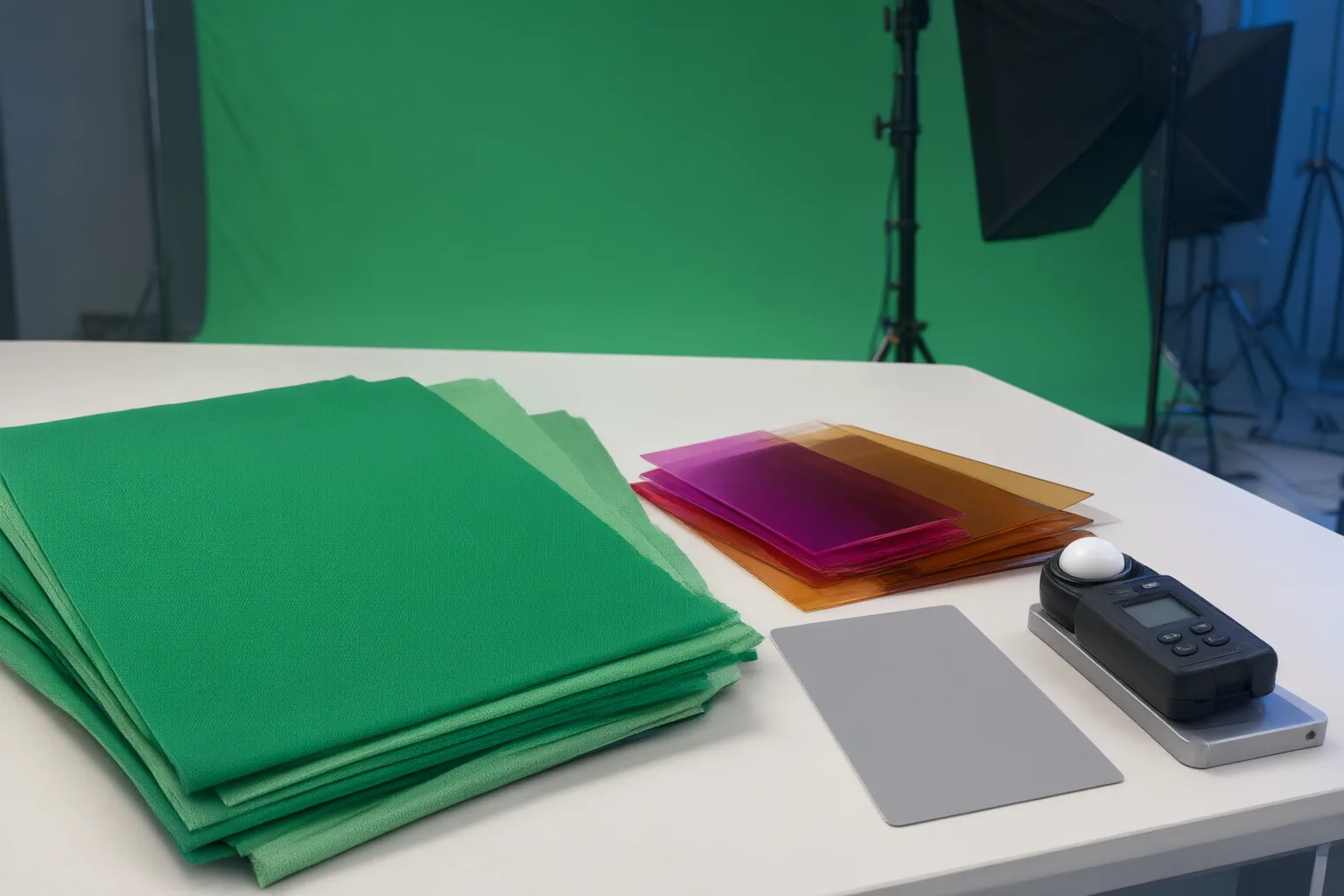
Look for spill on skin, hair, clothing edges, and reflective objects. Insufficient correction can leave visible green contamination after the background is removed. Excessive correction can introduce another problem by shifting skin toward magenta. Evaluate the corrected edge in the composite rather than assuming that stronger suppression is automatically better.
Review motion and the replacement scene
Inspect the clip frame by frame around rapid movement, then play it at full speed. Look for flicker, ghosting, crawling edges, and boundaries that change shape or transparency from one frame to the next. A frame that appears acceptable in isolation may still produce a distracting temporal artifact during playback.
If the editing tool supports it, a clean plate of the empty backing under matching lighting can serve as a reference for distinguishing the backing from shadows and green-tinted subject edges. Treat it as an optional aid, not a substitute for inspecting the moving matte.
Finally, preview the extracted subject over the intended replacement background. Compare foreground and background lighting, color, focus, perspective, and light direction. Directional edge light should also make sense in the combined scene. Even a technically clean matte can resemble two stacked layers when these visual properties do not agree.
Conclusion
Use a short representative clip as an approval test before producing or accepting the full sequence. Check the backing and subject colors, inspect the matte and difficult edges, assess spill correction, play the clip for temporal defects, and preview it against the intended background. If the backing, edges, spill, motion, or scene match fails, revise the generated shot and repeat the test before proceeding with the full sequence.
Disclosures and limitations
- This article was prepared with AI assistance from the supplied research package; material claims were limited to its identified sources, which include vendor-authored workflow guidance rather than independent controlled tests.
- No products, prices, rankings, or affiliate recommendations are presented. Readers should verify results with their own representative footage and intended compositing workflow.
Sources
- AI Video Chroma Key: Perfect Your Greenscreen Work with AI-Powered — reelmind.ai
- Chroma key – Wikipedia — en.wikipedia.org
- Chroma Key Tutorial — Clean Green Screen Compositing — Skrrol AI
- How to Prep Green Screen Footage for AI Editing — try.wideframe.com
- Client Challenge — slideshare.net
- AI Video Chroma Key: How to Replace Backgrounds Like a Pro — reelmind.ai
- Compositing – Wikipedia — en.wikipedia.org
Improve this guide
Report a problem or suggest the next question
Submissions enter a private editorial queue. They are reviewed and deduplicated before any public update or new page is created.