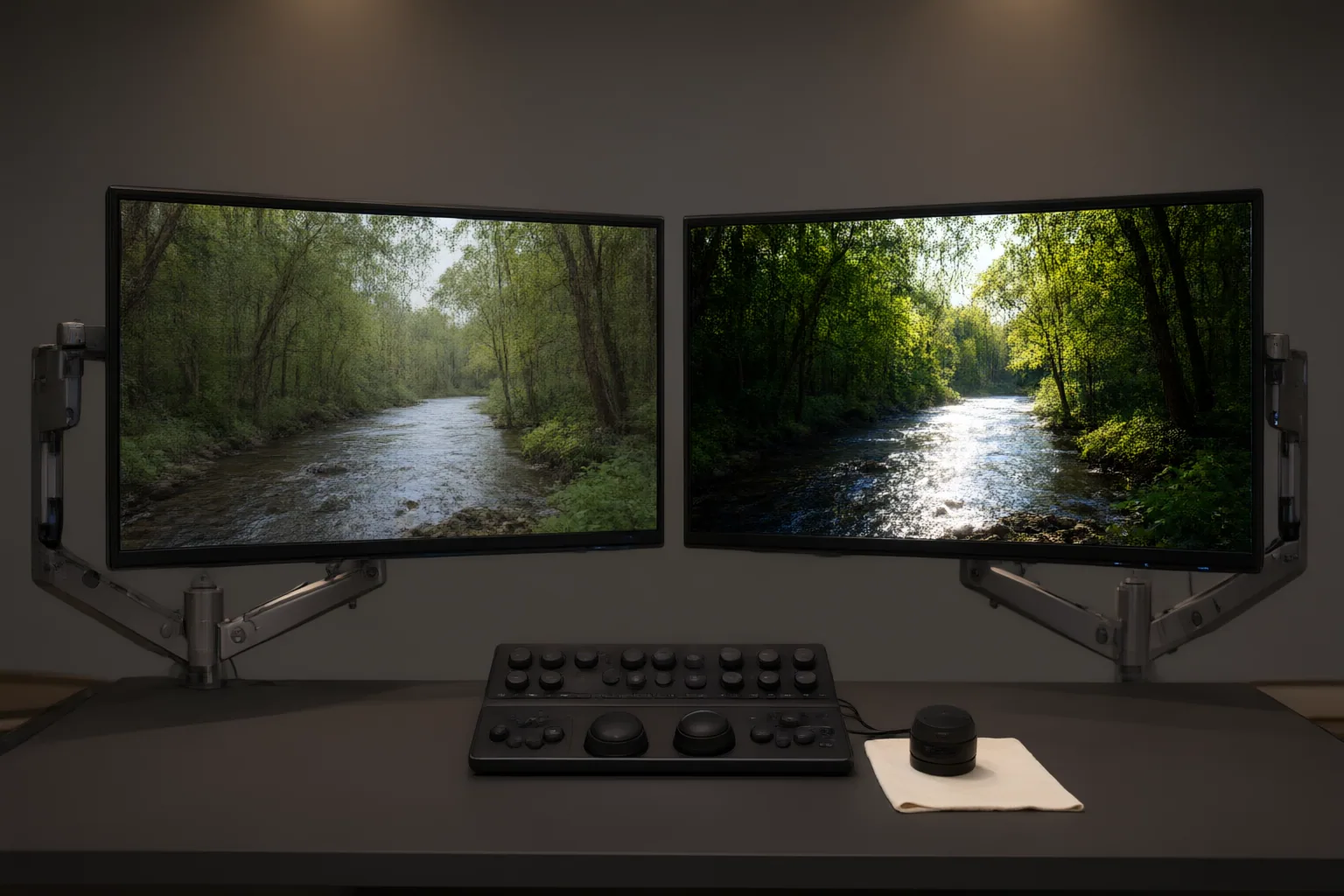
Judge an AI-assisted SDR-to-HDR conversion by more than brightness or an HDR label. Compare it with the SDR source, inspect moving footage for picture defects, verify delivery signaling, and test every required HDR and SDR playback path.
Start With the SDR Source and Conversion Limits
Begin by examining the standard dynamic range source and documenting its existing limits. SDR commonly uses a Rec. 709 or sRGB gamut and targets roughly 100 cd/m² peak luminance, although the exact characteristics depend on the standard and workflow.
An AI conversion maps that constrained signal into an HDR delivery space. It may infer plausible highlights, colors, or textures, but those additions are not verified information from the original scene. The process cannot automatically restore detail that was never captured, such as clipped highlights or missing texture.
Keep resolution separate from dynamic range during this assessment. A video can be 4K SDR or lower-resolution HDR, and adding pixels does not recover lost highlight information. Establish these boundaries before judging whether the conversion improves presentation without misrepresenting the source.
Inspect Picture Quality in Motion
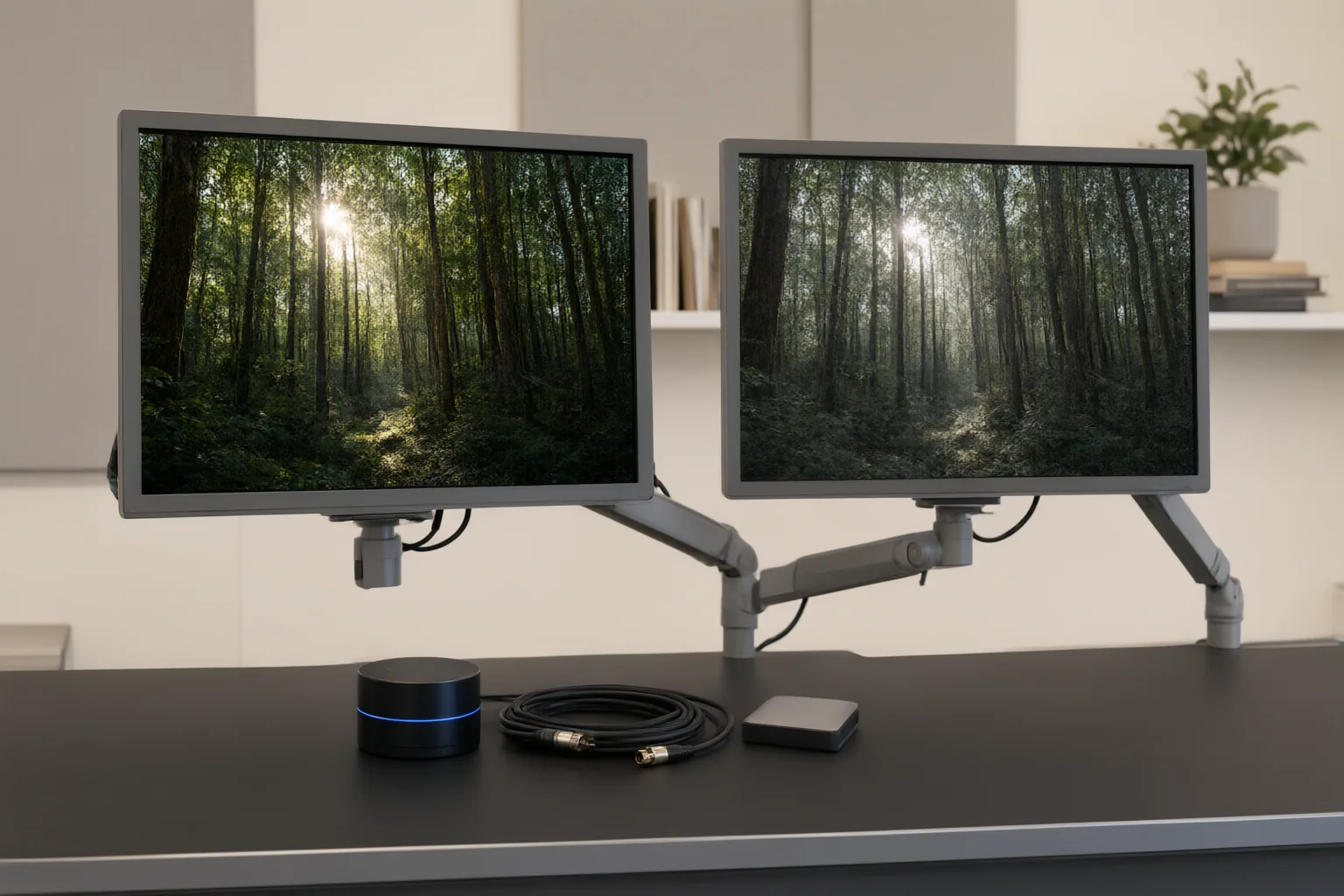
Review representative sequences beside the SDR source when possible. Increased peak brightness is not sufficient evidence of a successful conversion. Check whether bright areas retain useful gradation instead of clipping and whether dark regions preserve visible detail rather than becoming crushed or unnaturally lifted.
Pay particular attention to skin tones and other familiar colors. Look for unnatural saturation, hue shifts, or inconsistent treatment across adjacent shots. Examine smooth gradients for banding, and inspect detailed or low-light areas for amplified noise, compression artifacts, or invented-looking texture. These problems may become more conspicuous after tonal and color expansion.
Watch the footage in motion rather than approving it from isolated frames. Look for brightness changes between shots, unstable highlights, shifting color, or artifacts that appear only as subjects and cameras move. Compare several scene types, including faces, shadows, bright practical lights, and gradual skies or backgrounds. Record each issue with its shot or time location so that revisions can be evaluated consistently.
Verify HDR Signaling and Every Playback Path
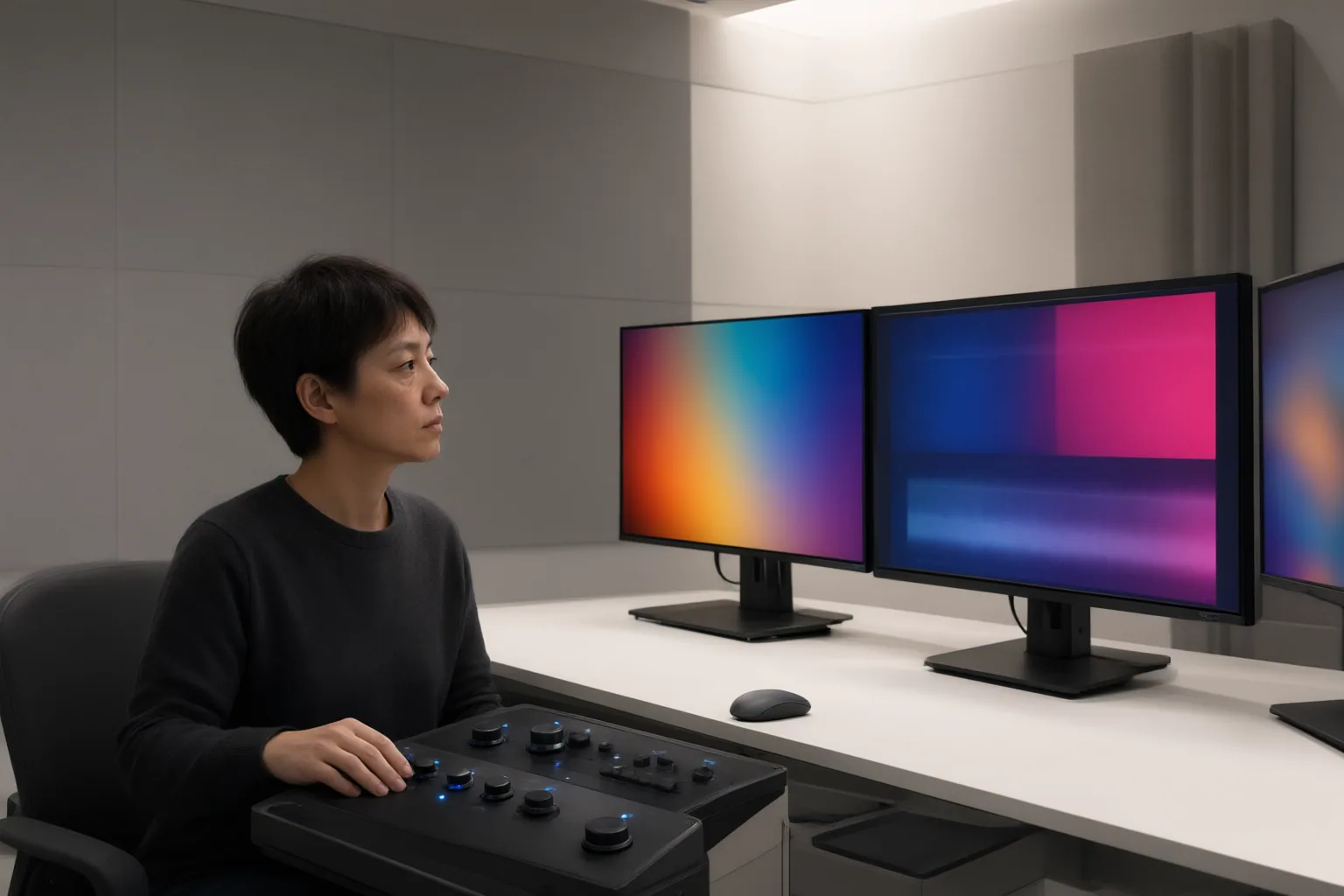
Confirm the intended HDR format, bit depth, codec, and metadata instead of relying on a player badge. HDR metadata helps a compatible display map the video's color space and luminance to its own capabilities. Static metadata applies across an entire program, while dynamic metadata can vary by scene.
Inspect the complete delivery chain: the application, operating system, graphics path, player, connection, and display. A valid HDR file can still look clipped, crushed, washed out, or otherwise incorrect when any part of that chain mishandles signaling or tone mapping. Different display capabilities and mapping behavior can also make the same file appear different across devices.
Test the exported file through the actual or representative destination workflow. Verify that HDR playback activates as intended and that the image remains acceptable on more than one relevant compatible path. If an SDR presentation or fallback is required, inspect that path separately for brightness, contrast, color, and retained detail. An acceptable HDR master is not proof that its SDR presentation will also be acceptable.
Conclusion
Approve an AI-converted video only after four checks: compare it with the SDR source, inspect spatial and temporal artifacts, confirm the delivery format and metadata, and validate representative HDR and SDR playback paths. Treat inferred detail as a creative conversion rather than recovered scene truth. Review a representative moving sequence now, document every picture or signaling issue, and withhold approval until both image integrity and delivery behavior are acceptable.
Disclosures and limitations
- This article was prepared with AI assistance using only the supplied research package and its identified sources. It does not report independent product testing or recommend specific converters.
Sources
- How to Convert SDR to HDR for Brighter Highlights and Deeper Detail — aiarty.com
- Standard-dynamic-range video – Wikipedia — en.wikipedia.org
- Convert SDR to HDR Video: 5 Steps and Quality Checks — DVDFab
- HDR vs. SDR: What's The Difference? — RTINGS.com
- Standard-dynamic-range video — Grokipedia — Grokipedia
- HDR Video Explained: Formats, Playback, and Conversion — unifab.ai
- What Is HDR? HDR vs. SDR Compared — ViewSonic Library
- AI-Powered Video HDR: Enhance Dynamic Range in Ordinary Footage — reelmind.ai
- Topaz Video AI SDR to HDR: How to Convert SDR Videos into HDR Quality — hitpaw.com
Improve this guide
Report a problem or suggest the next question
Submissions enter a private editorial queue. They are reviewed and deduplicated before any public update or new page is created.