Use AI rotoscoping when you need a workable starting matte across many frames. Choose manual masking for frame-critical edge control, or combine both approaches when only selected frames need detailed repair.
The practical difference between AI rotoscoping and manual masking
Rotoscoping creates a matte or mask that separates a subject or region from its background, allowing it to be composited or adjusted independently. AI-assisted tools can generate or propagate that isolation across a clip, reducing the work involved in ordinary subject cutouts. Manual masking gives an editor more direct control over individual frames and complex edges.
The choice is therefore less about replacing one method with another than deciding where automation is useful. FXbuddy recommends AI-generated mattes as a starting point for common editorial isolation while retaining traditional tools for hero VFX shots that demand frame-precise edges. A hybrid workflow applies the same principle: generate the broad matte automatically, inspect it over time, and repair only the frames or boundaries that need attention.
When an AI-first workflow makes sense
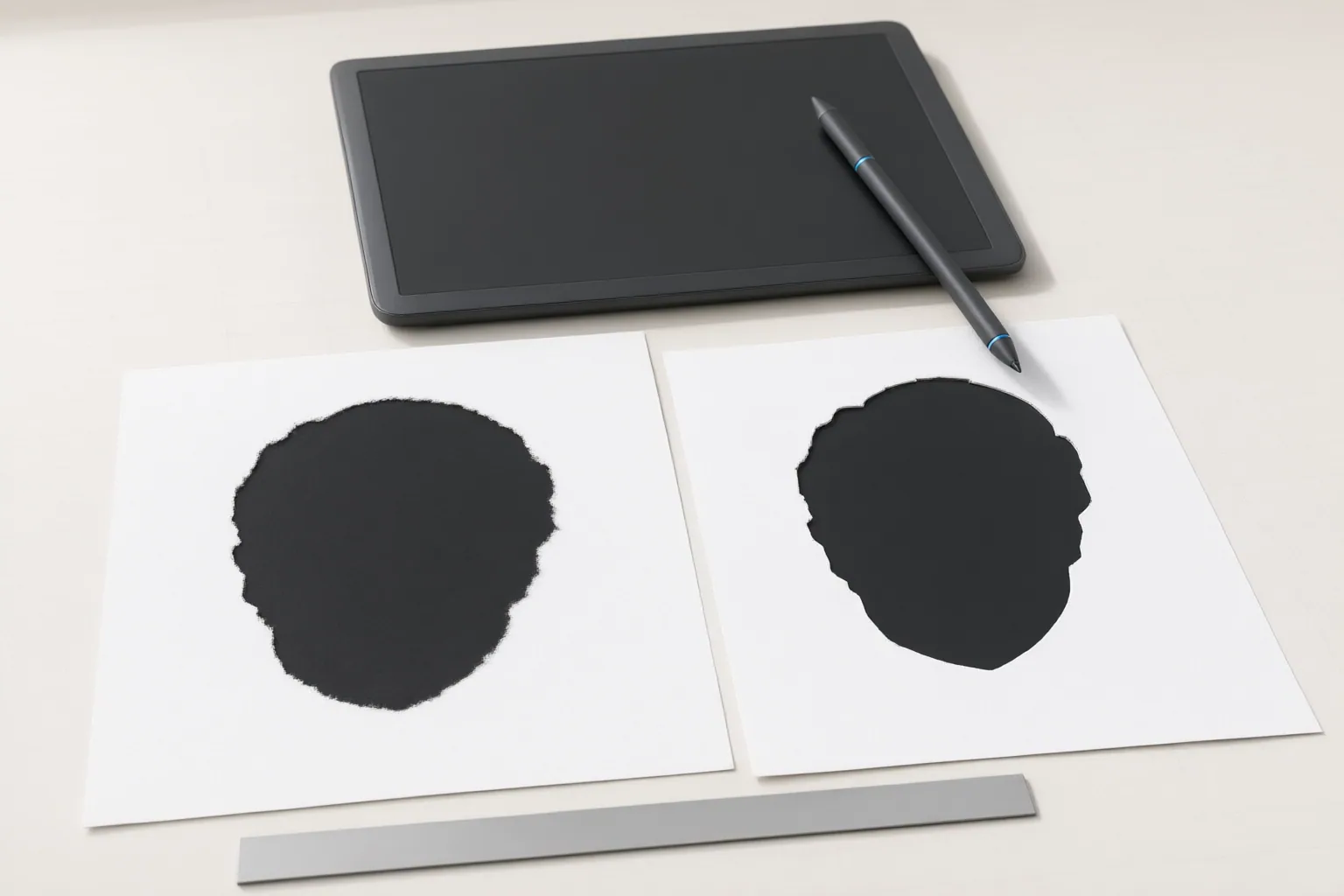
Start with AI when the subject is reasonably distinct from its surroundings and a usable first pass matters more than perfect initial edges. This is especially practical when manual frame-by-frame masking would become laborious as a clip grows longer or its boundaries move and deform.
Available workflows impose different constraints. Slapshot says an editor can select a subject, have cloud GPUs generate mattes across the frames, and export formats including EXR, MOV, JPG, and PNG; these are vendor claims, not independently verified results. SAM Roto Studio describes a Google Colab workflow that accepts video and exports an alpha sequence without local installation, although access to the SAM 3 model weights requires Meta approval. Sammie-Roto 2 describes itself as a free, open-source, cross-platform desktop application for video segmentation, matting, and object removal, but warns that some external models may restrict commercial use.
Before committing a full clip, consider where footage will be processed, what installation or model access is required, whether the output fits the compositing workflow, and whether applicable model licenses permit the intended use.
When manual masking or a hybrid workflow is safer
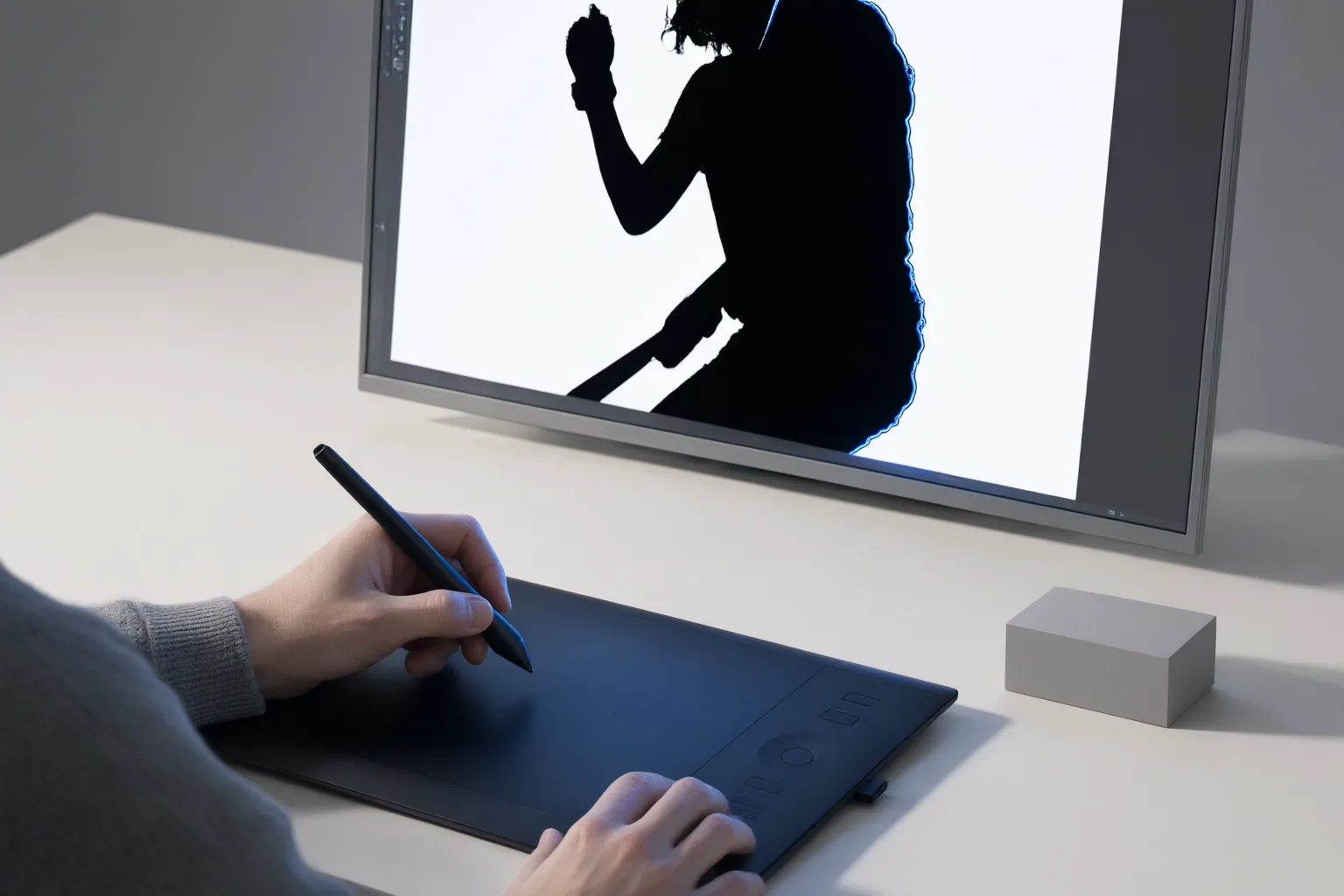
Prefer manual masking from the outset when a shot needs frame-critical edge control or depends on advanced spline-heavy or multilayer matte work. Difficult conditions identified across the sources include fine hair, transparency, very low contrast, motion blur, fast motion, overlapping subjects, repeated or complex occlusion, and objects leaving the frame. These conditions can make an automatically generated matte inaccurate or unstable over time.
A hybrid workflow is appropriate when the AI result is acceptable through most of the clip but breaks down around particular edges or moments. Keep the generated matte, then correct selected frames rather than rebuilding every frame manually. This preserves the value of automated propagation while allowing detailed control where the shot requires it.
Inspect temporal consistency as well as individual still frames. Review hair and blurred boundaries, points where subjects overlap, moments when an object exits or re-enters the frame, and areas where subject and background have similar contrast. If failures are frequent or the final composite cannot tolerate edge variation, a manual-first workflow is the safer choice.
Conclusion
Use AI first for an ordinary isolation task when a workable starting matte is the priority. Use manual masking when the shot demands precise control on every critical edge. Choose a hybrid workflow when automation can cover most frames but hair, blur, occlusion, contrast, or other difficult details require selective correction.
Evaluate one representative shot for those conditions, test an AI-generated matte on a short segment, and inspect its temporal consistency before committing the full clip to an AI-first, manual, or hybrid workflow.
Disclosures and limitations
- This article was prepared with AI assistance using the supplied research package. Vendor and project capability statements are attributed and should not be read as independently verified testing.
- No structured product, pricing, rating, or review data was supplied. No affiliate recommendation is presented; any future commercial relationship should be disclosed before publishing a product recommendation.
Sources
- GitHub – VirtuallyJesse/ai-rotoscoping: A free AI rotoscoping studio in Google Colab. Zero setup, clean alpha mattes using SAM 2/3, InSPyReNet, MatAnyone, and ViTMatte. — GitHub
- AI Rotoscoping Software | Automated Matte Generation — slapshot
- Top 7 Best AI Rotoscoping Software | Ranked for 2026 — worldmetrics.org
- AI Rotoscoping in 2026: The Complete Guide — FXbuddy — FXbuddy
- GitHub – Zarxrax/Sammie-Roto-2: A GUI for masking/rotoscoping video using AI models — GitHub
Improve this guide
Report a problem or suggest the next question
Submissions enter a private editorial queue. They are reviewed and deduplicated before any public update or new page is created.