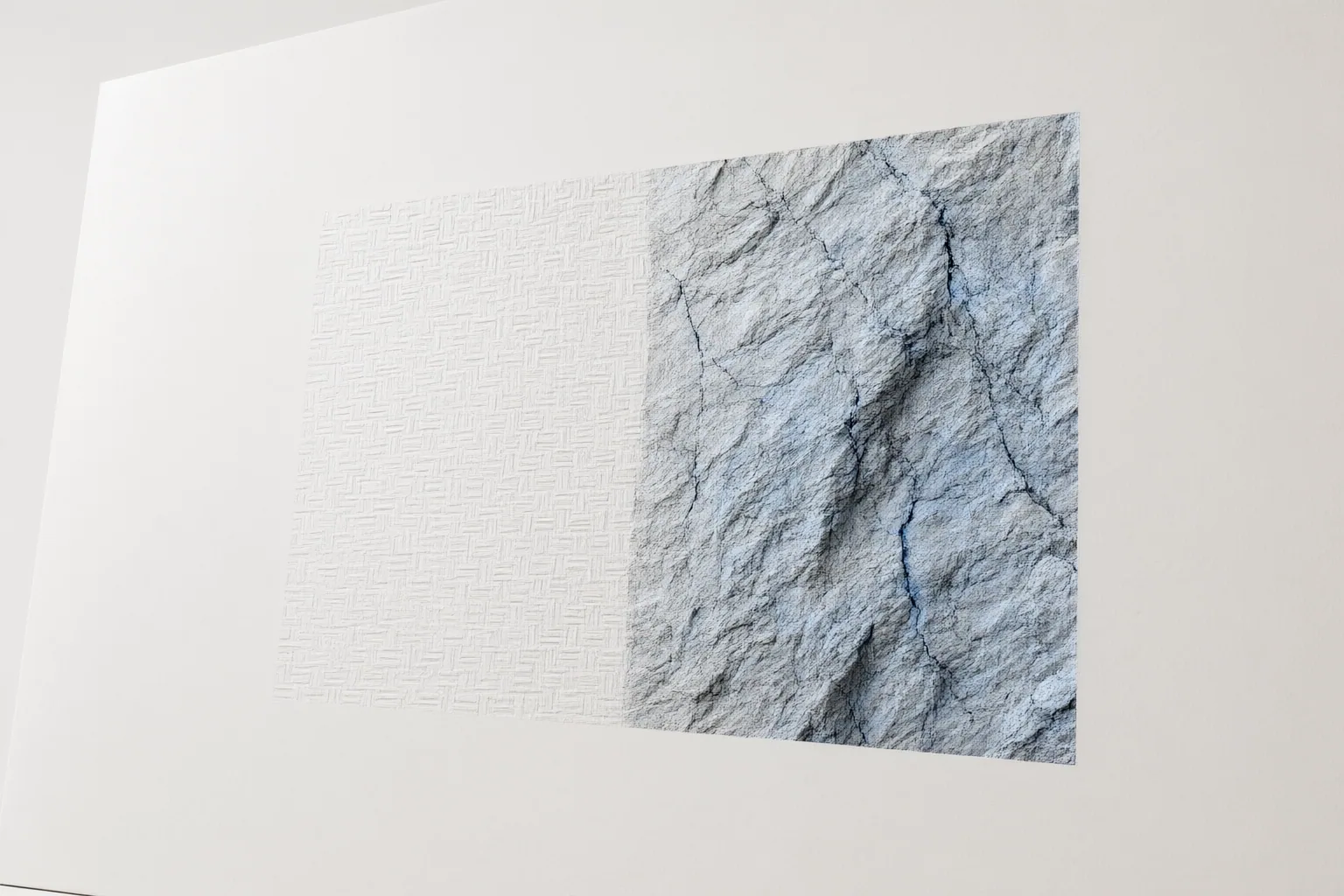
Use Content-Aware Fill when a simple area can be repaired by sampling nearby pixels. Choose Generative Fill when an edit requires newly synthesized content, especially for complex removals or image extensions, and expect to inspect and refine the result.
How Generative Fill and Content-Aware Fill Differ
Content-Aware Fill repairs a selected area by sampling and blending content already present in the image. Generative Fill instead synthesizes pixels using the surrounding image context and, when supplied, a text prompt. This distinction matters: the former rearranges available visual information, while the latter can create content that was not previously in the frame.
Both approaches begin by identifying the region that needs work, but their outputs offer different possibilities. Sampling can be efficient when nearby pixels already contain everything needed for a convincing repair. Generation can respond to more complicated surroundings or create additional scene content. The cited guides also describe Generative Fill results as appearing on a separate, non-destructive layer, allowing the generated edit to remain separate from the original image.

Which Tool to Use for Object Removal
Start with the background around the unwanted object. If it is simple and relatively uniform, Content-Aware Fill may be the quicker option because it can sample nearby pixels and blend them into the selected region. Using a generative workflow for such a straightforward repair may add unnecessary complexity.
Generative Fill becomes more useful when the surrounding area is complex or structured and ordinary sampling is likely to produce smears or obvious repetition. For a context-driven removal, the cited guides recommend leaving the text prompt empty so the system uses the neighboring image information rather than trying to follow a written instruction.
Selection quality still matters. A boundary drawn too tightly around an object may not provide enough surrounding context for a clean blend. Include sufficient nearby area, then examine the transition between the patch and the untouched image. If the result introduces a visible boundary or damages local detail, adjust the selection or use a smaller follow-up edit rather than assuming the first result is final.
Which Tool to Use for Image Extension—and What to Check
Generative Fill is the more suitable of these two approaches when an image must be extended beyond its existing scene, because it can synthesize new pixels from the surrounding context. The cited workflow guides describe leaving the prompt empty for context-driven background extension. This lets the visible image guide the new area without requiring a specific added subject.
Generation does not remove the need for inspection. Check the join between the original frame and the extension for abrupt changes, halos, or other visible edge problems. Repeating patterns can become inconsistent, duplicated, or disrupted. Text may be rendered poorly, while hands, anatomy, and other fine structures can contain errors. These weaknesses can also affect generated patches used for removal.
Review the result at the details that matter to the image rather than evaluating only the overall composition. If one area fails, refine the selection, try another result, or correct a smaller region. Treat generated output as an editable proposal that may require cleanup, particularly where precise structures must remain coherent.
Conclusion
Neither method is universally better. Content-Aware Fill is a practical first choice when a uniform area can be repaired with pixels already nearby. Generative Fill is better suited to harder removals, structured surroundings, or extensions that require new scene content.
The wider choice of generative workflow can also involve setup, hardware, privacy, control, cloud processing, and metered-usage trade-offs. Local and cloud approaches should therefore be assessed on workflow requirements as well as their generated pixels. Begin with Content-Aware Fill for a simple, uniform repair; move to Generative Fill for a complex edit or extension; then inspect edges, patterns, text, and fine structures before using the image.
Disclosures and limitations
- This article was prepared with AI assistance using only the supplied third-party workflow guides; it does not claim firsthand product testing or use.
- Product behavior and account requirements can change and should be checked against current official documentation before publication. No affiliate relationship or compensation information was supplied.
Sources
- Generate videos from an image | Gemini Enterprise Agent Platform | Google Cloud Documentation — Google Cloud Documentation
- Photoshop Generative Fill Guide (2026): How to Use It, Best Prompts, and Common Mistakes – PhotoshopNews — photoshopnews.com
- Generative Fill vs Stable Diffusion Inpainting: When to Use Photoshop AI and When to Run Local — The Cascade Hub
- Best AI Image Editors 2026: Inpainting to Upscaling — Awesome Agents
- Generative Fill in Adobe Photoshop | Mapsoft — Mapsoft
- Generative Fill vs Inpainting in Technology — dowidth.com
Improve this guide
Report a problem or suggest the next question
Submissions enter a private editorial queue. They are reviewed and deduplicated before any public update or new page is created.