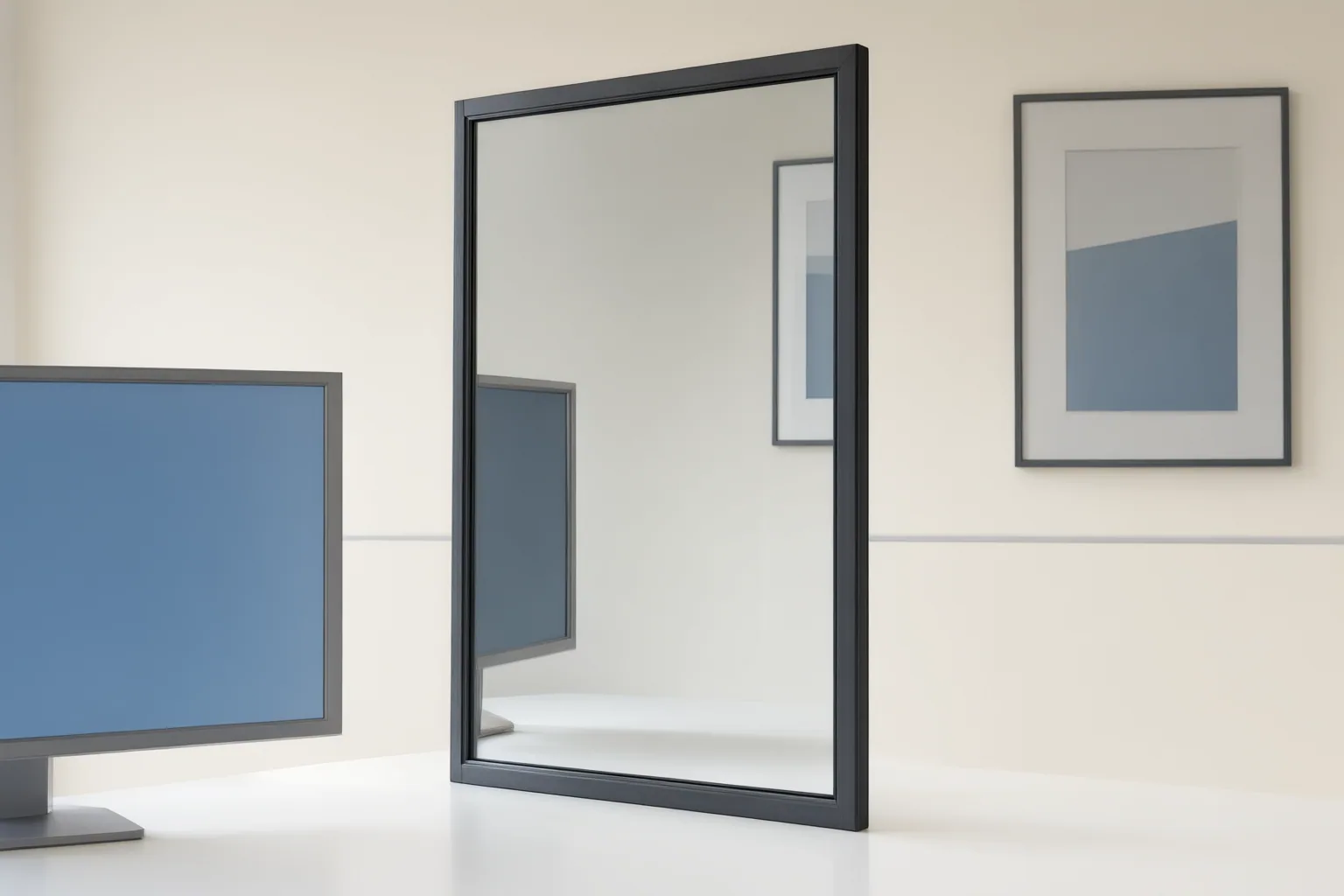
Treat every mirror, window, screen, framed picture, or overlay as a separate image region within the larger scene. Map its boundaries and orientation, inspect its placement and appearance, and compare nearby frames cautiously. This is an editorial review method, not a validated test of AI-video behavior.
What Counts as a Nested Image?
A nested image is a secondary image contained within the primary image. Source-supported examples include a reflection appearing in a mirror or window and a photograph shown inside another photograph. The same source associates this idea with a picture-in-picture effect and separately describes an overlay as one image placed or superimposed over another.
For review purposes, editors can group mirrors, windows, screens, framed pictures, and overlays as nested regions that deserve separate attention. This grouping is practical editorial guidance, however: the supplied source discusses still photography and does not establish how AI-generated video behaves.
Map the Main Image and the Image Within It
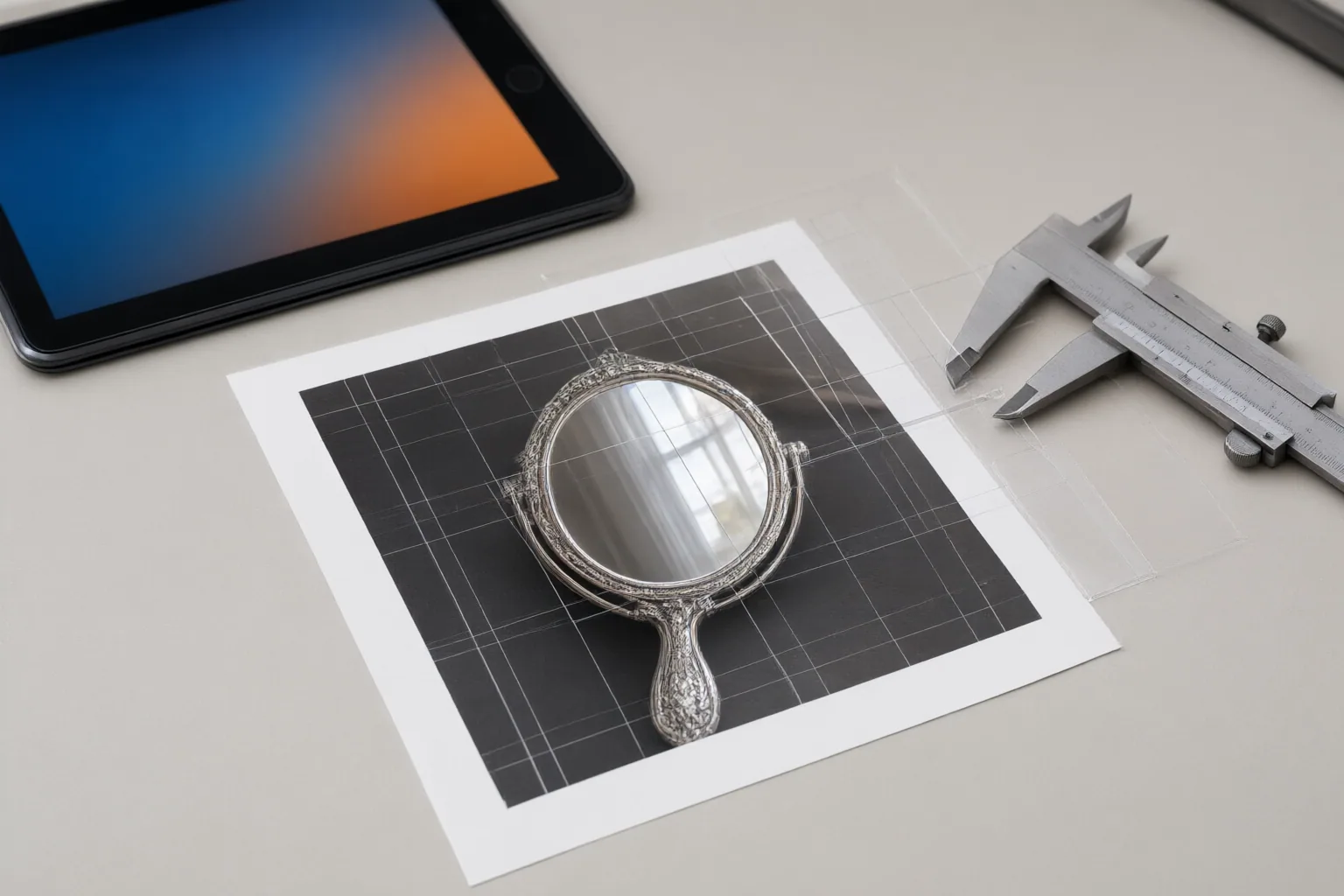
Start by pausing on a frame where the nested region is clearly visible. Sketch or note four elements: the outer scene, the nested region, its boundaries, and its orientation. Then record where that region sits relative to recognizable parts of the surrounding scene.
This diagram-based method is adapted cautiously from Stanford material that recommends drawing diagrams for nested-loop image problems. Its exercises involve pixel copying, vertical flipping, margins, color-channel changes, and coordinate-based reasoning. Those examples support careful thinking about spatial relationships in images, but they do not constitute a video-inspection standard.
Use the map as a stable reference when moving through nearby frames. If a mirror, screen, or picture changes, compare the visible change with the boundaries and orientation you recorded. Describe what can actually be seen rather than attributing the result to a particular model or technical failure.
Inspect Placement, Scale, Transparency, and Frame-to-Frame Changes
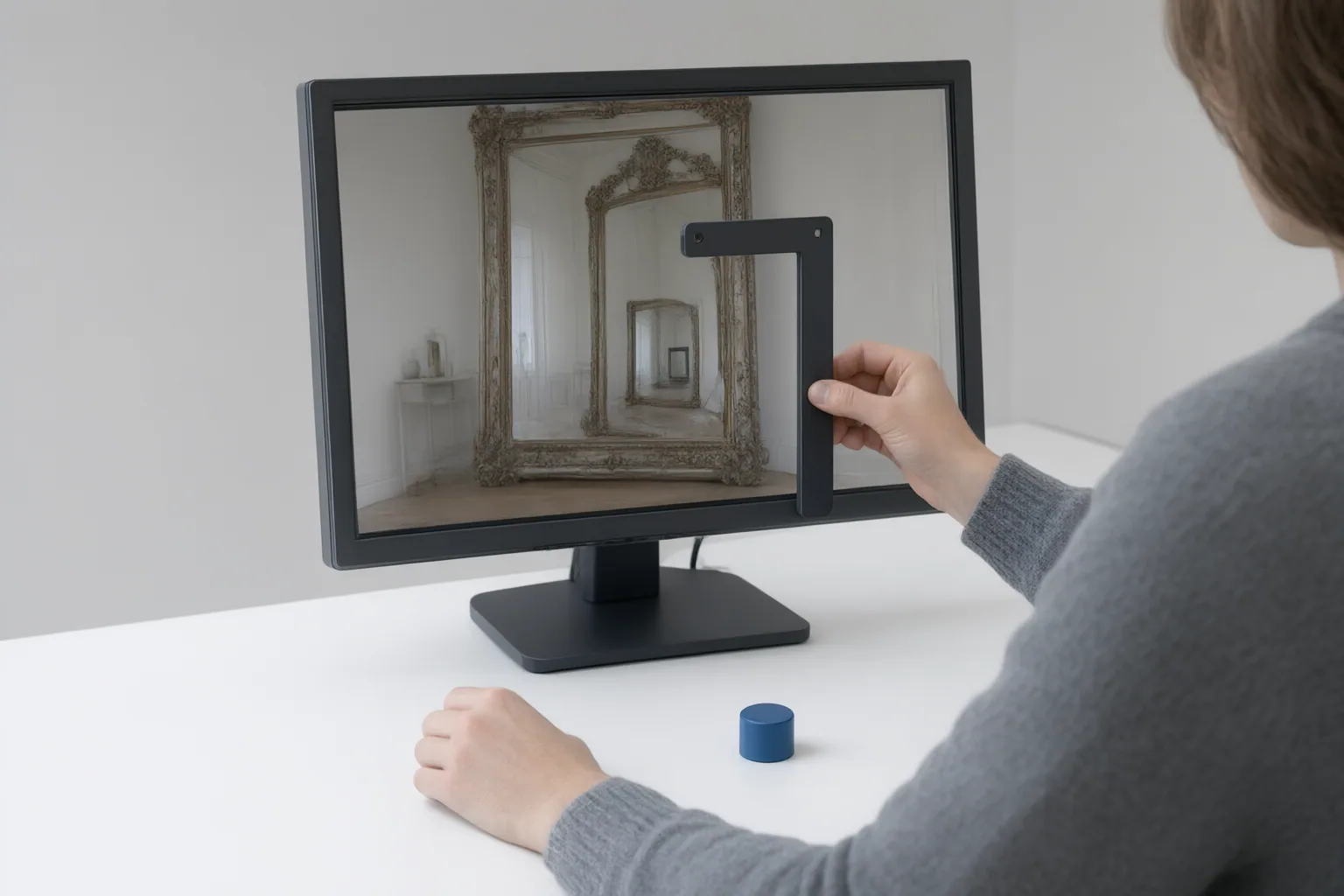
Review the nested region in a short sequence of paused frames. First check its position and size relative to the outer scene. Next inspect its orientation and whether its edges continue to fit the mapped boundary. For an overlay, also examine visible transparency and how the superimposed image blends with the image beneath it.
Size, position, transparency, and blending mode are properties that the photography source says editing tools can adjust. That supports examining those properties, but it does not define correct values for an AI-generated clip. Likewise, comparing nearby frames is an editorial judgment rather than a procedure validated by the supplied sources.
Record observable changes precisely—for example, that a region shifted, resized, changed orientation, or blended differently. Do not infer unsupported causes. If the intended result cannot be determined from the scene or production brief, flag the segment for manual review instead of declaring it correct or defective.
Conclusion
Use a repeatable review pass: identify every nested region, map its boundaries and orientation, inspect placement and scale, and examine transparency or blending where overlays are present. Compare nearby frames cautiously and document only visible changes. The supporting materials concern still-image composition and spatial image manipulation; they do not validate claims about AI-video models, temporal consistency, or a formal inspection checklist. Before publishing, pause at each nested-image region and send any questionable segment for manual correction or regeneration.
Disclosures and limitations
- This article was created with AI assistance from the supplied Stanford CS106A material and a photography article; both sources address still images rather than validated AI-video inspection.
- No products are recommended, and no affiliate relationship is represented. Any future commercial links should be disclosed separately.
Sources
- CS106A Nested Loops and Images — web.stanford.edu
- ▷ What is a photo within a photo called? | — visitfranceguide.com
Improve this guide
Report a problem or suggest the next question
Submissions enter a private editorial queue. They are reviewed and deduplicated before any public update or new page is created.