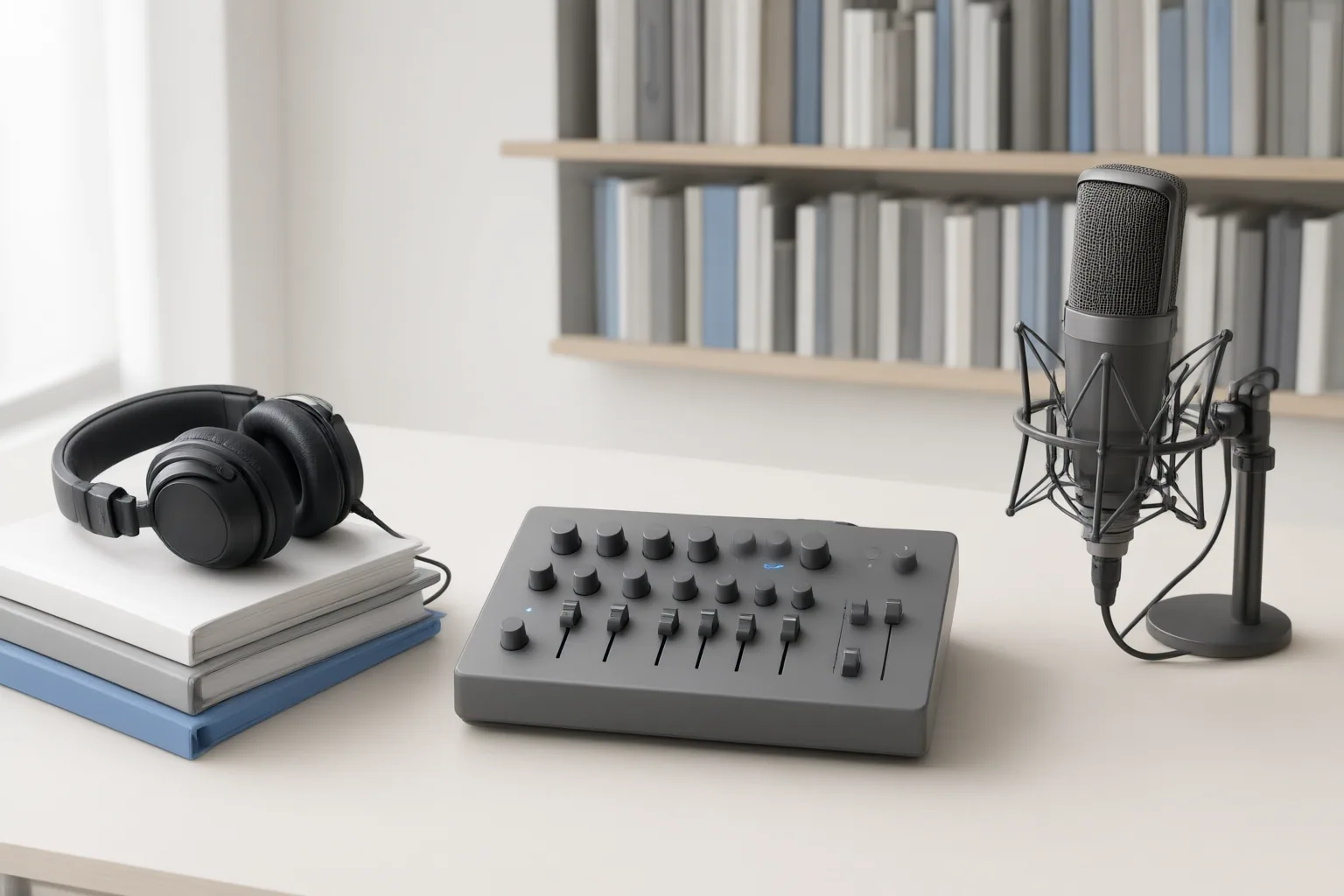
Use AI-generated captions for clear, lower-risk recordings when speed matters and someone can review the output. Choose a transcript-based or human-reviewed workflow when difficult audio, specialized language, exact wording, or accessibility requirements raise the consequences of errors.
The Short Answer: Choose Based on Risk and Recording Difficulty
The best workflow depends on the recording and the cost of getting words or context wrong. Fully automated captions may be suitable for clear audio, straightforward language, and lower-risk content—provided the output is reviewed before publication.
Human involvement becomes more important when audio is distorted, speakers talk over one another, accents are strong, speech is impaired, or the subject uses specialized terminology. Word Wizards specifically recommends its human-transcript-plus-AI workflow for these conditions. GravityDevOps also advises human review when captions contain names, prices, or medical or financial statements. These criteria are practical decision points, not guarantees that any workflow will achieve a particular accuracy or compliance standard.
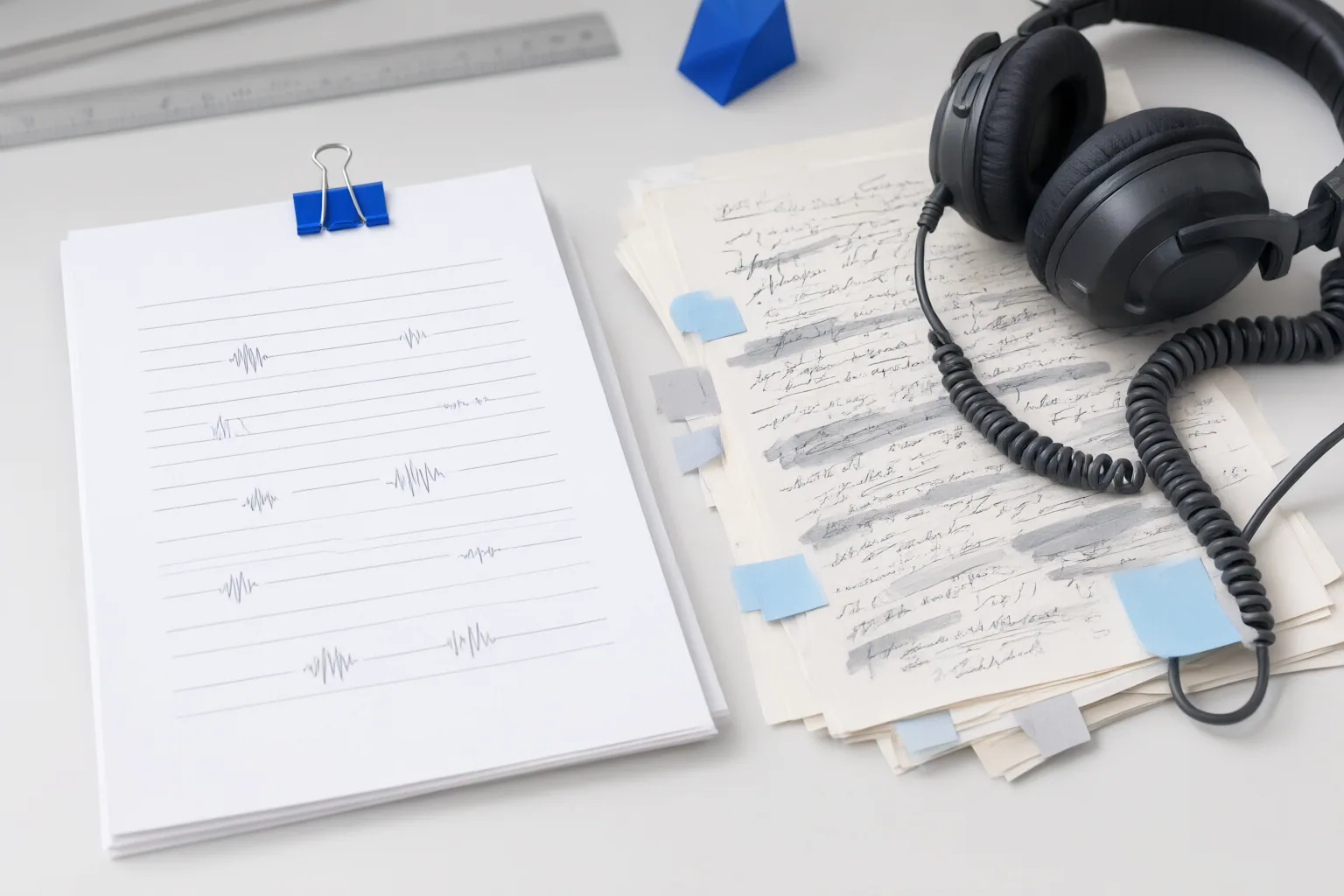
Where AI-Generated Captions Save Time—and Where They Need Editing
Word Wizards describes fully automated captioning as its fastest and most affordable option. That can make it useful for rapid production, but automated speech recognition is only a starting point when complete captions are required.
Reviewers may need to correct wording and timing, identify speakers, and add cues for meaningful music, alarms, applause, or other sounds. Level Access says unsupervised AI captions are often inaccurate or incomplete and distinguishes complete closed captions from dialogue-only output. Easygenerator likewise notes that speech-only captions can fail accessibility checks when speaker identification or meaningful sound effects are missing.
Creators should therefore budget for editing even when generation itself is fast. Word Wizards does not guarantee Section 508 or ADA compliance for its fully automated workflow, while stating that compliance can be guaranteed on request for its human-transcript-plus-AI service. That is a vendor-specific assurance and should be independently verified for the intended use.
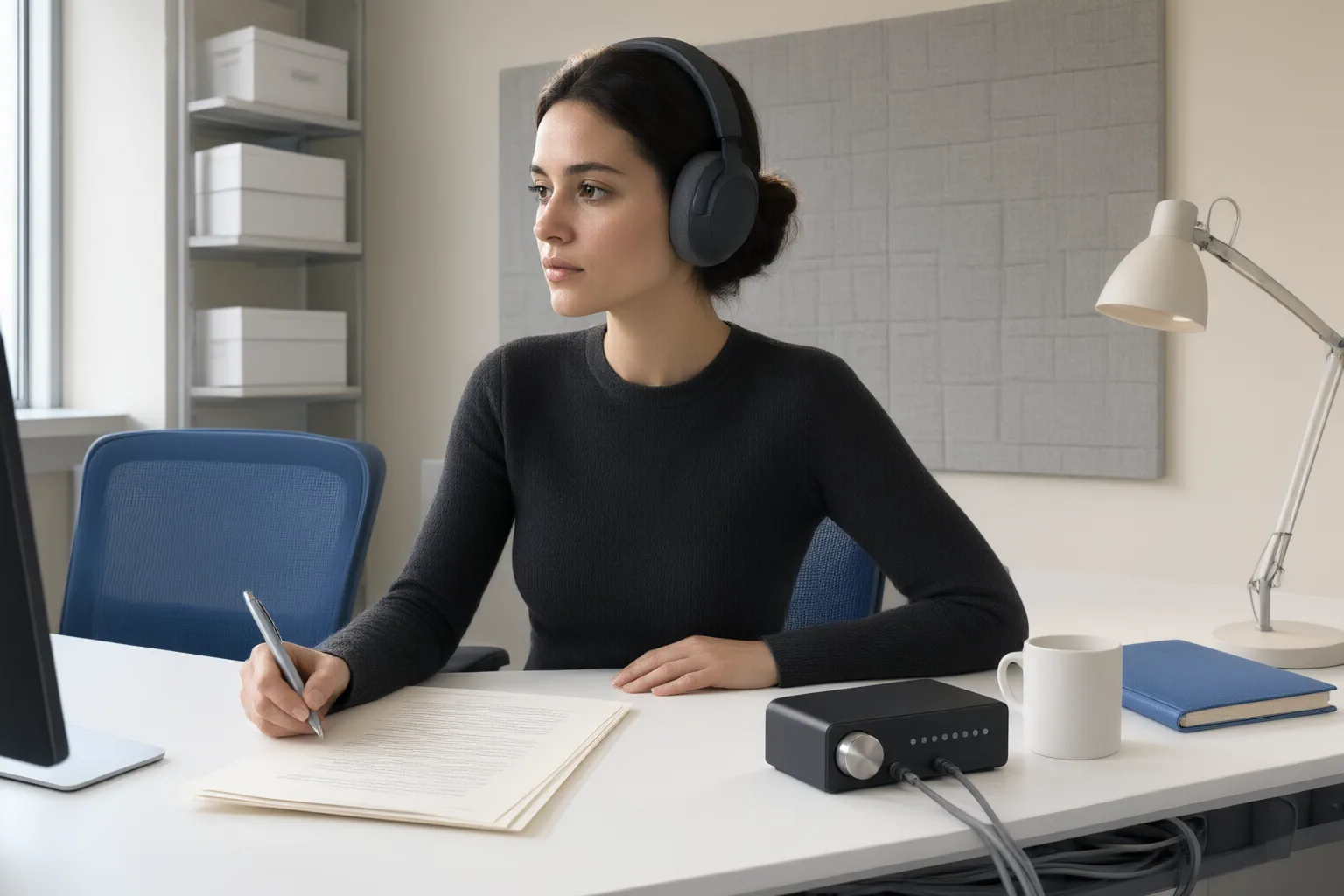
When a Transcript-Based or Human-Reviewed Workflow Is Safer
Favor a transcript-based or human-reviewed process when mistakes could materially change meaning or when the recording is difficult to interpret. Relevant warning signs include poor audio, rapid cross-talk, strong accents, impaired speech, specialist vocabulary, names, prices, and medical or financial statements.
Human involvement does not require abandoning automation. Word Wizards describes a workflow in which AI times and encodes a human-typed transcript. Rev describes another hybrid approach combining AI with expert human review, supported by tools for adjusting wording, timing, and speaker names. These models use automation for production tasks while retaining human judgment where accuracy matters.
Delivery format is a separate choice. Closed captions can be switched on or off, giving viewers control. Open or burned-in captions are permanently embedded in the video image. Creators producing reusable assets should decide which format suits the intended channels and viewer needs before finalizing the workflow.
Conclusion
Test candidate workflows on a representative recording rather than relying only on headline accuracy claims. Easygenerator says performance varies with audio quality, accents, and terminology; GravityDevOps adds microphones, names, music, overlapping speakers, and language as variables.
Inspect the hardest passages, then check exact wording, speaker labels, timing, and meaningful sound cues. Choose the fastest process that passes this content-specific review and meets the video’s accuracy and accessibility needs.
Disclosures and limitations
- This article was prepared with AI assistance using only the cited research sources. Several sources are captioning vendors or publishers discussing their own services, so service and compliance claims should be independently verified before publication.
- No paid product recommendation or affiliate endorsement is included. The available evidence does not provide a controlled, like-for-like accuracy comparison between the workflows.
Sources
- Closed Captioning vs. AI Captions: Which Is Better — Level Access
- Closed Captioning Services For Video | Rev — rev.com
- Video Captioning Services: The Complete Accessibility Guide — Verbit
- Top 10 AI Caption and Transcription Tools in 2025 — Vizard Resources
- Best subtitle and captioning tools for training videos in 2026 — Create company-tailored training at scale
- AI Captioning Services – Video Accessibility | Word Wizards — Word Wizards – Professional Media Services
- Free AI Caption Generator for Social Media Videos: 6 Tools Compared – GravityDevOps — GravityDevOps
- How AI is transforming captioning and transcription — Verbit
Improve this guide
Report a problem or suggest the next question
Submissions enter a private editorial queue. They are reviewed and deduplicated before any public update or new page is created.