
Choose PNG-8 for simple, limited-color graphics when a smaller palette is acceptable. Choose PNG-24 when an image needs a wider color range or smoother gradients. In either case, verify the exported file’s appearance and transparency instead of trusting the preset name alone.
PNG-8 vs PNG-24 at a glance
PNG is a lossless, compressed raster format that can represent indexed-color, grayscale, and truecolor images. It also supports optional alpha capabilities and stored color-space information for more consistent color matching across platforms.
PNG-8 uses an indexed palette with no more than 256 distinct colors. That constraint can work well for icons, logos, and simple artwork. PNG-24 preserves a substantially wider color range, making it the stronger starting point for images with complex colors or gradual transitions. The tradeoff is that retaining more color information generally produces a larger file.
Treat “PNG-8” and “PNG-24” as export-preset labels, not complete technical guarantees. Export tools can use these terms inconsistently, so inspect the resulting file’s palette, color behavior, and transparency.
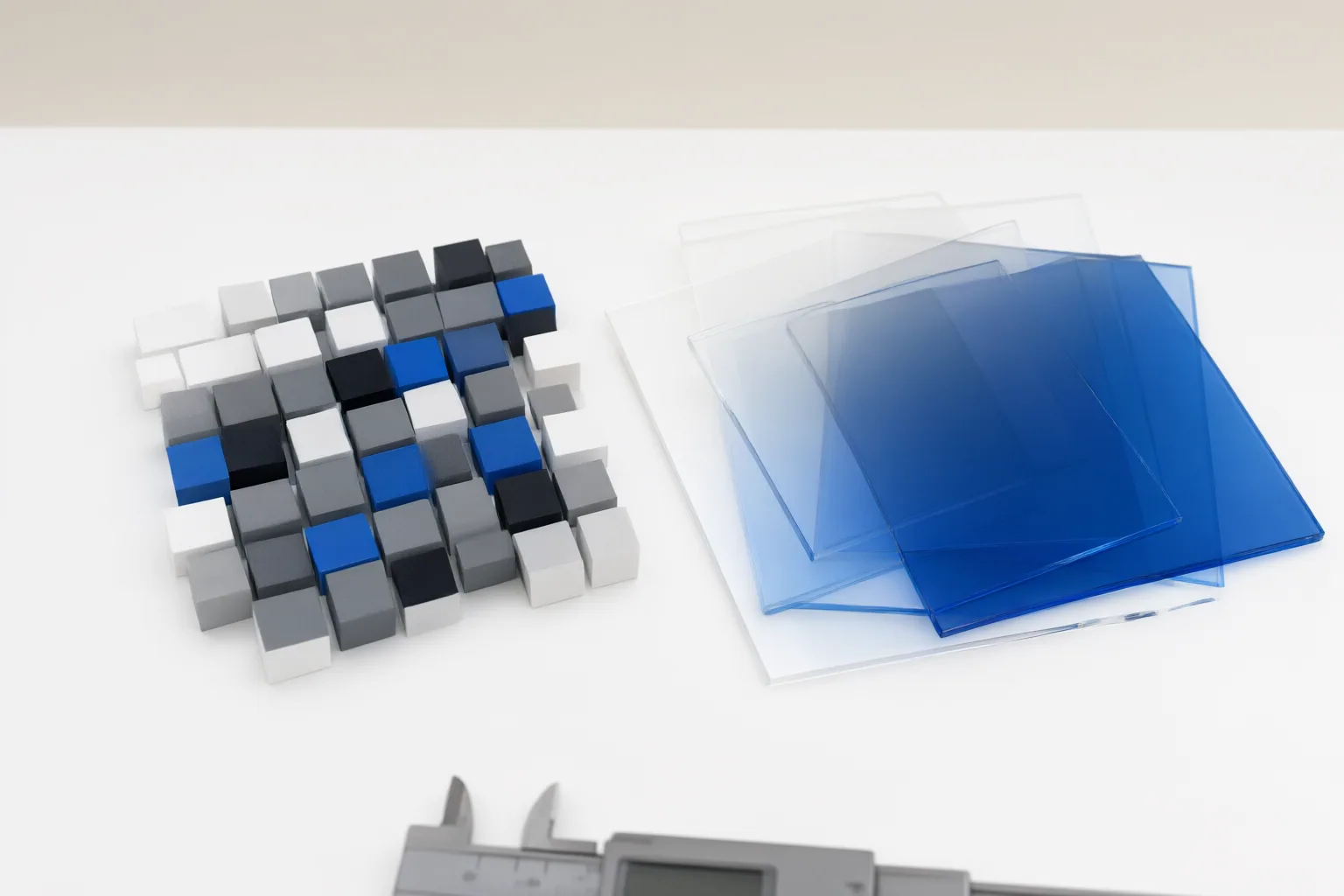
Choose based on color and image complexity
Start by examining how many colors the image contains and how those colors change across it. A flat icon, simple logo, or limited-color illustration may fit comfortably within PNG-8’s 256-color palette. In that situation, indexed color can preserve the required appearance without storing a broader range that the image does not use.
Complex artwork and smooth gradients are less suitable for aggressive palette reduction. Converting a full-color image to PNG-8 requires quantization: available colors are mapped into a restricted palette. The result can show visible bands in gradients, dithering patterns, or lost detail where color transitions are subtle.
PNG-24 is better suited to those demanding images because it represents a much wider color range. Its additional color information usually increases file size, however. The practical choice is therefore not simply “higher quality is better”; it is whether the wider range produces a visible benefit in the actual image.
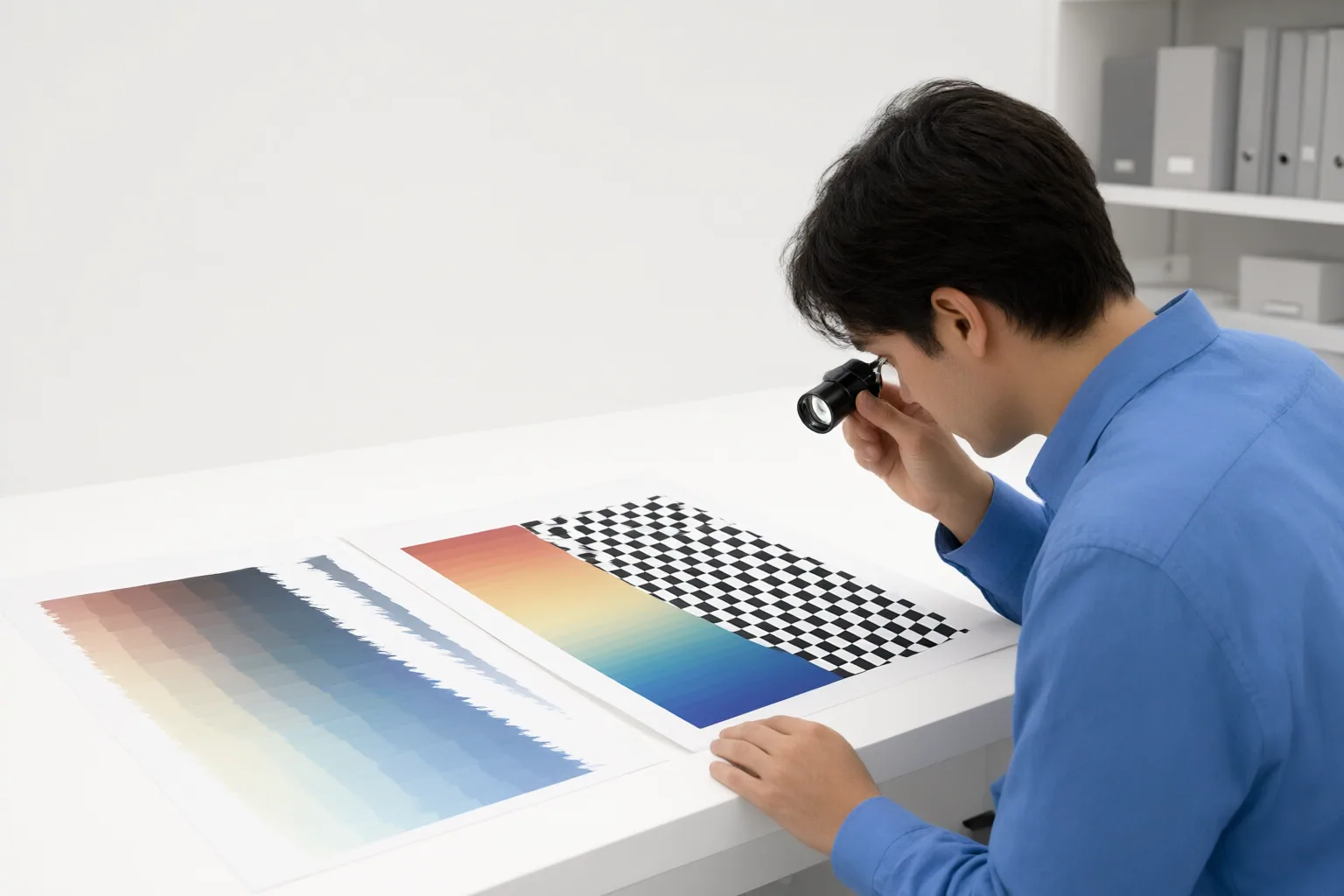
Check transparency, file size, and web-format alternatives
Transparency needs a visual check, especially around antialiased edges, shadows, and graphics that will appear over different backgrounds. Because export applications do not always use PNG preset names consistently, confirm the exported file’s actual alpha behavior rather than assuming that a label guarantees the required result. Preview it over every important background and look for rough edges, unwanted halos, or missing translucent detail. Indexed-color PNG can store an 8-bit alpha value for each palette entry through tRNS, so semi-transparent palette colors are possible. An exporter that offers only fully opaque or fully transparent palette entries is imposing a software limitation. Check the actual export, not just the PNG-8 label. See the PNG specification on transparency.
Then compare file size against reproduction quality. MDN recommends PNG when precise reproduction of the source image or transparency is required. When smaller delivery size is a priority, WebP or AVIF may provide better compression and reproduction in environments that support them. Web teams should account for their target environments and provide suitable fallbacks where necessary.
PNG can also store color-space information to improve color matching across platforms, but the final exported result should still be checked in its intended context.
Conclusion
Use PNG-8 as the first candidate for limited-color icons, logos, and simple artwork. Prefer PNG-24 when complex colors, smooth gradients, or retained detail matter enough to justify a generally larger file. Required transparency is a separate verification step because preset labels alone may not describe the exported file completely.
Export one representative image in both modes. Compare their sizes, then inspect gradients, edges, colors, and transparency on the intended backgrounds. Choose the smallest export that preserves the result you need.
Disclosures and limitations
- This article was prepared with AI assistance and checked against the PNG specification and cited references. No hands-on export-tool testing was performed.
- No products were recommended, and no price, rating, review, commercial-performance, or affiliate claims are included.
Sources
- Portable Network Graphics (PNG) Specification (Third Edition) — www.w3.org
- Image file type and format guide – Media | MDN — developer.mozilla.org
- PNG 24 vs. PNG 8 – What's the Difference? | This vs. That — This vs. That
- The Developer's Guide to PNG Formats: Maximizing Impact with PNG-8 and PNG-24 | Cloudinary — Cloudinary
- PNG-8 vs PNG-24: What's the Difference and When to Use Each | ImageSizeLab — ImageSizeLab
- PNG-8 vs PNG-24 vs PNG-32: Colours, Transparency & File Size | PNGifier — PNGifier
- Indexed Color And Truecolor Support Integration: Appraising Contextual Platform Frameworks — flyriver.com
Improve this guide
Report a problem or suggest the next question
Submissions enter a private editorial queue. They are reviewed and deduplicated before any public update or new page is created.