
Alpha matting estimates the opacity of every pixel instead of forcing each pixel into a simple foreground-or-background category. That extra information helps preserve hair, fur, glass, soft fabric, and other boundaries that contain partial transparency or mixed colors.
What alpha matting does
Image matting separates foreground content from its background by estimating an alpha value for each pixel. Alpha describes opacity or transparency, allowing a pixel to be fully foreground, fully background, or somewhere between the two. The resulting alpha matte can retain fine boundary information that would be lost in a hard-edged cutout.
This matters whenever extracted content will be placed into another visual context. Alpha mattes support workflows such as background replacement, compositing, synthetic bokeh, and related visual effects. Instead of treating the subject’s outline as an abrupt border, matting can represent the gradual transitions found around fine strands, soft materials, and translucent surfaces.
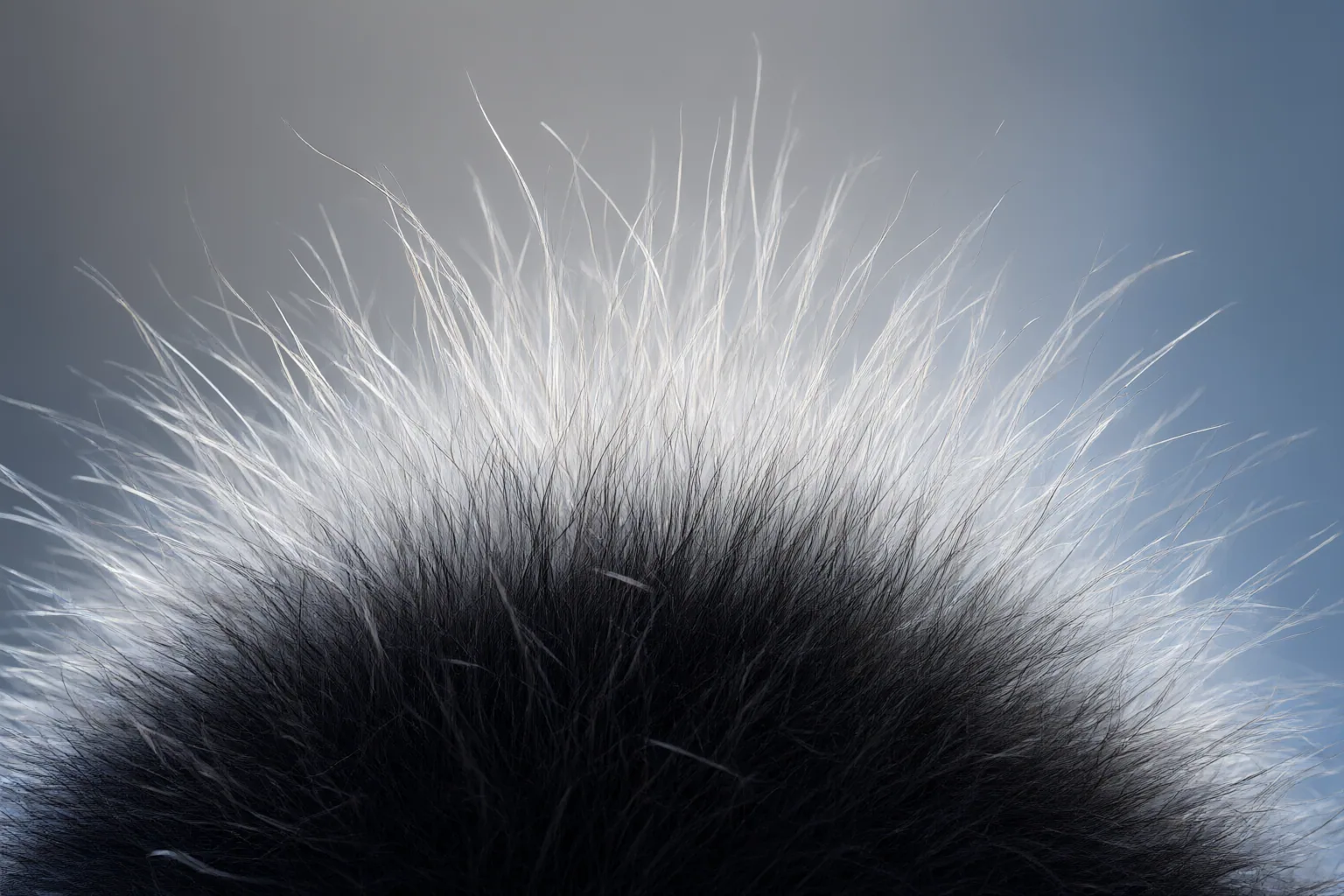
Why binary masks struggle with hair, fur, and transparency
A binary segmentation mask makes an either-or decision: every pixel belongs to the foreground or the background. That approach can work for solid subjects with clear outlines, but it can harden or remove individual hairs, wisps of fur, and other partially covered pixels.
An alpha matte can instead assign partial opacity. This is important because a boundary pixel may contain a mixture of foreground and background color. Recovering both its opacity and its original foreground color is underdetermined without additional assumptions or cues. Glass, translucent materials, and soft fabric create similar problems because their pixels cannot always be represented accurately as exclusively foreground or background.
The practical difference becomes visible after compositing. A binary mask may produce clipped detail or an unnaturally sharp contour, while a suitable alpha matte can preserve gradual edge coverage. However, clean extraction is only part of the pipeline: a dark fringe can also appear when one application treats straight alpha as premultiplied alpha, or the reverse.
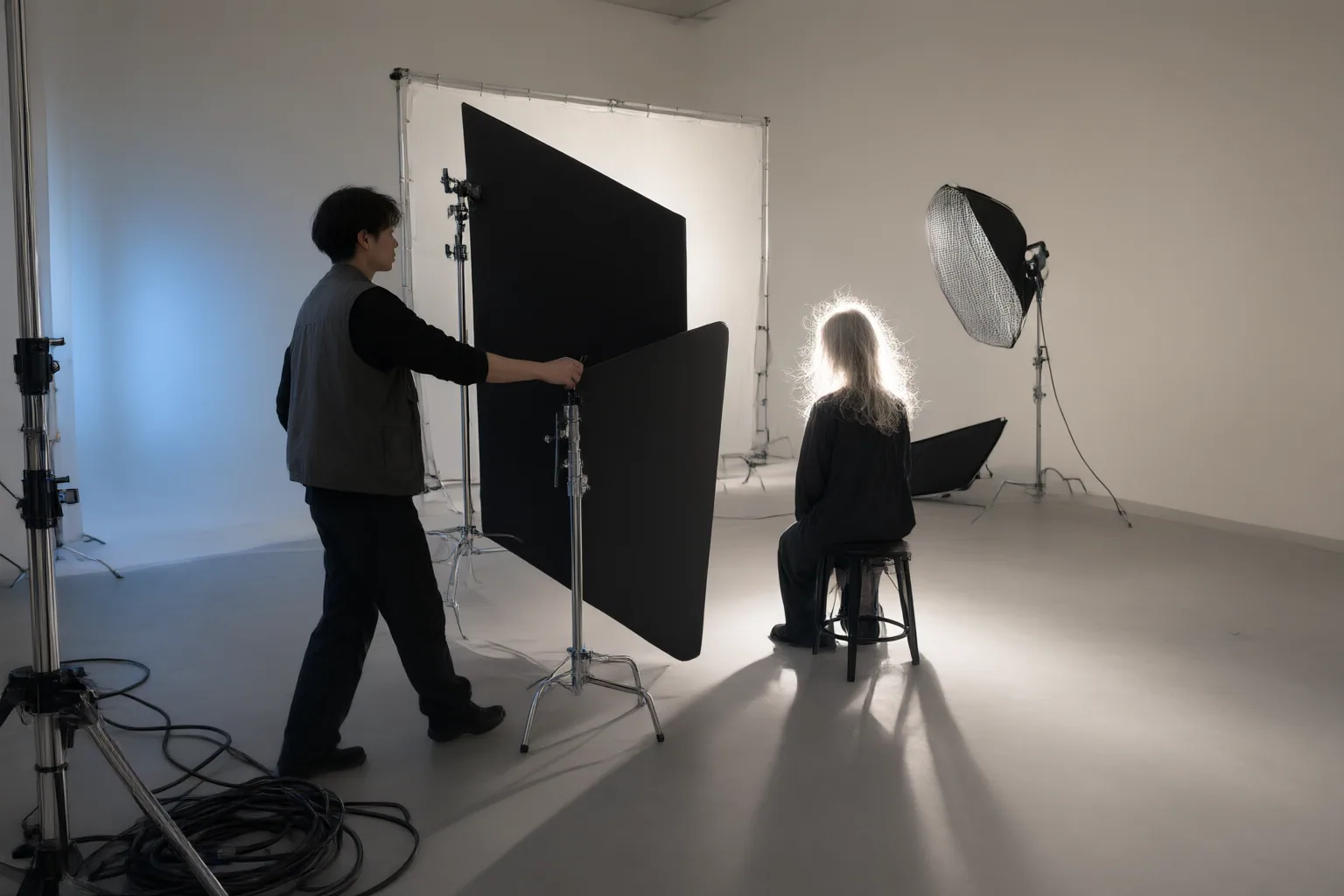
How matting workflows estimate difficult edges
Traditional trimap-based matting divides an image into known foreground, known background, and an unknown region. The workflow then estimates opacity in the unknown area using information such as color and texture.
Other cited approaches begin with segmentation and refine it. Google Research describes a portrait-matting system that improves a coarse person-segmentation matte and estimates per-pixel transparency at high resolution to preserve details such as hair strands. The authors of the Matting Anything Model describe using Segment Anything Model feature maps and a Mask-to-Matte module with iterative refinement. Their system accepts box, point, or text prompts rather than requiring trimap-only interaction.
Comparisons require care because approaches differ in their training data, computational demands, and required user interaction. Matting quality is also measured in several ways, including mean square, connectivity, gradient, boundary-recall, F-measure, and boundary-displacement errors; the cited overview says no single measure captures performance completely. Even benchmark definitions may vary: the alpha-matting evaluation site notes that its online connectivity measure differs slightly from the original CVPR 2009 paper’s measure for computational reasons.
Conclusion
For a difficult cutout, first determine whether the boundary contains partial transparency rather than expecting a binary mask to represent it faithfully. Inspect hair, fur, fabric, glass, and other fine or translucent areas against the intended replacement background. Check that the destination application interprets straight and premultiplied alpha consistently, especially if an otherwise usable extraction develops a dark edge.
Also review the conditions attached to any example model or code before adopting it. For instance, the FBA Matting repository says its listed models are governed by the Adobe Deep Image Matting Dataset License Agreement and restricted to noncommercial use and distribution. As a concrete next step, test one challenging asset in its actual destination workflow, inspect its edges closely, and confirm that partial transparency and alpha interpretation survive the complete composite.
Disclosures and limitations
- This article was prepared with AI assistance from the supplied research package; material claims are attributed through the listed source IDs and were not based on firsthand product testing.
- No products were recommended. Some technical details reflect statements from research or project sources rather than independent testing, and licensing should be verified before adopting referenced models or code.
Sources
- Snapcorn – AI Image Enhancement Suite — Snapcorn
- GitHub – SHI-Labs/Matting-Anything: Matting Anything Model (MAM), an efficient and versatile framework for estimating the alpha matte of any instance in an image with flexible and interactive visual or linguistic user prompt guidance. — GitHub
- Unveiling the art of image matting: Techniques and applications — laserfocusworld.com
- Accurate Alpha Matting for Portrait Mode Selfies on Pixel 6 — research.google
- alpha Matting Evaluation Website — alphamatting.com
- GitHub – MarcoForte/FBA_Matting: Official repository for the paper F, B, Alpha Matting — GitHub
Improve this guide
Report a problem or suggest the next question
Submissions enter a private editorial queue. They are reviewed and deduplicated before any public update or new page is created.