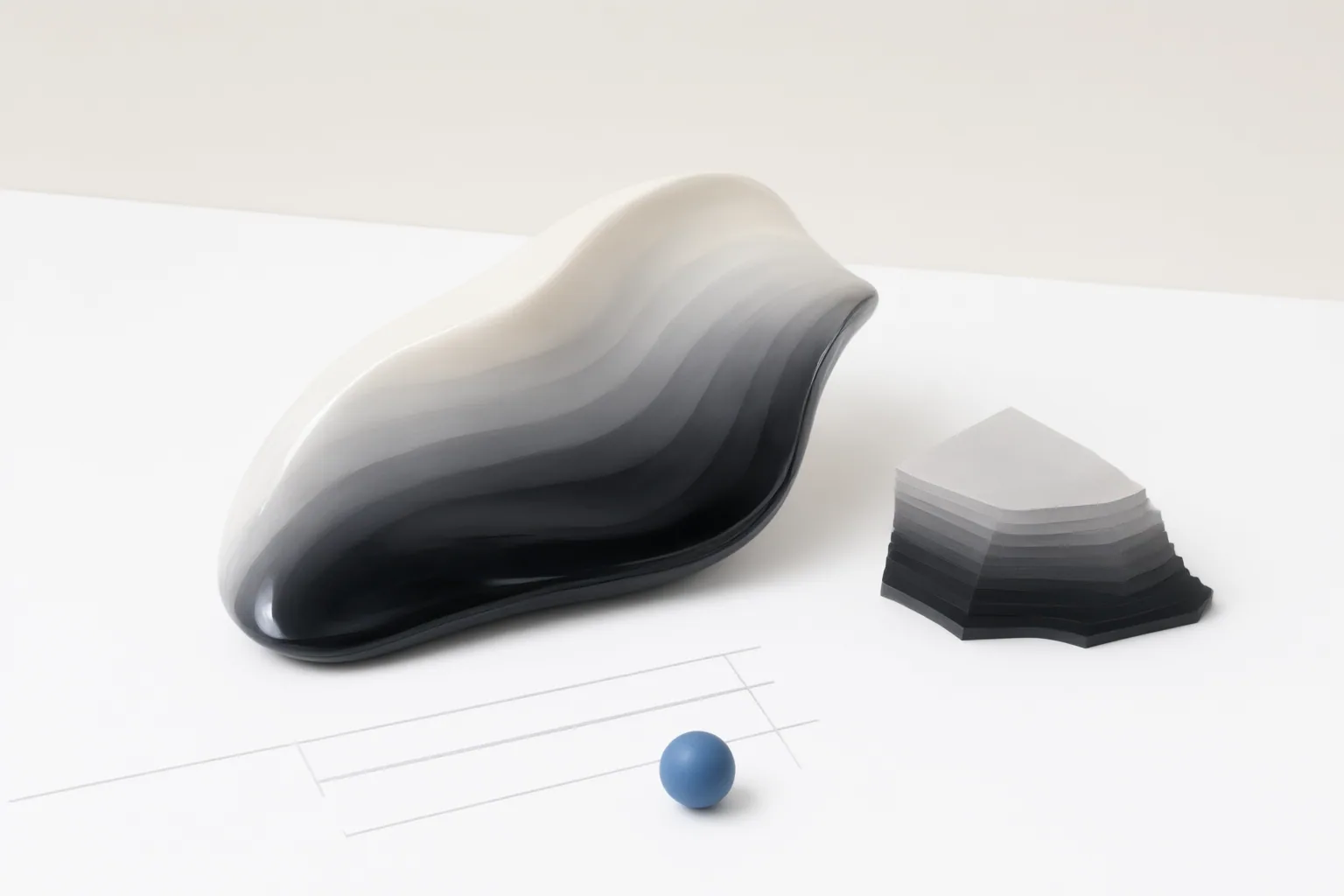
Use a 16-bit working document when you expect substantial tonal, color, masking, compositing, or gradient-sensitive edits. For an image that is already close to final, 8-bit is often sufficient and more convenient for delivery.
The practical difference between 8-bit and 16-bit editing
Bit depth measures the number of tonal or color values available for each channel. An 8-bit-per-channel image has 256 possible values per channel, while a nominal 16-bit-per-channel image can have 65,536. That greater precision gives adjustments more intermediate values to work with.
This does not mean a 16-bit image will immediately appear better than an 8-bit version on an ordinary display. Its main advantage is the additional numerical precision retained while the image is edited. Bit depth is also separate from pixel resolution, color gamut, compression, and the reproduction limits of a display or printer.
The practical choice therefore depends on the planned workflow. Use 16-bit as the working depth when major corrections or repeated edits are likely. Choose 8-bit when the image needs only light changes and smaller files, faster handling, or destination compatibility matter more.
When 16-bit helps protect smooth gradients
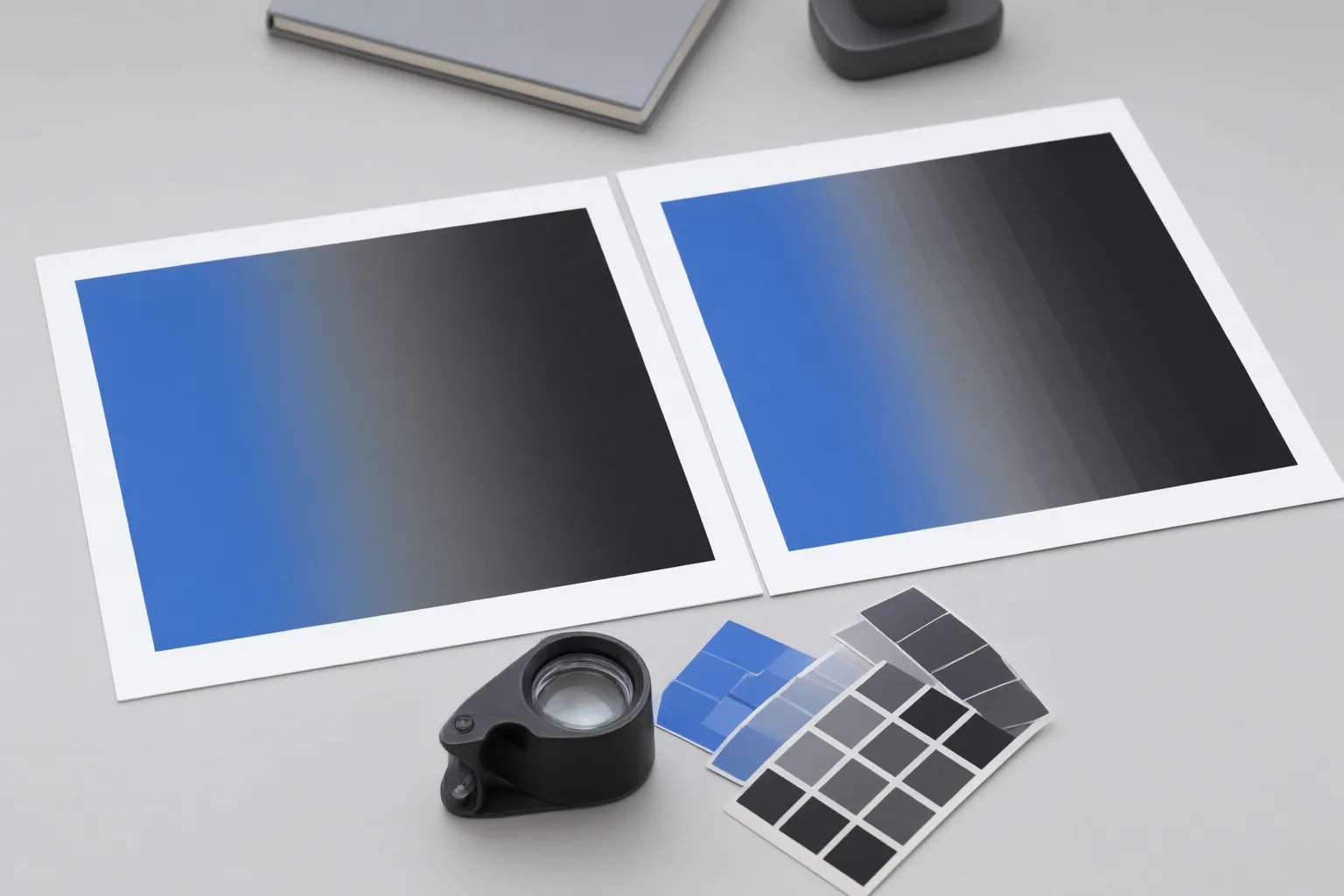
Banding or posterization occurs when a transition that should look continuous breaks into visible steps. It can become especially noticeable in skies, studio backdrops, shadows, fog, and soft product reflections.
A 16-bit working file is most useful when substantial exposure recovery, white-balance adjustment, color grading, curves, retouching, compositing, or repeated tonal corrections are expected. These operations can stretch or redistribute tonal values, making weaknesses in a lower-precision file more visible after editing even when the starting versions looked similar.
Mixed AI-assisted and manual workflows can create multiple opportunities for degradation. Generative fills, background cleanup, masks, composites, curves, and color matching may each modify transitions or require another correction. Retaining higher precision in the working master provides more editing headroom throughout that sequence and reduces the risk that smooth areas will separate into perceptible steps.
This is general workflow guidance, not evidence that every AI editor handles 16-bit files or individual operations in the same way. Format support and feature behavior should be checked against the current documentation for the software being used.
When 8-bit is sufficient—and what conversion cannot fix
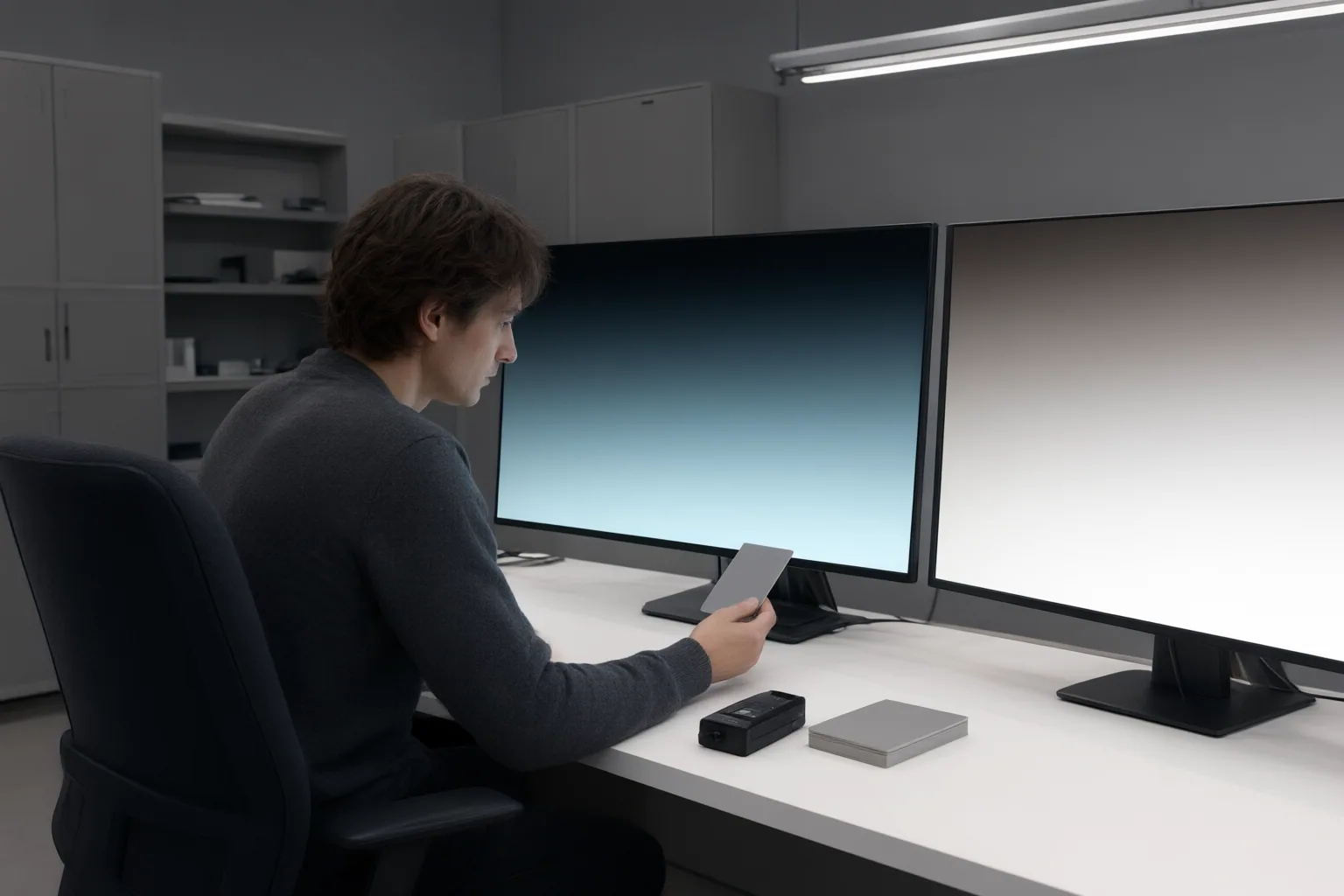
An 8-bit file is commonly sufficient when an image is already close to final and needs only light edits. It is also a practical delivery format for many websites, emails, marketplaces, and social platforms because it is generally easier to move, preview, upload, and archive.
The tradeoff is efficiency versus editing headroom. Higher bit depth generally means larger files and greater processing and storage demands, so keeping every version of every image in 16-bit is not always warranted. A higher-precision master plus an 8-bit delivery copy can separate editing needs from distribution requirements.
Changing an existing 8-bit image to 16-bit does not restore tonal information discarded during an earlier conversion or rendering step. It only places the remaining values in a higher-precision container. Camera capture depth is also a separate concept: RAW files are often described as 12-bit or 14-bit, while a 16-bit TIFF or PSD can serve as the editing container later in the workflow.
Conclusion
Match the working depth to the edits rather than assuming one format is always best. Retain the RAW file or another higher-precision master, and perform major tonal, color, and gradient-sensitive work before reducing the bit depth. If an editing feature requires 8-bit input, create a separate copy instead of permanently reducing the master.
Once editing is complete, make an 8-bit delivery copy when the destination requires it or when file size and handling efficiency take priority. Your next action is simple: keep a higher-precision master for substantial or gradient-sensitive edits, then export a separate 8-bit copy for compatible final delivery.
Disclosures and limitations
- This article was drafted with AI assistance using only the supplied research package; material claims are attributed through the listed source IDs.
- No product records, controlled software tests, product recommendations, or affiliate offers were supplied or used. Software-specific support should be verified with current official documentation.
Sources
- 8-Bit vs 16-Bit Images — Color Depth, RAW Files, and Editing Latitude — vtphotoworkplace.com
- Image Bit Depth Explained: 8-Bit vs 16-Bit Images — ImgDeal
- Bit Depth in Images: 8-Bit vs 16-Bit — CapCut
- Understanding Bit Depth in Photography (September 2026) 8-Bit vs 16-Bit — Markus Hanger Photography
- Image Bit Depth: 8-Bit vs 16-Bit Explained — CapCut
Improve this guide
Report a problem or suggest the next question
Submissions enter a private editorial queue. They are reviewed and deduplicated before any public update or new page is created.