
Keep a recurring character consistent by defining permanent identity traits, pairing that specification with a visual reference when supported, changing only scene-specific details, and reviewing every image for drift before expanding the series.
Why Recurring Characters Drift Between Images
AI image generation is variable: separate generations can alter facial features, hair, body proportions, clothing, lighting, and other details even when prompts are similar. As a result, a recurring character may appear to be a different person from one scene to the next. Camera angle, expression, and lighting complicate the review because they can change how facial structure is perceived. The practical goal is therefore not to eliminate all variation, but to preserve recognizable identity while allowing intentional scene changes.
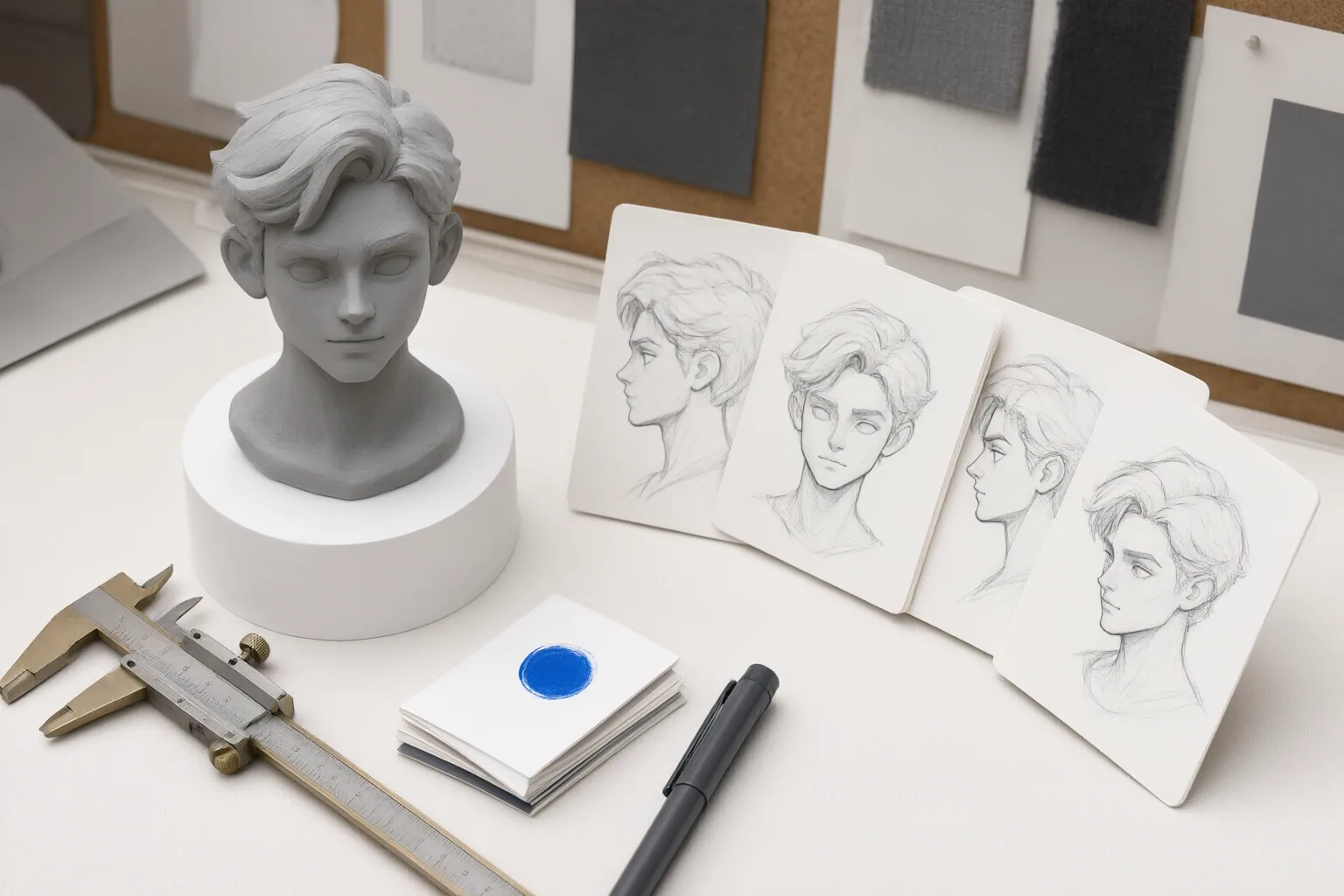
Build a Stable Character Specification and Visual Reference
Create a reusable specification before generating the full series. Record the character’s stable facial structure, hairstyle and color, skin tone, body proportions, distinguishing marks, clothing, and accessories. Use the same wording for these permanent attributes in each relevant prompt instead of casually rewriting them between scenes.
Next, create an anchor image or a multi-angle character reference sheet. If the chosen image tool supports reference-based control, provide this visual reference during later generations. Multiple views can help define features that a single angle does not clearly show. Treat the written specification and visual reference as shared production assets: the text describes what must remain fixed, while the images show how those traits should look.
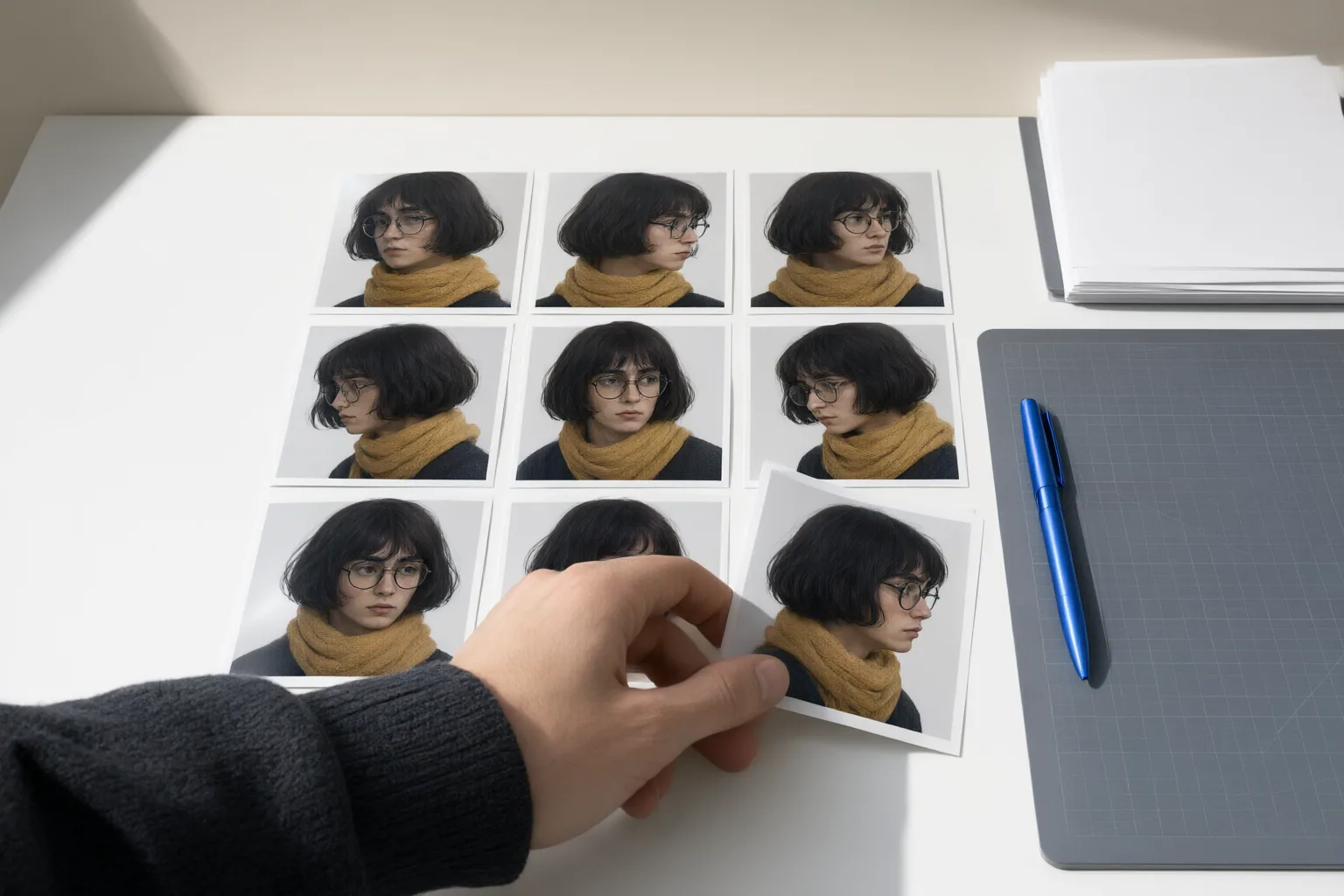
Change the Scene Without Changing the Character
Separate every prompt into permanent character information and scene-specific variables. Keep the identity description stable, then change only what the new image requires, such as pose, expression, setting, interaction, or camera angle. If an outfit must change, describe that as an intentional scene variable while retaining the character’s other identity markers.
Review each result against the anchor rather than judging it in isolation. Check the face, hair, skin appearance, proportions, distinguishing marks, outfit, and accessories. Then inspect broader continuity: visual style, color treatment, lighting, recurring locations, and props. Decide which differences are intentional and which represent drift. Because unwanted changes can still occur, regeneration or correction remains part of the workflow. Reviewing a small batch early can reduce the time spent repairing an entire series built on an unstable design.
Conclusion
A repeatable consistency workflow has four parts: define the character, create a visual anchor, generate scenes while preserving permanent traits, and review every output for drift. References and stable prompts improve continuity, but they do not remove the need for correction. Create a character specification and reference sheet now, test them across several varied scenes, fix visible drift, and only then produce the full series.
Disclosures and limitations
- This article was prepared with AI assistance using the cited publisher-authored or commercial guidance. The sources were not independent controlled evaluations, tool capabilities may change, and no product recommendation or affiliate offer is included.
Sources
- How to Create Consistent AI Characters (2026 Guide) — Neolemon
- Recurring character – Wikipedia — en.wikipedia.org
- How to Keep AI Characters Visually Consistent Across Images — Sozee
- How to Keep Character Consistency in AI Art: Complete Guide (2026) | Smart AI Edits — Smart AI Edits
- Recurring Character – All The Tropes — All The Tropes
Improve this guide
Report a problem or suggest the next question
Submissions enter a private editorial queue. They are reviewed and deduplicated before any public update or new page is created.