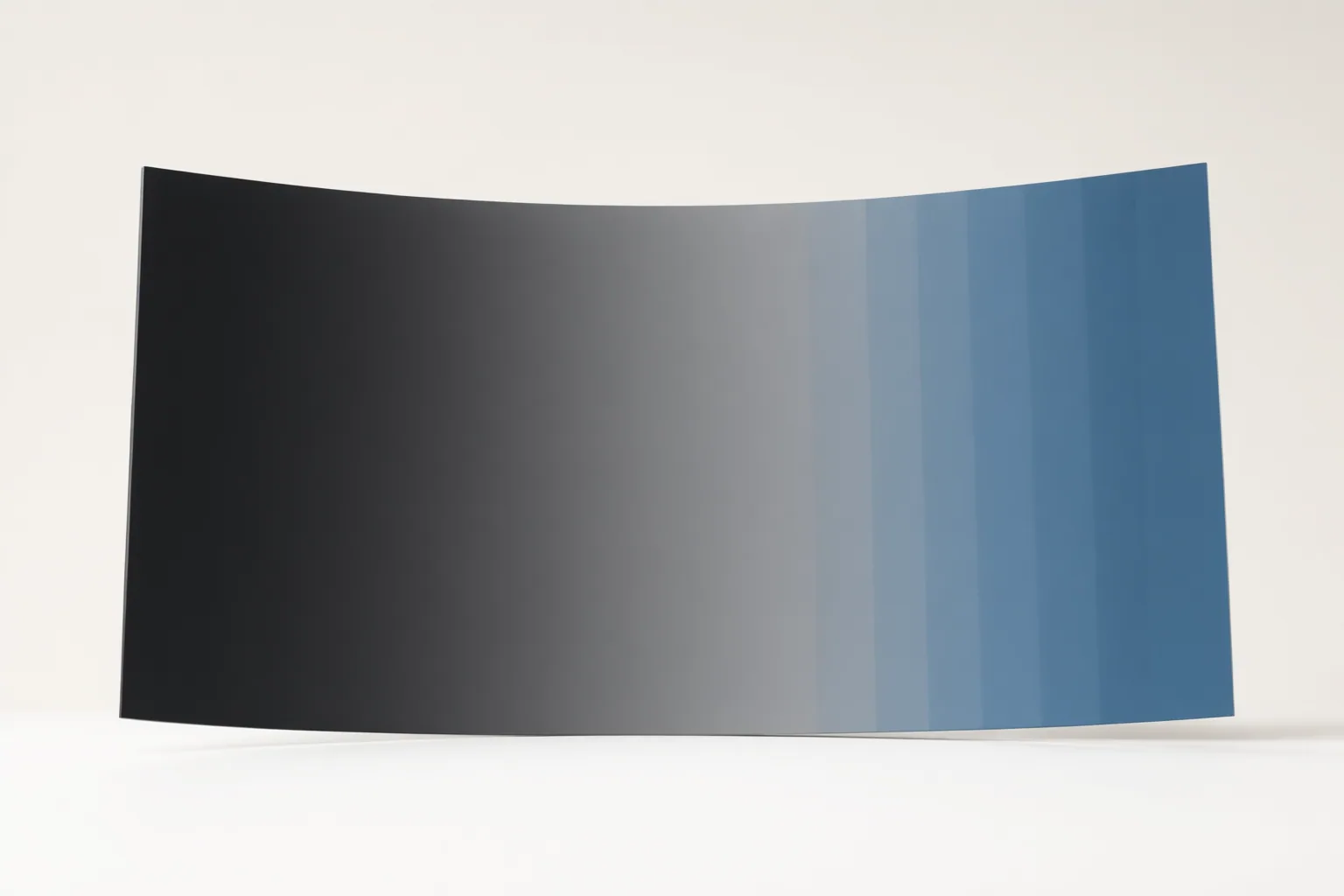
Color banding appears as visible steps where a gradient should look smooth. To diagnose it, compare the same revealing frame at each workflow stage under consistent viewing conditions, identify where the bands first appear, and test one targeted change at a time.
Recognize Color Banding and Choose a Reliable Test Scene
Color banding is unwanted posterization: instead of a continuous transition, the image shows distinct tonal or color steps. It is often easiest to notice in skies, plain walls, shadows, fog, and softly lit backgrounds.
Choose one representative moment containing a gradual transition and use it throughout the diagnosis. Keep the player, display, image scaling, and brightness conditions consistent when comparing versions. Otherwise, a scaled preview, different playback software, or another display can conceal banding or introduce a new variable. Examine the same area at the same frame rather than judging unrelated scenes.
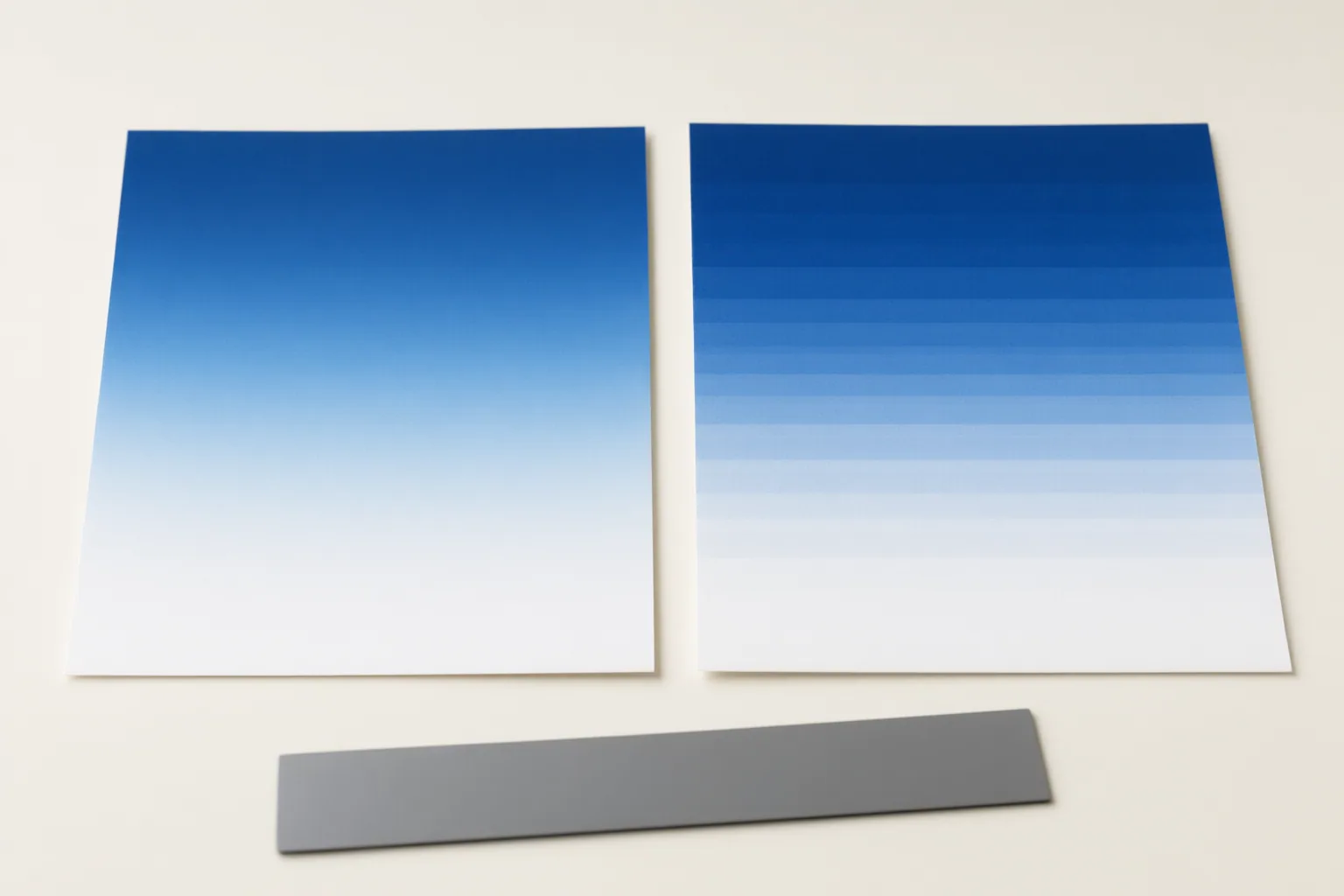
Find the First Workflow Stage Where Banding Appears
Compare the selected moment in workflow order:
- Inspect the generated source frames.
- Inspect the editing timeline.
- Export representative pre-delivery frames as lossless PNG files.
- Inspect a local delivery file, such as an H.264 or H.265 MP4.
- Compare the uploaded or platform-processed version.
The first version showing visible steps indicates where to concentrate the investigation. Bands already present in the generated frames or lossless PNGs point to an upstream source, processing, grading, or color-conversion issue. Moving such material into a higher-bit-depth project will not recreate shades that are already absent.
If the PNGs are smooth but the delivery MP4 is banded, examine encoding-related factors such as bitrate, pixel format, and color conversion. If the local master remains smooth but the uploaded version develops bands, platform transcoding is a plausible cause; investigate that stage before rebuilding the grade. Limited bit depth, strong grading, lossy compression, repeated encoding, color conversion, and platform transcoding can each introduce or expose the same symptom.
Test Remedies Without Hiding the Root Cause
Create short controlled exports around the revealing scene and change only one variable per test. Simultaneously changing the codec, bitrate, resolution, processing precision, or other pipeline settings makes it harder to identify what helped.
Match the remedy to the stage where banding begins. A higher bitrate may reduce banding introduced by an encoder, but it cannot restore tonal shades missing from the generated or edited frames. Higher-precision processing can limit additional quantization damage during editing, yet placing an already banded low-bit-depth source in a higher-bit-depth workflow does not reconstruct the original transition.
Dithering adds subtle variation around tonal boundaries so a limited gradient appears smoother. Controlled grain can serve a similar purpose, while debanding can make contours less noticeable. These treatments do not necessarily recover the exact missing tonal information. Apply them carefully because excessive noise may become visible, and aggressive correction may soften detail. Avoid repeated lossy exports, which can discard additional information.
Conclusion
The same stepped-gradient symptom can begin in generated frames, grading, export encoding, platform transcoding, playback, or the display. A diagnosis-first comparison prevents work on the wrong stage. Preserve a clean local master, avoid unnecessary repeated lossy exports, and record the first version in which bands appear. Then export representative lossless frames and a short delivery test, keep viewing conditions consistent, and try one targeted adjustment before re-exporting the full video.
Disclosures and limitations
- This article was prepared with AI assistance from the supplied research package and its attributed source IDs; no personal product testing or firsthand use is claimed.
- The evidence supports general diagnostic guidance, but it does not establish that every AI video model or export pipeline has the same failure mode.
Sources
- Nereo — AI Video Generator for Creators & Marketers — Nereo
- Colour banding – Wikipedia — en.wikipedia.org
- Automated Video Banding Reduction: Smoothing Gradient Artifacts — reelmind.ai
- Color Banding Explained: What It Is and How to Fix It? — tourboxtech.com
- Video Banding: Find the Cause Before You Try to Fix It – totalmedia.ai — TotalMedia
- What is Color Banding and How to Fix It – Aiarty — aiarty.com
- Color Banding in Video: How to Diagnose, Fix, and Prevent It — UniFab
- What is Color Banding in Photography? (And How to Fix It!) — ExpertPhotography
- AI-Powered Video Debanding: Remove Color Banding Artifacts — reelmind.ai
Improve this guide
Report a problem or suggest the next question
Submissions enter a private editorial queue. They are reviewed and deduplicated before any public update or new page is created.