
Shadow posterization appears as visible bands, stripes, or contour-like boundaries where an AI-edited image should show a smooth transition from one dark tone or color to another. Inspect broad, low-detail shadows closely, then compare versions from different workflow stages to find where the tonal continuity changed.
What Shadow Posterization Looks Like
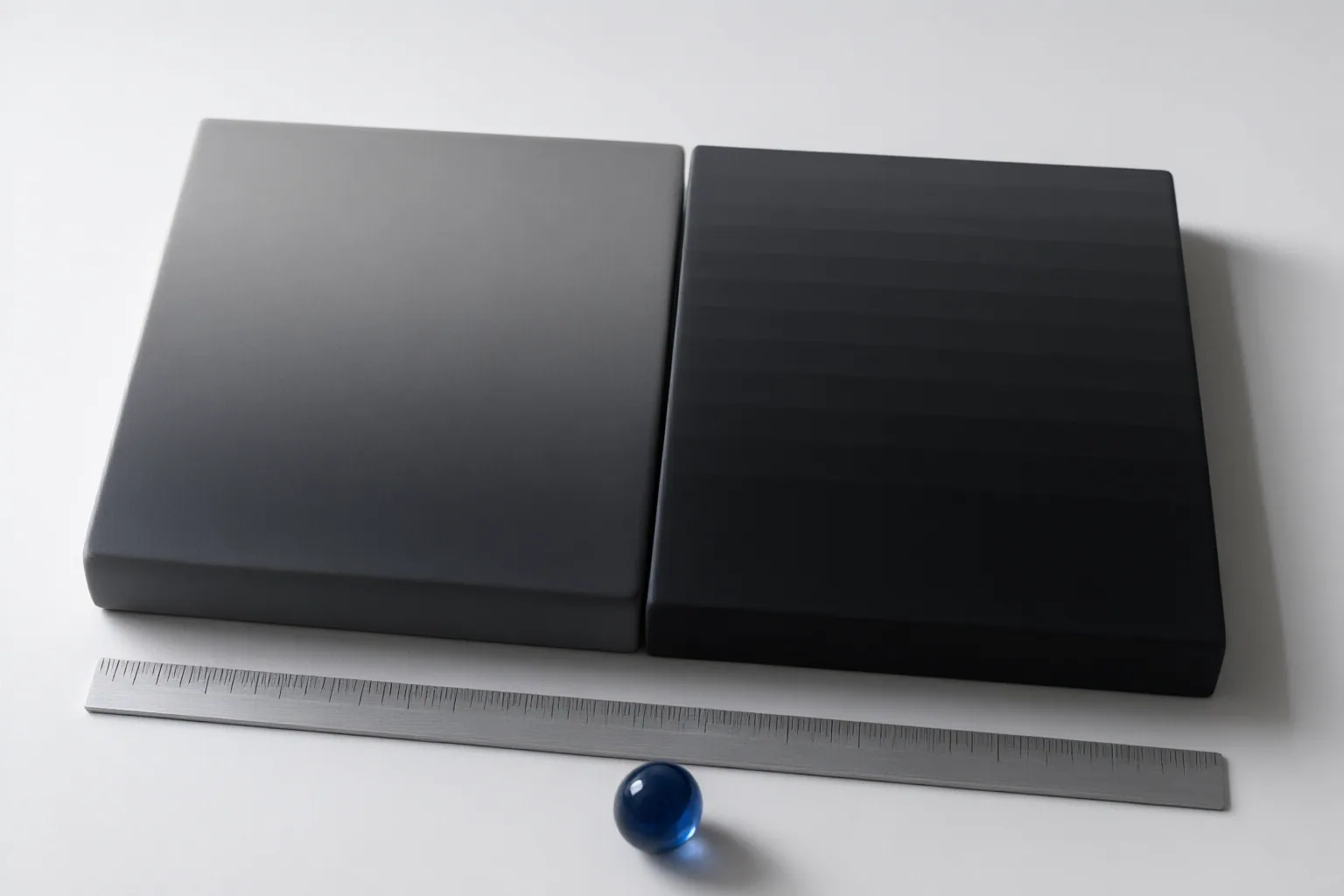
Posterization replaces a gradual tonal or color transition with a limited series of visibly distinct steps. In shadows, it can resemble stripes, rings, or contour lines across an area that should fade smoothly. Broad, low-detail gradients make the defect easier to recognize because there is little texture to conceal those boundaries.
Do not limit the check to shadows. The cited guides also identify skies and skin transitions as areas where banding may appear. The underlying issue described by the sources is insufficient tonal precision or quantization: too few distinct values represent a gradual change, so neighboring tones separate into visible bands. Because the effect can be subtle at first glance, closely examining smooth gradients is more useful than judging only the image as a whole.
A Practical Inspection Check
Start with the largest smooth shadow areas and view them at higher magnification. Look for abrupt stripes or contour-like edges that remain visible despite the absence of a real object boundary. A histogram can provide a supporting clue: gaps in represented tonal values may help explain why a transition looks stepped, although the visible gradient remains the central check.
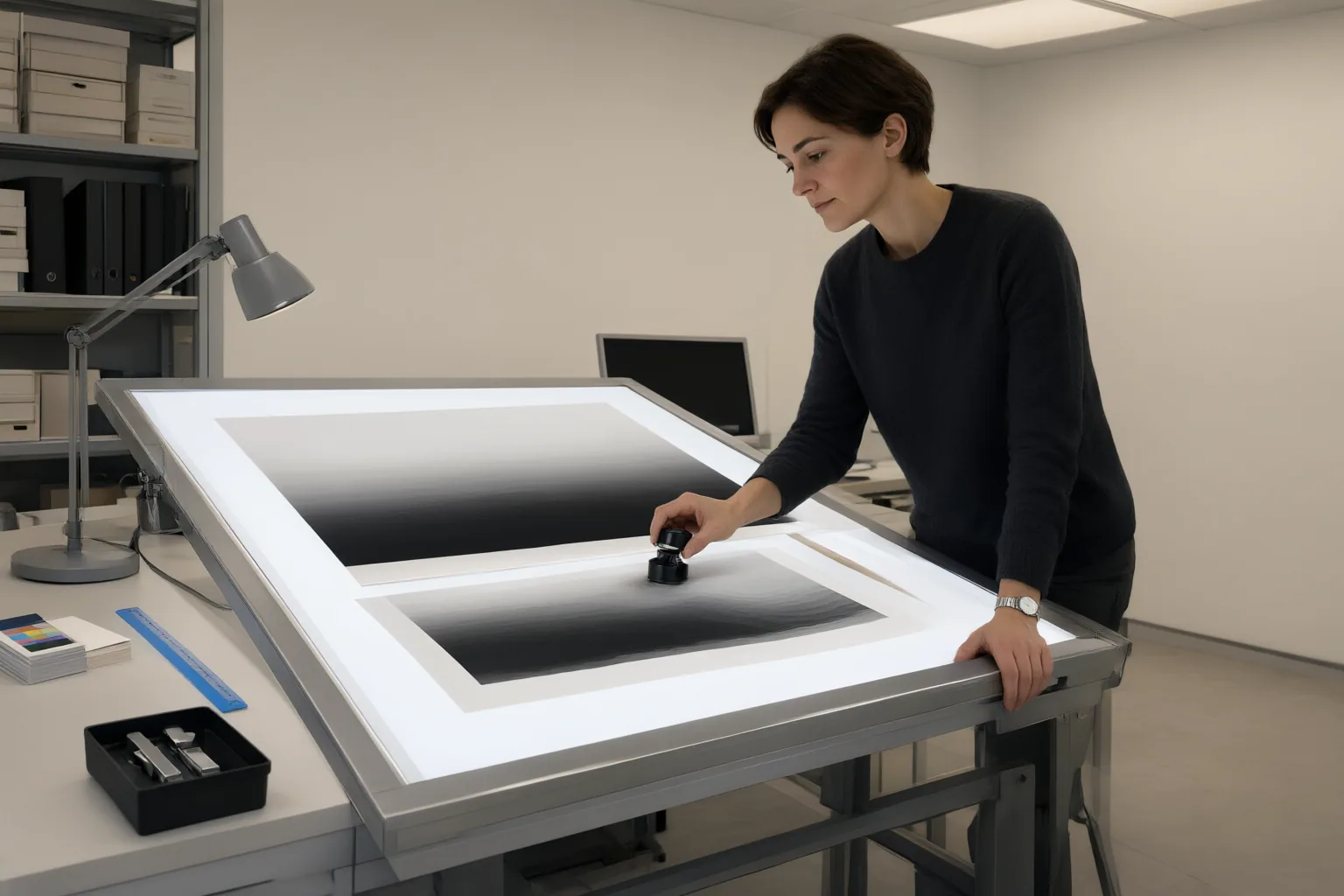
Next, compare available versions from before and after major operations. Conventional-editing sources identify aggressive shadow recovery, heavy noise reduction, and bit-depth or format conversion as stages that can reduce tonal continuity. Include the exported file in the comparison, because an image may look acceptable earlier in the workflow and show bands after conversion or export. Locate the first version in which the bands appear before changing unrelated settings; this narrows the diagnosis to a specific workflow stage.
Posterization, Intentional Styling, or a Lighting Problem?
Accidental posterization is an unintended breakdown of a smooth gradient. A deliberate posterize effect also reduces colors or tones, but does so as a chosen visual style. Context matters: repeated, purposeful color regions across an image may indicate styling, while isolated bands in an otherwise natural shadow suggest an artifact.
Lighting-coherence problems are different. Inconsistent cast-shadow direction, weak contact shadows, mismatched highlights, or unsuitable ambient color concern whether the scene’s illumination makes sense. Posterization instead concerns the continuity of tone or color inside a gradient. An image can contain either problem or both.
Editing operations may introduce banding through reduced tonal precision. One AI-artifact guide also attributes some cases to high guidance settings, VAE precision issues, sampler behavior, or insufficient denoising steps. These are source-reported possibilities, not independently verified findings in the supplied evidence, so treat them as diagnostic leads rather than confirmed causes for every image.
Conclusion
The defining sign of posterization is a stepped tonal or color gradient; a lighting problem instead concerns the coherence of shadows, highlights, and ambient color across the scene. Inspect broad shadows at higher magnification and compare versions from before and after generation, shadow recovery, noise reduction, conversion, and export.
Once you identify where the bands first appear, test a targeted change at that stage. The AI-artifact guide suggests revisiting generation settings or applying subtle noise or blur locally, but the supplied sources do not independently compare these remedies. Keep the original available, change one factor at a time, and recheck the affected gradient.
Disclosures and limitations
- This article was prepared with AI assistance from the supplied research package and relies primarily on vendor and specialist-blog sources; numerical thresholds and comparative remedies were not independently verified.
- No products or affiliate offers are recommended in this article.
Sources
- Posterization Blind Tiger: When Color Gradients Collapse in Digital Workflow — frameandfocal.com
- Posterize Filter – Enhance Images with AI Precision — Kaze AI
- AI Artifacts: 9 Common AI Image Artifacts & How to Fix Them 2026 — ZSky AI
- Fix Fake Shadows: AI Image Relighting for Composites — Creatide AI
- Posterization Explained: When Color Gradients Break Down — frameandfocal.com
- Posterize Effect – Enhance Images with AI Precision — Kaze AI
Improve this guide
Report a problem or suggest the next question
Submissions enter a private editorial queue. They are reviewed and deduplicated before any public update or new page is created.