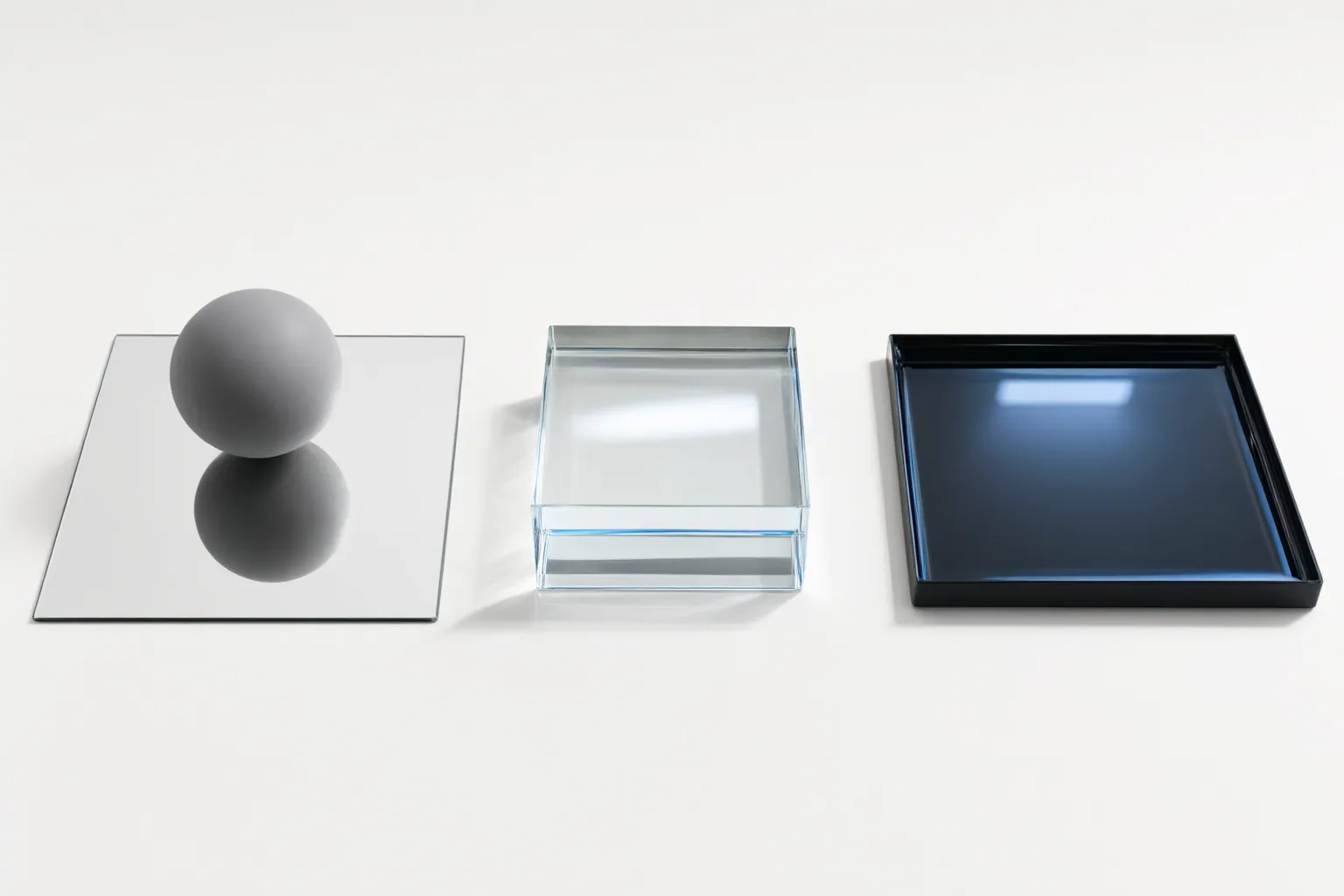
Review reflective areas frame by frame. Check whether mirror geometry tracks the depicted object, glass keeps reflected and transmitted details coherent, water reflections change with the surface, and neighboring frames avoid visible flicker, drift, or misalignment.
Start With a Frame-by-Frame Reflection Check
Begin by identifying every mirror, glass panel, window, puddle, or body of water in the clip. Then examine the sequence one frame at a time and compare each reflection with the object, material, lighting, and movement that should produce it.
Watch for sudden flicker, gradual drift, or misalignment between an object and its reflected image. A vendor-authored discussion describes these as reflection-consistency problems in video, but the supplied evidence does not independently verify that vendor’s solution or establish how any tool performs. Treat the signs as review prompts, not as proof that one product is better than another.
When an error appears, note its first and last affected frames. This helps distinguish a persistent geometry problem from a brief transition problem and gives you a specific segment to revise.
Check Mirror and Glass Geometry
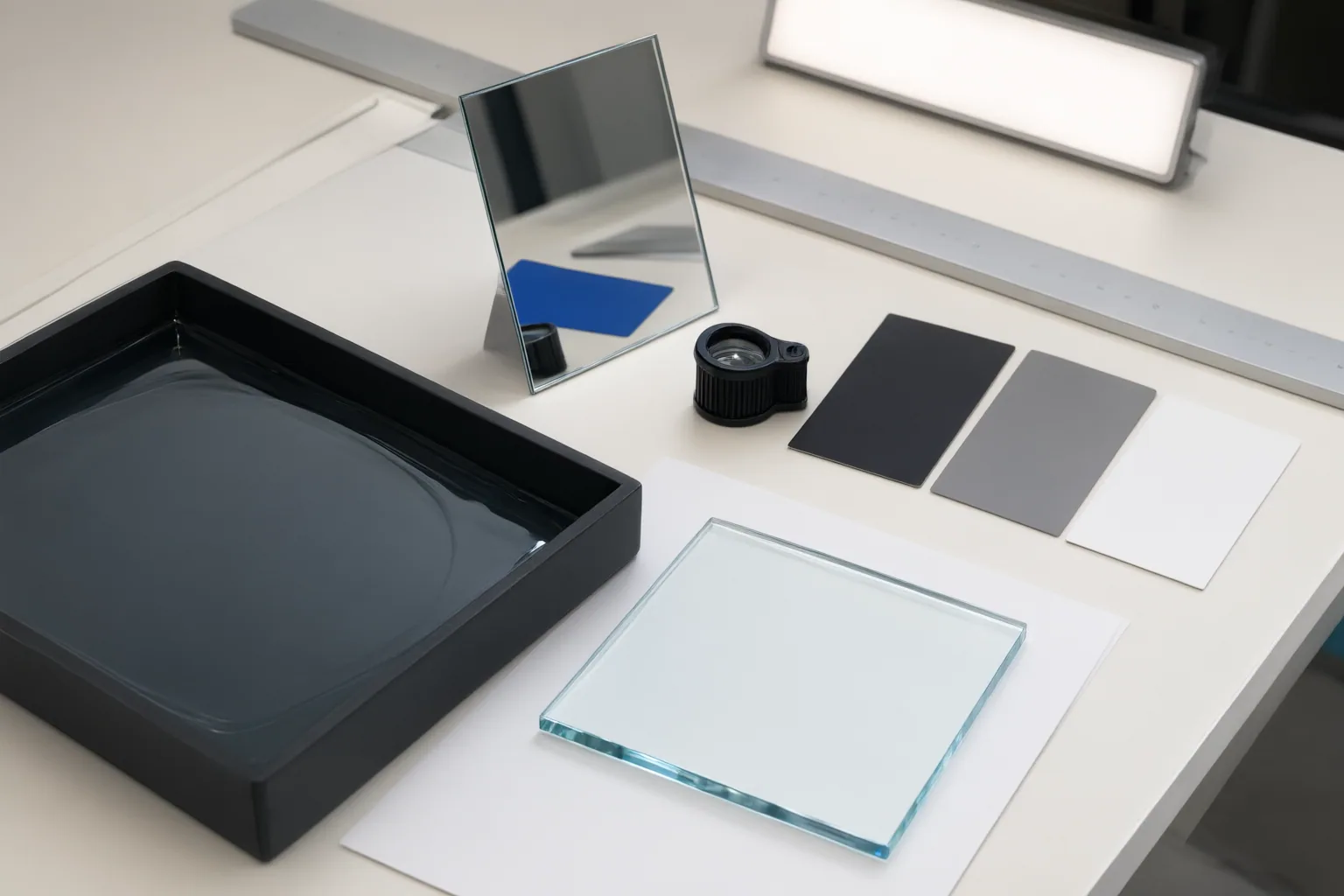
For a plane mirror, compare the reflected image directly with the object. It should appear opposite the object and the same apparent distance behind the mirror as the object is in front. It should remain upright while showing lateral inversion. If the object moves, these relationships should continue to make sense from frame to frame rather than stretching, sliding, or changing distance without a corresponding cause.
Also check the direction of reflected light or visible features. Basic reflection geometry requires the angle of reflection to equal the angle of incidence. A reflection that travels in an incompatible direction is therefore a useful warning sign.
Review glass differently from a fully reflective mirror. Materials can reflect, transmit, and absorb incident light to different degrees. Transparent glass can preserve a view through the surface while also showing reflected details. Inspect those layers separately: confirm that the reflected content follows the reflective geometry, then check that objects visible through the glass remain spatially coherent as the scene changes.
Match Water Reflections to Surface Movement
First classify the depicted surface as still, rippling, choppy, or turbulent. Use that condition as the reference for judging the reflection. Still water can support a comparatively stable image, while ripples fragment or distort reflected details. As surface movement becomes more irregular, the reflection should respond rather than behaving like an unmoving layer placed over the water.
Compare consecutive frames and look at both the water and the reflected subject. Flag a reflection that stays implausibly sharp or fixed while visible ripples, chop, or turbulence move beneath it. Also watch for distortion that changes independently of the depicted surface. The goal is not to demand a perfectly clean reflection, but to determine whether its changing shape and stability remain connected to the water condition shown in the clip.
Conclusion
Complete a final pass in four parts: verify mirror position, apparent distance, orientation, and lateral inversion; separate reflection from transmission when reviewing glass; match water-reflection stability and distortion to the depicted surface; and scan neighboring frames for flicker, drift, or misalignment.
These checks assess visible consistency, not comparative tool quality. The available AI-video discussion is vendor-authored and does not provide independent performance evidence. Mark the affected frames, compare each reflective area with its source object, material, lighting, and motion, then revise or regenerate any segment with persistent spatial or temporal inconsistencies.
Disclosures and limitations
- This article was prepared with AI assistance using only the supplied research package. Material claims are tied to the listed source IDs, and the discussion of AI-video reflection consistency is vendor-authored rather than independent performance evidence.
- No products, prices, rankings, or affiliate offers are recommended here. Any future commercial links should be clearly disclosed and independently verified before publication.
Sources
- AI Video Reflection Effects: Add Realistic Mirrors and Water to Your — reelmind.ai
- Lesson: Reflections in mirrors | Oak National Academy — Oak National Academy
- How mirrors work — Explain that Stuff
- AI Image Prompts: Creating Realistic Water Reflections & Ripples — selfielab
- AI-Generated Video Reflection Effects: Realistic Mirrors and Water — reelmind.ai
- Reflections in mirrors KS3 | Y7 Science | Lesson Resources — Oak National Academy
Improve this guide
Report a problem or suggest the next question
Submissions enter a private editorial queue. They are reviewed and deduplicated before any public update or new page is created.