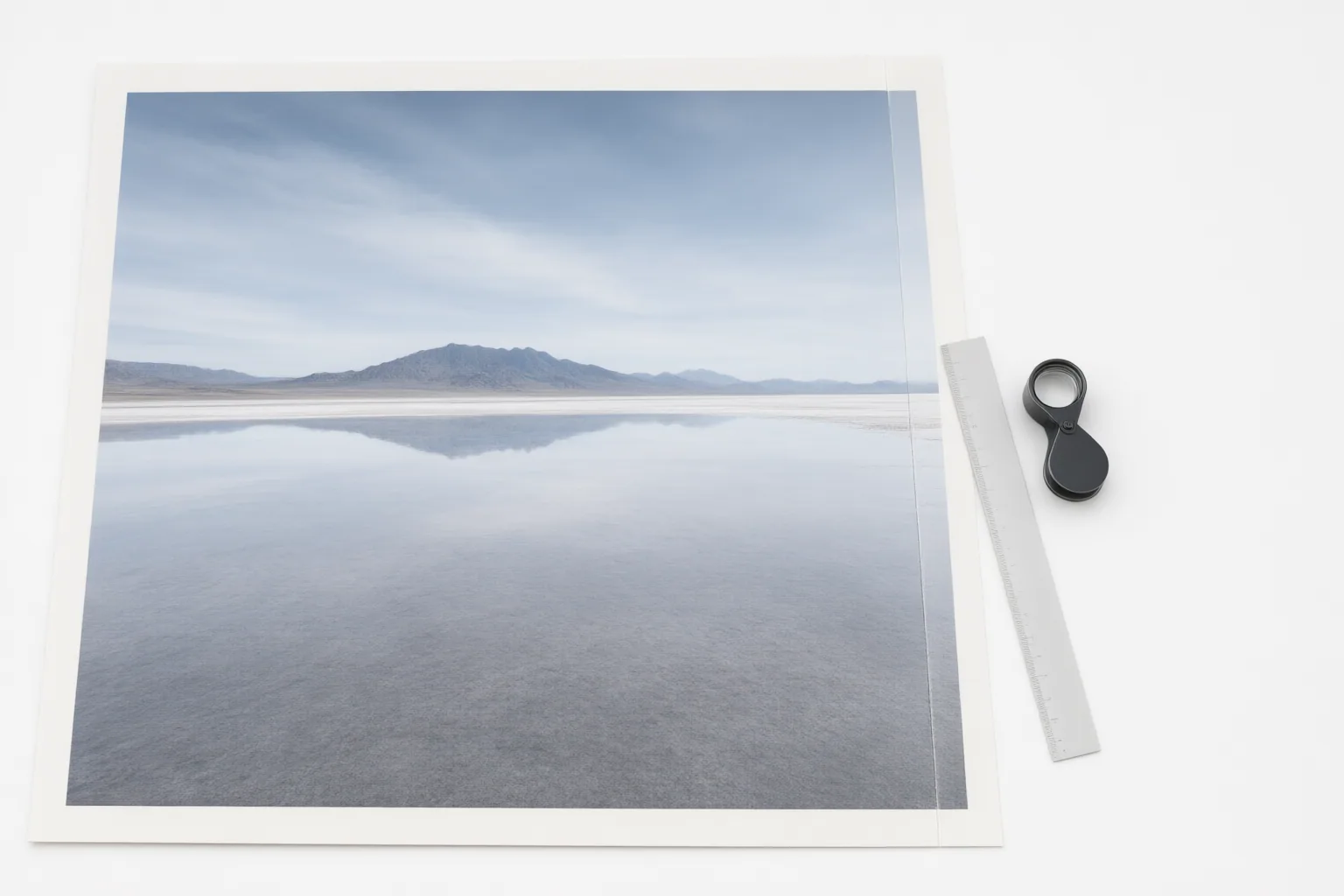
Test AI canvas expansion with the same source image and target formats, then judge visual continuity, composition, layout fit, and the cost of repeated attempts. The goal is not merely to create more pixels, but to produce an extension that remains convincing and usable.
Start With a Repeatable Canvas-Expansion Test
AI outpainting—also called image extension, uncropping, or generative expand—creates new content beyond an image’s original borders. It is different from stretching or mirroring existing pixels, and it differs from inpainting, which fills or replaces an area inside the image.
Begin with one representative source image and list the actual aspect ratios or layout dimensions you need. Run that same image through each target format while keeping other test conditions as consistent as possible. This makes it easier to compare whether the editor preserves important subject matter and produces usable space around it. Record each attempt, including rejected results, because a tool that occasionally creates a good extension may still be inefficient in a repeated production workflow.
Inspect Seams and Visual Continuity
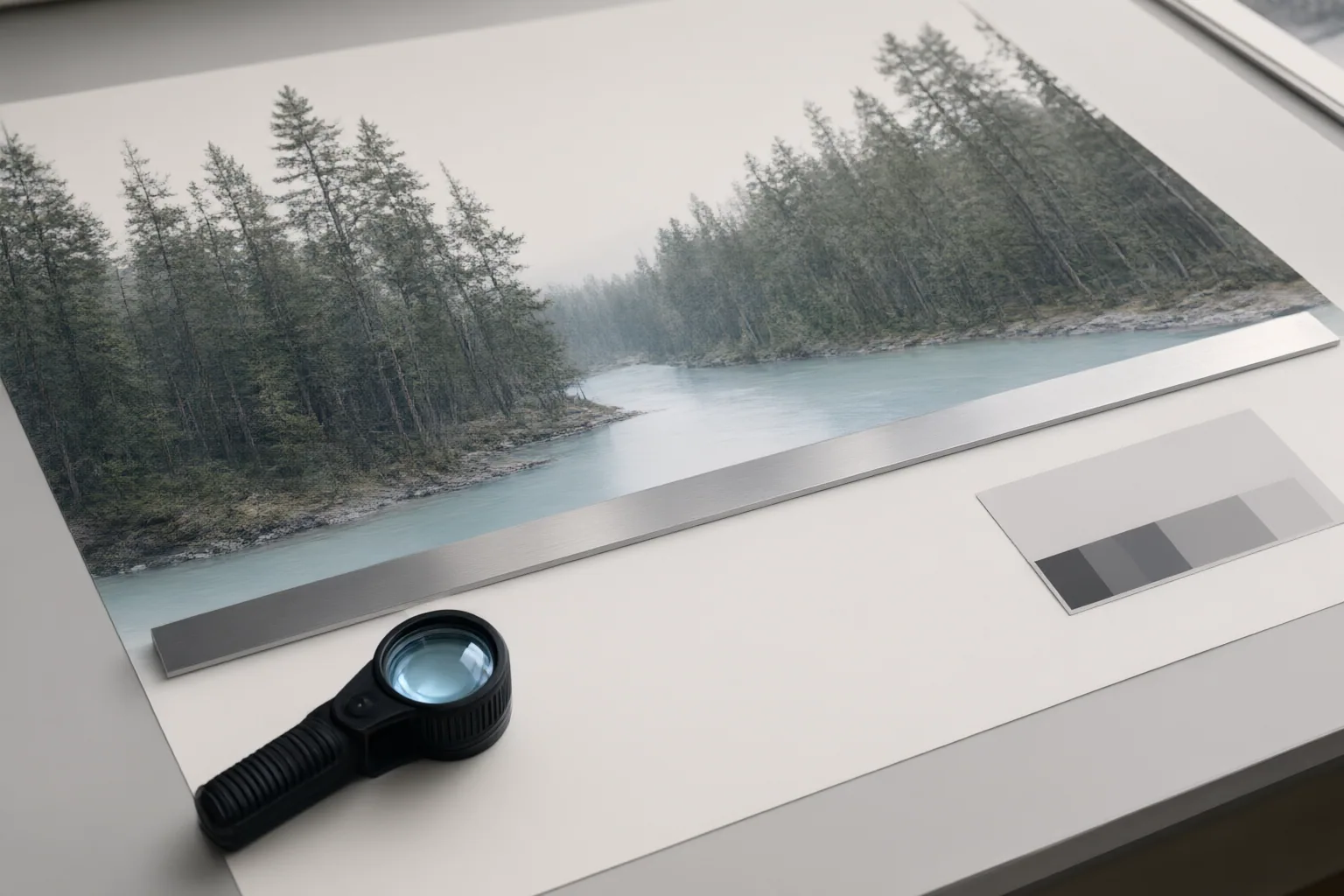
Examine the boundary between the original image and the generated area at a useful viewing size and at closer magnification. Look for abrupt changes in color gradients, lighting direction, shadows, texture patterns, and image noise or grain. A plausible extension should not reveal an obvious transition where the original frame ended.
Then inspect perspective and depth. Lines, surfaces, objects, and backgrounds should continue in a way that agrees with the original composition. Check whether lighting and shadow directions remain consistent across both areas. These details matter because an outpainting system analyzes colors, textures, lighting, perspective, composition, objects, backgrounds, and depth when predicting content outside the frame.
Outpainting may be difficult because it has less surrounding context than inpainting. Treat a clean seam as only one criterion: an extension can blend smoothly while still introducing unconvincing geometry, depth, or context.
Test Composition, Layout Fit, and Attempt Cost
Judge every result in its intended layout, not only as a standalone image. Confirm that important subject matter remains visible and that the generated region provides useful room for the planned composition. Repeat this review for every required aspect ratio, since adapting one source image to different dimensions is a common purpose of outpainting.
Track how many attempts are needed to obtain an acceptable result. This reveals the practical cost of retries and helps distinguish a dependable workflow from a lucky output. For credit-based tools, verify the editor’s current usage terms before estimating cost. Adobe-related reporting identifies canvas expansion as a generative operation that consumes computing resources and describes monthly generative-credit allocations, but the supplied evidence does not establish a specific credit charge for canvas expansion. Different generative operations may also consume different amounts, so do not assume that one attempt has a particular cost without current documentation.
Conclusion
A useful canvas-expansion test asks four questions: Does the new area blend with the original? Do perspective, depth, lighting, and context remain convincing? Does the result work in every required aspect ratio? Is the number and cost of repeated attempts acceptable?
Run one representative image through your editor at each required ratio, inspect every result with this checklist, record failed attempts, and confirm current usage or credit terms before adopting the workflow.
Disclosures and limitations
- This article was prepared with AI assistance from the supplied research package and approved content plan; factual claims are attributed through the listed source IDs.
- No editor was personally tested or ranked, and no product recommendation or affiliate relationship is presented. Current credit and usage terms should be confirmed with the provider before making a purchase or workflow decision.
Sources
- AI Outpainting Explained: How to Extend Any Image Beyond Its Borders (2026 Guide) – AI Photo Generator — AI Photo Generator
- Adobe Hits 1B Users and Record Revenue: Stock Still Falls on Freemium Bet — Tech Times
Improve this guide
Report a problem or suggest the next question
Submissions enter a private editorial queue. They are reviewed and deduplicated before any public update or new page is created.