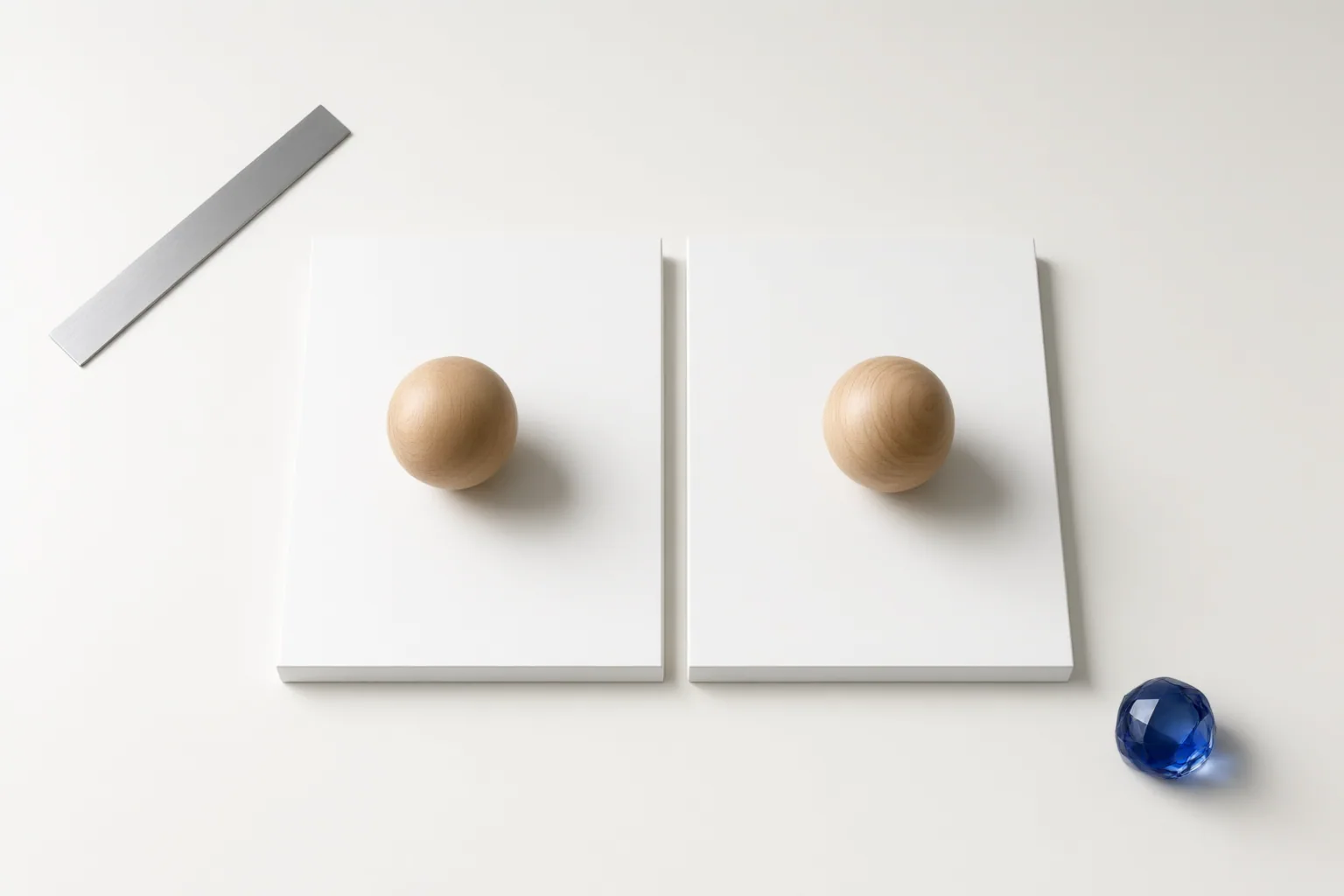
Verify an AI-generated transition at the actual cut, not from planned reference images alone. Compare subject placement, camera side, motion direction, speed, and action phase, then repair or regenerate any cut whose spatial logic becomes unclear.
Why AI-Generated Shots Can Break Visual Continuity
Separately generated shots can look convincing in isolation but become confusing when placed together. The subject may jump to another part of the frame, reverse direction, or enter the next shot in a pose that does not follow the outgoing action. Because a new generation does not inherently preserve the accepted state of the previous clip, prompts alone may not maintain camera side, movement direction, or boundary poses.
Screen direction describes how a character or object moves relative to the frame. Maintaining it helps viewers follow the motion. Subject movement and camera movement should be tracked separately: a moving camera can change the composition even when the subject’s travel remains consistent. The 180-degree rule provides another check. Keeping cameras on one side of the action axis preserves left-right relationships; crossing the axis without making the spatial change understandable can reverse apparent movement or eyelines.
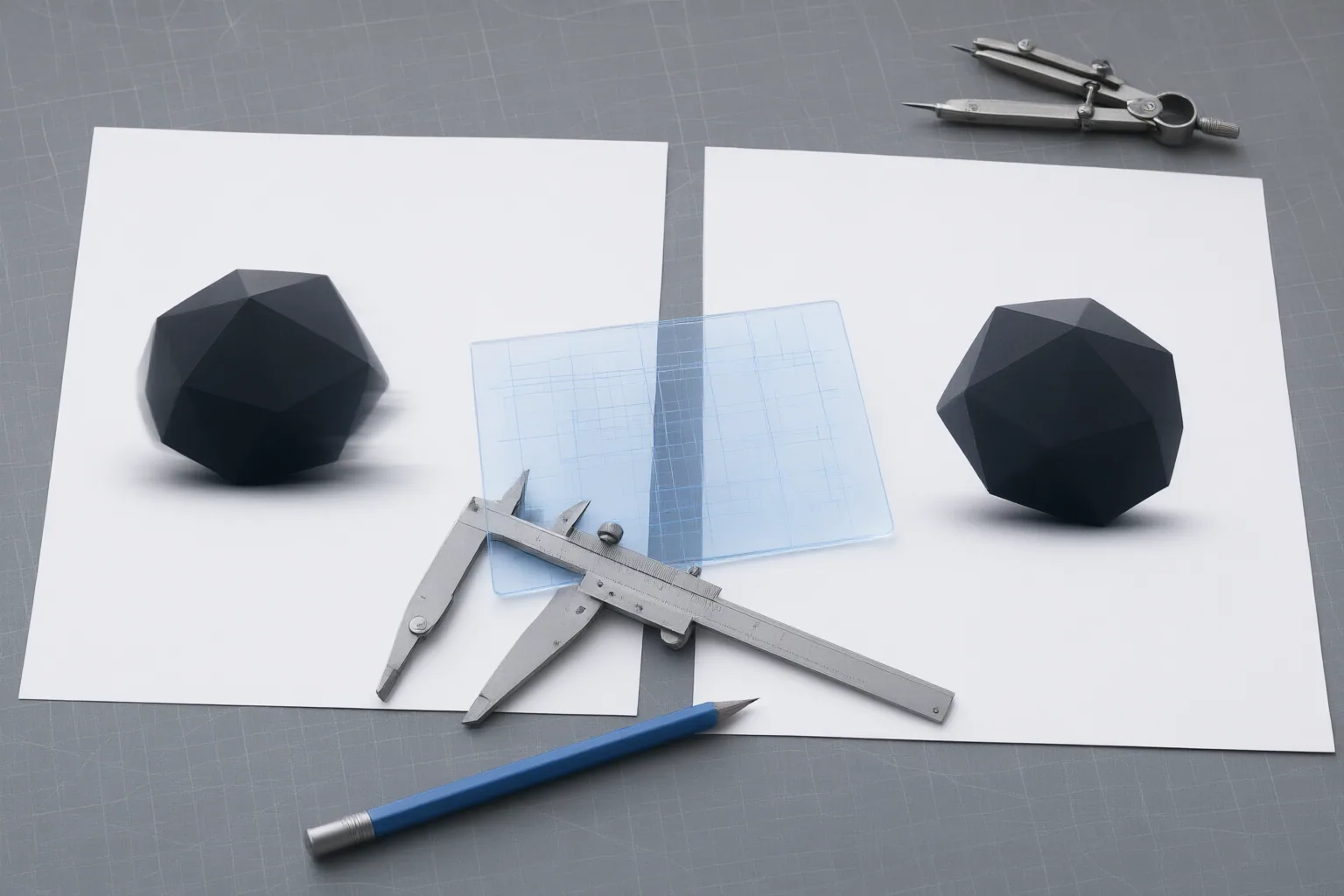
Record the Continuity State Before Generating the Next Shot
Create a simple overhead axis map before extending the sequence. Mark the axis of action and the camera position for each shot. This makes an unplanned side change easier to identify.
Maintain a per-shot ledger alongside that map. Record:
- Camera side and subject travel
- Screen direction and eyelines
- Entrances and exits
- Opening and closing poses
- Action phase
- The last usable frame of the accepted clip
Treat that last usable frame—not merely the intended storyboard image—as the state the next shot must inherit. Recording both opening and closing conditions also makes it easier to describe the required continuation precisely. The ledger does not guarantee that a generation will match, but it gives the editor a consistent reference for evaluating the result and identifying where position, direction, or action changed.
Check the Actual Frames on Both Sides of the Cut
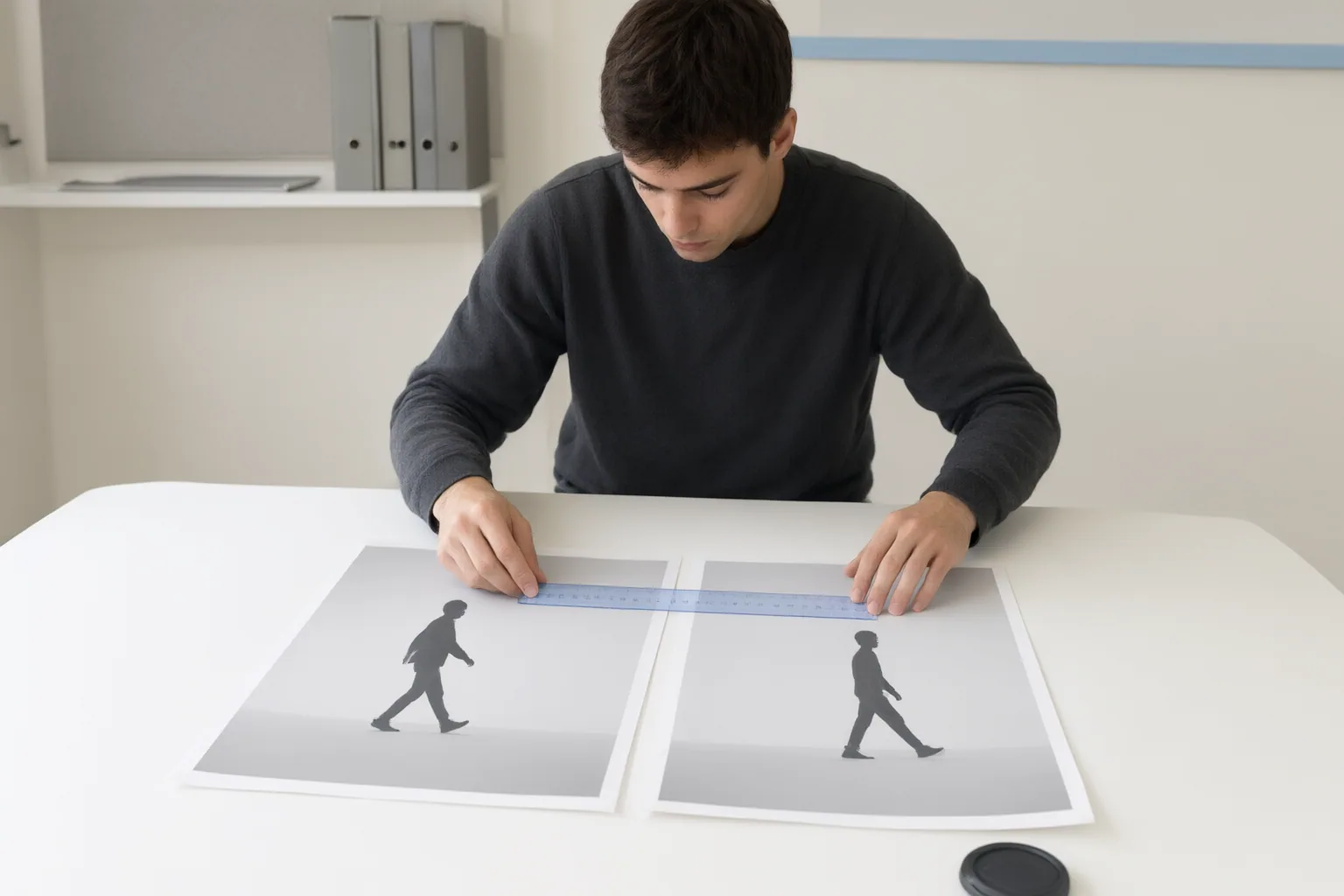
Place the true outgoing frame and true incoming frame side by side. Confirm that the subject appears where the sequence requires, then compare scale, alignment, and any edges intended to match. A temporary reduced-opacity overlay can make position or scale changes easier to see. This check must use the frames that will appear in the edit because generated motion can drift away from planned anchor images.
Next, review the cut in motion. Compare three variables: direction, speed, and action phase. A subject traveling left to right should not suddenly continue right to left unless the reversal is intentional and understandable. Similar framing does not solve a mismatch if the incoming motion has a materially different speed or resumes an earlier phase of the action.
For a match on action, locate the same movement around the edit boundary. Cutting during the action can sustain the sense of movement, but the incoming shot should continue the action rather than repeat or reverse part of it. Review camera motion separately from subject motion so that a pan, track, or reframing change is not mistaken for a change in the subject’s direction.
Conclusion
Approve the transition when the actual boundary frames preserve understandable spatial relationships and the motion continues coherently. There is no supported universal numeric tolerance for acceptable position drift, so judge whether viewers can follow the subject and action without searching for the focal point.
If the shots cannot be matched reliably, consider a neutral insert, environment detail, reaction, sound bridge, shorter cut, or regenerated coverage. For your next AI-generated transition, compare the outgoing and incoming frames, record every mismatch in the shot ledger, and repair or regenerate the cut before approving the sequence.
Disclosures and limitations
- This article was prepared with AI assistance from the supplied research package and approved content plan; material continuity claims are attributed through the listed source IDs.
- No products, prices, rankings, affiliate offers, or model-performance claims are included. The described AI-video workflows are published guidance, not independent comparative testing.
Sources
- The Importance of Screen Direction — How to Keep Continuity — StudioBinder
- How to maintain continuity between AI video shots — aicraft.academy
- AI Match Cut Transitions: Plan Two Shots That Actually Connect — QuestStudio
- Keep Screen Direction Consistent in AI Video Shots — Pippit
- Screen Direction — Videomaker
Improve this guide
Report a problem or suggest the next question
Submissions enter a private editorial queue. They are reviewed and deduplicated before any public update or new page is created.